
Flux 2 AI Image Generator
Flux 2 by Black Forest Labs turns plain text into striking, gallery-grade images. Famous for its painterly aesthetics and uncanny prompt accuracy, it renders clean 1K and 2K output across every aspect ratio you need.
Ready to create
Enter a prompt and start generating
What Flux 2 Can Create
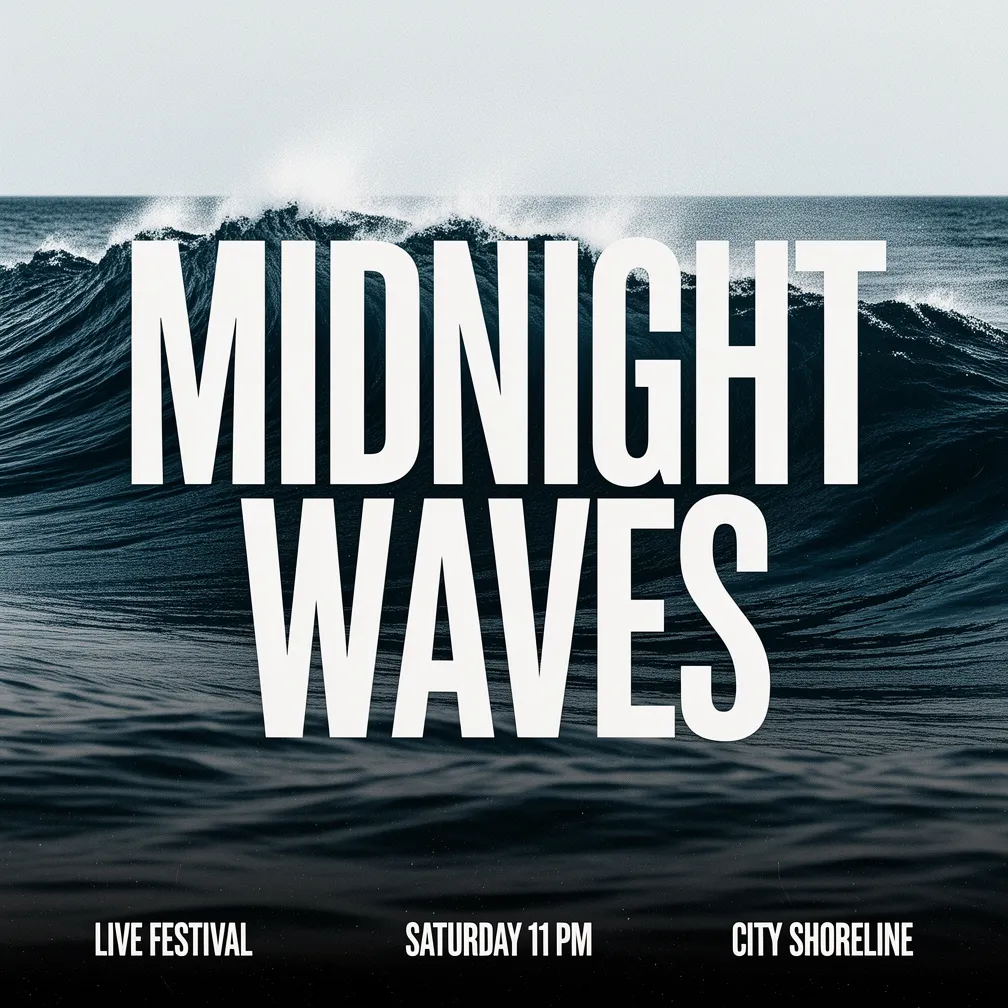
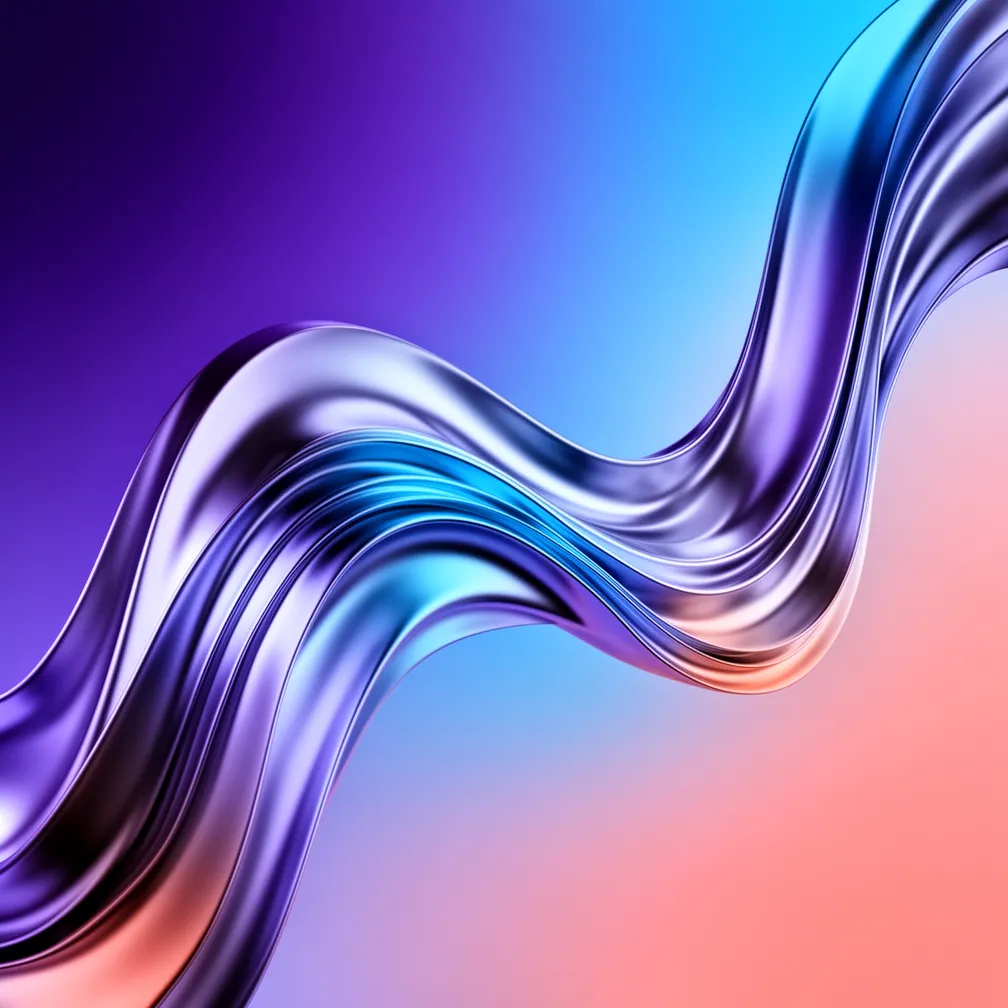
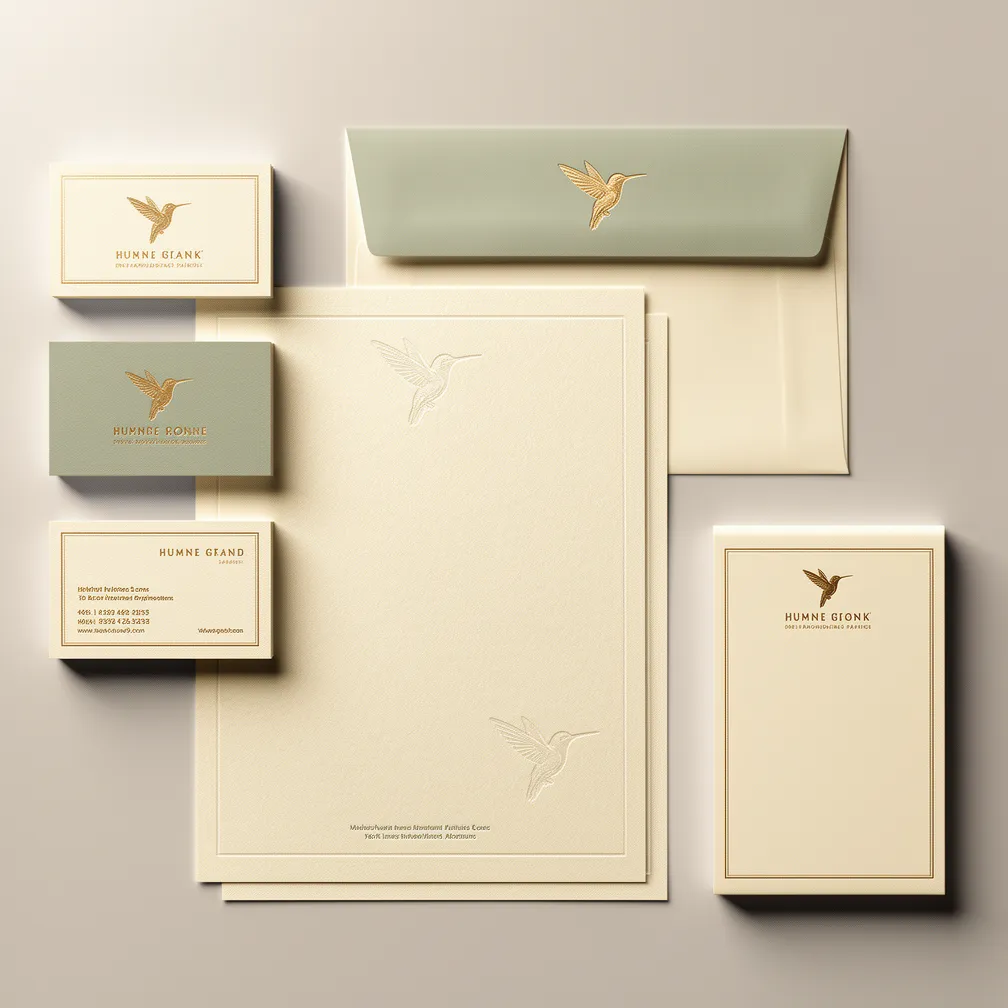
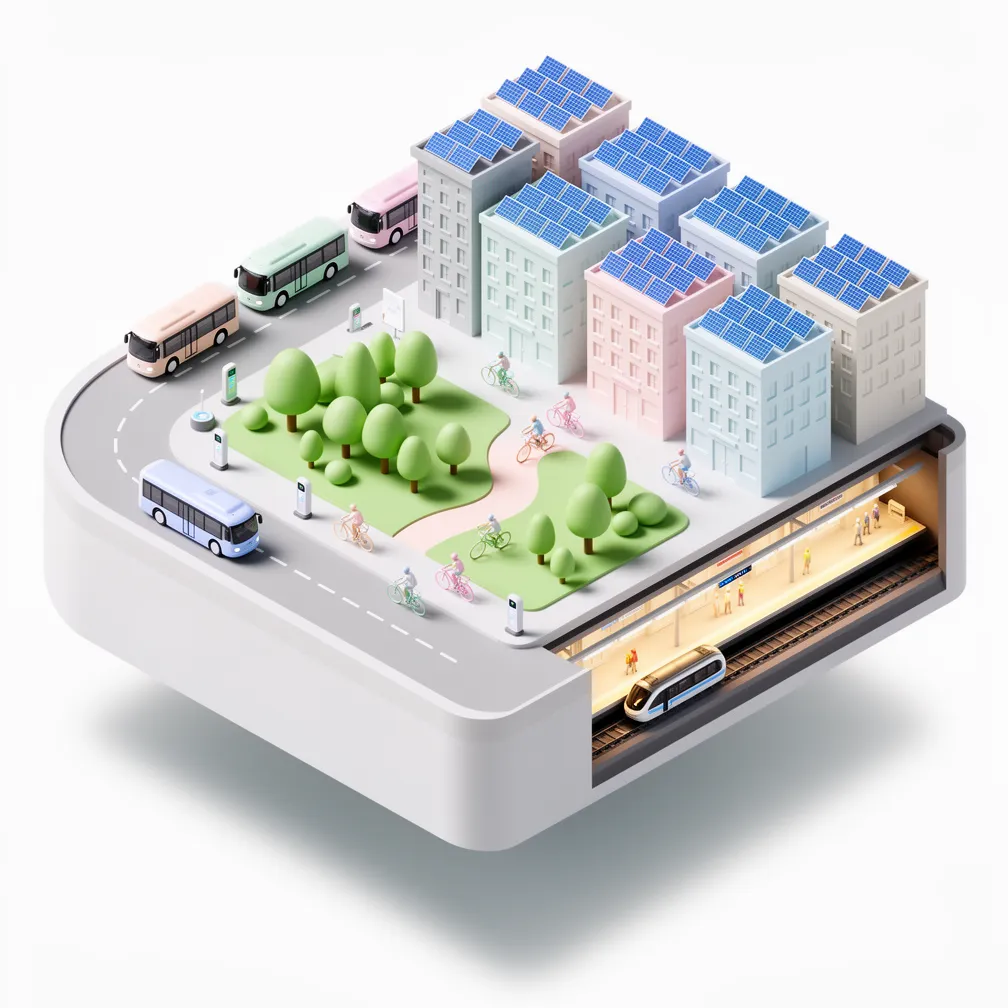
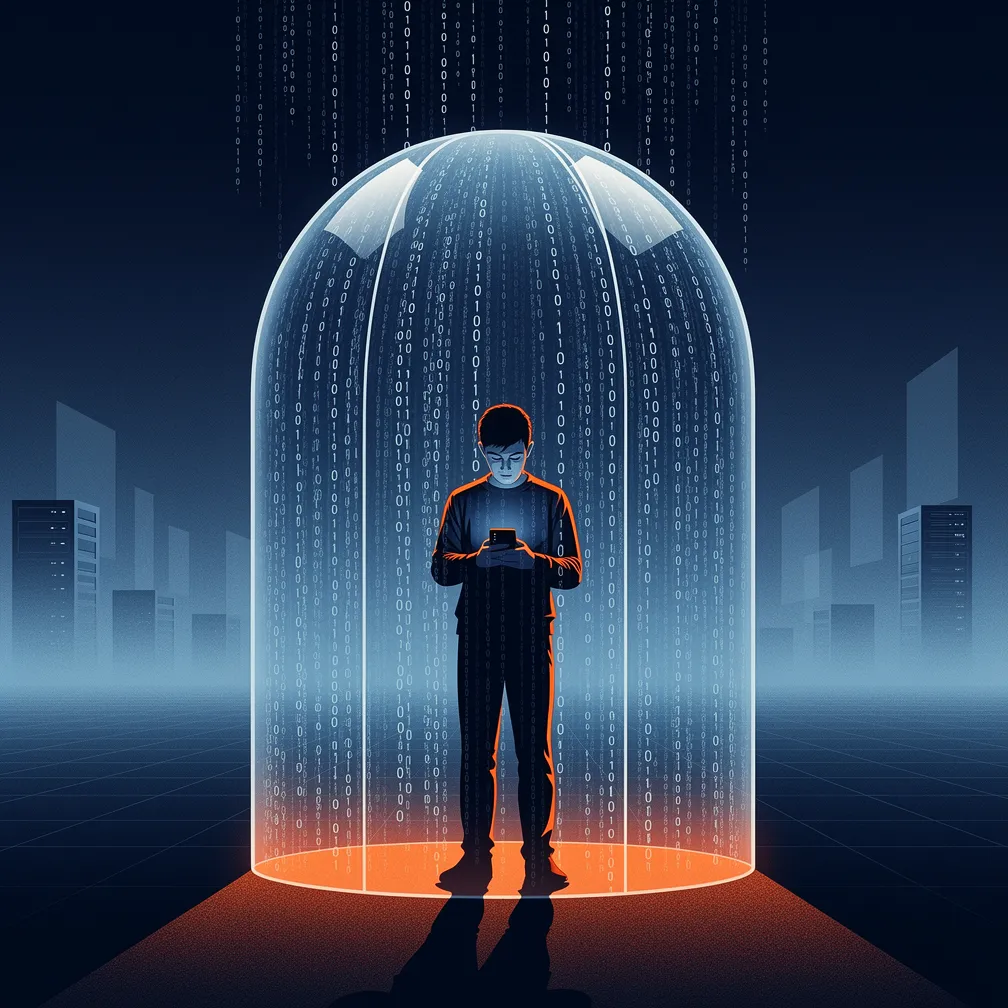
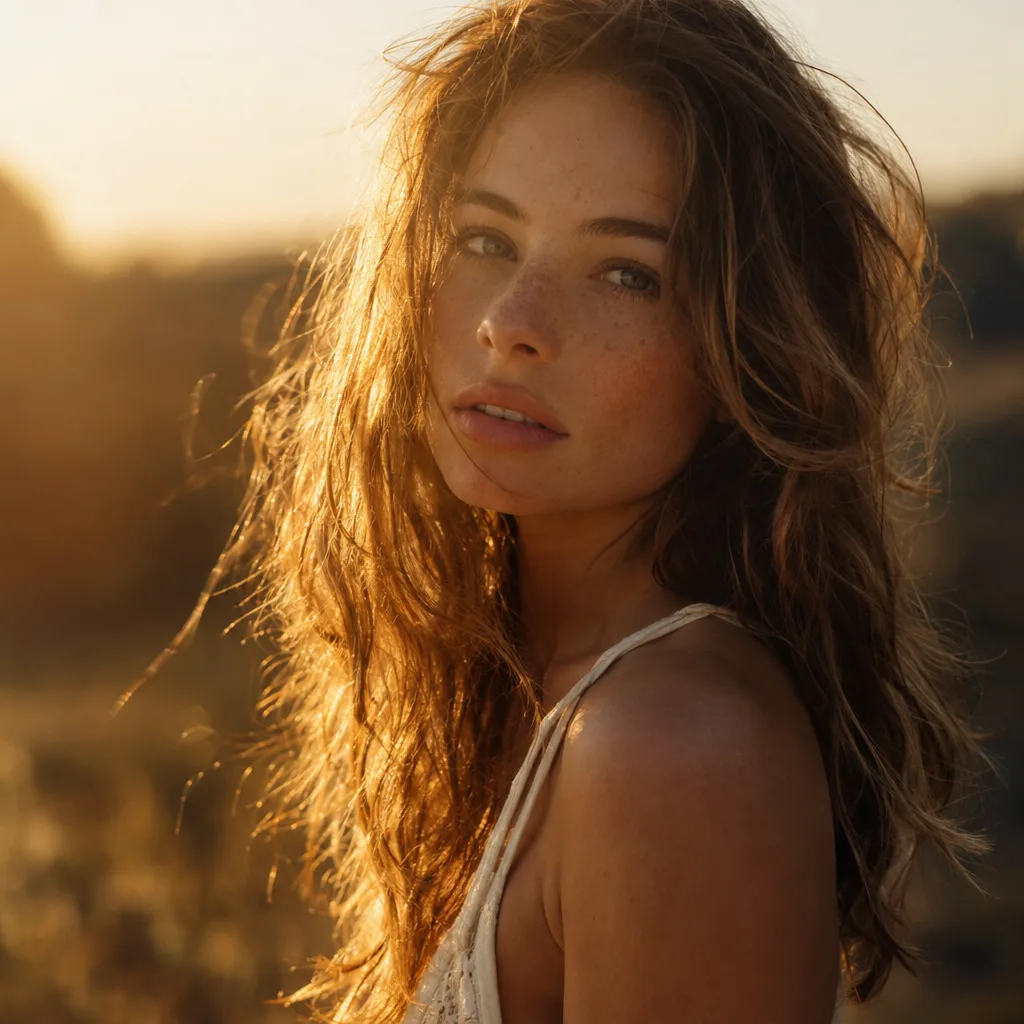
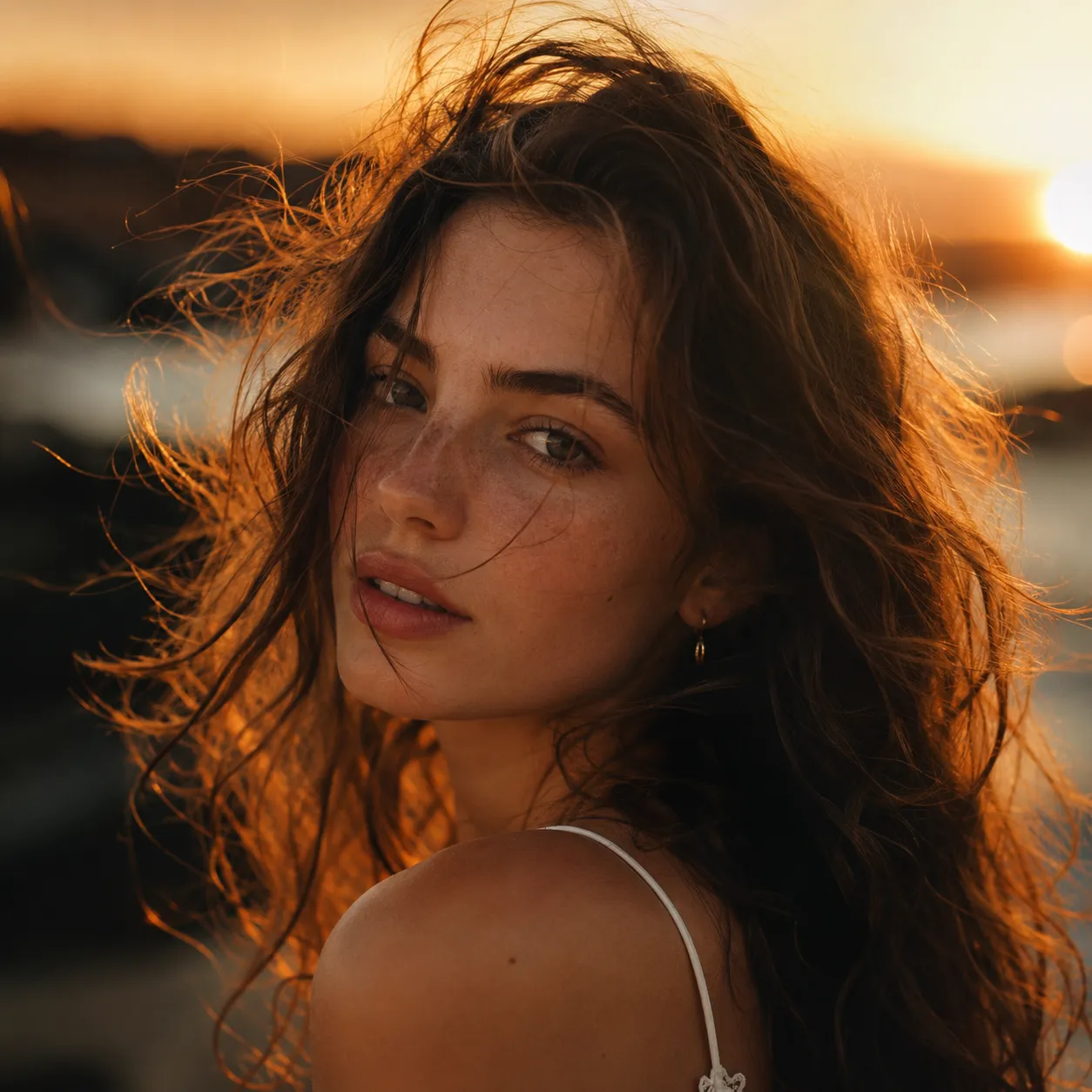
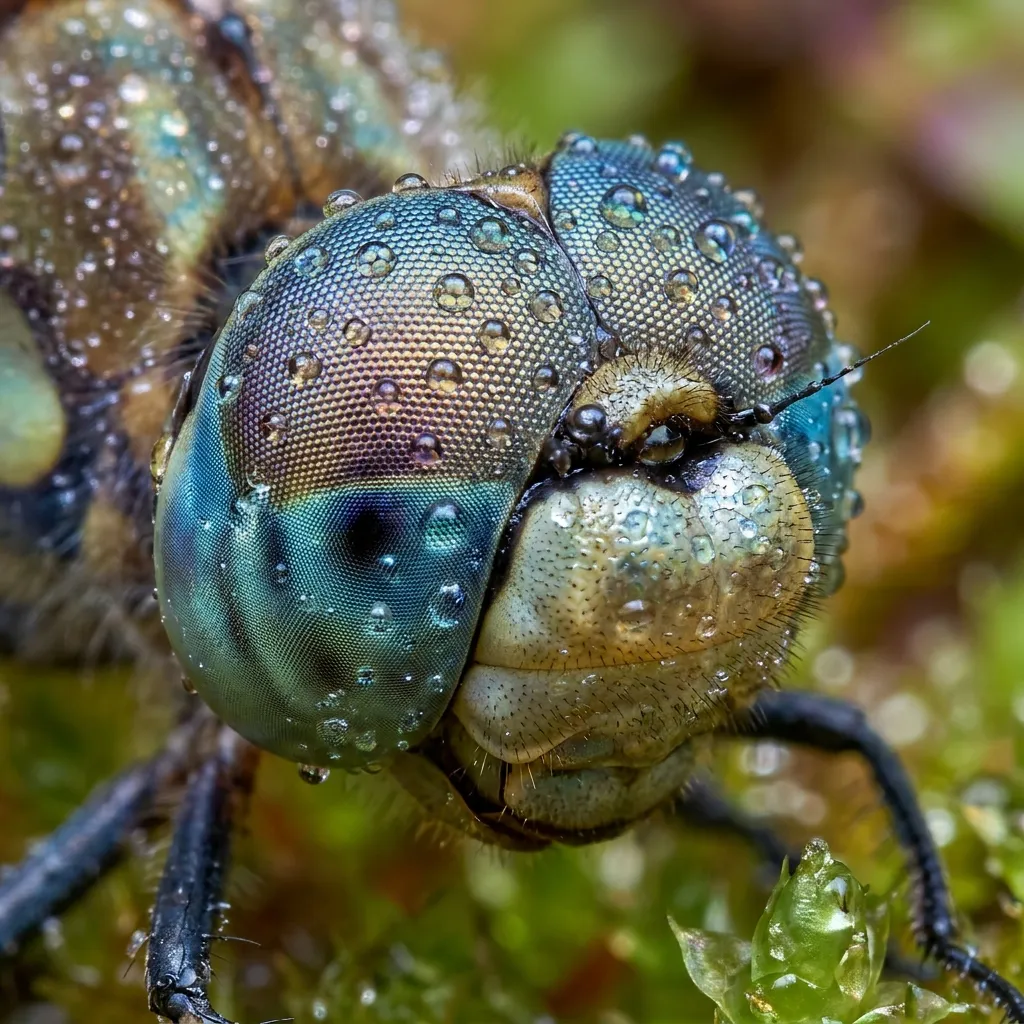
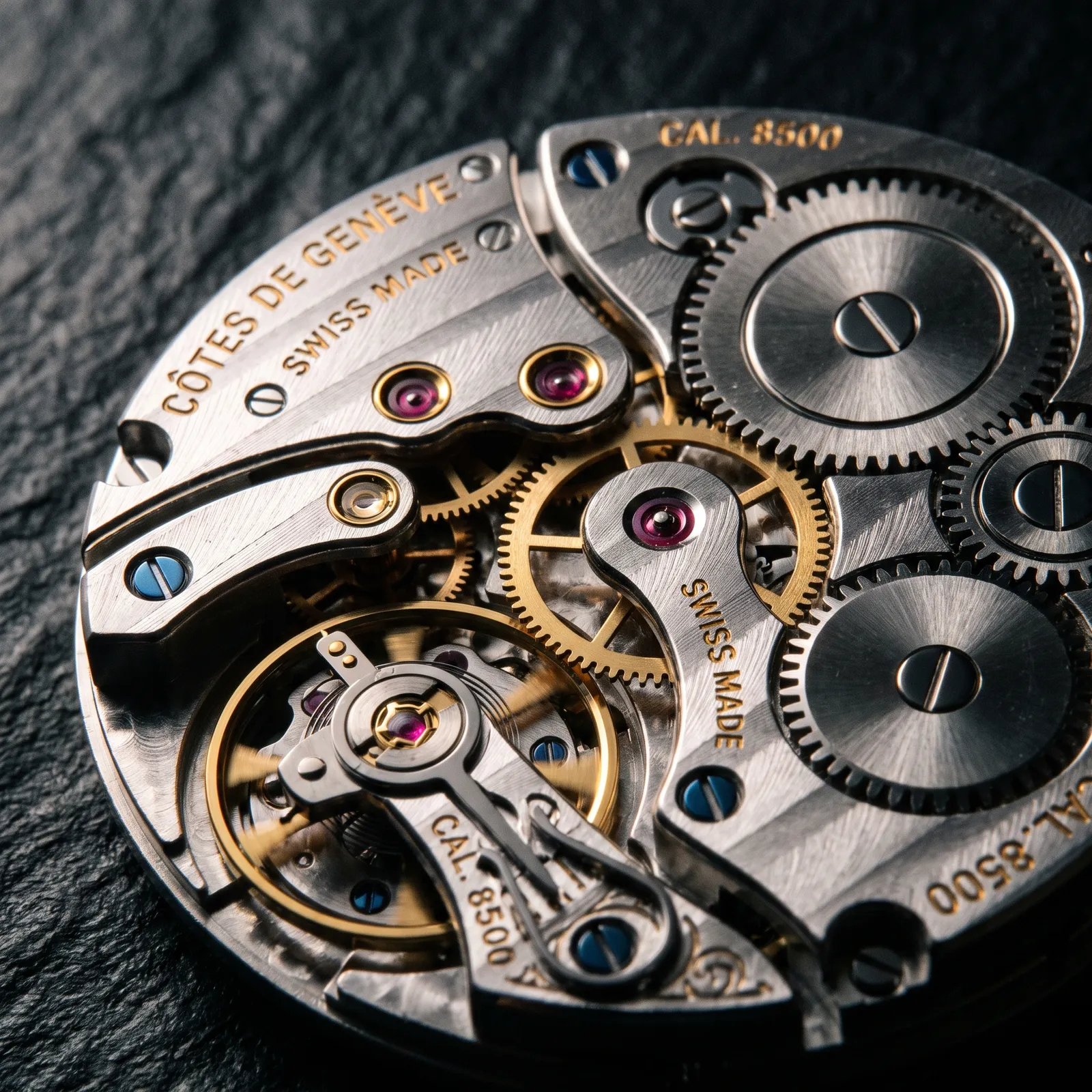
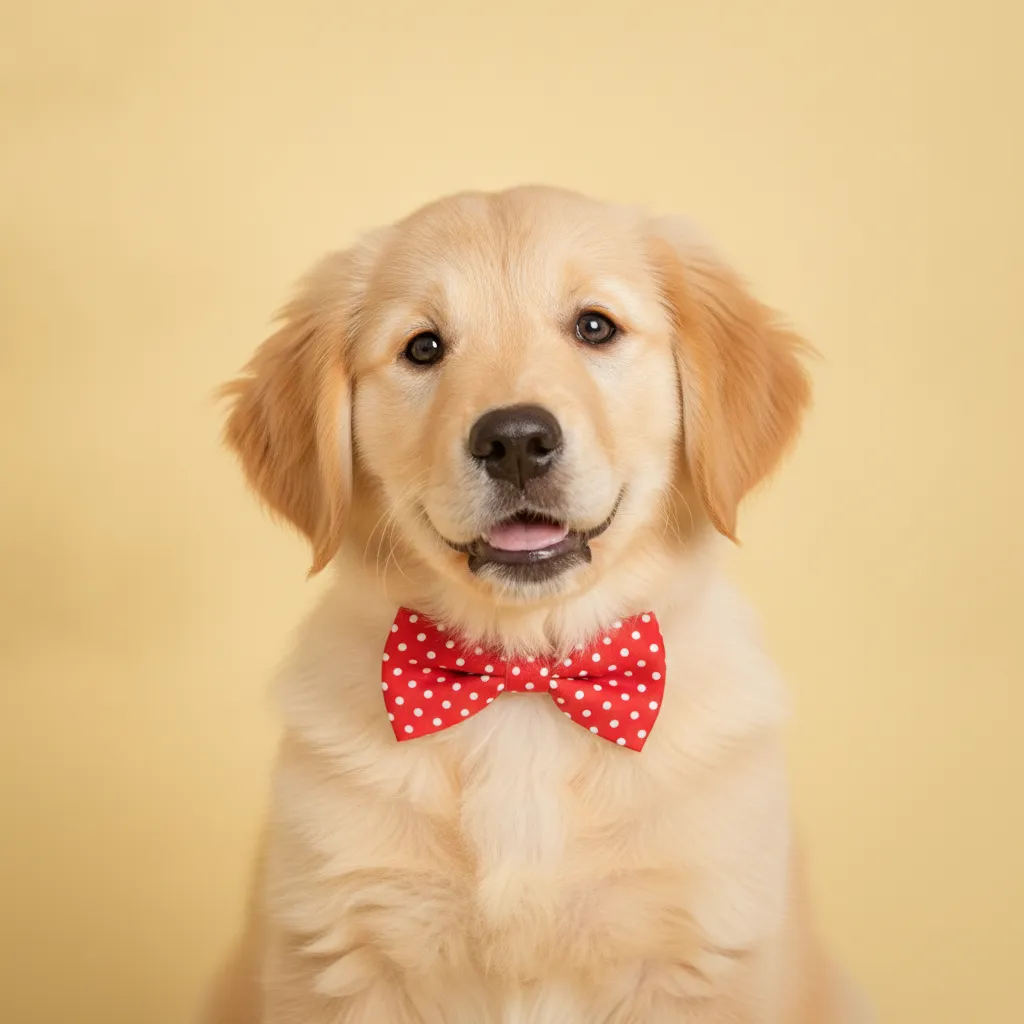
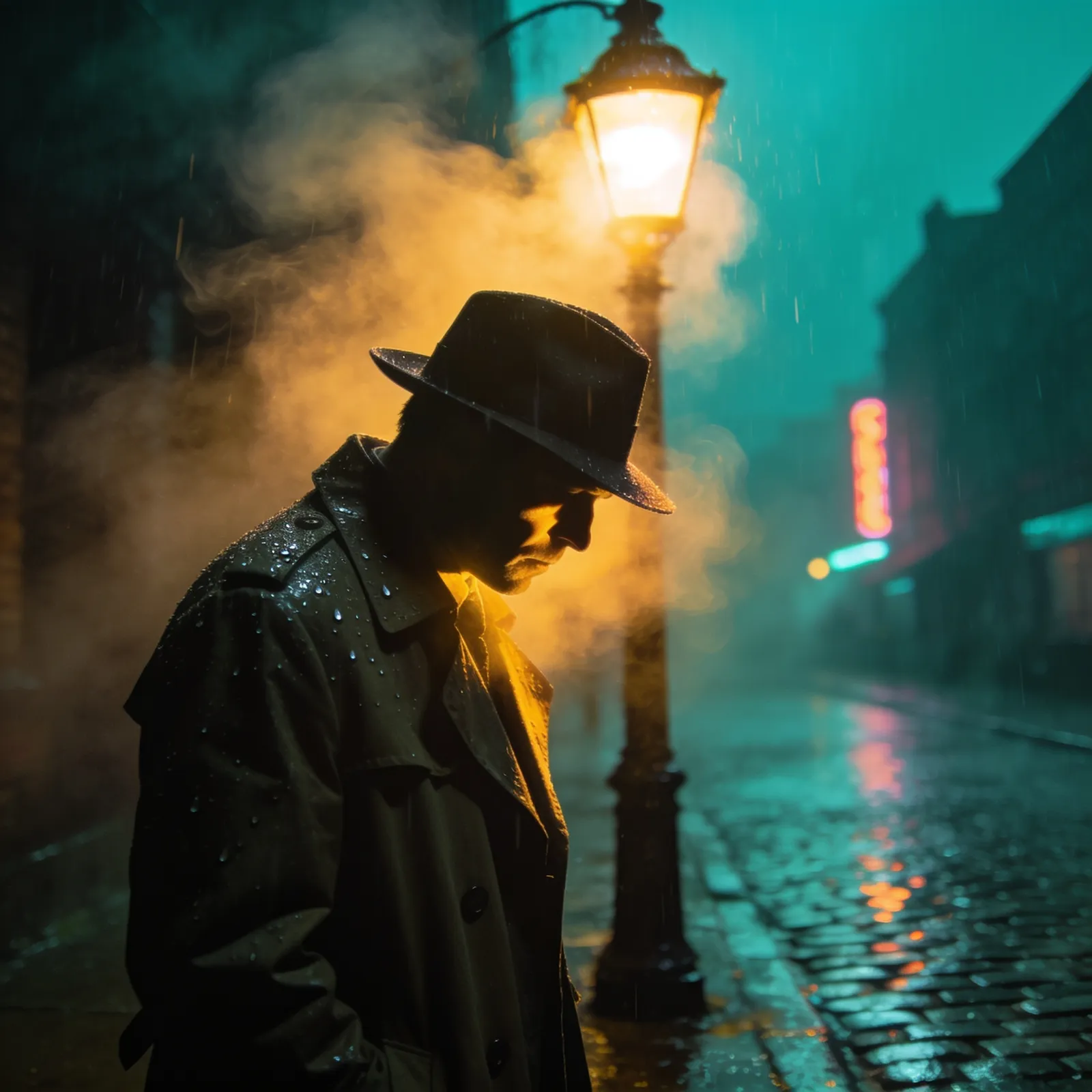
Real, unedited outputs generated directly by Flux 2.

Why Flux 2 Stands Out
Three strengths that make Flux 2 a designer favorite.
Standout design and typography skills
Layout, white space, and type hierarchy land like a designer set them, so posters and layout-driven visuals arrive finished.
Clean, disciplined illustration styles
Flat, isometric, and editorial illustration come out with crisp lines and restrained palettes, ready for product and content work.
Consistent brand visuals across images
Color, texture, and composition stay coherent from one image to the next, making it easy to build a matching set of brand assets.
What is Flux 2?
Flux 2 is a flagship text-to-image model from Black Forest Labs, the lab founded by the original creators of Stable Diffusion. It was built to close the gap between what you type and what you see: Flux 2 reads long, detailed prompts and reliably places the right subjects, colors, composition, and mood without you fighting the wording.
Where Flux 2 truly stands out is aesthetic quality. Lighting feels intentional, skin and textures look natural, and color grading lands like a photographer or art director made the call. It is the model people reach for when an image needs to look finished rather than "AI-generated," which makes it a favorite for hero shots, editorial visuals, and brand work.
Flux 2 generates crisp 1K images for fast iteration and sharp 2K images for final delivery, and it supports a wide range of aspect ratios so you can frame anything from a tall mobile story to an ultra-wide banner. Each generation costs 15 credits, with no watermark on your results.
Flux 2 Specifications
Why choose Flux 2?
Flux 2 is engineered for one thing above all: images that look professionally made, straight from a prompt.
Gallery-grade aesthetics
Flux 2 nails lighting, color grading, and composition out of the box, so your images look art-directed rather than randomly generated.
Strong prompt following
Describe a complex scene with multiple subjects and specific details, and Flux 2 keeps them all in place instead of dropping or scrambling them.
Clean 1K and 2K output
Iterate fast at 1K, then deliver crisp 2K images sharp enough for web heroes, social posts, and printed mockups.
Wide aspect ratios
Generate tall portraits, square thumbnails, classic landscapes, or ultra-wide banners without awkward cropping or stretching.
Photoreal and stylized range
From lifelike product photography to illustrated and editorial styles, Flux 2 handles realism and art direction with the same consistency.
Built by the Stable Diffusion team
Black Forest Labs comes from the original Stable Diffusion creators, so Flux 2 carries deep open-model heritage with a major leap in quality.
Flux 2 vs other image models
Flux 2 leads on aesthetics and prompt accuracy. Here is how it lines up against other models on the platform so you can pick the right tool for each job.
| Model | Max resolution | Batch export | Credits |
|---|---|---|---|
🎨Flux 2 | 2K | 15 | |
🤖GPT Image 2 | Automatic | 20 | |
🍌Nano Banana Pro | 4K | 20 | |
💎Seedream 4.5 | 4K | 15 |
How to generate images with Flux 2
From idea to finished image in three steps.
Select Flux 2
Choose Flux 2 as your model. It is the go-to pick when you want images that look polished and true to your prompt.
Write your prompt
Describe the scene, subject, style, and mood in plain language, then set the aspect ratio and pick 1K for drafts or 2K for the final.
Generate and download
Click Generate, wait a few seconds, and download your watermark-free image. Tweak the prompt and run it again to refine.
What can you create with Flux 2?
Flux 2 shines anywhere a visual needs to look genuinely professional.
Product and e-commerce imagery
Generate clean product shots and lifestyle scenes with believable lighting, ready for store pages, listings, and ads.
Brand and marketing visuals
Create on-brand hero images, campaign key visuals, and social graphics that look art-directed rather than templated.
Photoreal scenes and portraits
Produce lifelike people, places, and objects with natural skin, texture, and color when you have no reference photo on hand.
Concept art and illustration
Develop mood boards, character concepts, and stylized illustrations while Flux 2 keeps the details you asked for intact.
Editorial and blog imagery
Make custom header images and article visuals in any aspect ratio instead of settling for generic stock photos.
Wide-format banners and key art
Use the wide aspect ratios to fill ultra-wide website banners, ad placements, and presentation backgrounds without cropping.
Flux 2 frequently asked questions
Common questions about generating images with Flux 2.
Explore other models
Switch between top models in the same generator
Create your first image with Flux 2
Sign up, type a prompt, and let Flux 2 turn it into a gorgeous, prompt-accurate image in seconds.