
AI Deblur in One Click
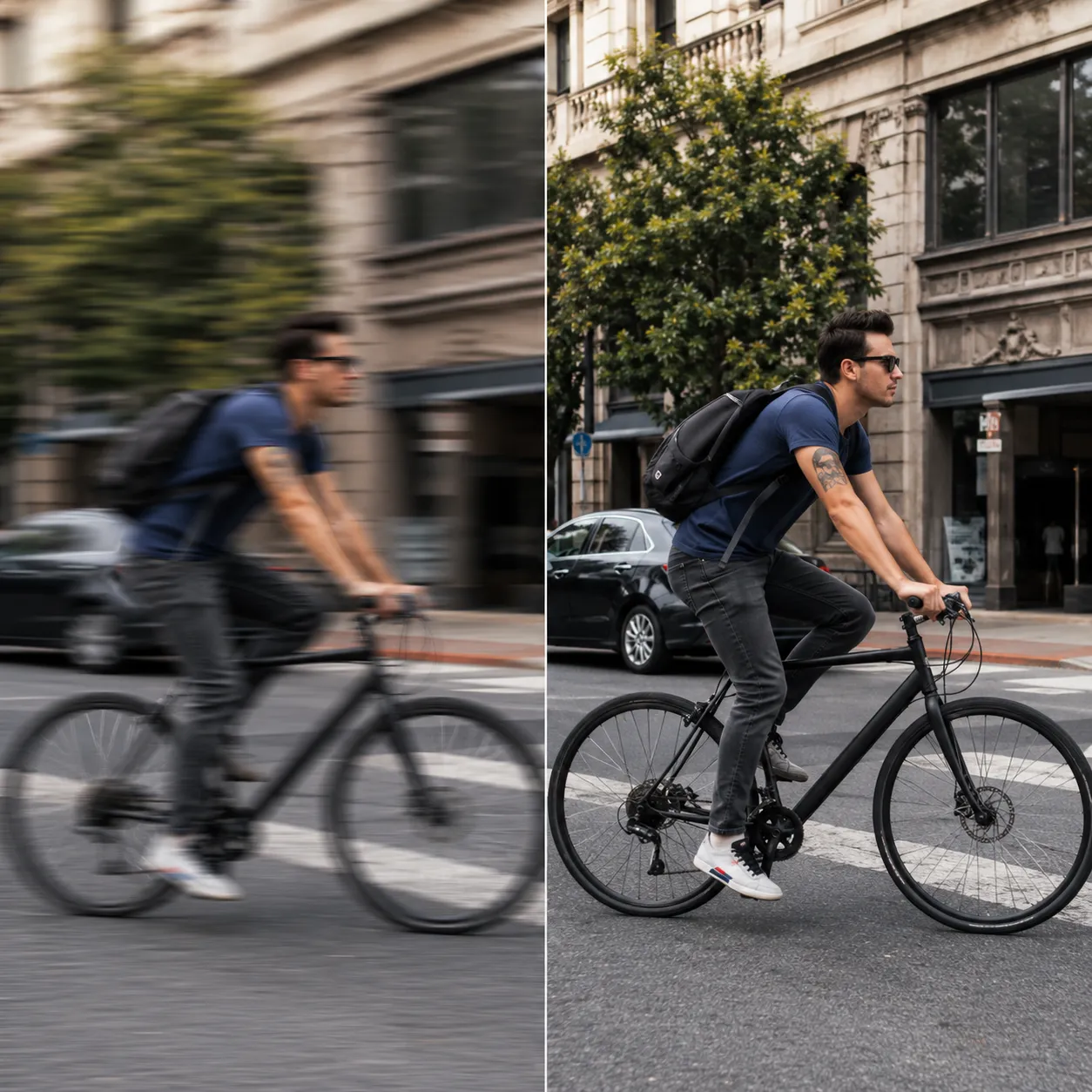
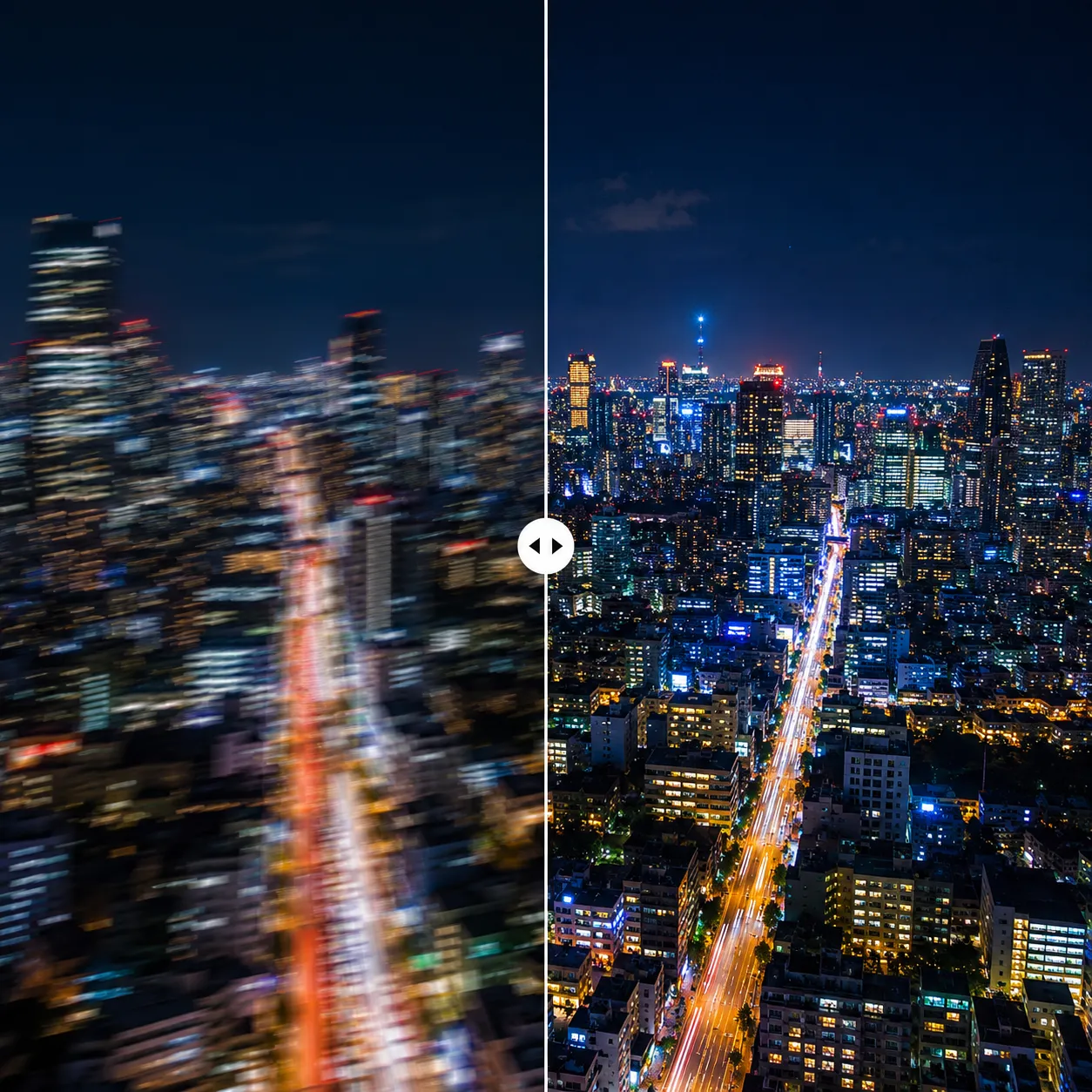
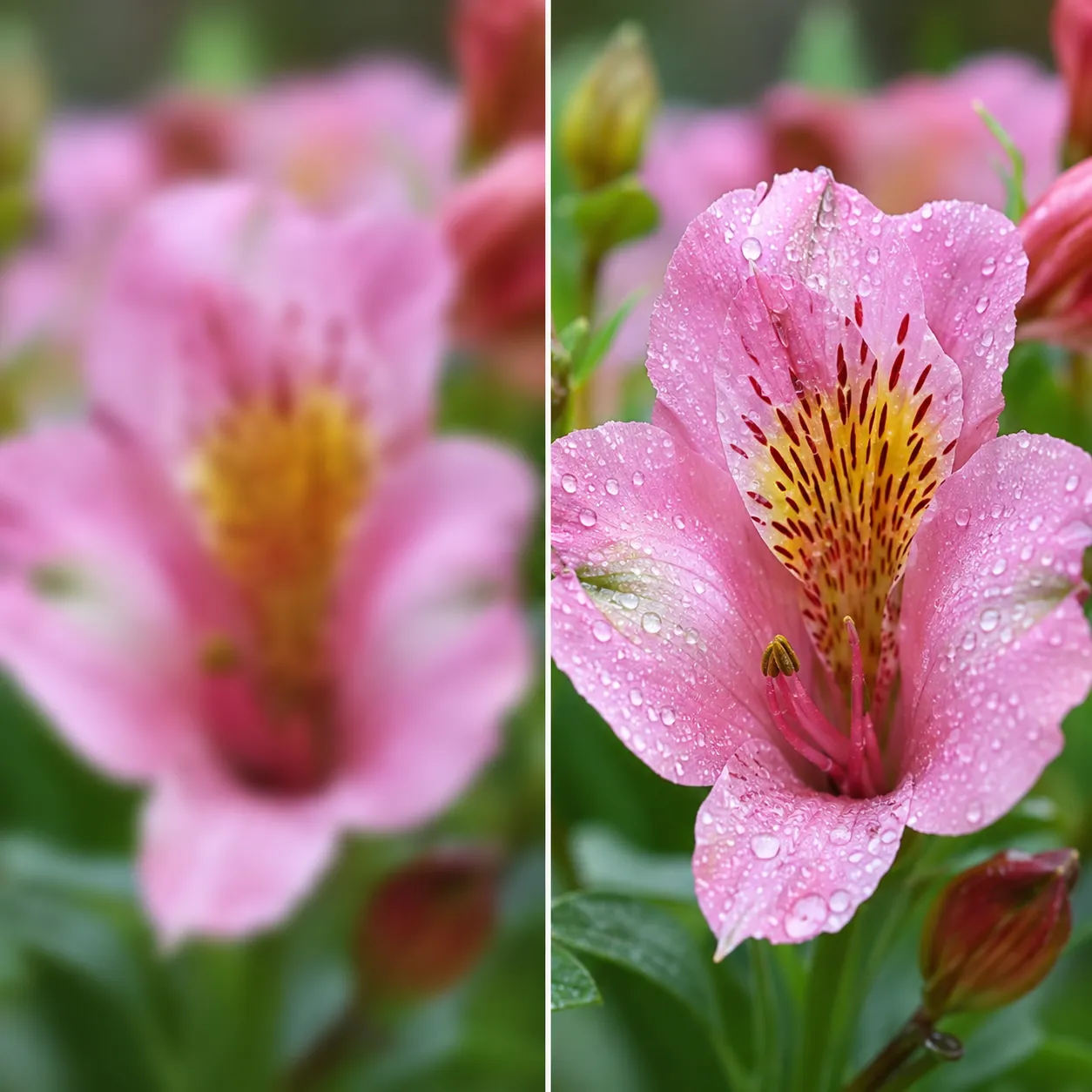
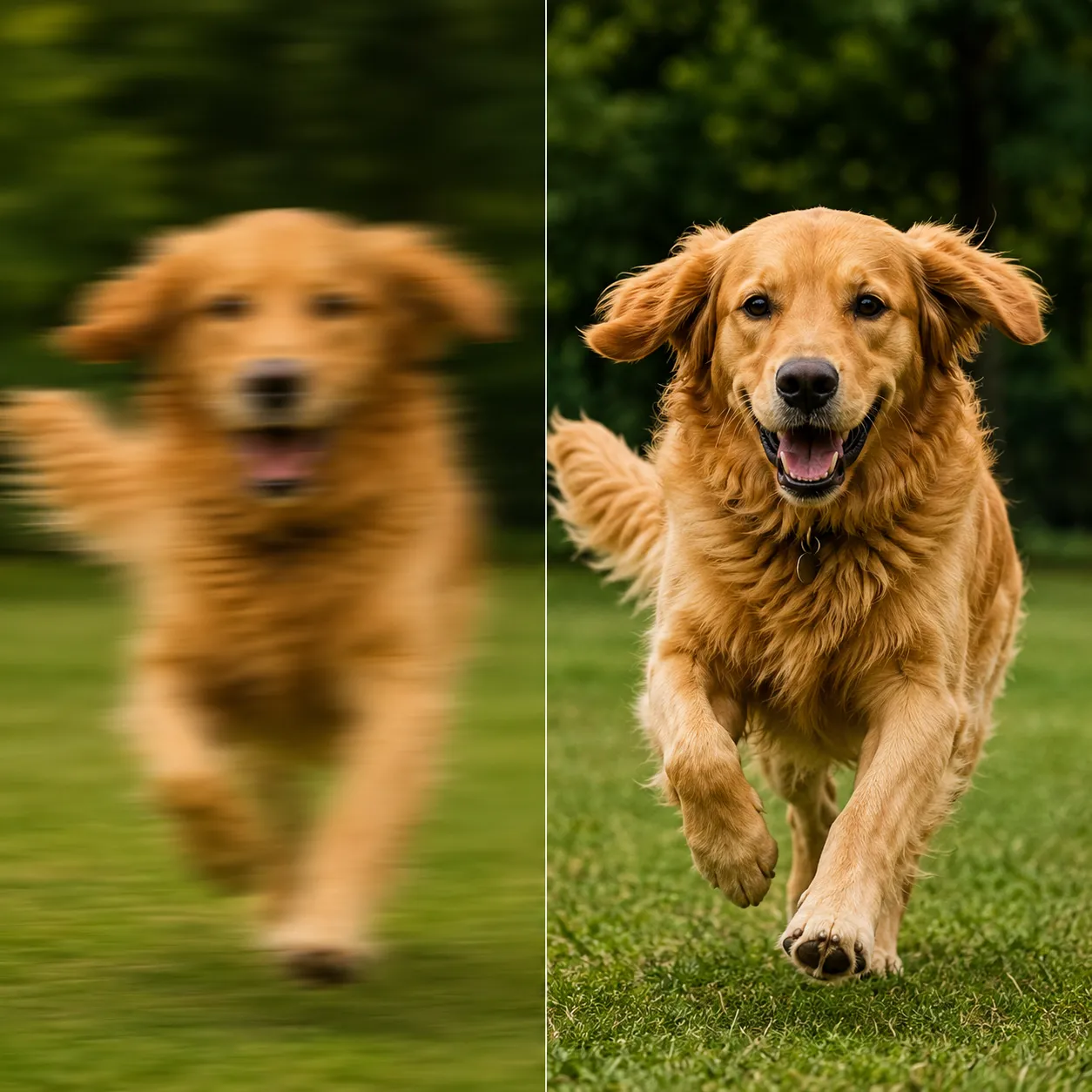
Upload a blurry photo and NAFNet, a dedicated deblurring network, analyzes the blur and rebuilds sharp detail. Motion blur, night-time hand shake or missed focus — all rescued in one click.
Ready to deblur
Upload a blurry photo and get a sharp result in seconds
Deblurring Examples
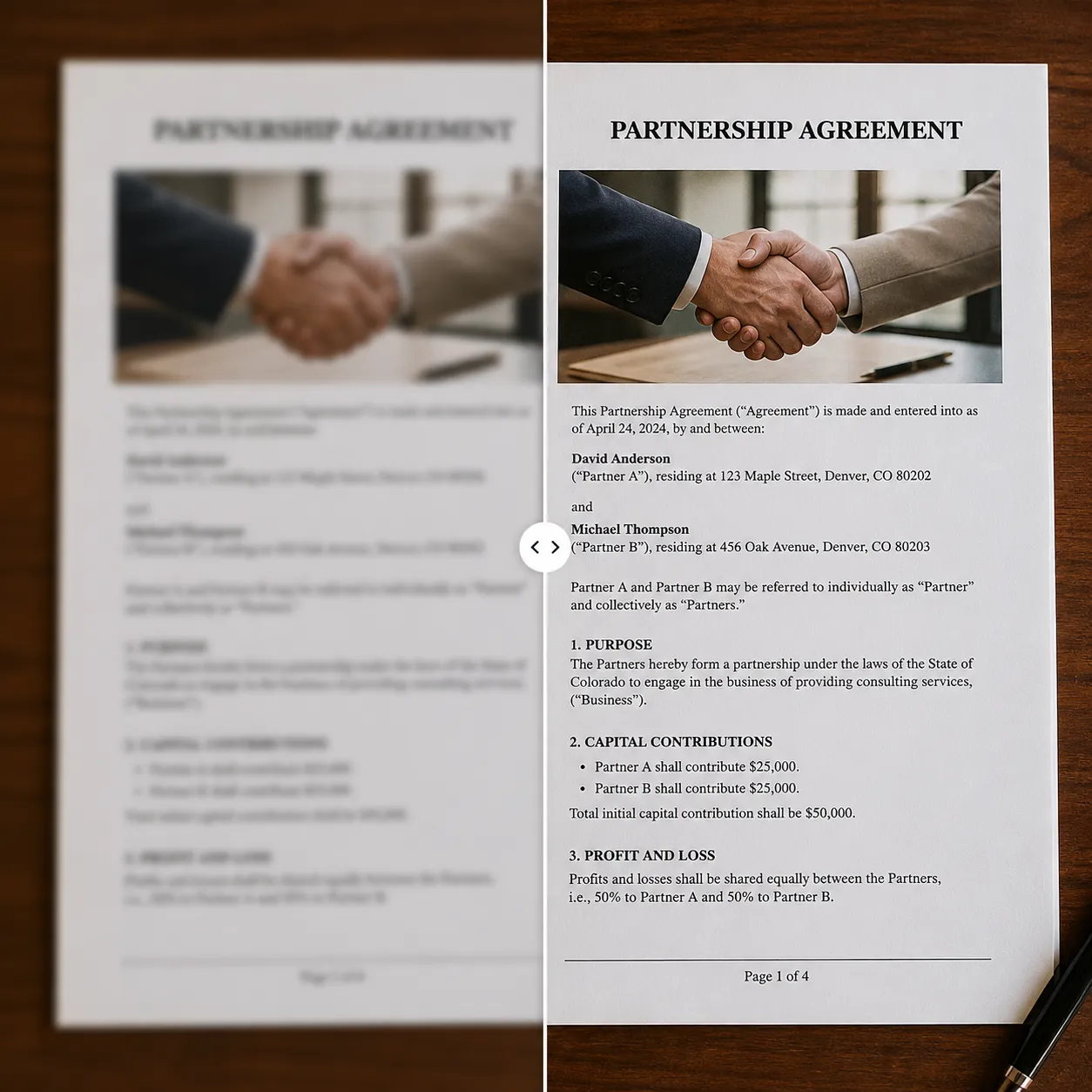
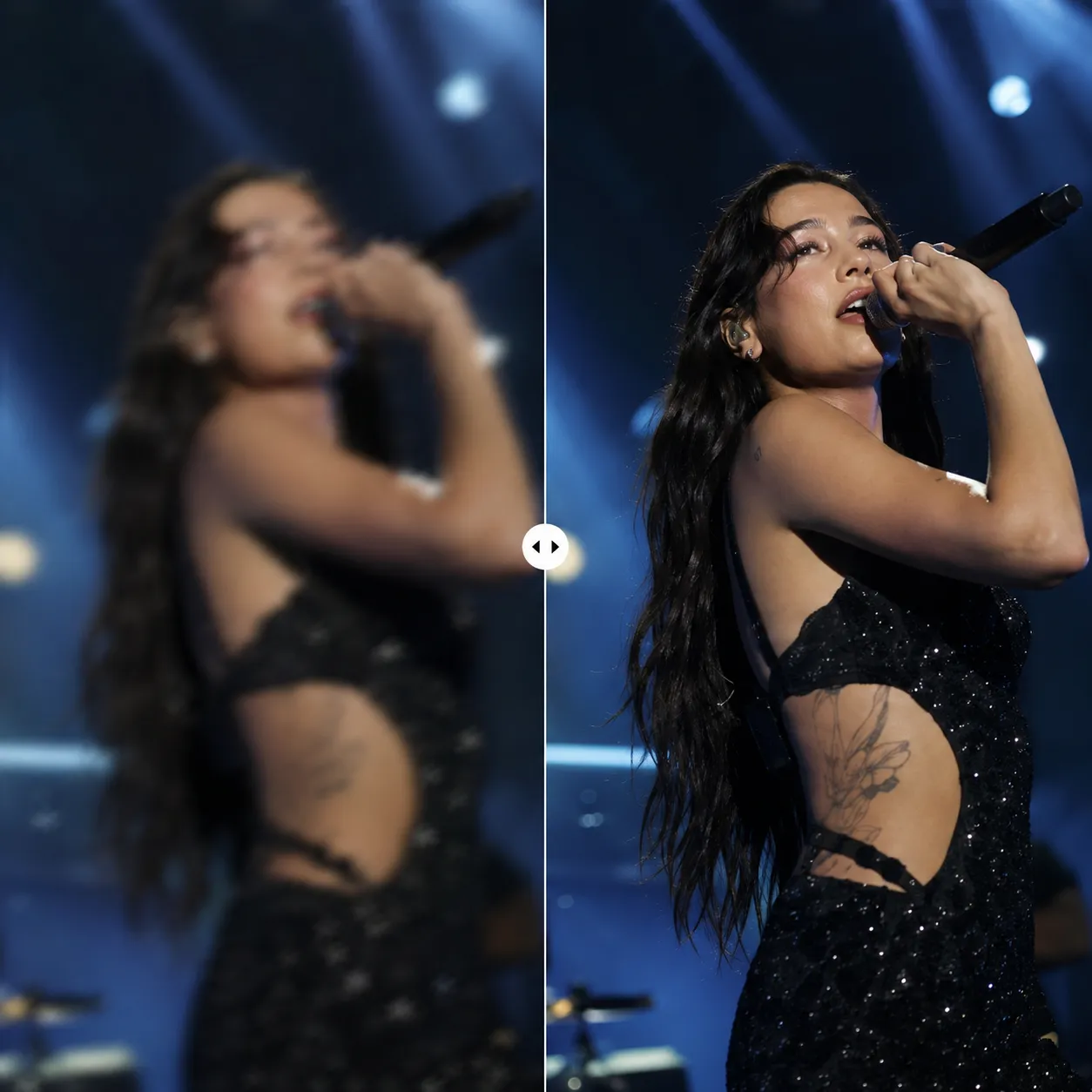
The examples below are illustrative previews of deblurring results. NAFNet is trained specifically on motion blur and defocus, recovering real detail rather than just sharpening edges.
Why This Deblur Tool Stands Out
A deep network built purely for deblurring — it doesn't stack a sharpening filter, it recovers real detail from blurred pixels.
True deblurring, not sharpening
NAFNet is a purpose-trained deblurring network that reverses the blur process to reconstruct original detail — far beyond filters that merely boost edge contrast.
Fixes both motion blur and defocus
Whether the blur came from hand shake, a moving subject, or a missed focus point, the model identifies the blur type and repairs it accordingly.
Natural results, no sharpening artifacts
No halos, white edges or amplified noise that sharpening filters leave behind — the result simply looks like the shot was sharp to begin with.
Deblur a Photo in 3 Steps
The whole process takes under a minute — no editing skills needed.
Upload a blurry photo
Click or drag to upload a shaky, out-of-focus or motion-blurred photo. JPG, PNG and WebP are supported.
Let AI fix it
Click Deblur Now — NAFNet automatically analyzes the blur type and reconstructs the detail.
Download the sharp result
In seconds you get a crisp, sharp photo ready to download, save or share.
What You Can Rescue
One tool for the most common kinds of blurry photos.
Night & low-light shake
Fix hand-shake blur from slow shutter speeds and bring night shots back from the reject pile.
Action snapshots
Rescue motion-blurred moments of kids running and pets playing — the memories worth keeping.
Documents & whiteboards
Make blurry photos of documents, whiteboards and slides readable again for archiving or OCR.
Concerts & events
Low light and fast action make event shots blurry — recover sharp memories from the chaos.
Compared with Sharpening Filters
Versus the sharpen filter in photo editors, AI deblurring rebuilds sharpness at the source instead of faking the impression of it.
Start free, upgrade anytime
Sign up for free credits — every image tool is powered by GPT Image 2. Upgrade for higher limits, faster generation, no watermark and commercial use.
Frequently Asked Questions
About AI Deblur
More AI image tools
View all tools

Try AI Deblur Now
Upload a blurry photo and get a sharp picture back in seconds.