
AI Video Upscaler
Upload blurry, compressed, or low-resolution video and a dedicated Topaz-class super-resolution model rebuilds detail frame by frame - delivering crisp HD or 4K output that stays faithful to what you shot, not a regeneration.
Ready to enhance
Upload blurry or low-res footage and AI delivers a crisp HD result
💡Describe the scene, motion, style and mood in detail
🎬Supports high-quality video up to 15 seconds
🔊Some models can generate audio at the same time
Video Upscaling in Action
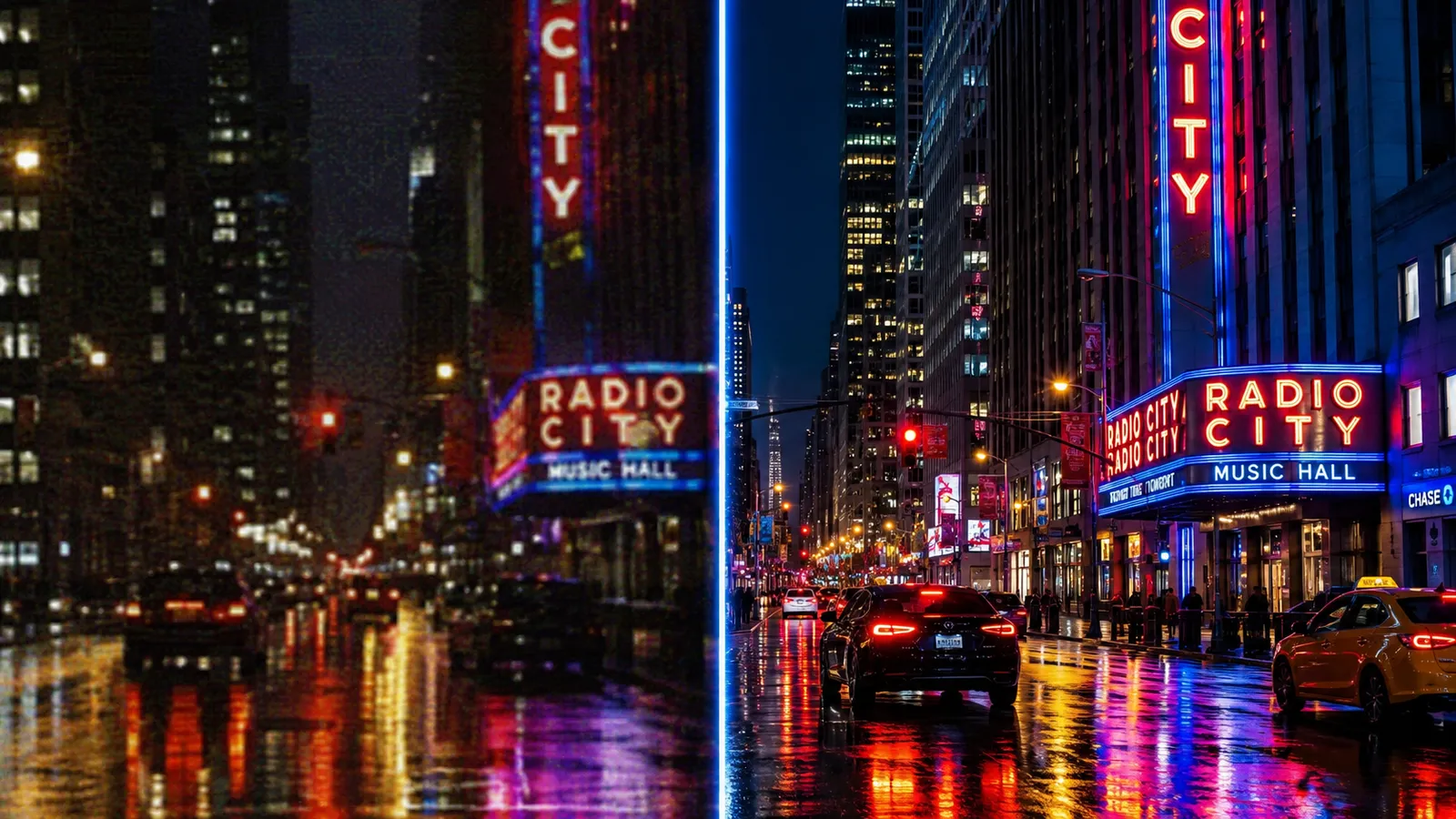
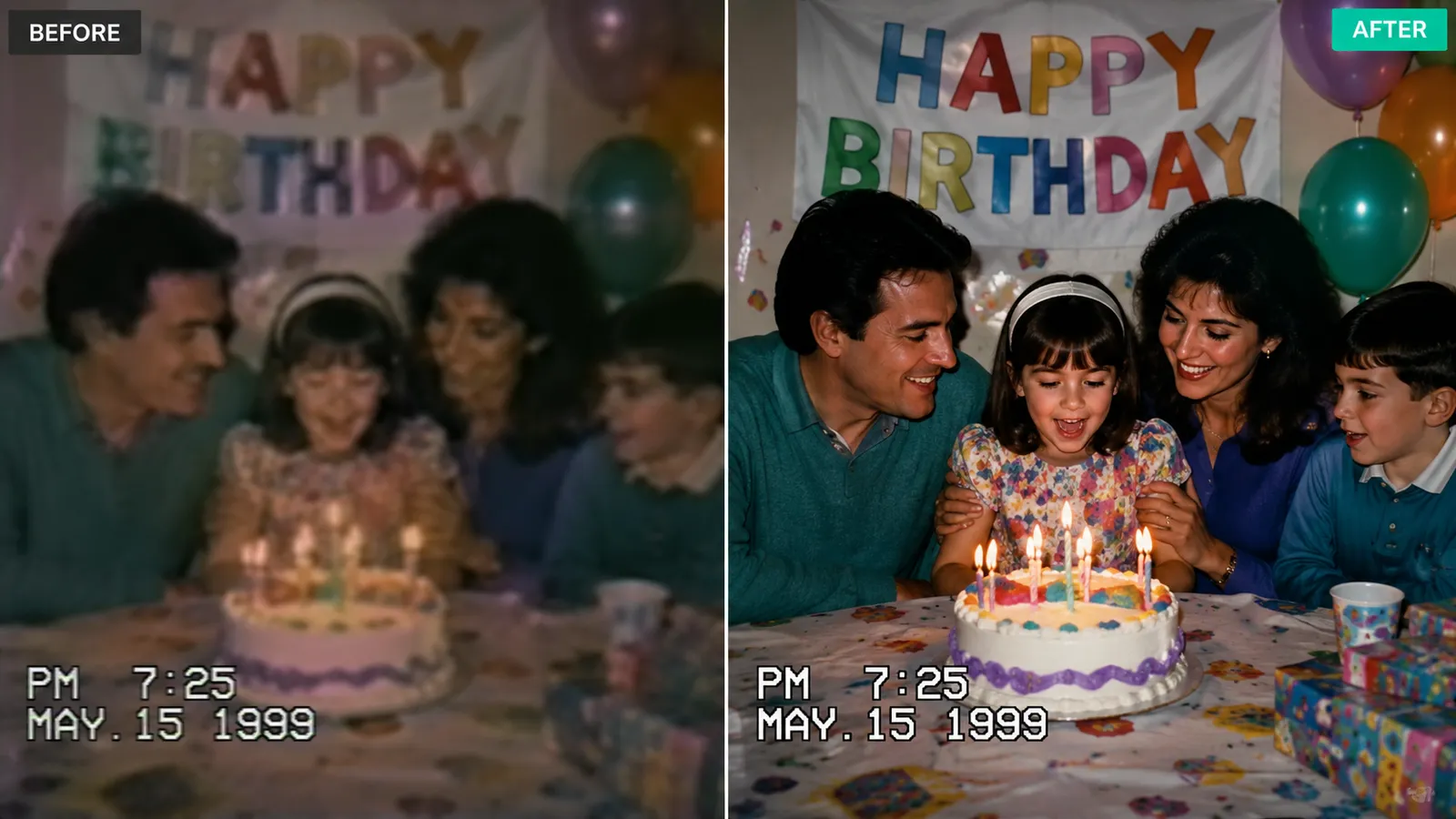
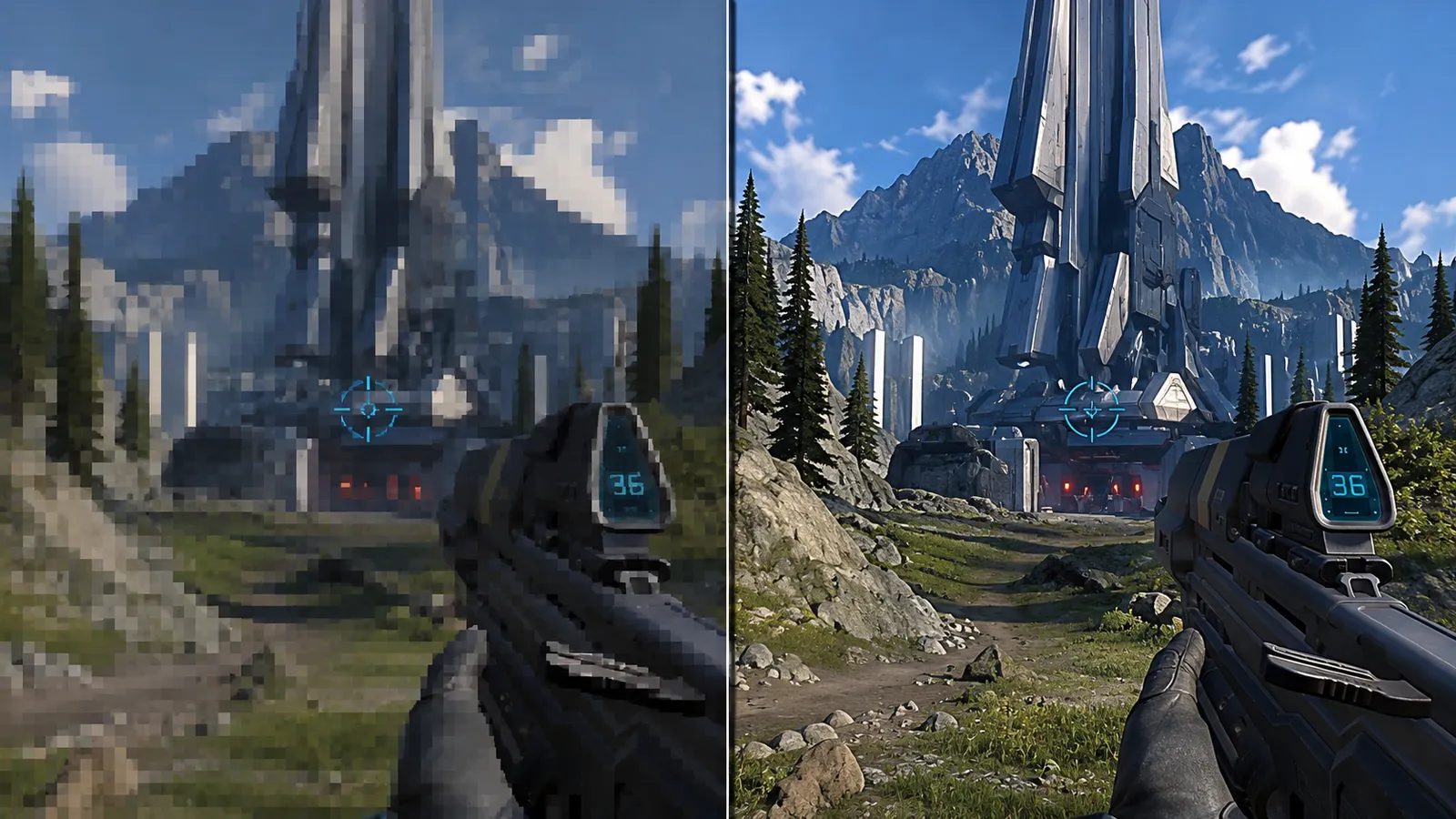
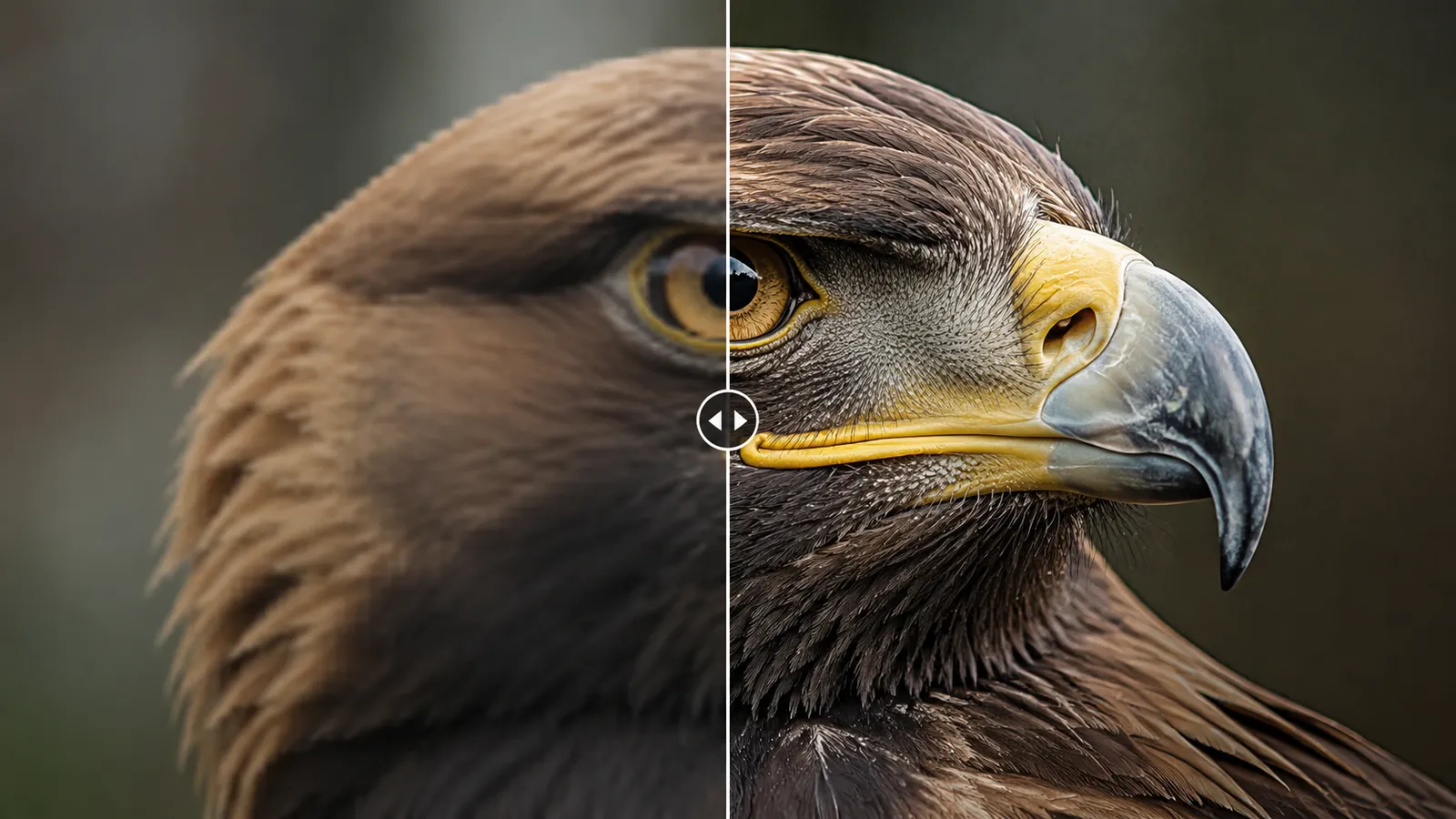
The stills below are illustrative preview frames, not actual tool output - they show the kinds of footage AI super-resolution improves most.
Why This Video Upscaler Stands Out
Driven by a dedicated professional-grade super-resolution model, it analyzes and rebuilds detail frame by frame while keeping the content faithful.
Real Detail Reconstruction
The AI recovers genuine textures, edges, and text from the footage instead of simply stretching pixels - the result stays sharp even at 4K.
Faithful Enhancement, Not Regeneration
It only improves clarity - faces, composition, and content are never redrawn. What you filmed is what you get, just sharper. Ideal for documentary and archival material.
Compression Artifacts Cleaned Up
Specifically tuned for blocky compression, noise, and mild motion blur - old tapes and re-encoded downloads come out clean and crisp.
Upscale a Video in Three Steps
No pro software or GPU required - it all happens in your browser.
Upload Your Video
Upload the footage that needs a clarity boost. MP4 format, up to 50MB.
AI Super-Resolution
Click "Upscale Video" and the model rebuilds detail frame by frame, removes noise, and raises the resolution.
Download the HD Result
Preview the before/after when processing finishes, then download the HD/4K version.
What You Can Do with Video Upscaling
One tool that gives every kind of low-res footage a second life.
Old Family Tapes
Bring camcorder and early phone videos up to HD - precious blurry memories become clear again.
Gameplay & Highlights
Upscale low-bitrate screen recordings before publishing so your best plays don't turn to mush.
Documentary & Archive
Faithfully enhance historical clips and interviews so they blend into a 4K edit without looking out of place.
Social Media Reposts
Restore clarity to footage crushed by platform compression and repost it looking sharp.
AI Upscaling vs. Player Sharpening Filters
Compared with the sharpen filter in a player or editor, AI super-resolution truly rebuilds detail instead of polishing the noise.
Start free, upgrade anytime
Sign up for free credits — every image tool is powered by GPT Image 2. Upgrade for higher limits, faster generation, no watermark and commercial use.
Frequently Asked Questions
About AI video upscaling
Try the AI Video Upscaler Now
Upload blurry footage and get a crisp HD result back in minutes.