
AI Lip Sync
Upload a video with a clear face, add a new voice track, and the sync.so v2 lip-sync model rebuilds the mouth movements frame by frame - so the speaker looks like they said it natively.
Ready to sync
Upload a talking-head video and a new voice track, and AI matches the lips to the audio
💡Describe the scene, motion, style and mood in detail
🎬Supports high-quality video up to 15 seconds
🔊Some models can generate audio at the same time
Lip Sync in Action
The frames below are illustrative preview stills of typical use cases, not actual tool output - they show where lip sync fits in your content.
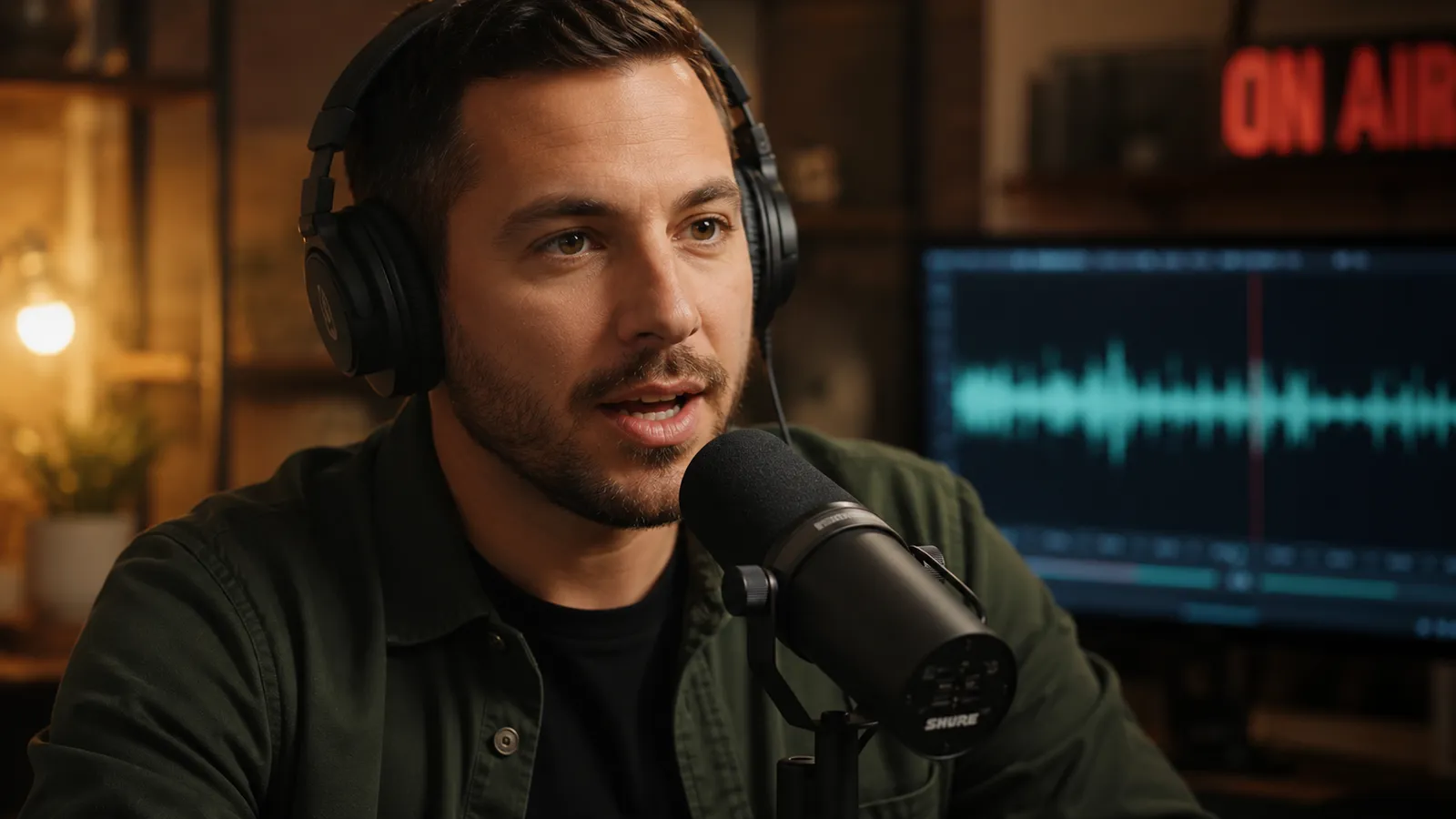
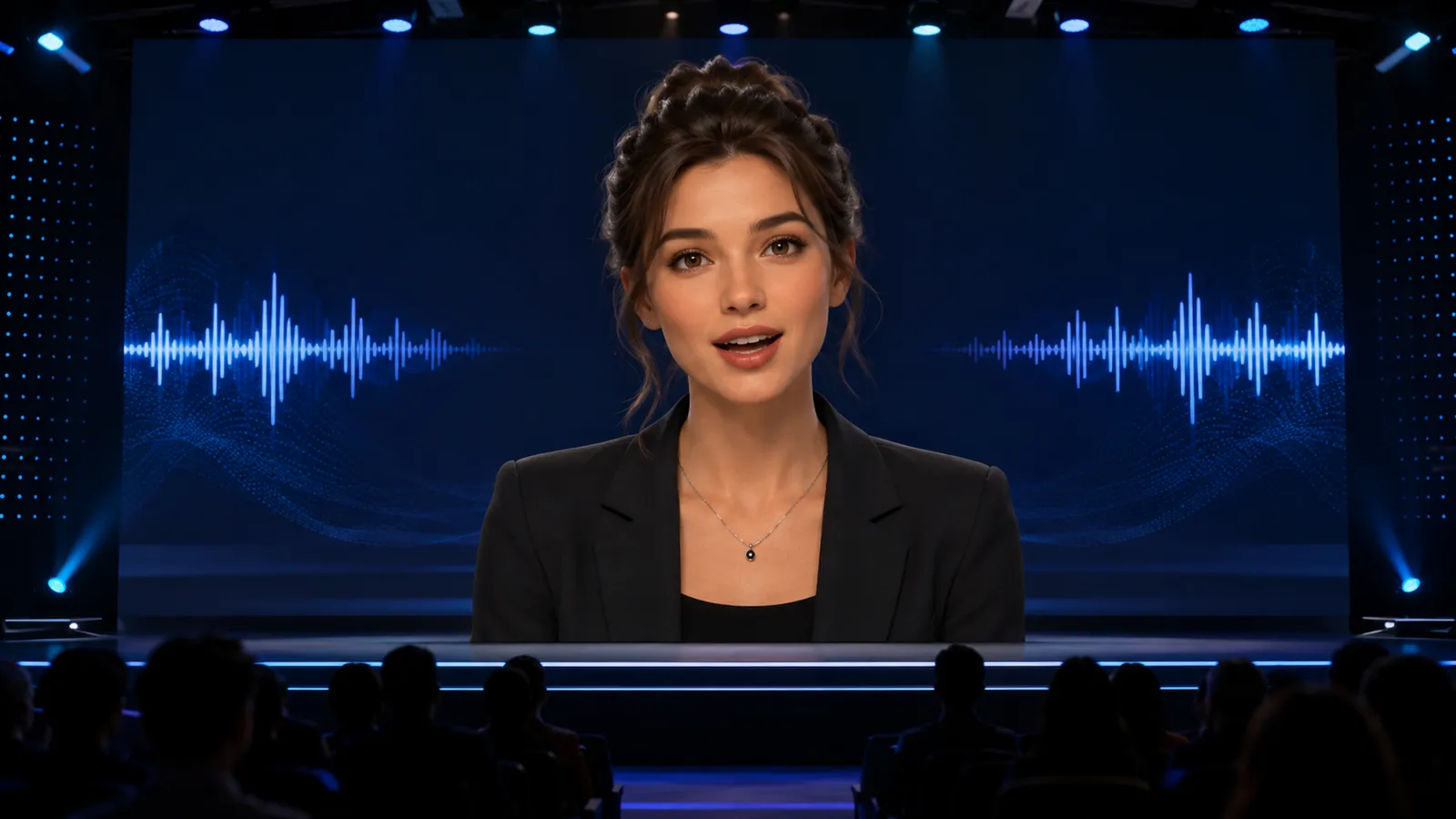
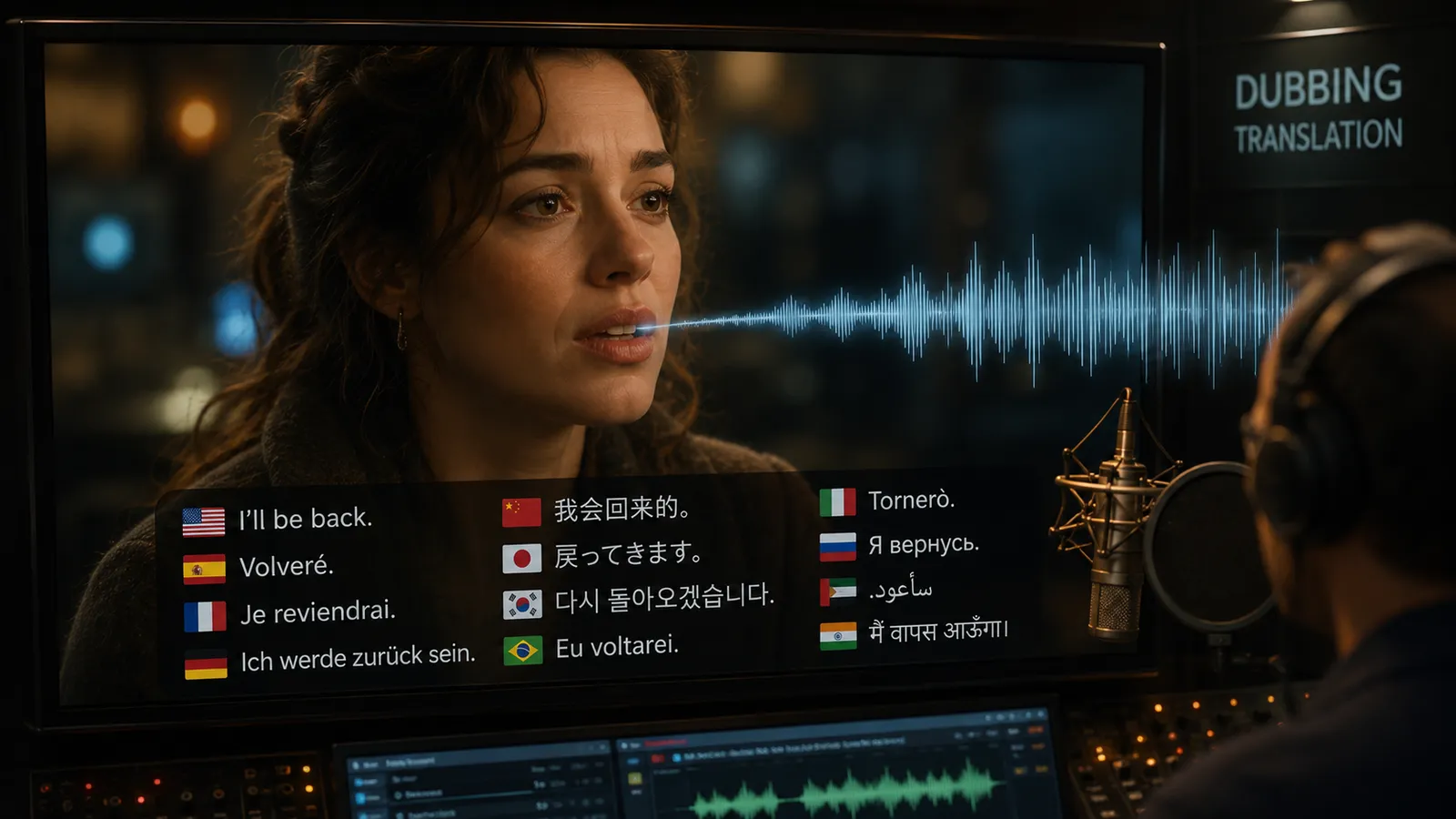
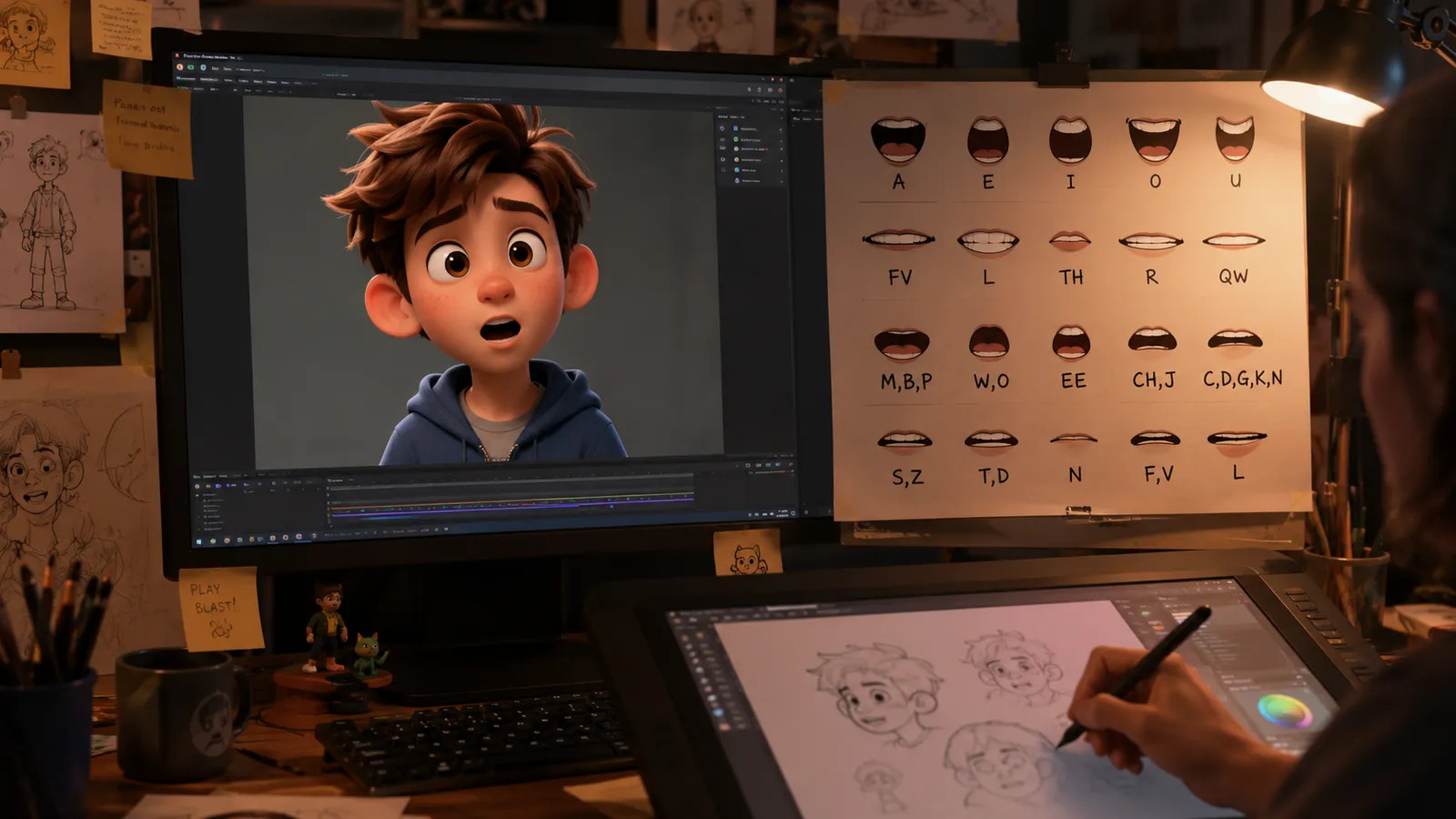
Why This Lip Sync Tool Stands Out
Driven by the dedicated sync.so v2 lip-sync model, it rebuilds only the mouth region - the face, lighting, and scene stay untouched.
Frame-Accurate Mouth Motion
The AI analyzes phonemes and rhythm in the audio and generates matching mouth shapes frame by frame - even pauses and plosives line up, so nothing feels off.
Original Footage Preserved
Only the mouth area is modified. Facial features, expressions, lighting, skin tone, and background remain exactly as shot - viewers can barely tell it was processed.
Any Language, One Take
Pair the same video with English, Chinese, Japanese, or any other voice track. One piece of footage becomes a full multilingual lineup without a single reshoot.
Lip Sync in Three Steps
No editing skills needed - upload two files and download the finished clip.
Upload Your Video
Upload a clip where the speaker's face is clear and unobstructed. MP4 format, up to 50MB.
Upload the New Audio
Add the voice track to sync (MP3/WAV) - a dub, a translation, or an entirely new script.
Sync and Download
Click "Sync Lips" and the sync.so v2 model rebuilds the mouth motion. Download the result when it's done.
What You Can Do with Lip Sync
One tool covering the most common dubbing and talking-head workflows.
Multilingual Marketing Videos
Run one ad creative in every market - each language version gets natural, matching lip movement without reshoots.
Virtual Presenters & Avatars
Make digital humans and virtual hosts speak any script on demand, and batch-produce talking-head content.
Film & Series Dubbing
Give translated dialogue to movie clips and short dramas - no more distracting mismatched mouths.
Courses & Training Videos
Fix a misspoken line or update the script by re-recording only the audio - the lecturer never has to re-film.
AI Lip Sync vs. Reshooting the Take
Compared with booking actors and a studio to re-record, AI lip sync wins decisively on cost, turnaround, and flexibility.
Start free, upgrade anytime
Sign up for free credits — every image tool is powered by GPT Image 2. Upgrade for higher limits, faster generation, no watermark and commercial use.
Frequently Asked Questions
About AI lip sync
Try AI Lip Sync Now
Upload your video and new voice track - get a perfectly synced clip in minutes.