
AI Portrait Retouch
Upload a portrait and choose how far to go. The AI touches skin only — spots, shine and patchy tone are cleaned up while your face shape, feature proportions, skin tone and expression stay untouched, pores and all.
Ready to retouch
Upload a portrait and pick a strength
Retouch results
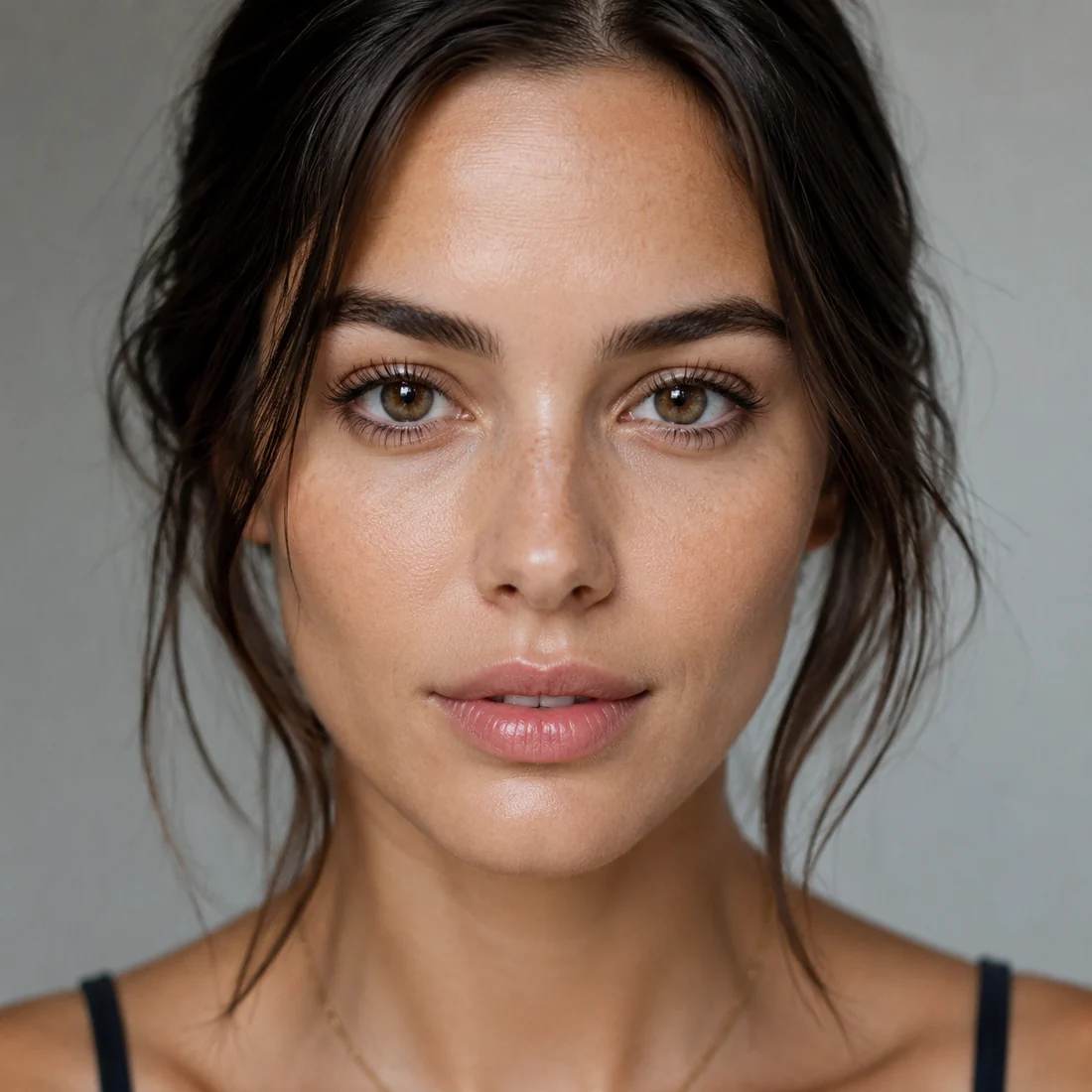
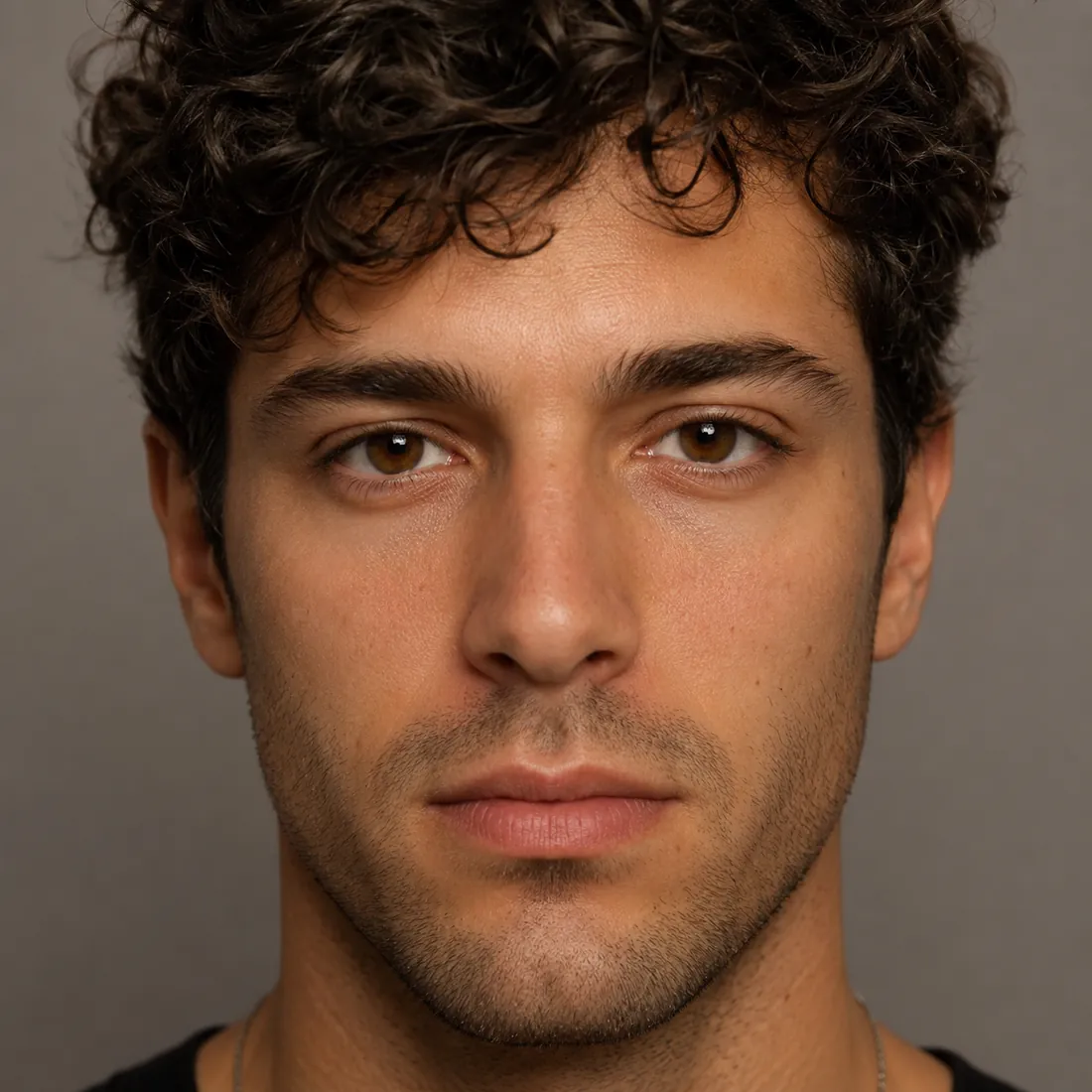
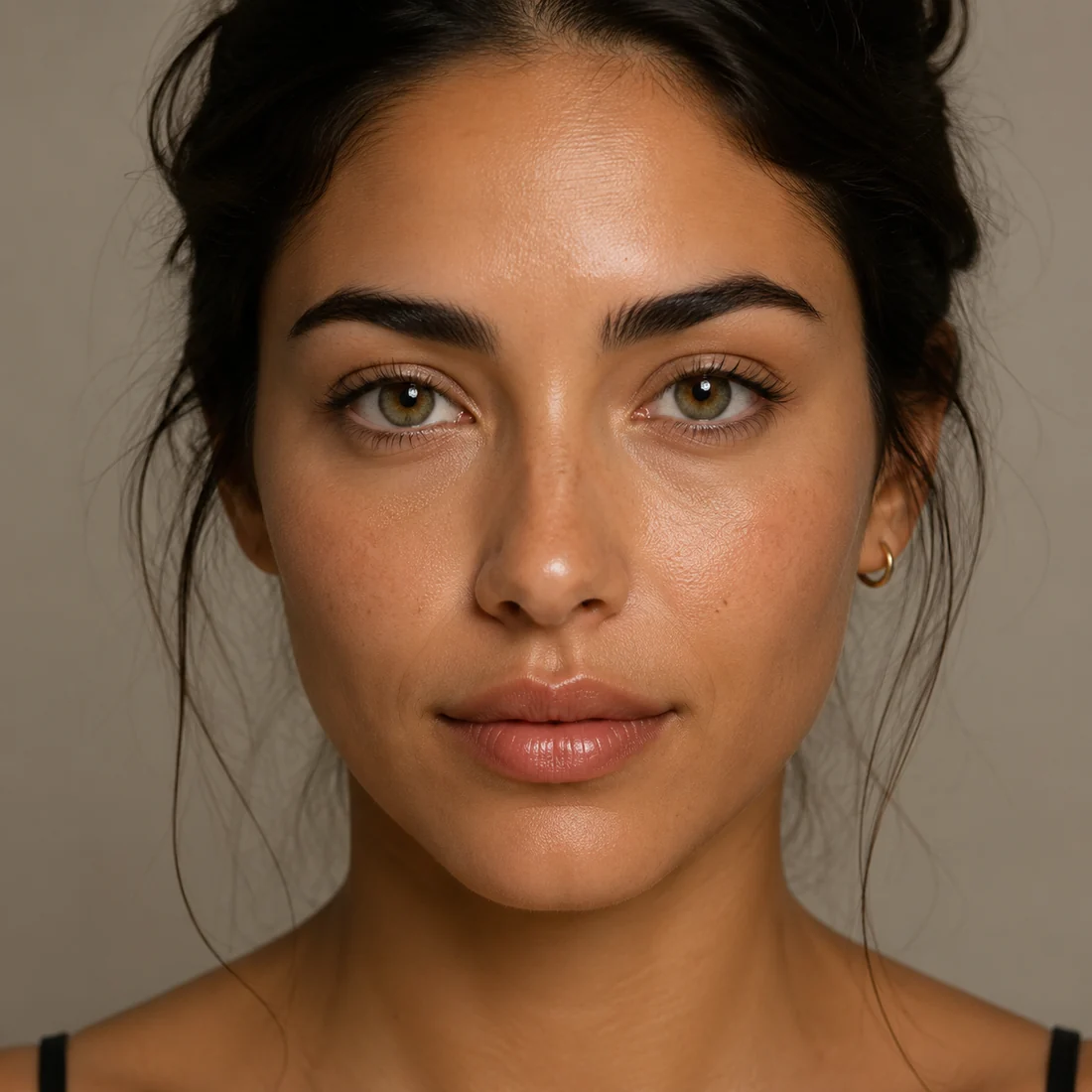
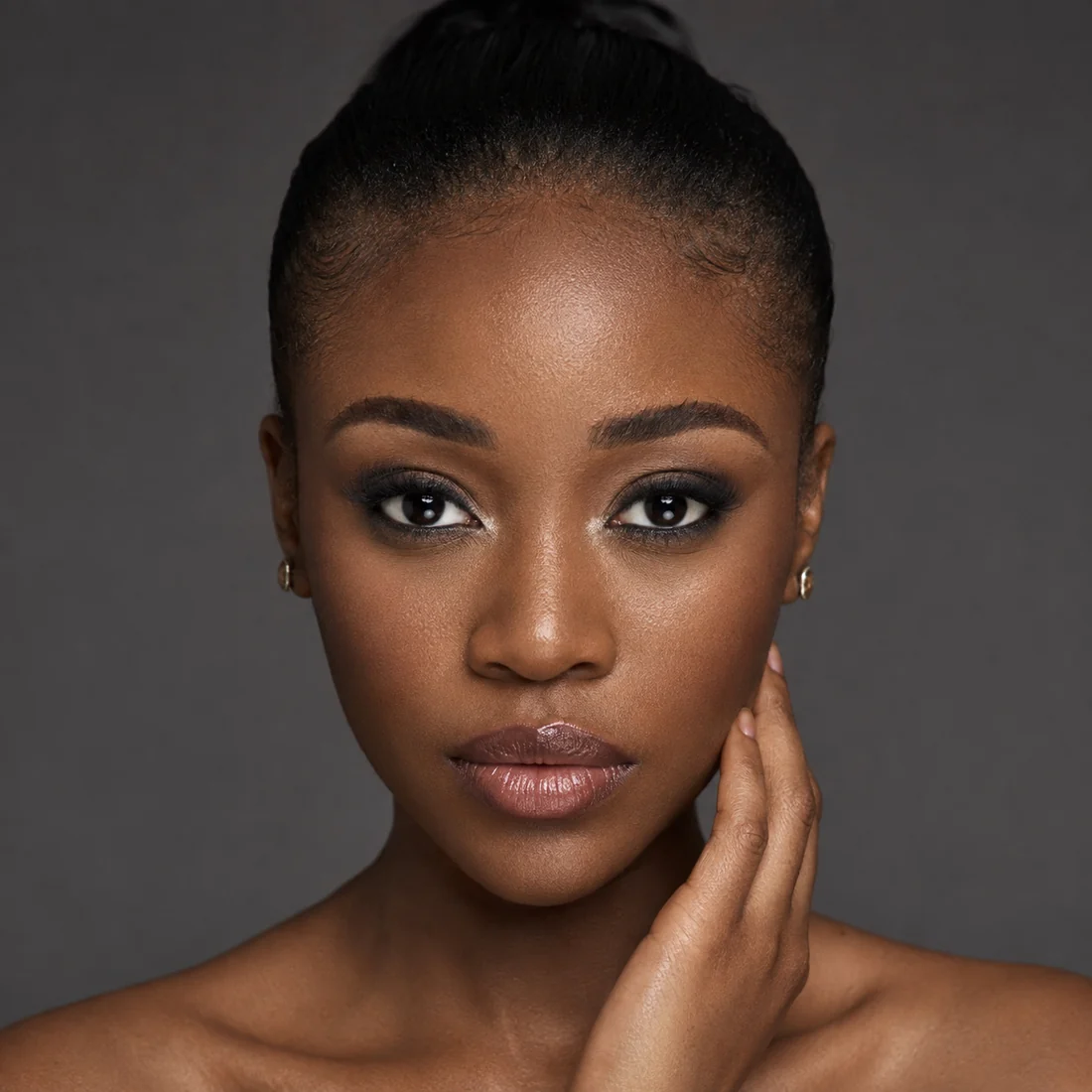
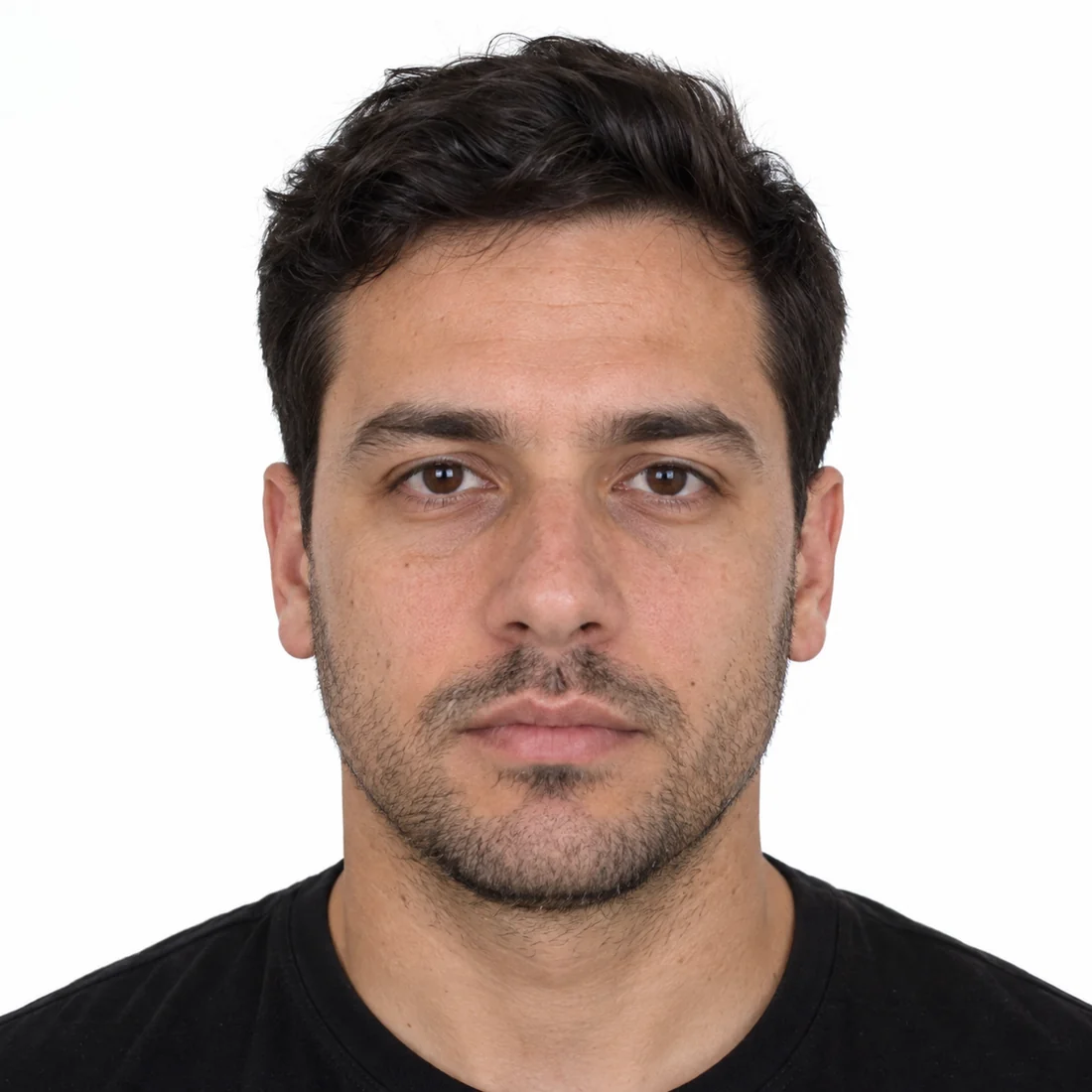
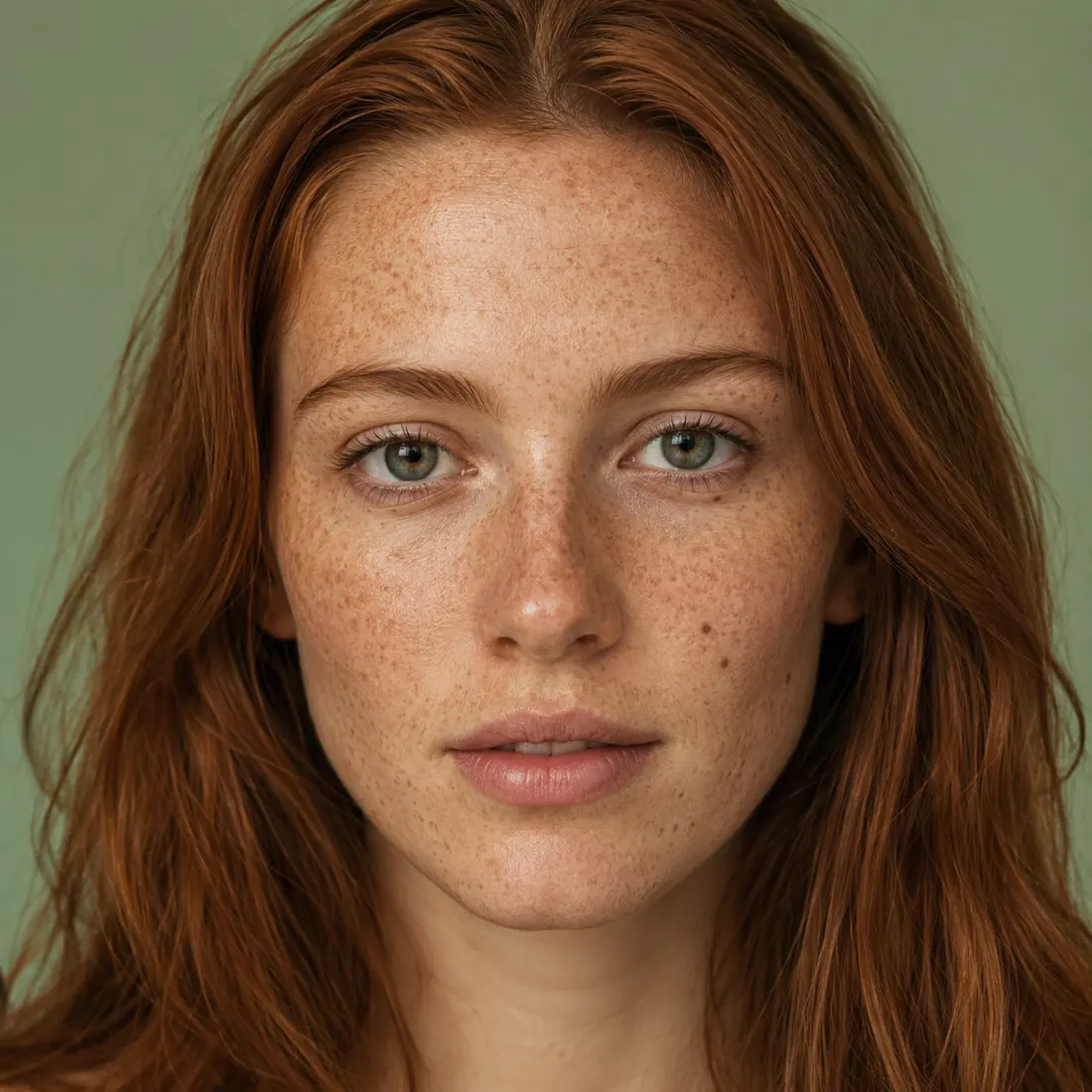
The same face at all five strengths — moles and freckles survive every one of them.
What this retoucher gets right
Retouching tools usually fail by turning you into someone else. This one is written to refuse that.
Skin changes, bone structure doesn’t
Face shape, jawline, nose, eyes, lips and the proportions between them are preserved pixel for pixel. No slimming, no enlarged eyes, no sculpted jaw — the person in the result is unmistakably you.
Pores stay, plastic skin doesn’t
The work happens on blemishes, shine and uneven tone, never on the texture underneath. Real pores and skin grain survive, so the result still reads as a photograph rather than an airbrush.
Four levels, plus a lane built for IDs
Even tone only, Light clean-up, Standard and Studio-grade form one ladder, each doing a little more than the last. ID-photo safe sits outside it: shine and temporary blemishes still go, but smoothing, lightening, under-eye work and contouring are all forbidden, so the photo still matches you at an identity check.
Three steps to a clean portrait
No layers, no masks, no plugins.
Upload a portrait
Click or drag a clear portrait photo. JPG, PNG and WebP all work.
Pick a strength
Four levels run from light to heavy: if you are unsure, start at Even tone only and work up. For an ID or passport photo, pick ID-photo safe instead.
Generate and download
Results arrive in under a minute. Too light or too heavy? Change the level and run it again.
Where portrait retouch helps
Anywhere the skin needs to look cleaner and the person still needs to look like themselves.
Client selects and proofs
Run a whole set at one strength so the proofs look consistent, and let the client choose their frames from images that still look like them.
Corporate headshots
Team pages, badges and LinkedIn profiles: shine and temporary blemishes gone, everything else left alone.
Selfies and group photos
Clear up a late-night complexion and the spot that turned up this morning — without redrawing anyone’s face.
Beauty content and listing previews
Makeup detail and skin texture stay intact; only on-set shine and specular hotspots are cleaned up. At around 1024px it suits social content and pre-listing previews rather than the final hero image.
Versus retouching by hand
The same job — one needs Photoshop skills, the other needs one click.
Start free, upgrade anytime
Sign up for free credits — every image tool is powered by GPT Image 2. Upgrade for higher limits, faster generation, no watermark and commercial use.
FAQ
About AI portrait retouching
More AI image tools
View all tools
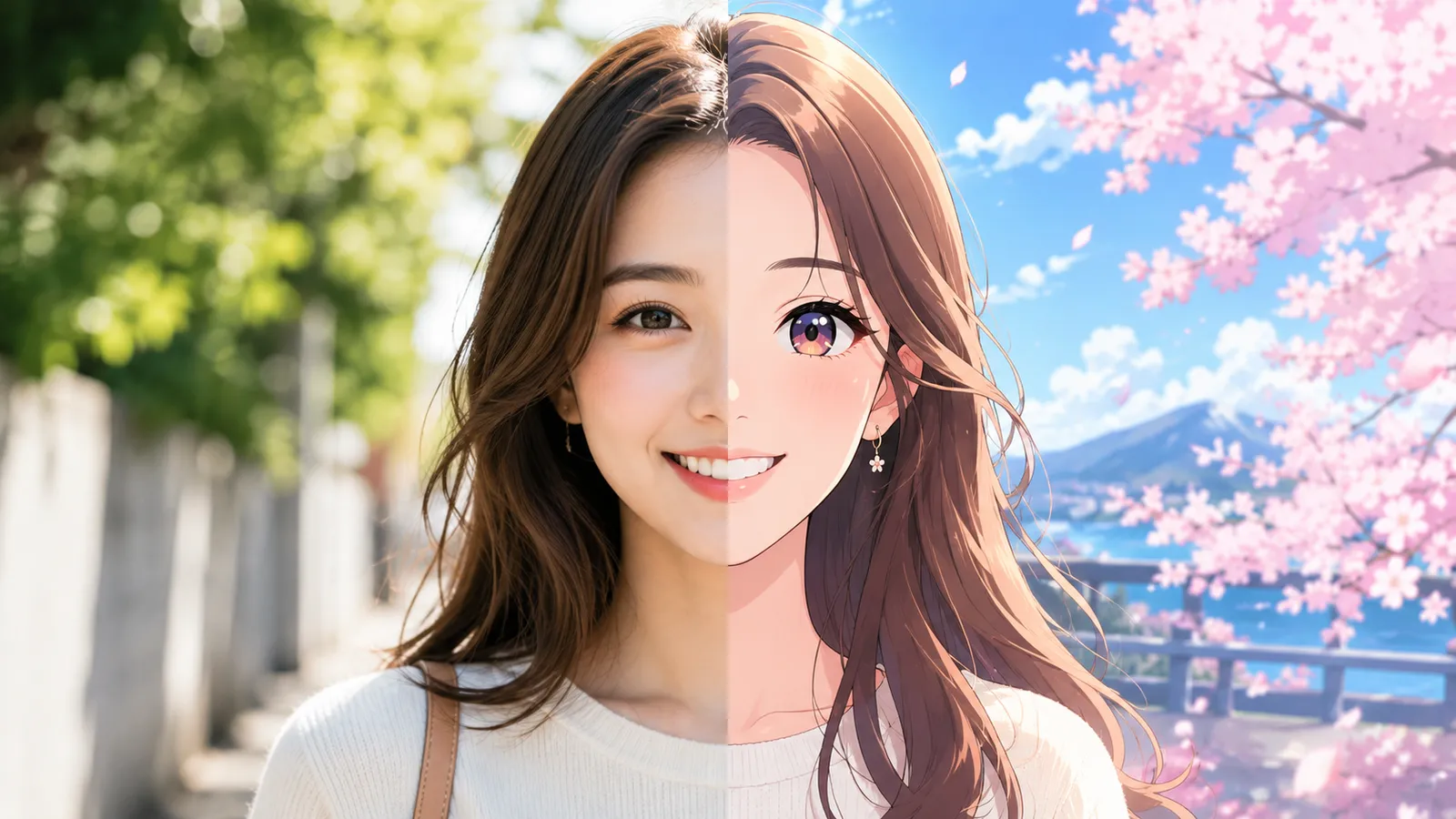
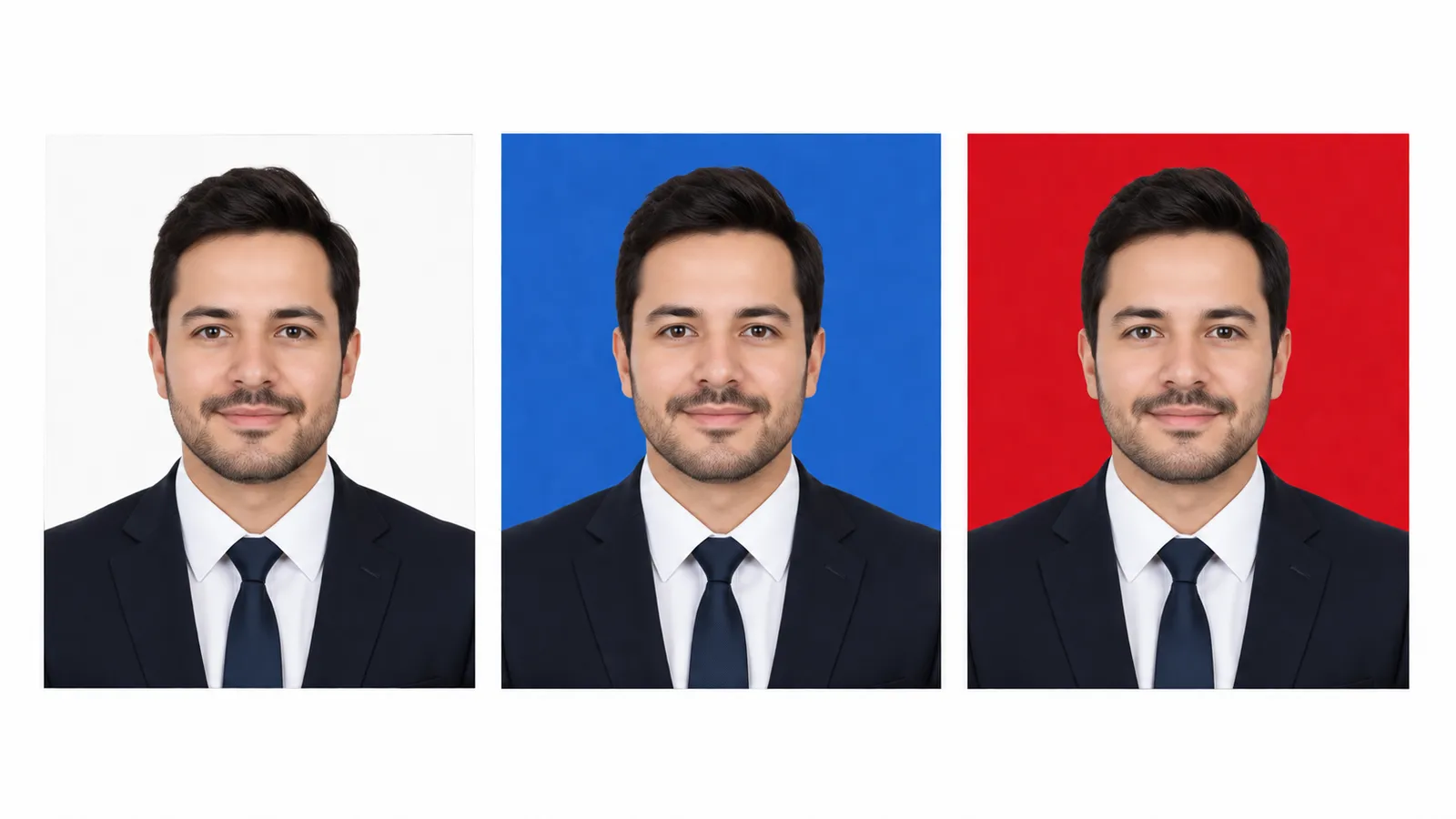
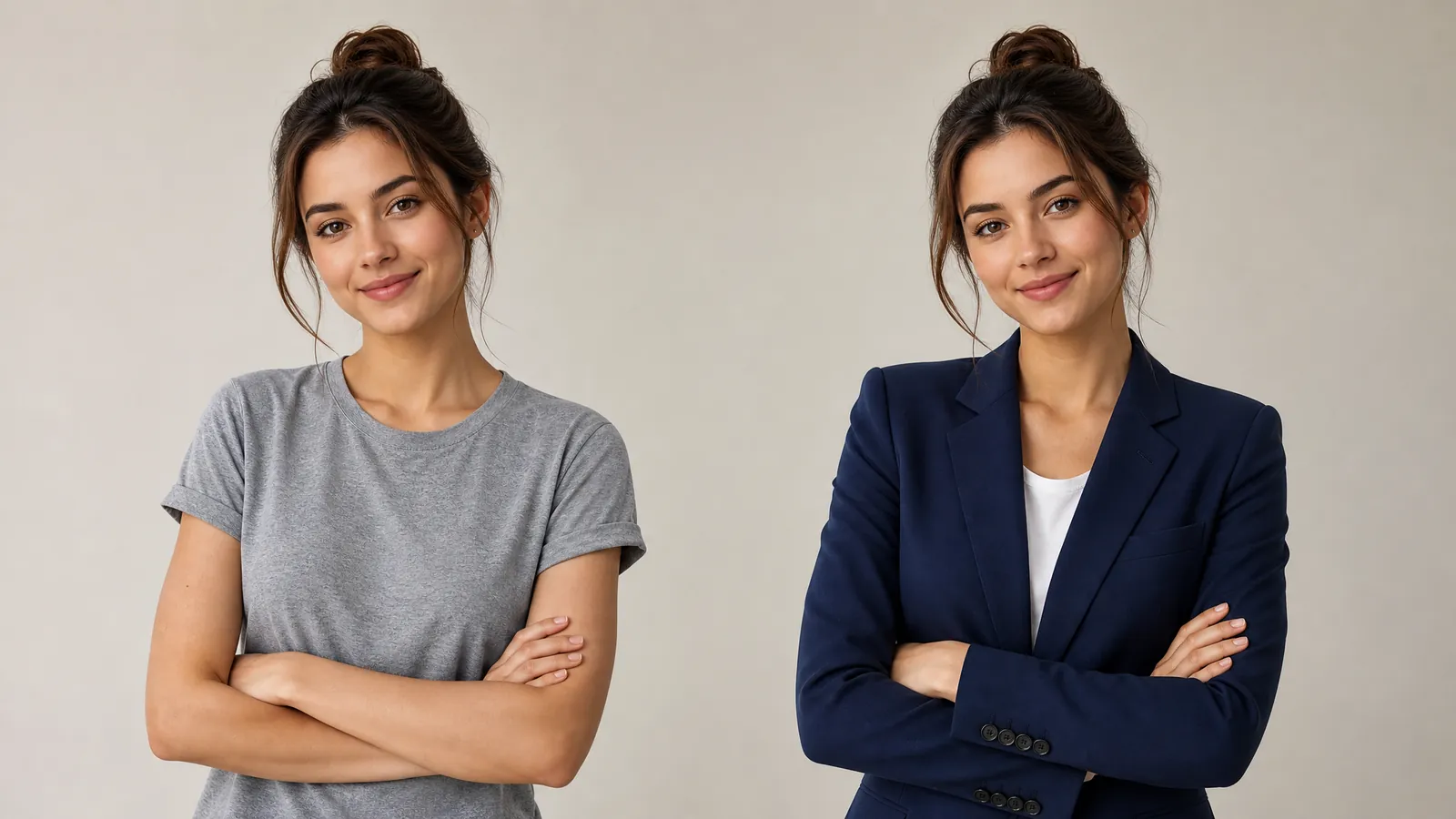
Clean skin, still unmistakably you
Upload a portrait, pick a strength, and see the result in under a minute.