
AI Photo Restoration
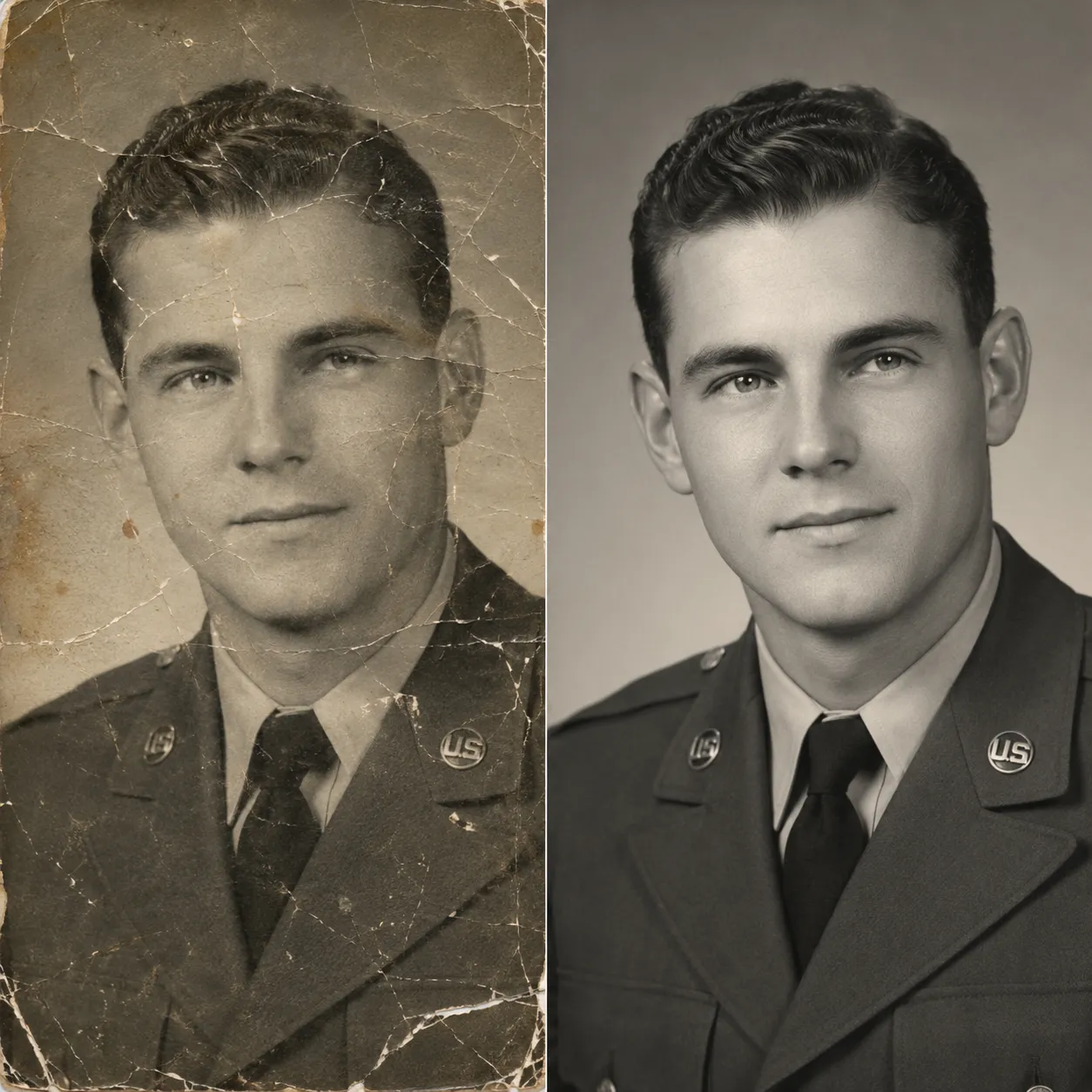
Upload a damaged old photo and a dedicated restoration model automatically repairs scratches, tears, and mold spots, removes stains and fading, and sharpens blurry details — bringing precious memories back into focus. Afterwards, use the Photo Colorizer to bring back color.
Ready to restore
Upload a damaged old photo and AI repairs the damage and sharpens the details
Restoration Results
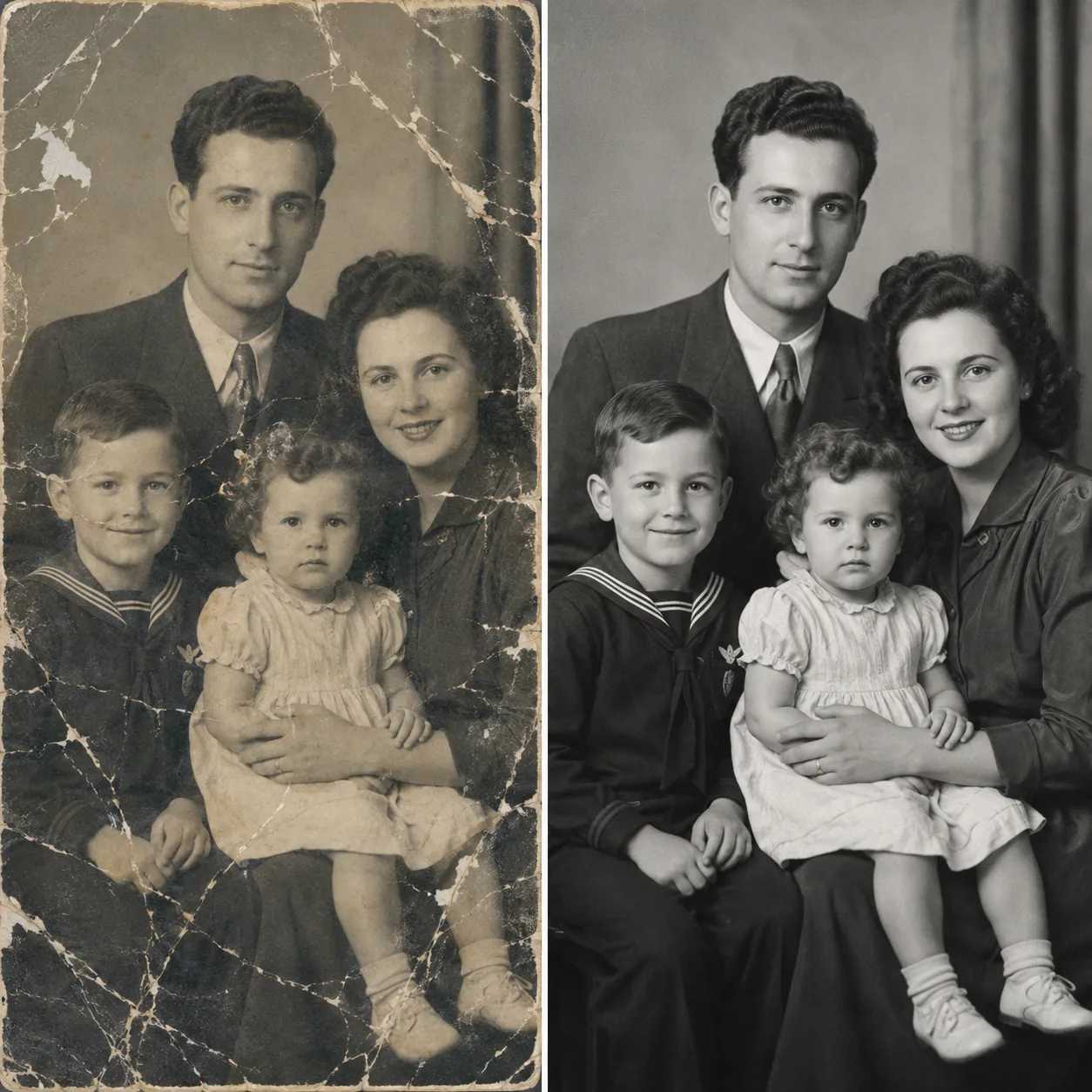
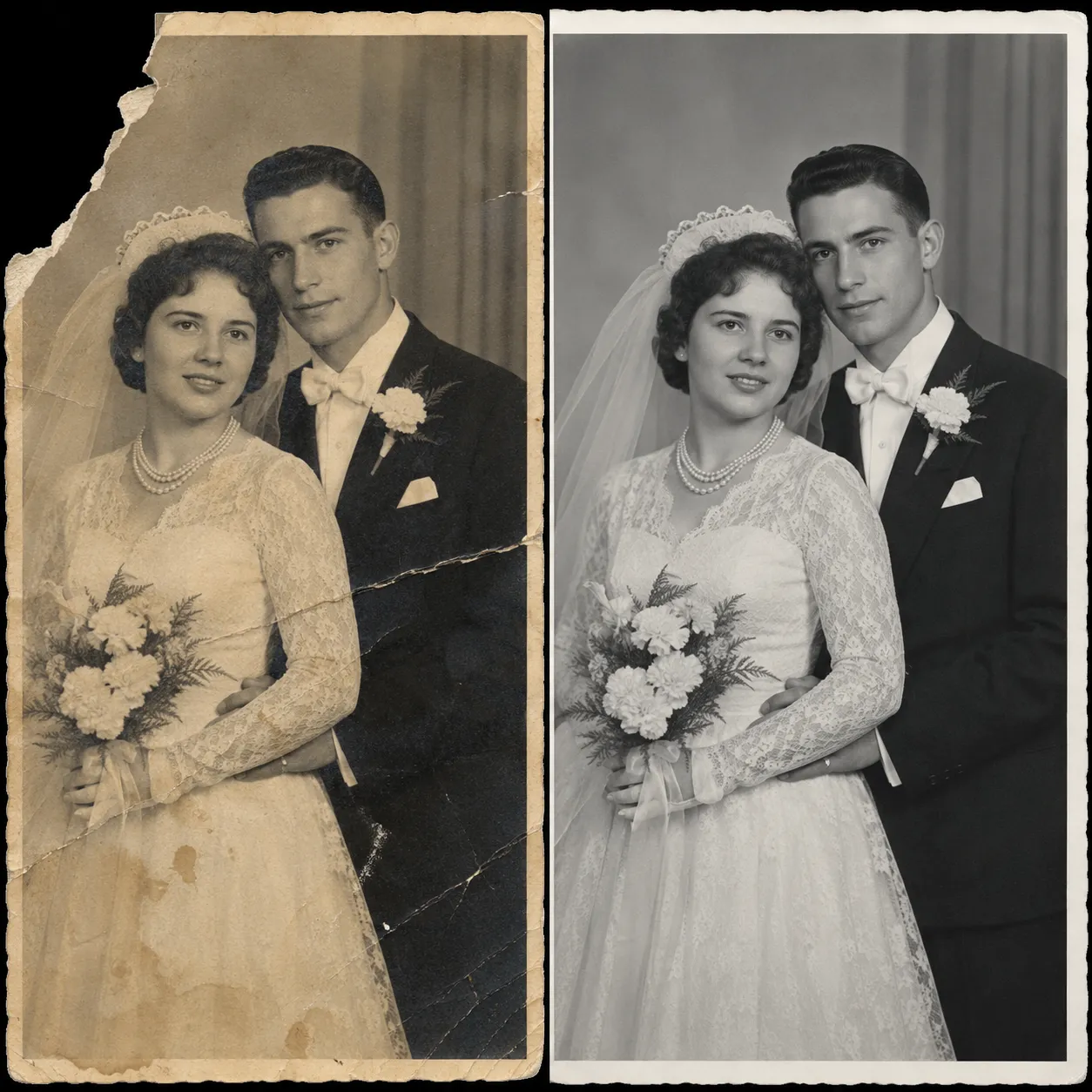
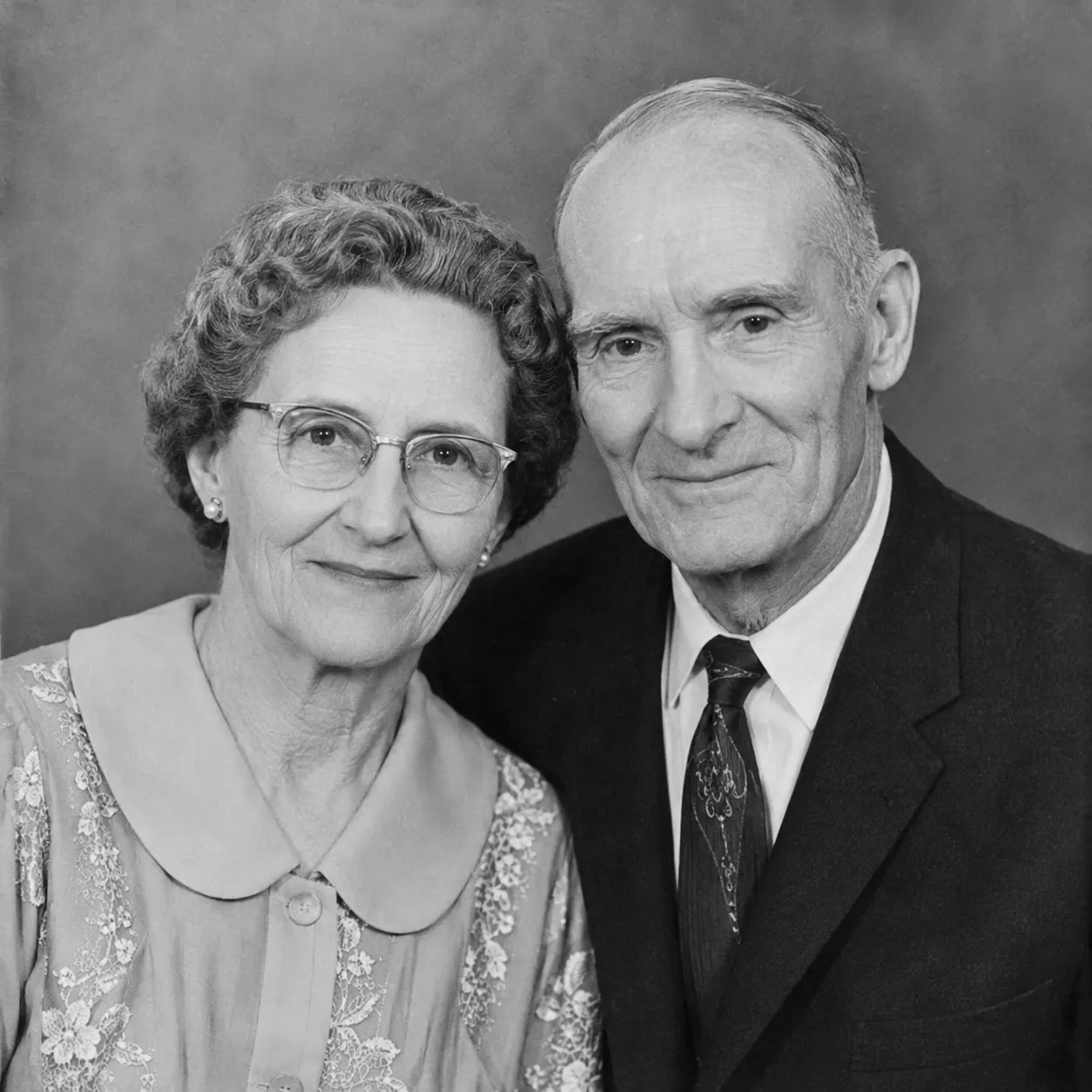
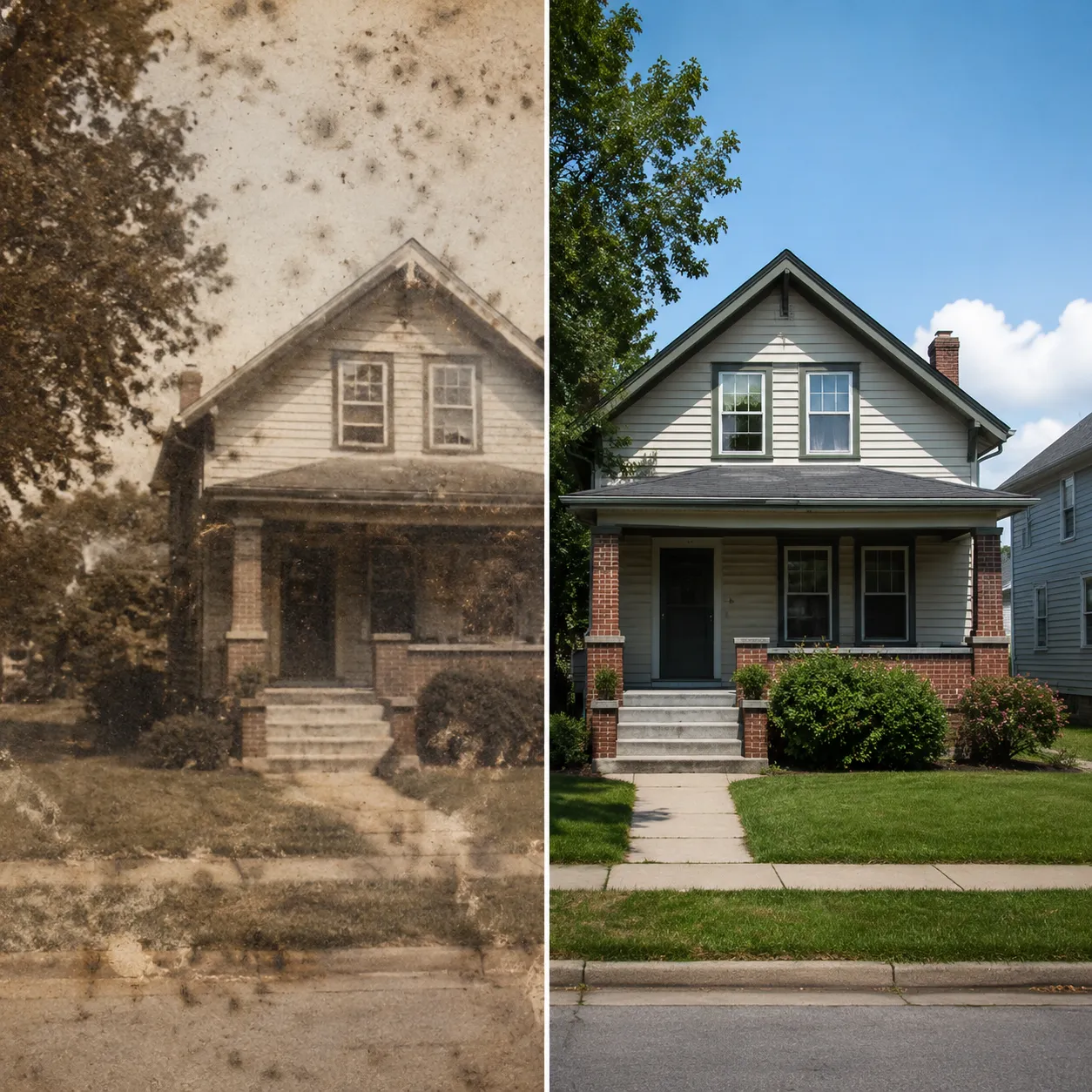
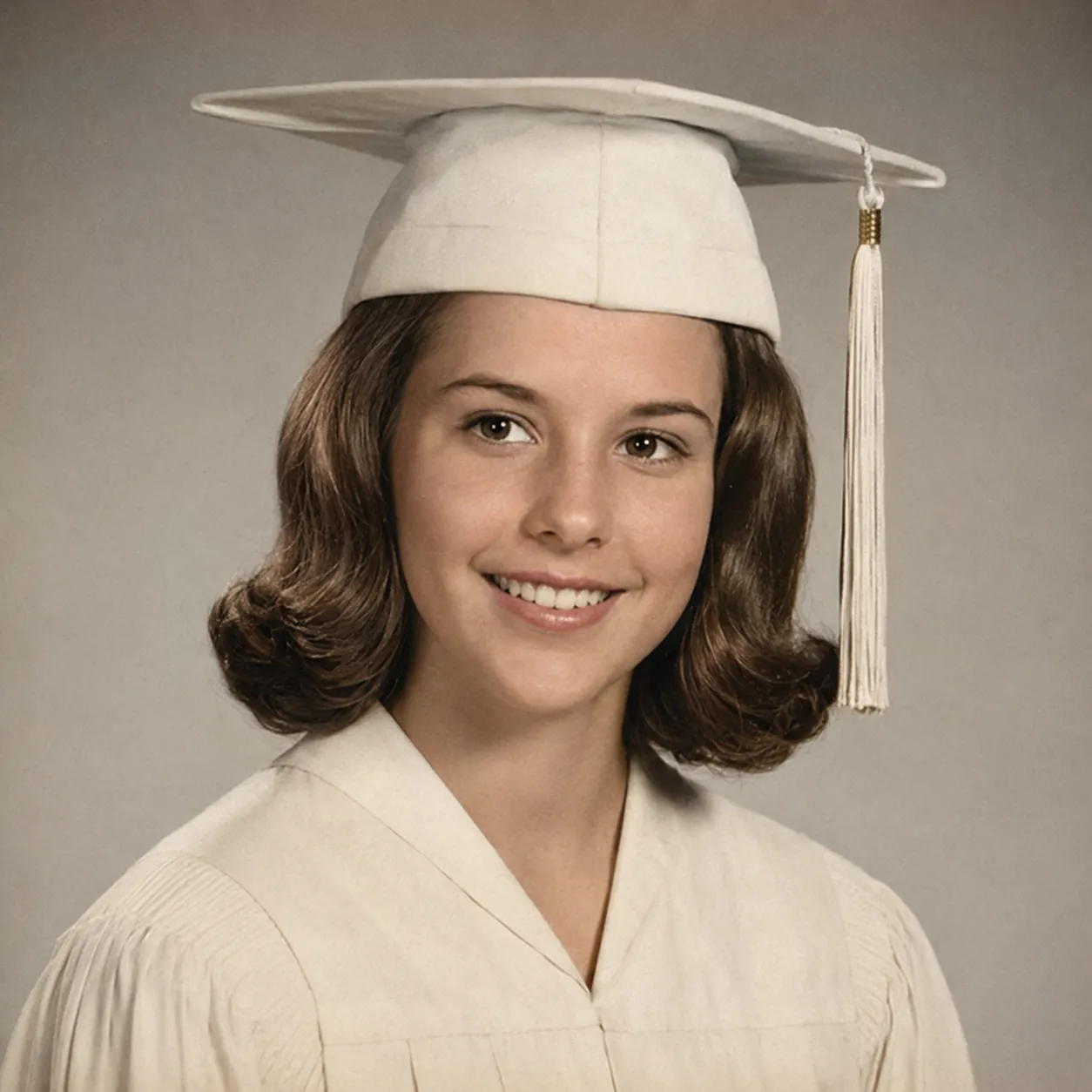
The images below are illustrative previews of restoration results. Scratches, tears, mold, and fading — the AI repairs them all and sharpens the details.
Why This Photo Restorer Stands Out
A dedicated photo-restoration model hosted on fal.ai, purpose-trained on the kinds of damage old photos actually suffer — far beyond what a simple filter can do.
Every damage type in one pass
Scratches, tears, creases, mold spots, water stains, and fading — all common types of photo damage are detected and repaired automatically in a single run, no step-by-step editing.
Sharpens details without distortion
While repairing damage, the model also sharpens faces, clothing, and background details, turning blurry, washed-out prints crisp again while keeping the photo's authentic character.
Pairs perfectly with the colorizer
Once restored, hand the result straight to the Photo Colorizer to bring back color — one simple flow takes an old photo from damaged to complete and vivid.
Restore an Old Photo in 3 Steps
Scan or snap a picture of the print, upload it, and let the AI do the rest.
Upload the old photo
Click or drag to upload a scan or a photo of the print. JPG, PNG, and WebP are supported.
Let AI restore it
Click "Restore Photo" and the dedicated model repairs scratches and tears, cleans mold and stains, and sharpens the details.
Download the result
Your restored photo is ready in under a minute. Want it in color? Run it through the Photo Colorizer next.
Where Photo Restoration Helps
Bring family albums, portraits, and keepsake photos back to life.
Family albums
Restore your grandparents' portraits and family group shots, preserving yellowed, damaged memories intact for the next generation.
Service & memorial portraits
Restore a loved one's military or work portraits — treasured keepsakes that make meaningful anniversary and holiday gifts.
Graduation & school memories
Restore faded, blurry class photos and campus snapshots — perfect to share at reunions.
Reprinting & framing
Restored high-resolution photos are ready to enlarge, print, frame for the wall, or bind into a keepsake album.
Compared to Studio Manual Restoration
Versus a traditional photo studio's hand-restoration service, AI restoration is faster, cheaper, and endlessly retryable.
Start free, upgrade anytime
Sign up for free credits — every image tool is powered by GPT Image 2. Upgrade for higher limits, faster generation, no watermark and commercial use.
FAQ
About AI photo restoration
More AI image tools
View all tools


Restore Your Old Photos Now
Upload a damaged old photo and watch it come back to life in under a minute.