
Veo 3 AI Video Generator
HotTurn a prompt or an image into an 8-second clip with built-in sound. Veo 3 (Veo 3.1) is Google's latest video model—the rare one that generates dialogue, ambient noise, and sound effects in sync with the picture, no separate audio pass needed.
Ready to create
Enter a prompt and start generating
💡Describe the scene, motion, style and mood in detail
🎬Supports high-quality video up to 15 seconds
🔊Some models can generate audio at the same time
What Veo 3 Can Film
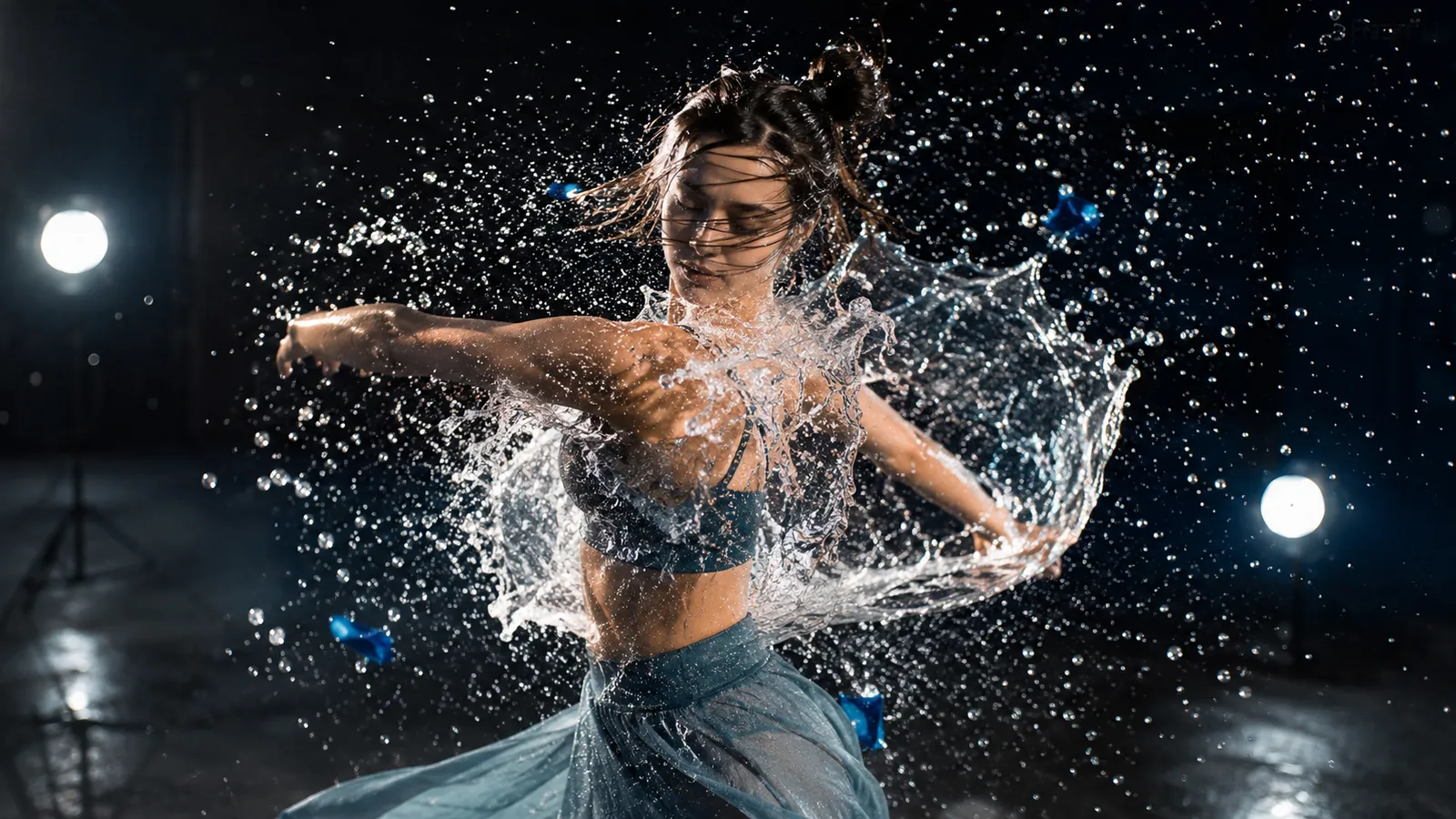
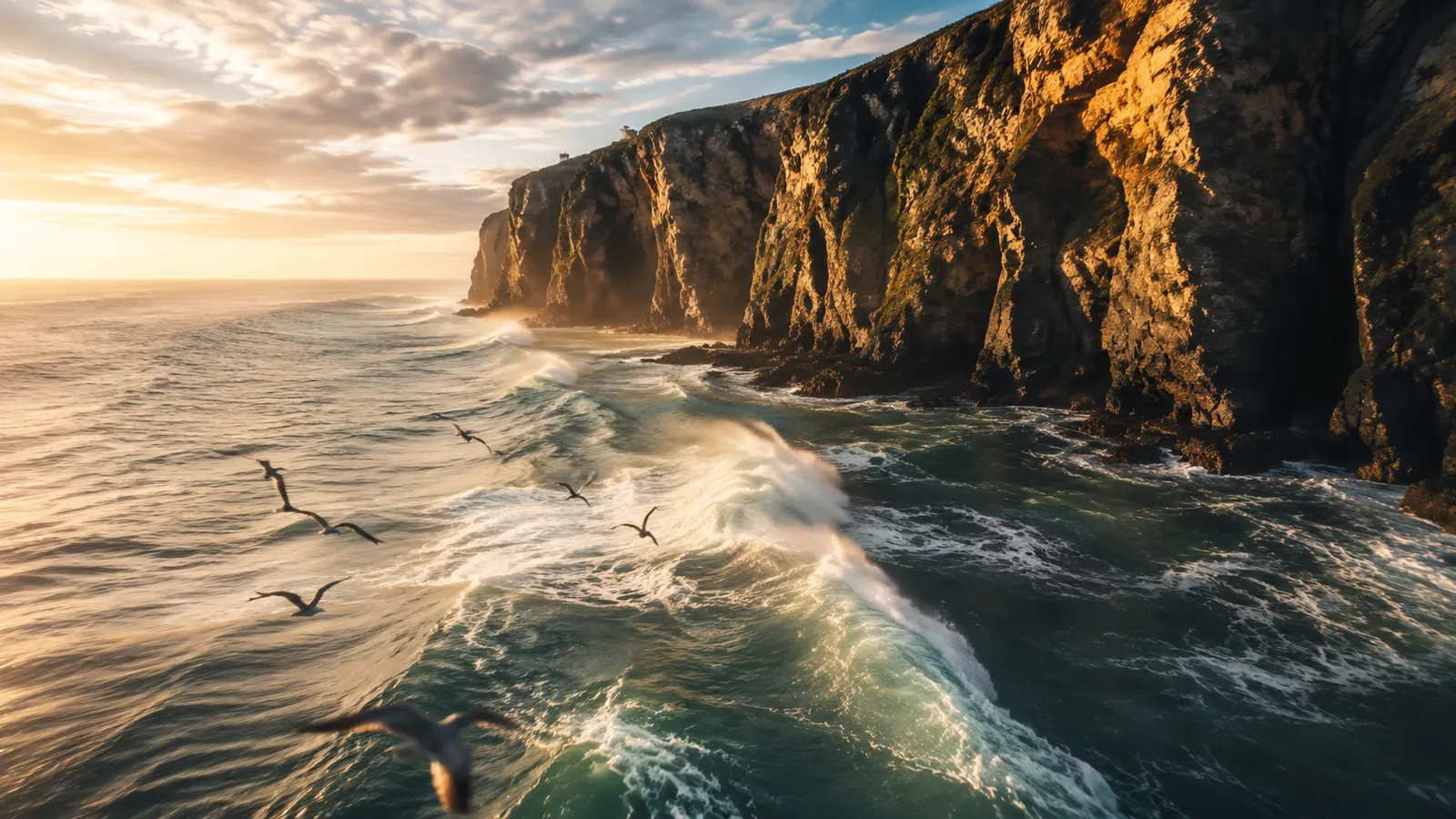
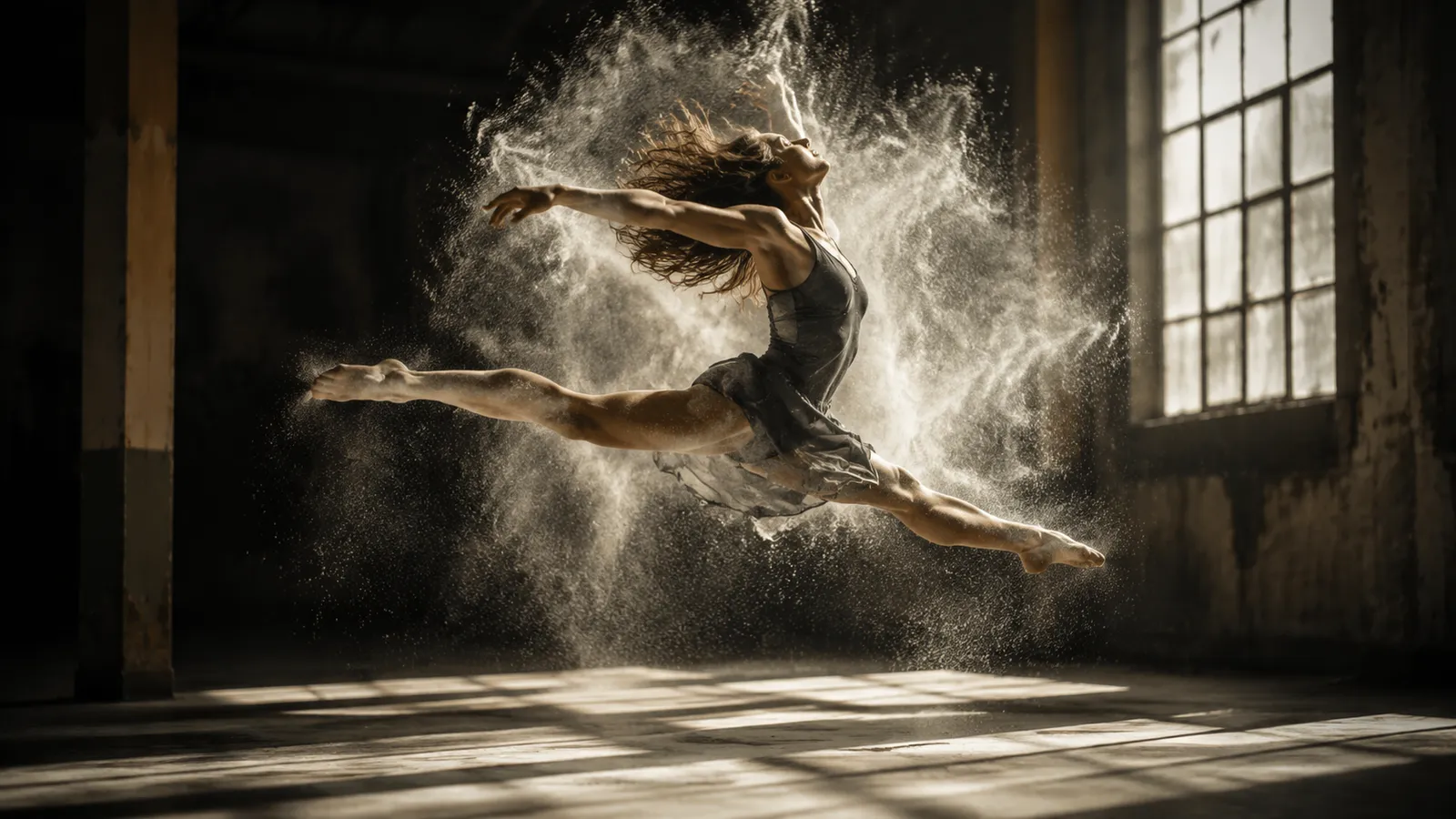
Representative frame previews of the styles and scenes Veo 3 excels at — these stills illustrate the look, not actual video output from the model.



What Makes Veo 3 Stand Out
Three capabilities that set Veo 3 apart from other video models.
Physically accurate, true-to-life motion
From a frozen splash to a full sprint, Veo 3 renders forces and dynamics that hold up frame by frame.
Native audio generated with the picture
Dialogue, ambience, and sound effects are created in the same pass as the visuals, locked to the on-screen action with no separate audio step.
Strong adherence to your prompt
Veo 3 follows your scene, camera, and pacing directions closely, so what you write is what you get — with fewer retries.
What is Veo 3?
Veo 3 is Google's flagship AI video model, available here in its latest Veo 3.1 release. What sets it apart from almost every other generator is native audio: instead of producing a silent clip you have to score later, Veo 3 generates the visuals and the soundtrack together—spoken dialogue, footsteps, ambient room tone, and sound effects all locked to the action on screen.
Each generation produces an 8-second clip in either 16:9 landscape or 9:16 vertical, so you can target YouTube and TikTok from the same model. You can start from a text prompt (text-to-video) or feed it images (image-to-video), and its image-to-video mode supports first-and-last-frame transitions—give it a start frame and an end frame and Veo 3 morphs smoothly between the two.
Veo 3 comes in two variants so you can trade speed for polish. Veo 3 Fast prioritizes turnaround for rapid iteration and drafts, while Veo 3 delivers the higher-quality render for your final cut. Both cost 30 credits per generation, so you can prototype on Fast and finish on the full model without rethinking your budget.
Veo 3 Specifications
Why Choose Veo 3
A video model that actually ships with sound—plus the speed and control to use it daily.
Native audio, in sync
Veo 3 generates dialogue, ambient noise, and sound effects together with the picture. No silent clips, no separate scoring step—the audio is locked to the action right out of the box.
Fast and quality variants
Switch between Veo 3 Fast for rapid drafts and iteration and full Veo 3 for the polished final render. Prototype quickly, then finish at higher quality—both at 30 credits.
Landscape or vertical
Generate in 16:9 for YouTube and the web, or 9:16 for TikTok, Reels, and Shorts. One model covers both the horizontal and vertical formats your channels need.
First-and-last-frame control
In image-to-video mode, give Veo 3 a start frame and an end frame and it morphs smoothly between them—precise keyframe control for reveals, transitions, and morphs.
Google's latest model
Built on Veo 3.1, Google's newest generation, the model brings strong prompt adherence, realistic motion, and coherent physics to every 8-second clip you create.
Two ways to start
Begin from a pure text prompt for total creative freedom, or from images for tighter control over composition and characters. Text-to-video and image-to-video, one workflow.
How Veo 3 Compares
An honest look at where Veo 3 stands among today's leading video models. Its standout is native audio at a low credit cost.
| Model | Aspect ratios | Clip length | Credits |
|---|---|---|---|
🌟Veo 3 (Veo 3.1) | 16:9 / 9:16 | 8 seconds | 30 |
⚡Veo 3 Fast | 16:9 / 9:16 | 8 seconds | 30 |
✨Sora 2 | 16:9 / 9:16 | 5–20 seconds | 50–100 |
🎬Seedance 1.0 | 16:9 / 9:16 | 5–10 seconds | 30 |
🎥Kling 2.0 | 16:9 / 9:16 | 5–10 seconds | 40 |
How to Generate a Video with Veo 3
From idea to a clip with sound in three steps.
Pick your variant and input
Choose Veo 3 Fast for a quick draft or full Veo 3 for the highest quality. Decide whether to start from text or from images, and set your aspect ratio to 16:9 or 9:16.
Write your prompt or add frames
Describe the scene, action, dialogue, and mood you want—Veo 3 will generate matching audio. For image-to-video, upload your image, or add both a first and last frame for a smooth transition.
Generate and download
Click generate and Veo 3 produces an 8-second clip with native audio for 30 credits. Preview it, then download your finished video to use anywhere.
What You Can Create with Veo 3
Native audio makes Veo 3 ideal for anything that needs to sound as good as it looks.
Social Media Clips
Generate 9:16 vertical videos with built-in sound for TikTok, Reels, and Shorts—dialogue and effects included, no editing pass to add audio.
Product Ads
Create short 16:9 or 9:16 promo spots where the voiceover, music cues, and on-screen action are generated together for a finished, ready-to-post feel.
Cinematic Scenes
Produce 8-second story beats with realistic motion and synced ambient sound—great for trailers, mood pieces, and proof-of-concept shots.
Talking Characters
Lean on native audio to generate characters that actually speak, with lip-relevant dialogue and matching tone for skits, explainers, and dialogue scenes.
Keyframe Transitions
Use first-and-last-frame image-to-video to morph between two shots—perfect for reveals, before-and-afters, and seamless scene changes.
Explainers & Demos
Turn a prompt into a narrated demo or tutorial clip where the spoken explanation and the visuals are generated in a single pass.
Veo 3 FAQ
Answers to the most common questions about the Veo 3 generator.
Explore other models
Switch between top models in the same generator

Create your first Veo 3 video
Generate an 8-second clip with native audio from a prompt or an image—just 30 credits. Try Google's latest video model now.