
AI Photo Colorizer
Upload a black-and-white or old photo, pick a color style, and GPT Image 2 colorizes it based on what's in the frame — natural skin tones, blue skies, realistic fabrics. Watch dusty memories come back to life.
Ready to colorize
Upload a black-and-white photo and pick a color style
Colorization Results
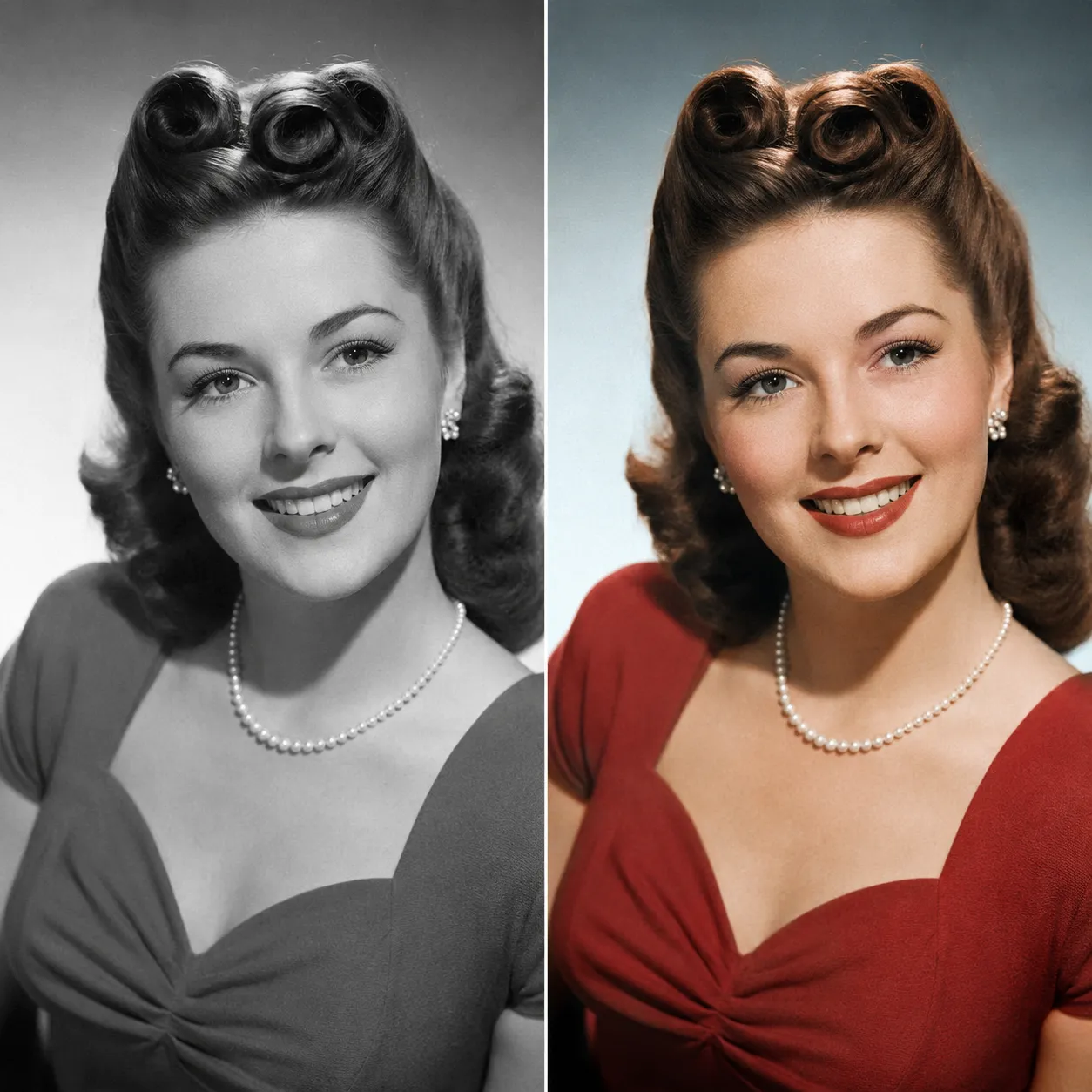
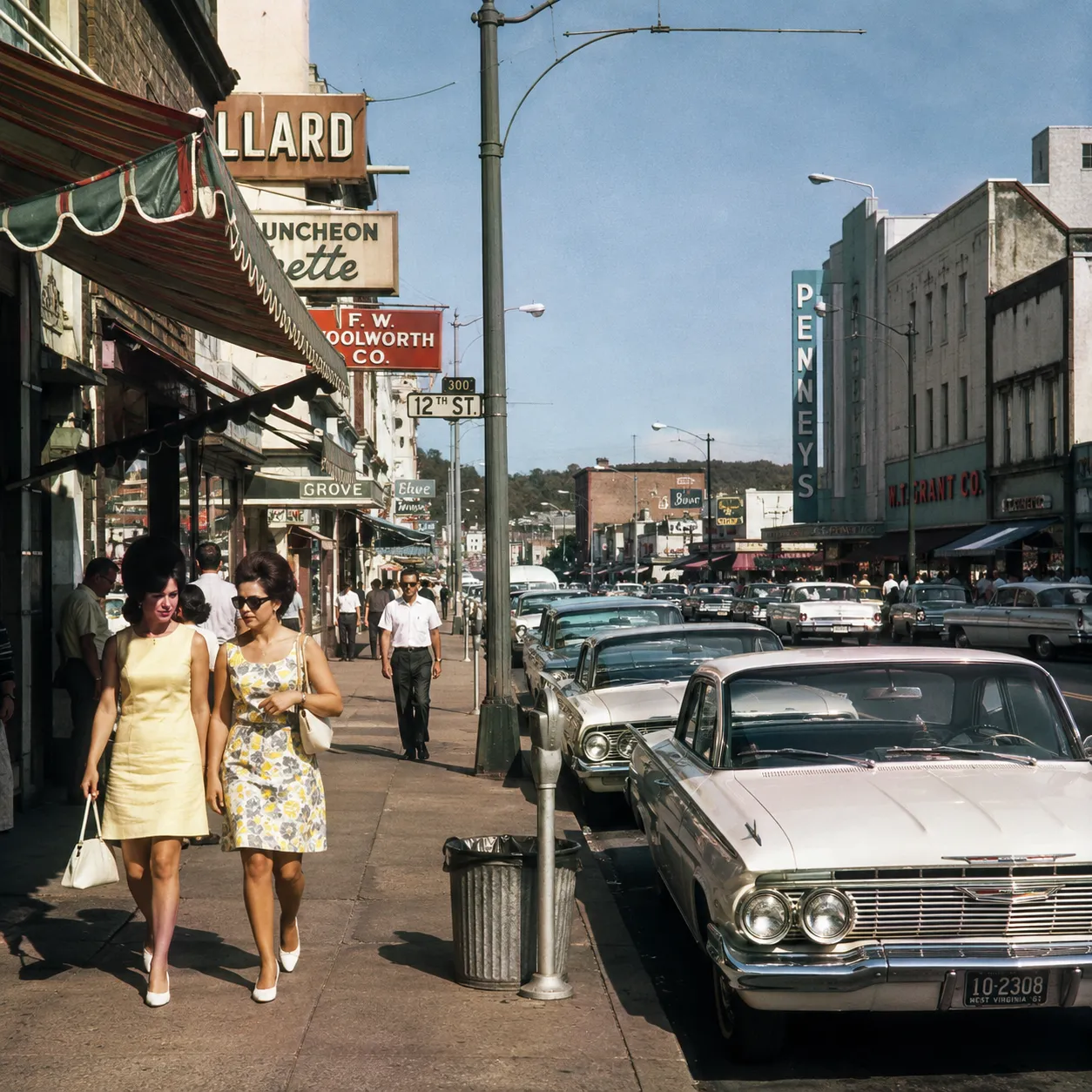
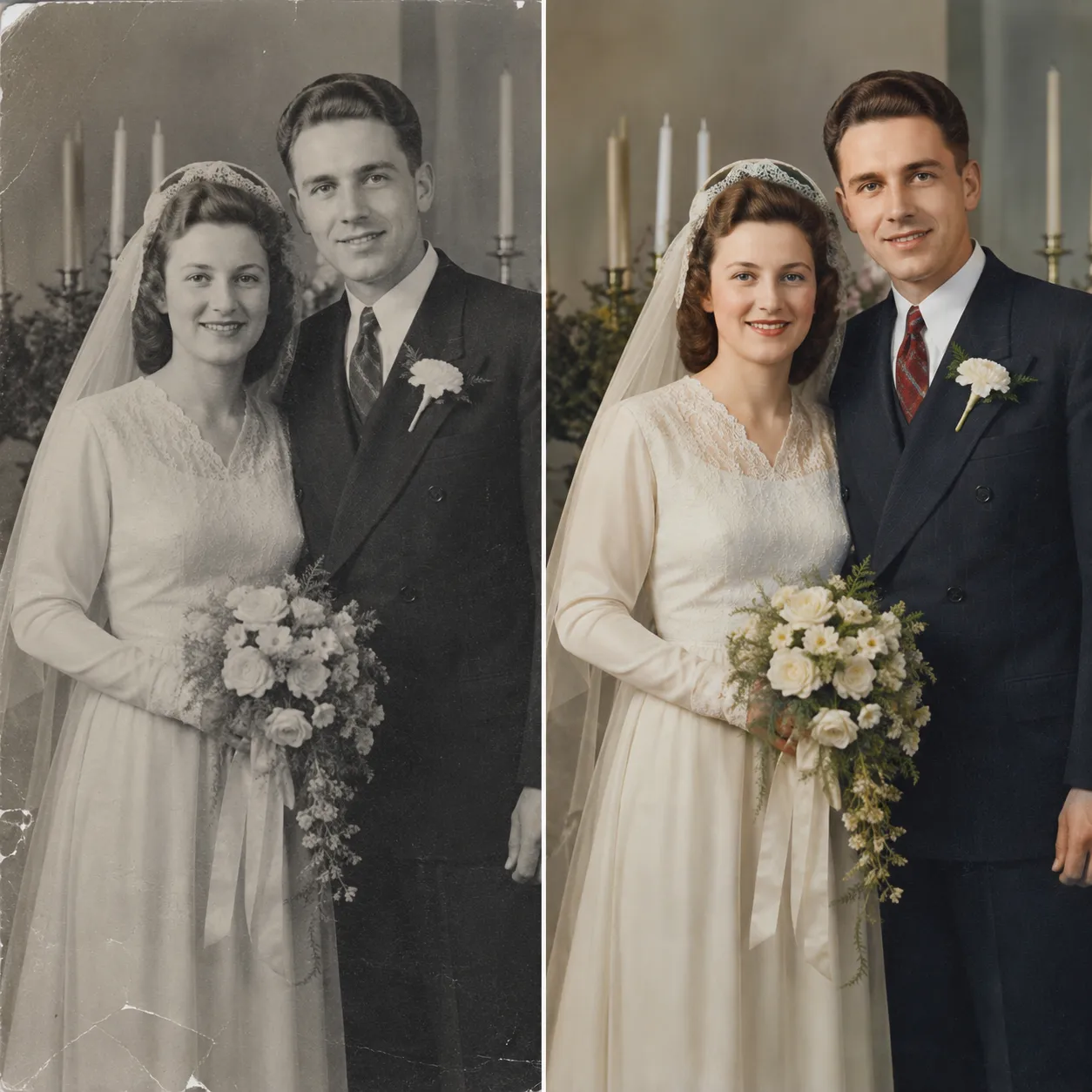
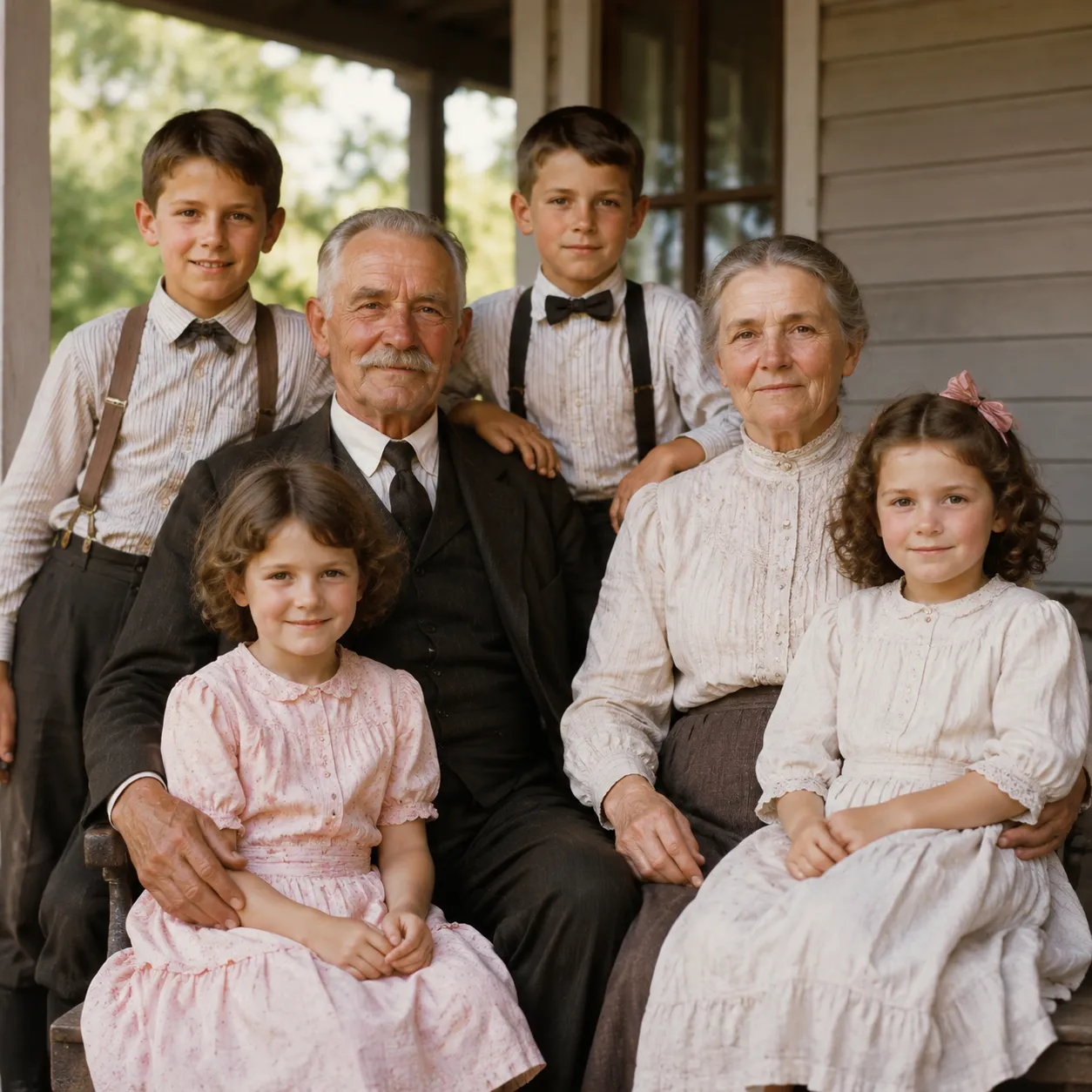
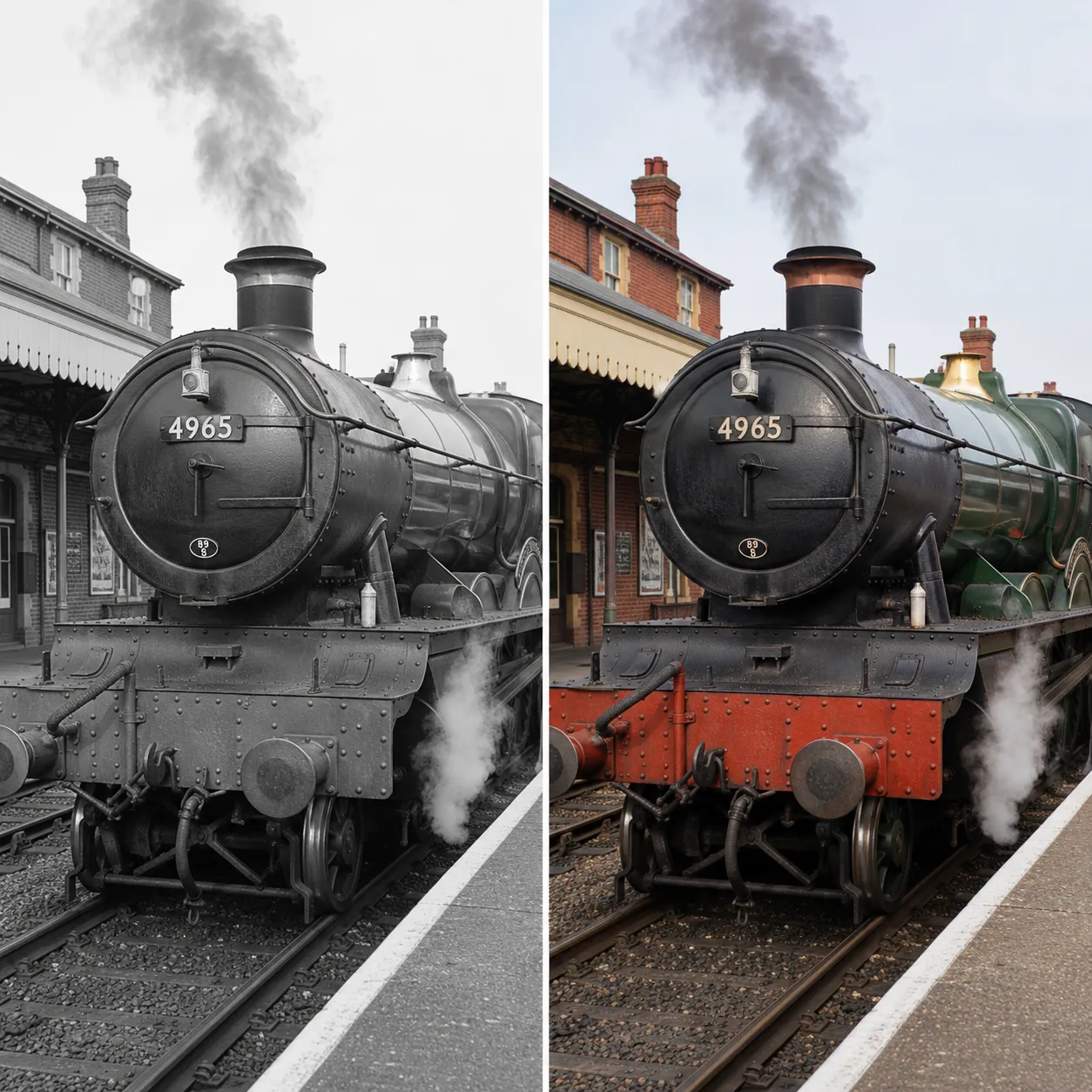
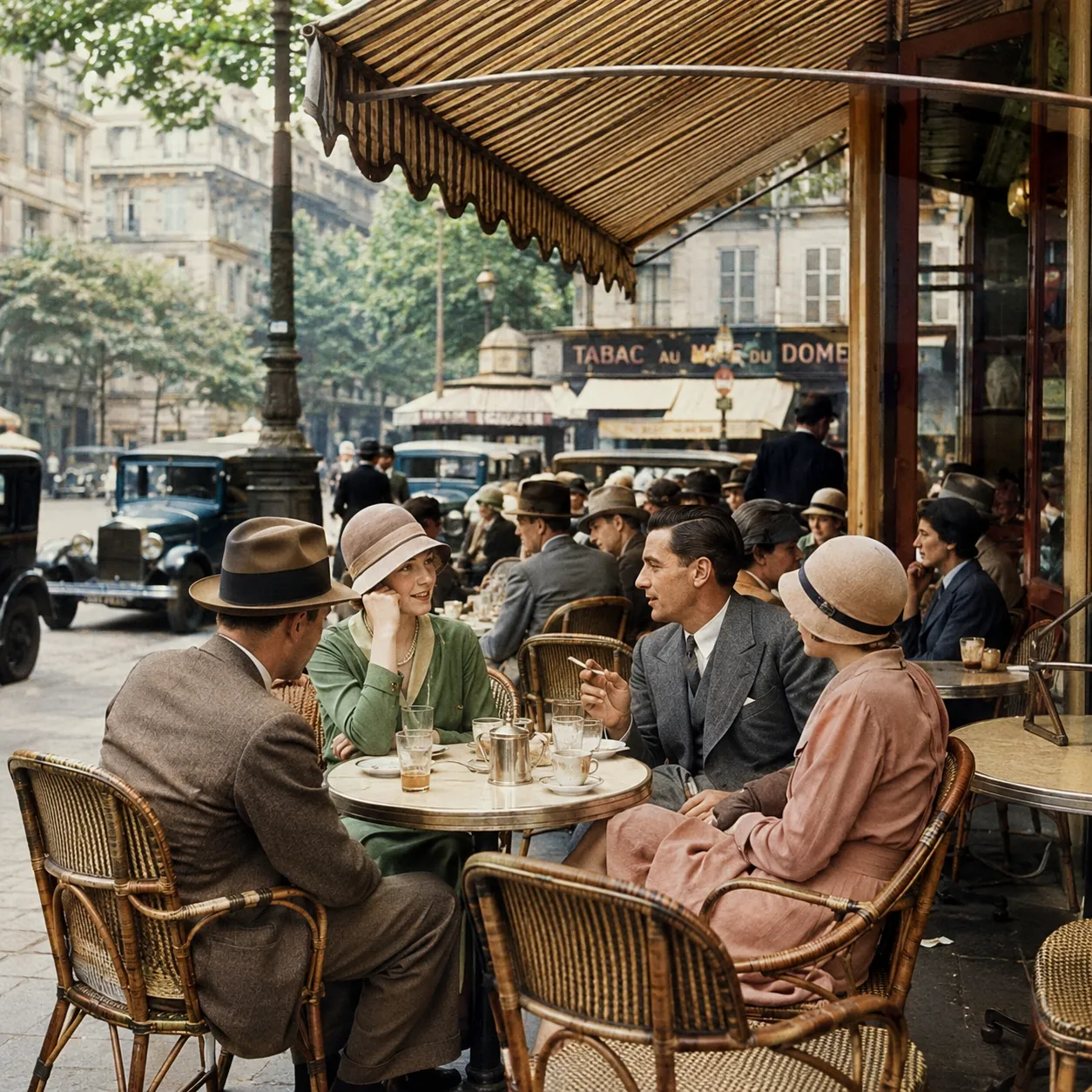
Here's what GPT Image 2 colorization looks like on black-and-white photos — natural colors and a true-to-life atmosphere.
Why This Photo Colorizer Stands Out
More than simple tinting — the AI understands what's in the photo and gives every object a plausible, natural color.
Natural skin tones for portraits
The AI restores realistic skin and lip tones without the harsh, plasticky look — colorized portraits feel like they were shot on color film back in the day.
Six color styles to choose from
Natural, vivid, warm vintage, soft pastel, cinematic, or hand-tinted — one old photo can take on a completely different mood with each style.
Tell the AI the true colors
Remember that the dress was red or the uniform was green? Add a note and the AI will colorize exactly to your memory.
Colorize an Old Photo in 3 Steps
The whole process takes under a minute.
Upload your photo
Click or drag to upload a black-and-white or faded old photo. JPG, PNG, and WebP are supported.
Pick a style
Choose one of six color styles, and optionally note any true colors you remember.
Generate and download
Click "Colorize Photo" and download a naturally colorized photo in seconds.
Where a Photo Colorizer Helps
One tool that brings all kinds of black-and-white images back to color.
Family photos
Colorize family portraits and photos of loved ones, turning faded memories into vivid color images.
Historical images
Add color to historical photos and archive material to make teaching and research more vivid.
Social media content
Before-and-after colorizations are irresistibly shareable — create viral-ready content in one click.
Keepsake albums
Colorize wedding and graduation photos for memory books — a gift with real heart.
Compared to Manual Retouching
Versus hiring a retoucher for manual colorization, AI wins clearly on speed, cost, and flexibility for revisions.
Start free, upgrade anytime
Sign up for free credits — every image tool is powered by GPT Image 2. Upgrade for higher limits, faster generation, no watermark and commercial use.
FAQ
About AI photo colorization
More AI image tools
View all tools
Bring Your Old Photos Back to Color
Upload a black-and-white photo, pick a style, and watch memories come alive in seconds.