
Wan AI AI Video Generator
Create up to 15-second videos with consistent characters, multi-shot storytelling, and synchronized audio. Powered by Alibaba's Wan 2.6 and Wan 2.5, Wan AI turns a prompt or a single reference image into a coherent 720p or 1080p scene.
Ready to create
Enter a prompt and start generating
💡Describe the scene, motion, style and mood in detail
🎬Supports high-quality video up to 15 seconds
🔊Some models can generate audio at the same time
What Wan AI Can Film
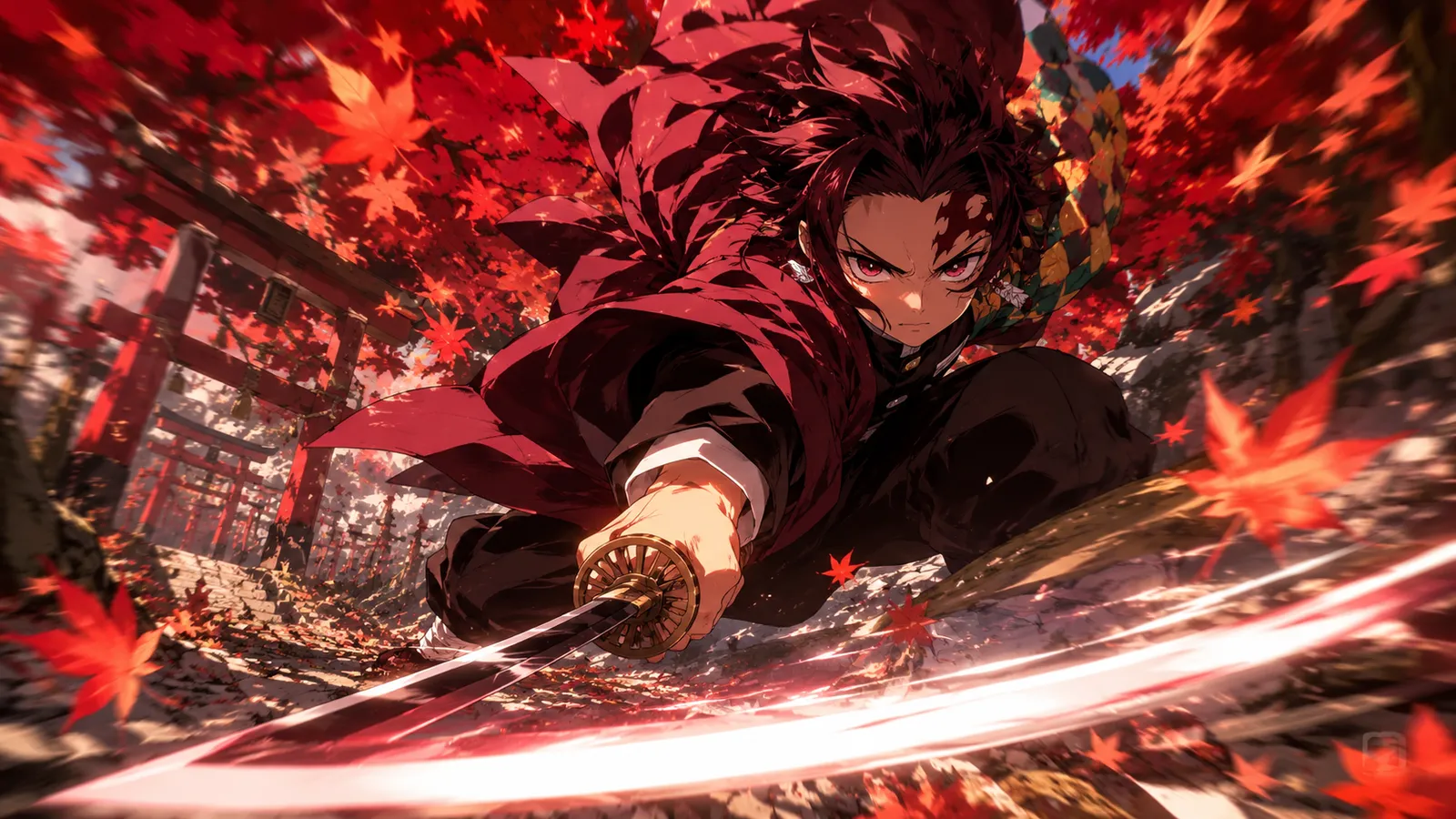
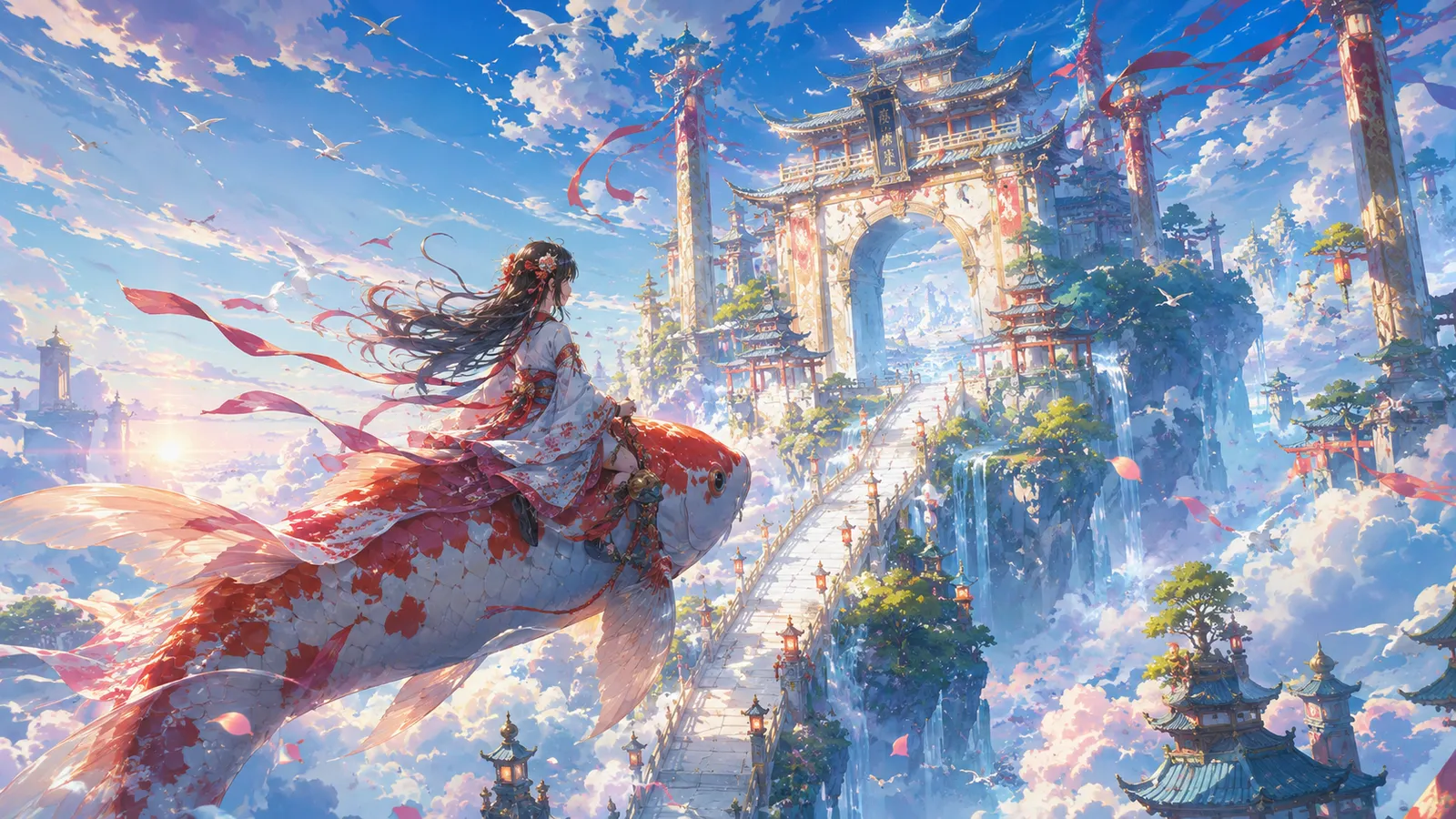
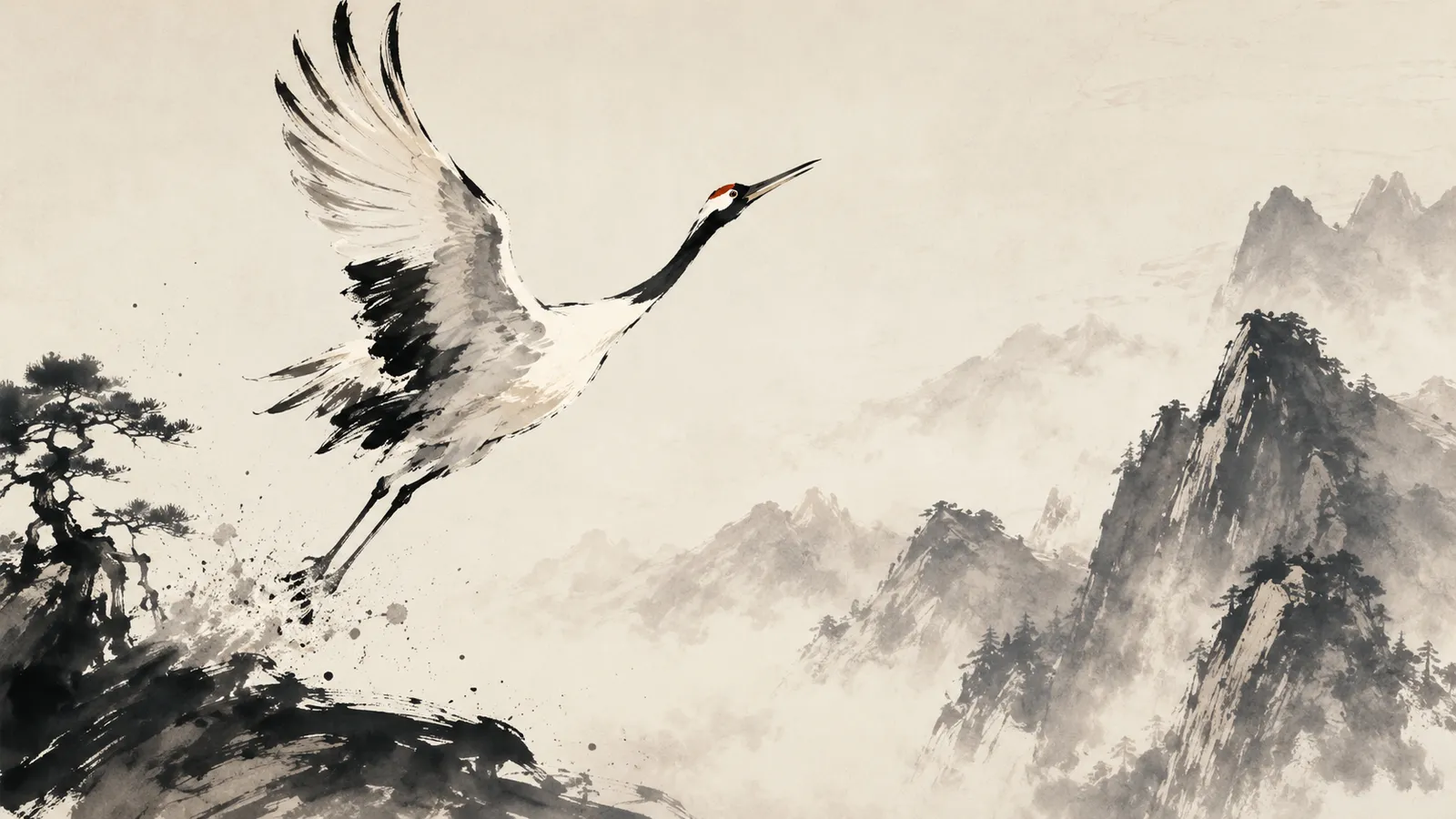
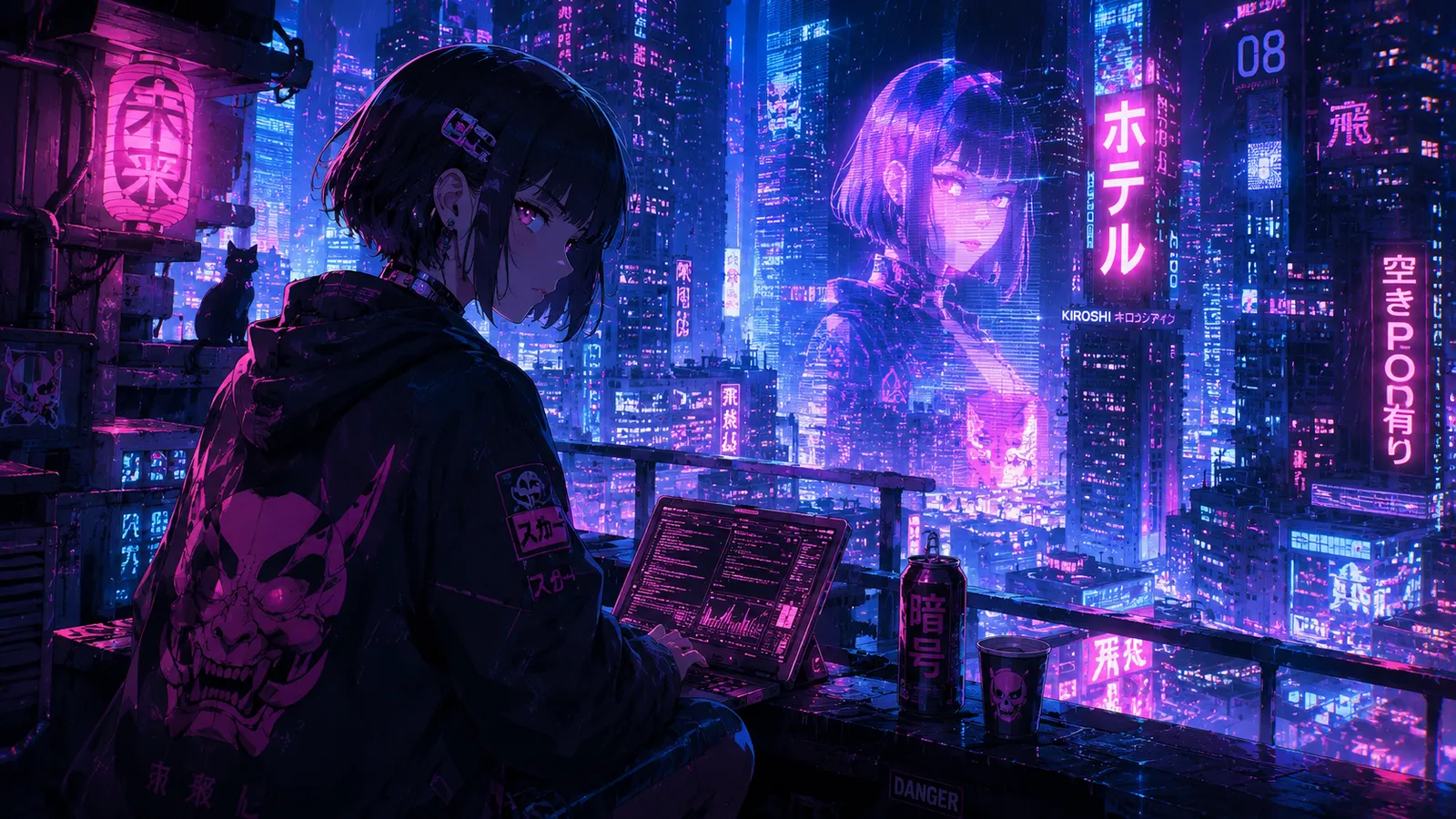
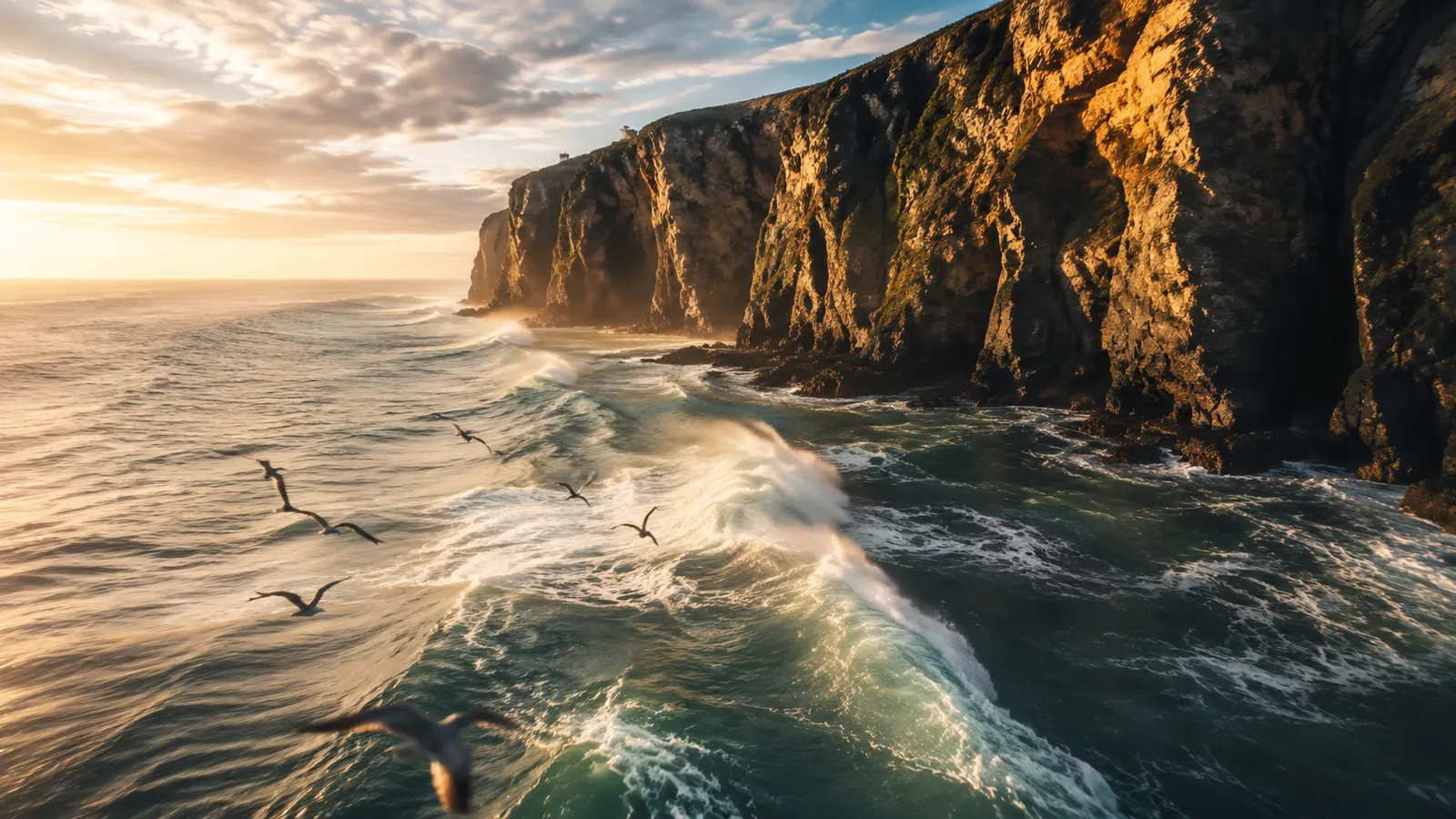
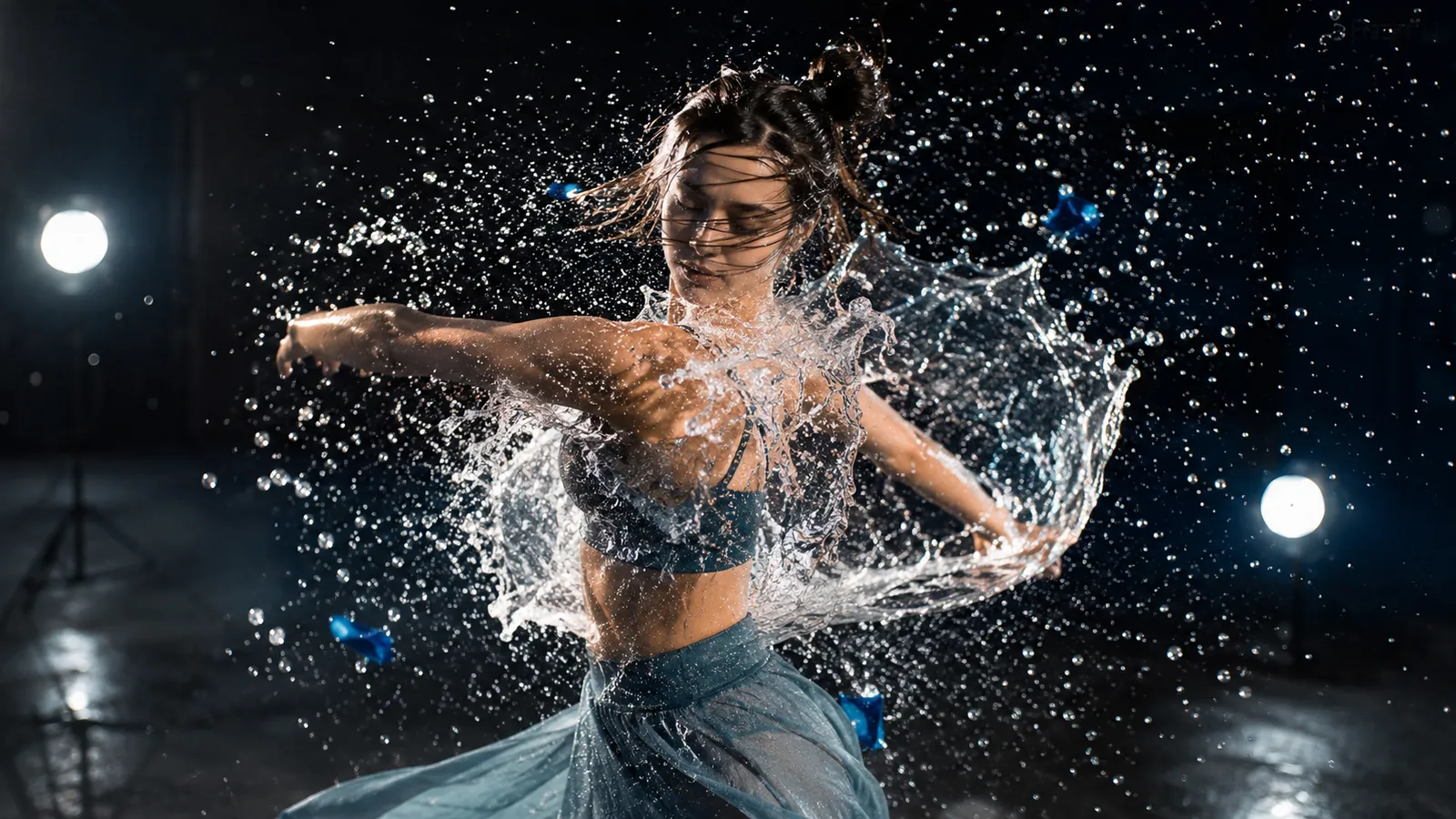
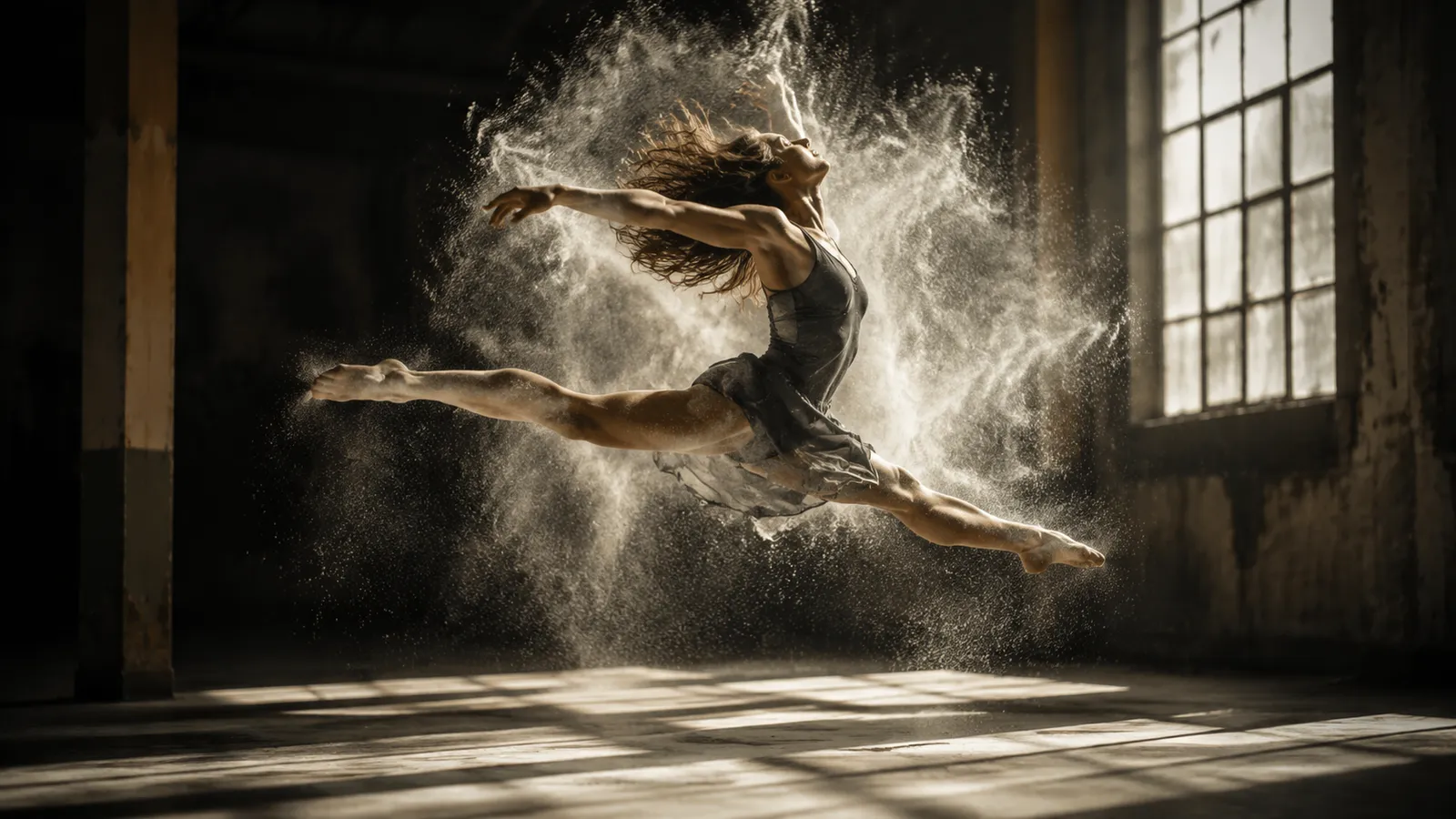
Representative frame previews of the styles and scenes Wan AI excels at — these stills illustrate the look, not actual video output from the model.
What Makes Wan AI Stand Out
Three capabilities that set Wan AI apart from other video models.
Fluid anime and stylized motion
Wan AI excels at anime-style action and expressive, exaggerated camera work, keeping fights and fast moves sharp and fluid.
Authentic Chinese-aesthetic guofeng rendering
From ink-wash gradients to classical pavilions, Wan AI captures the mood and texture of Chinese aesthetics with rare fidelity.
Open, flexible styles beyond one look
Wan AI is not locked to a single art style — it moves freely from fantasy worlds to cyberpunk neon on your prompt's cue.
What is Wan AI?
Wan AI is Alibaba's video generation model family, available here in its Wan 2.6 and Wan 2.5 versions. Unlike single-shot generators, Wan AI is built for storytelling: it keeps a character consistent across multiple shots and chains them into a coherent sequence, so a clip can cut between angles and moments without the subject morphing into someone else.
Every Wan AI clip can run up to 15 seconds at 720p or 1080p, and the model generates synchronized audio alongside the visuals rather than leaving you with a silent file. You can drive generation purely from text, or feed a reference image and let Wan AI animate it while preserving the original character's face, outfit, and identity.
For creators who want precise control, Wan AI supports negative prompts to steer the model away from unwanted elements and seed values for reproducible results. That combination of character reference, multi-shot continuity, native audio, and deterministic seeds makes Wan AI well suited to short narrative pieces, ads, and social clips rather than one-off motion tests.
Wan AI Specifications
Why Choose Wan AI
Wan AI is built for coherent, audio-ready storytelling rather than disposable single shots.
Character reference consistency
Feed Wan AI a reference image and it keeps the same face, outfit, and identity across the entire clip, so your character stays recognizable from start to finish.
Multi-shot storytelling
Wan AI chains multiple shots into one coherent sequence, letting a single clip cut between angles and moments like a real edit instead of one static take.
Synchronized audio
Every Wan AI video comes with audio generated in sync with the visuals, so you get a finished, sound-on clip rather than a silent file to score later.
720p and 1080p output
Render in crisp 720p for fast iteration or full 1080p for polished, share-ready video suitable for social and commercial use.
Negative prompt and seed control
Steer Wan AI away from unwanted elements with negative prompts, and lock a seed for reproducible results when you want to iterate on the same scene.
Text and image to video
Start from a written prompt or animate a single reference image. Wan 2.6 and Wan 2.5 handle both text-to-video and image-to-video in one model.
Wan AI vs Other Video Models
How Wan AI's duration, resolution, and credit cost compare with peer video generators.
| Model | Resolution | Duration | Credits |
|---|---|---|---|
🐉Wan AI (Wan 2.6 / 2.5) | 720p / 1080p | Up to 15 seconds | 60-100 |
🌟Veo 3.1 | 4K | 8 seconds | 60 |
✨Sora 2 | 1080p | 5-20 seconds | 50-100 |
🎬Seedance 1.0 | 1080p | 5-10 seconds | 30 |
🎥Kling 2.0 | 1080p | 5-10 seconds | 40 |
How to Generate Video with Wan AI
Create a character-consistent, audio-ready clip in three steps.
Choose text or image input
Write a prompt for text-to-video, or upload a reference image so Wan AI can preserve your character's identity through image-to-video.
Set your scene and controls
Describe the shots and story, pick 720p or 1080p, set duration up to 15 seconds, and add a negative prompt or seed for finer control.
Generate and download
Run Wan 2.6 or Wan 2.5 and download your finished clip with synchronized audio, ready for social media or commercial projects.
What You Can Create with Wan AI
Wan AI's character consistency and multi-shot storytelling fit narrative, social, and commercial work.
Short narrative clips
Tell a mini-story across multiple shots while keeping your lead character consistent from the first frame to the last.
Character-driven content
Animate a single reference image into a talking, moving character whose face and outfit stay identical throughout the clip.
Social media videos
Produce sound-on 15-second clips for TikTok, Reels, and Shorts without needing to add audio in post.
Product and brand ads
Turn a product photo into a polished 1080p spot with synchronized audio for promotions and storefronts.
Explainers and demos
Stitch multiple shots into a clear walkthrough or demo that holds a consistent presenter or mascot across scenes.
Concept and storyboard previews
Use seeds and negative prompts to quickly visualize and refine a scene before committing to a full production.
Wan AI FAQ
Common questions about Wan AI's versions, limits, and usage.
Explore other models
Switch between top models in the same generator
Start creating with Wan AI
Generate character-consistent, multi-shot videos with synchronized audio using Wan 2.6 and Wan 2.5 today.