
AI Background Changer
Upload a photo, pick a background preset or describe the scene you want. GPT Image 2 keeps the subject and swaps the background so naturally it looks like the original shot.
Ready to change the background
Upload an image and choose a new background
Examples & Results
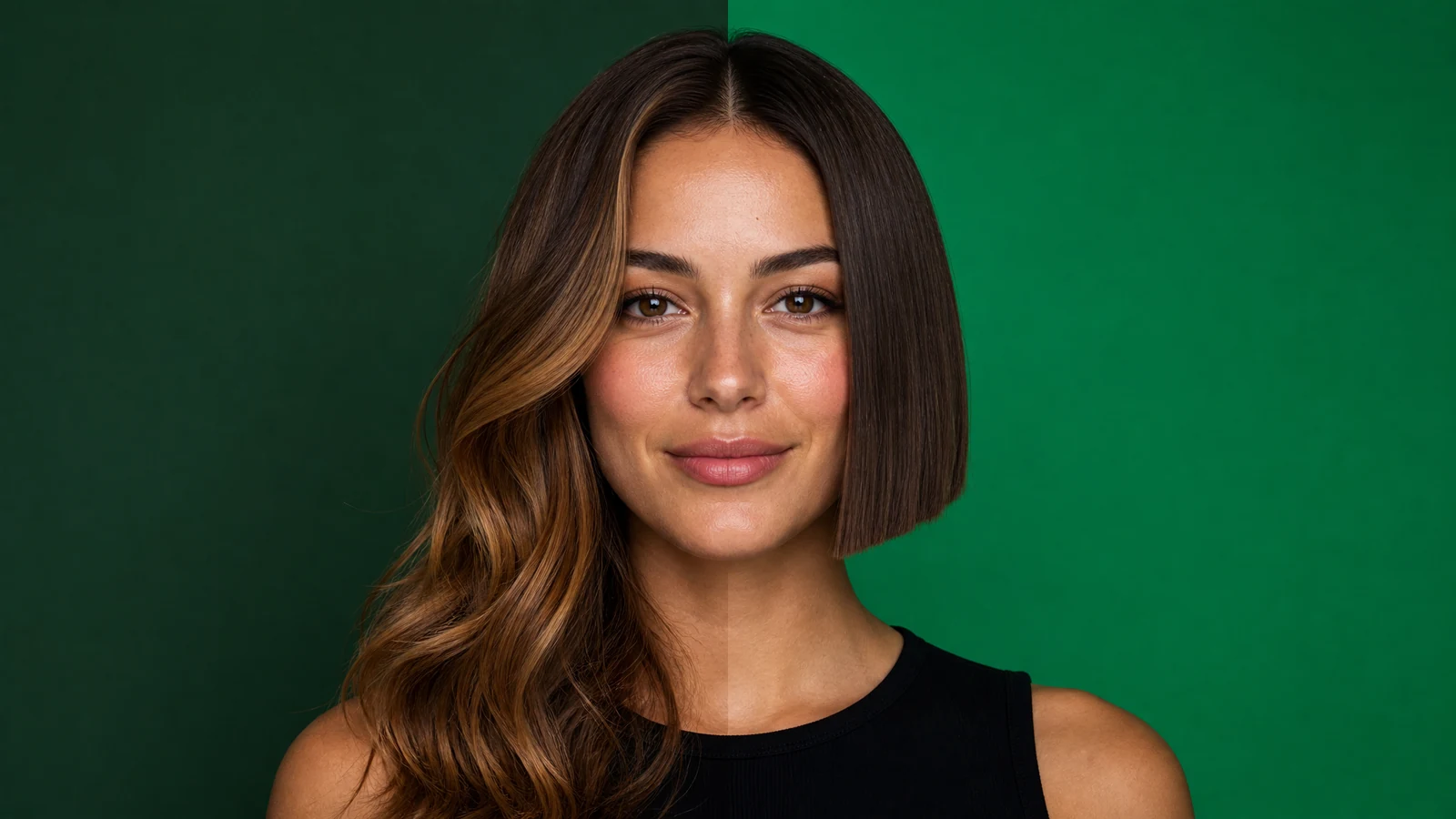
These are real outputs from GPT Image 2's background changer — subject preserved, edges clean, lighting natural.



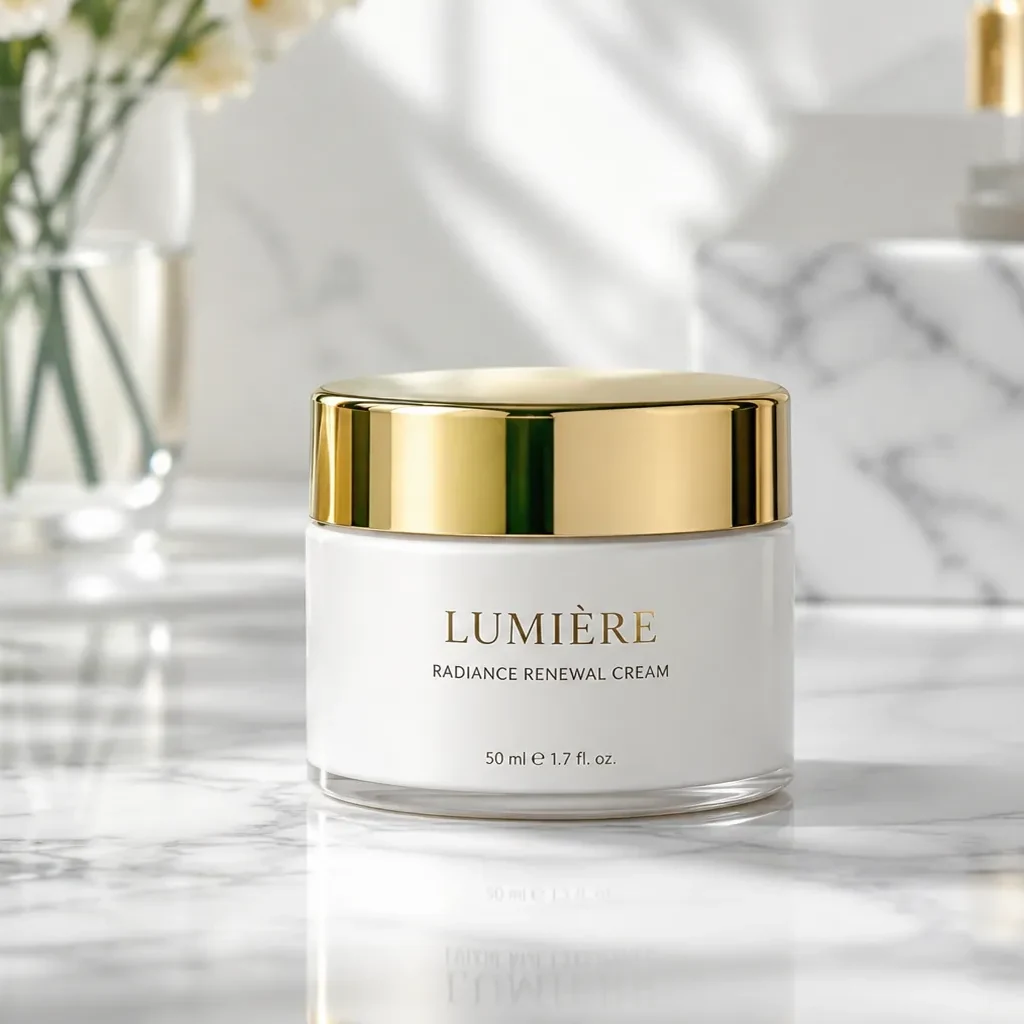

Core strengths of the background changer
No cutouts or masks — swap any background to a solid color, a scene, or anything you describe in seconds.
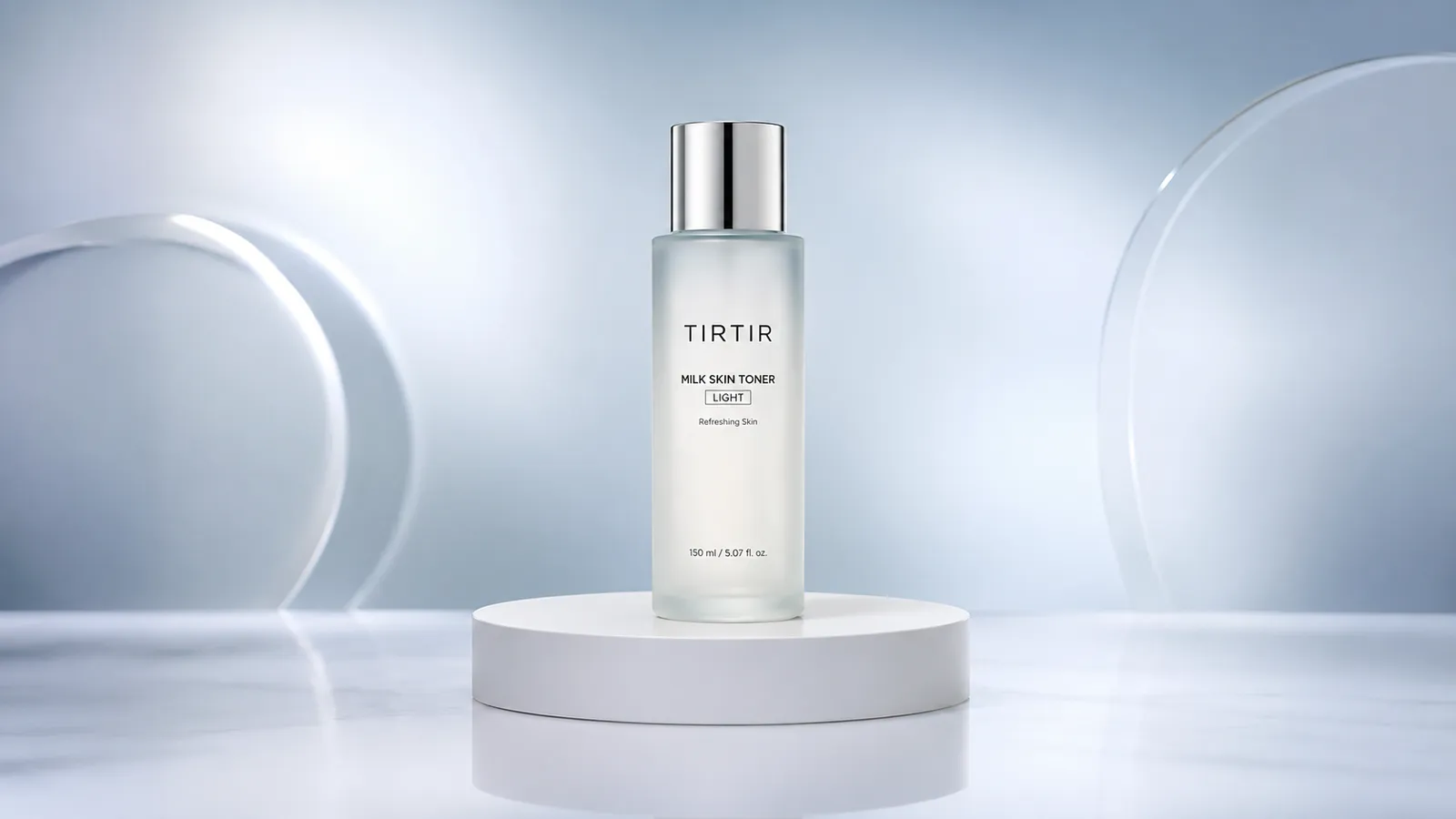
White background for pro product shots
Turn a cluttered background into a clean white backdrop in one click, with bottle, reflections and shadows blending naturally — ready for e-commerce listings.
Portrait scenes with auto-matched lighting
Drop your subject into an office, street or nature scene, and the new background's light and color temperature blend in automatically — no pasted-on look.
Gradient and textured backdrops in one click
Choose gradient, marble or bokeh backdrops on the fly, with clean subject edges and hair detail for a polished, high-end finish.
Change a background in 3 steps
The whole thing takes under a minute.
Upload image
Click or drag to upload the photo you want to re-background. JPG, PNG and WebP supported.
Choose a background
Pick one of the preset backgrounds, or describe the scene you want in a single sentence.
Generate & download
Click 'Change background' and in seconds get your subject on a fresh background, ready to download.
Where background swap helps
One tool for the most common background needs.
E-commerce
Swap cluttered backgrounds for pure white or scenes to make product shots look professional and convert better.
ID photos
Switch to standard red, blue or white backdrops in one click — no reshoot needed.
Portraits
Replace plain backgrounds with studio, street or nature scenes for an instant editorial feel.
Social content
Give avatars and posts clean, consistent backgrounds for a more cohesive feed.
Versus manual cutouts
Compared with manual Photoshop cutouts, AI background changing wins on speed, skill level and results.
Start free, upgrade anytime
Sign up for free credits — every image tool is powered by GPT Image 2. Upgrade for higher limits, faster generation, no watermark and commercial use.
Frequently Asked Questions
About the AI Background Changer
More AI image tools
View all tools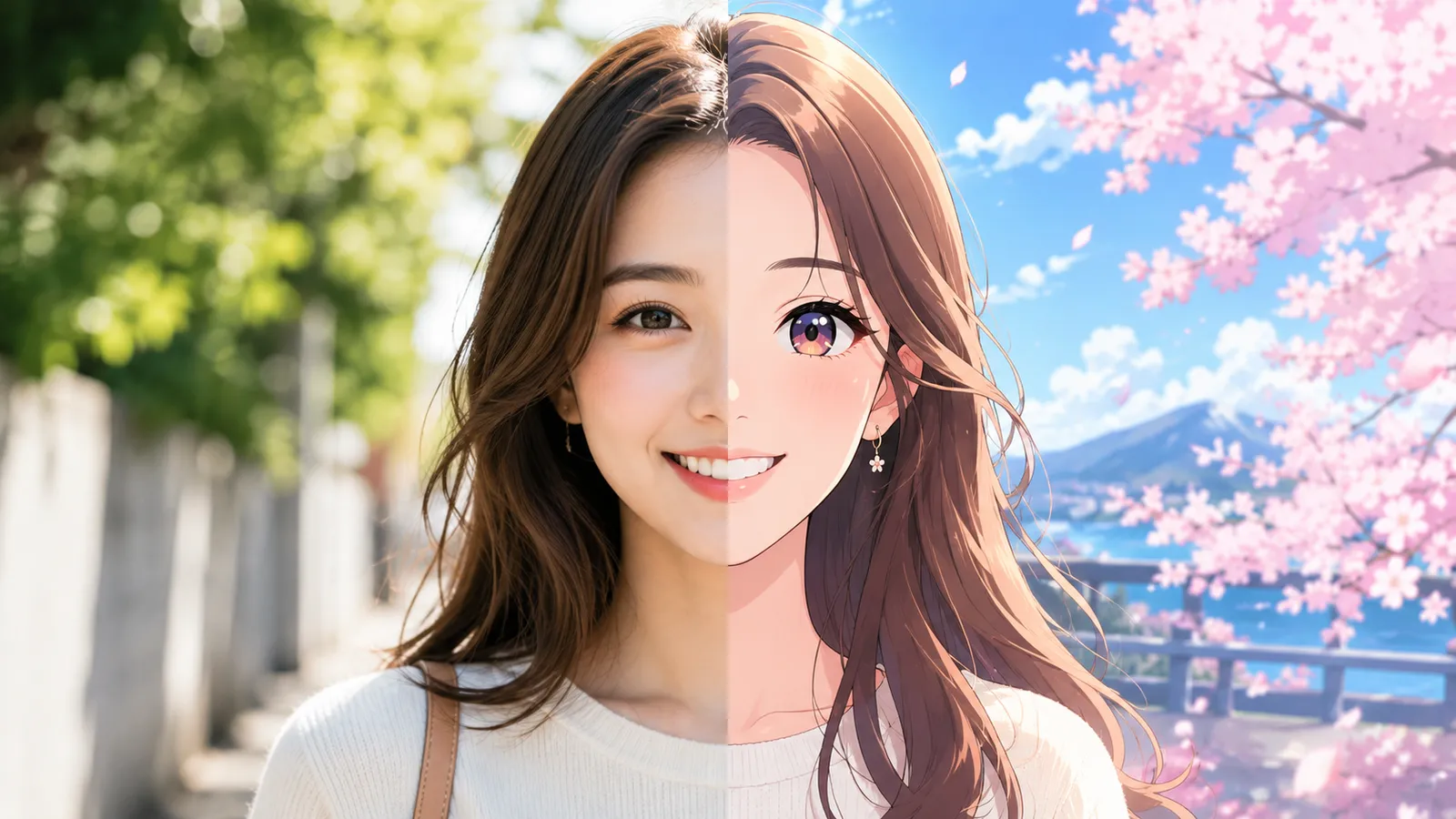
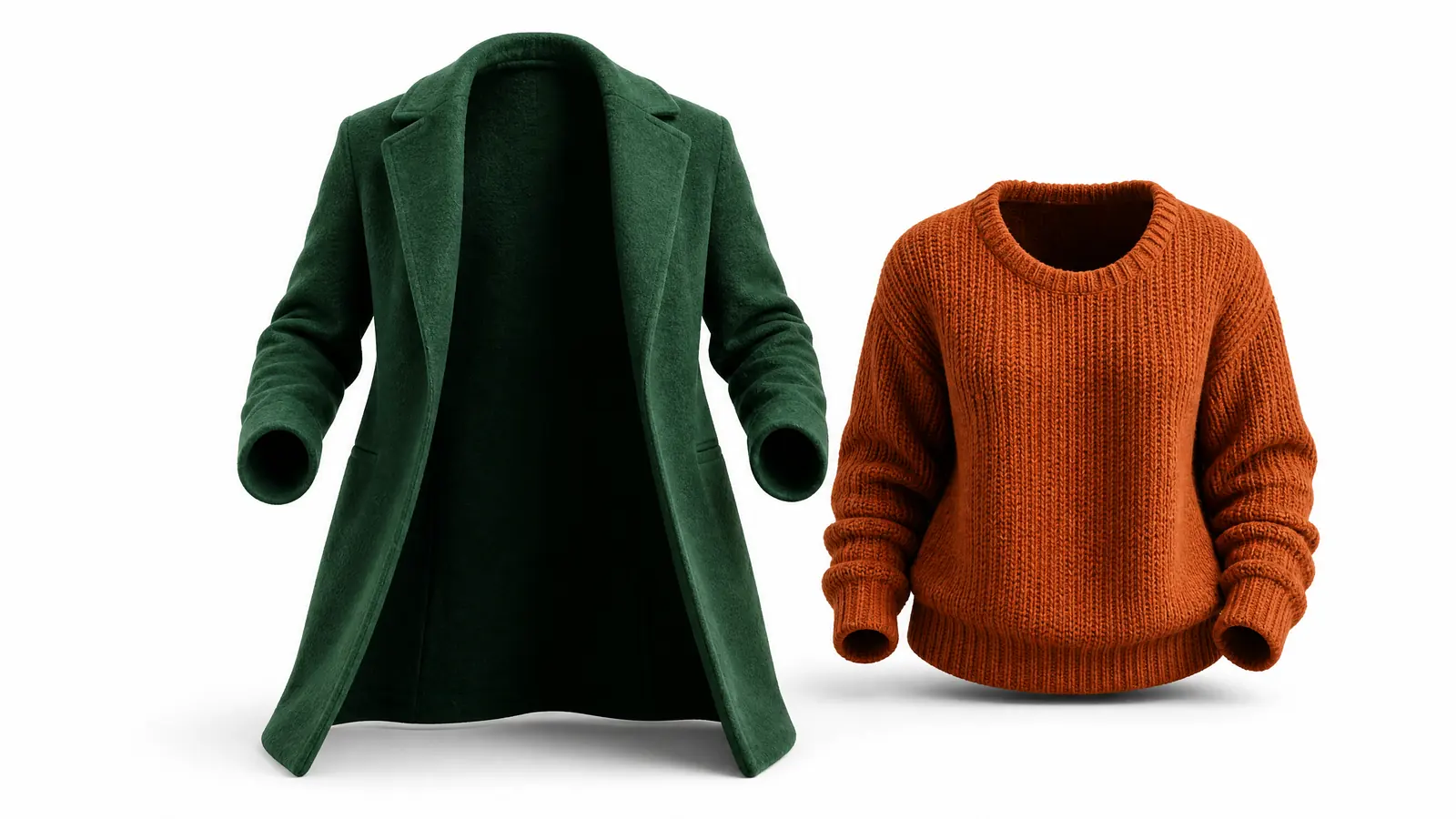


Change a background now
Upload an image, pick a background, refreshed in seconds.