
AI Video Extend
Clip too short or cut off too soon? Upload it and the LTX-2.3 extend model analyzes the motion and scene, then continues the shot naturally for extra seconds - with an optional prompt to steer what happens next.
Ready to extend
Upload a short clip and AI continues the shot naturally for extra seconds
💡Describe the scene, motion, style and mood in detail
🎬Supports high-quality video up to 15 seconds
🔊Some models can generate audio at the same time
Video Extend in Action
The stills below are illustrative preview frames, not actual tool output - they show the kinds of shots AI can continue naturally.

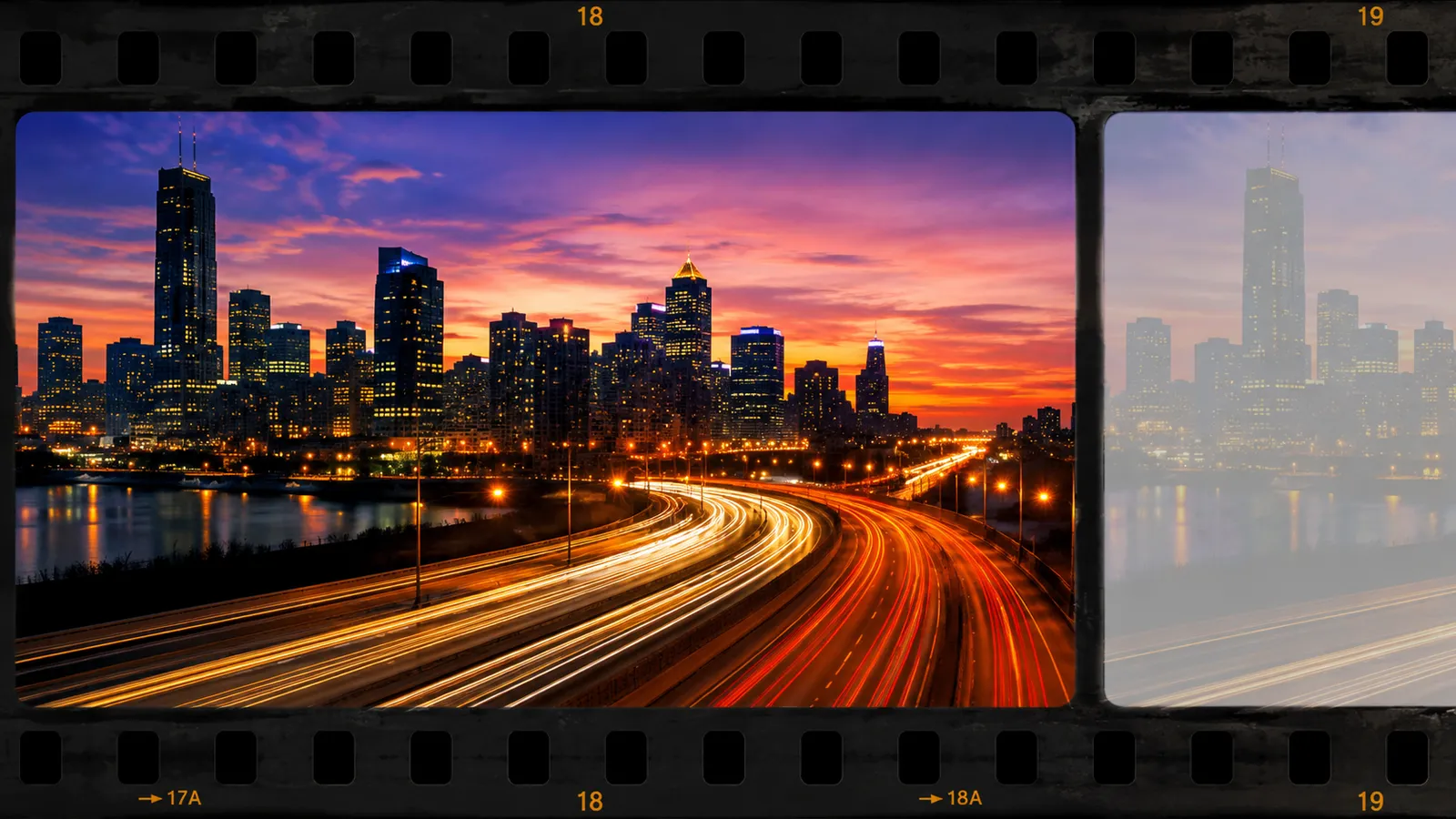
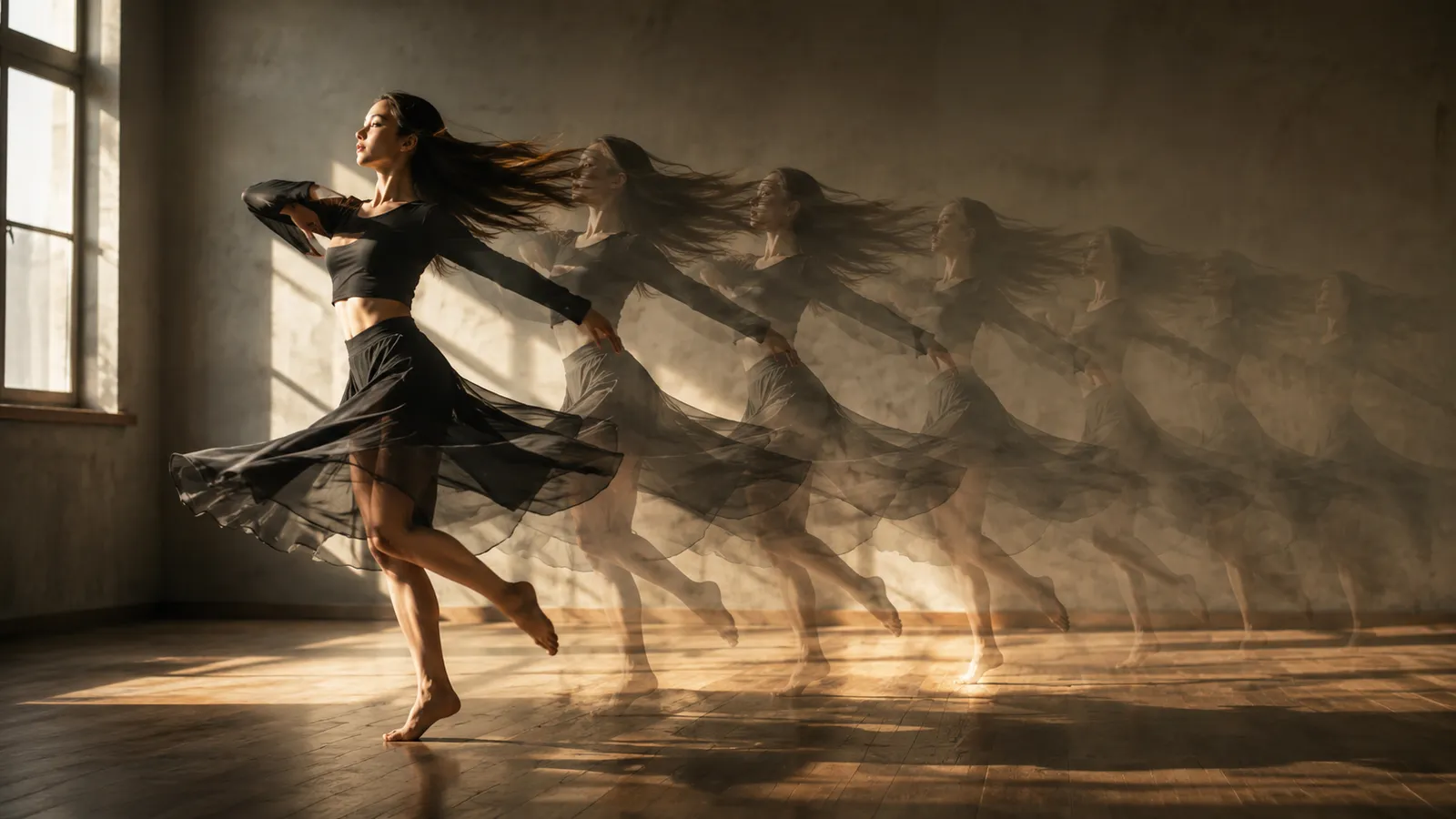
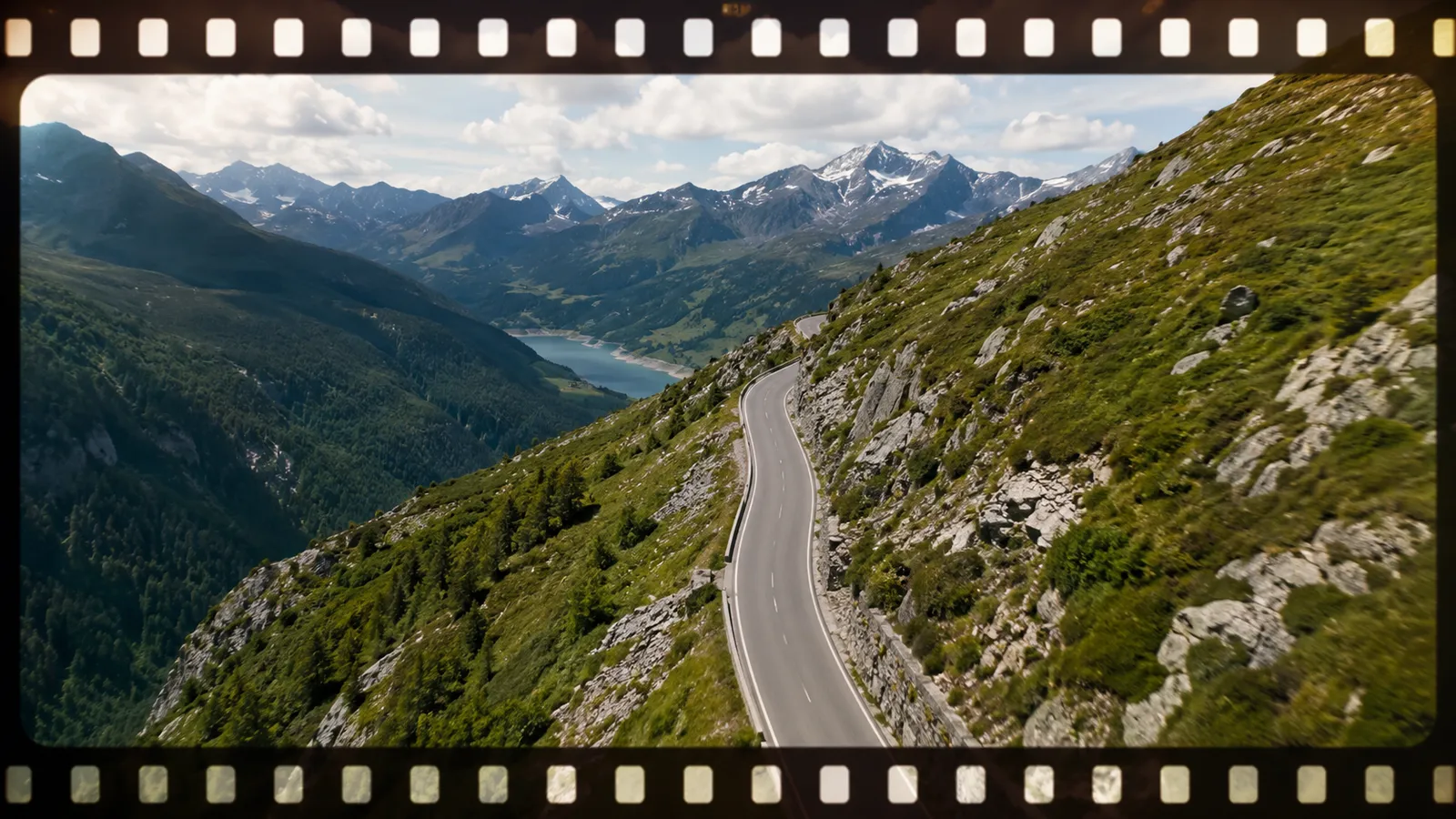
Why This Video Extender Stands Out
Driven by the LTX-2.3 extend model, it understands the motion, lighting, and composition in your footage so the continuation feels like one take.
Seamless Motion and Scene Continuity
The AI reads the camera movement, subject motion, and lighting direction of your clip, then keeps everything advancing at the same rhythm - the seam is nearly invisible.
Steer the Story with One Sentence
Add an optional prompt describing what happens next - the camera pulls back, the subject turns, dusk sets in - and the continuation follows your direction.
Rescue Footage That's Too Short
A transition that won't fill, music that outlasts the shot, an ending cut too soon - a few extra seconds make the edit work, no trip back to set required.
Extend Your Video in Three Steps
No editing software needed - get a longer cut in minutes.
Upload a Short Clip
Upload the footage you want to extend. MP4 format, up to 50MB.
Describe What Happens Next (Optional)
Add one sentence to steer the continuation, or leave it blank and let the AI follow the existing motion.
Generate and Download
Click "Extend Video" and the LTX-2.3 model produces a seamless continuation. Download it when it's ready.
What You Can Do with Video Extend
One tool for every time your footage comes up short.
Short Films & Trailers
A key shot ends too abruptly? A few extra seconds complete the beat and give transitions room to breathe.
Social Media Clips
Stretch footage to hit the music drop or meet each platform's minimum length without awkward loops.
Ads & Promos
Let product shots and brand moments linger a few seconds longer so the message actually lands.
Drone & Travel Footage
Battery or flight-path limits cut the shot short? AI keeps the push-in or orbit going.
AI Video Extend vs. Shooting Extra Footage
Compared with going back on location to shoot more, AI extension wins clearly on cost, turnaround, and control.
Start free, upgrade anytime
Sign up for free credits — every image tool is powered by GPT Image 2. Upgrade for higher limits, faster generation, no watermark and commercial use.
Frequently Asked Questions
About AI video extend
Try AI Video Extend Now
Upload a short clip and get a seamlessly longer cut in minutes.