
AI Object Remover: Erase Anything with One Sentence
Upload a photo and type a short description of what to remove — like "the person on the left" — and the dedicated Florence-2 + SAM2 pipeline finds the target, erases it cleanly, and fills the gap with a natural background. No masks, no brushing, ever.
Ready to erase
Upload a photo and describe what to remove — AI handles the rest
Removal Results
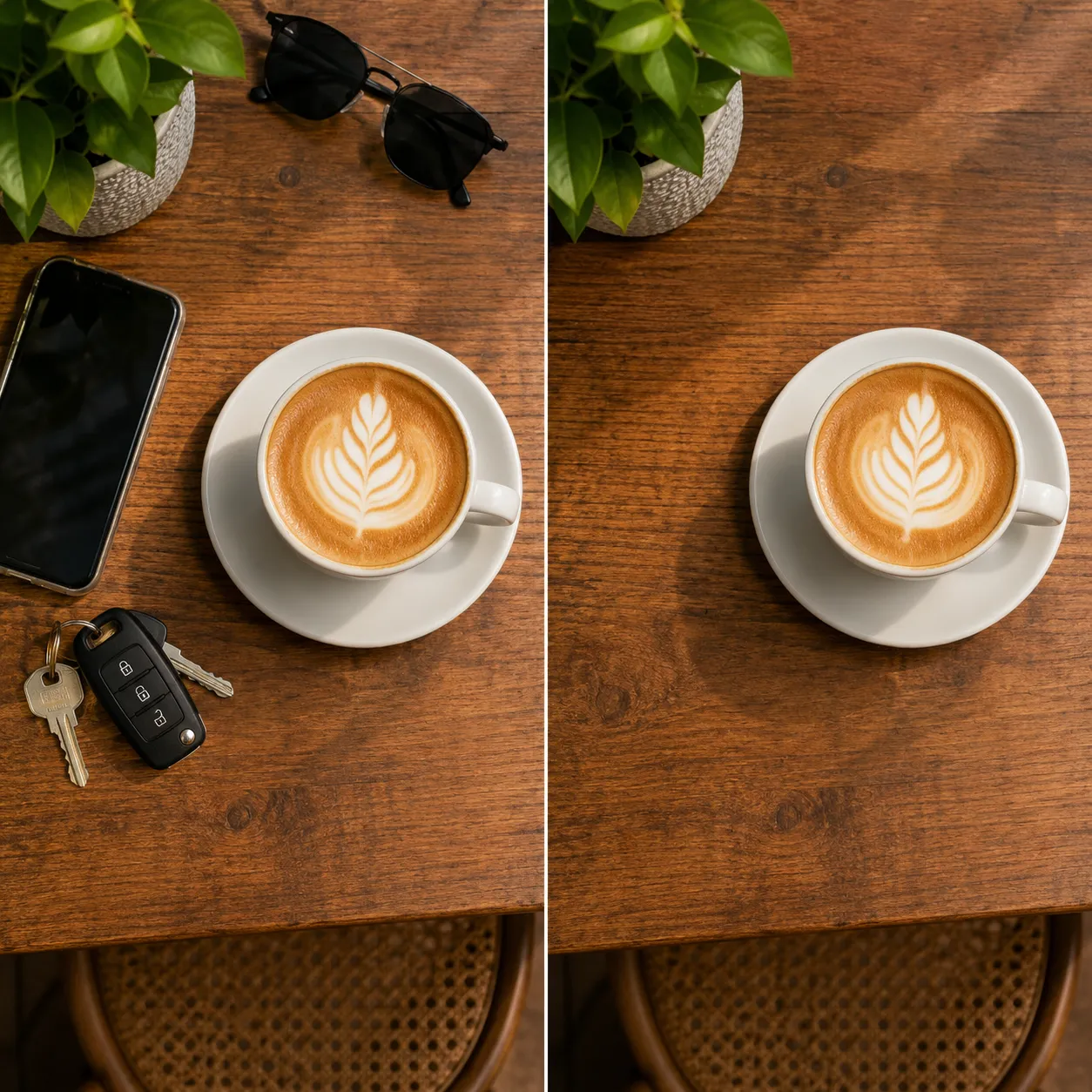
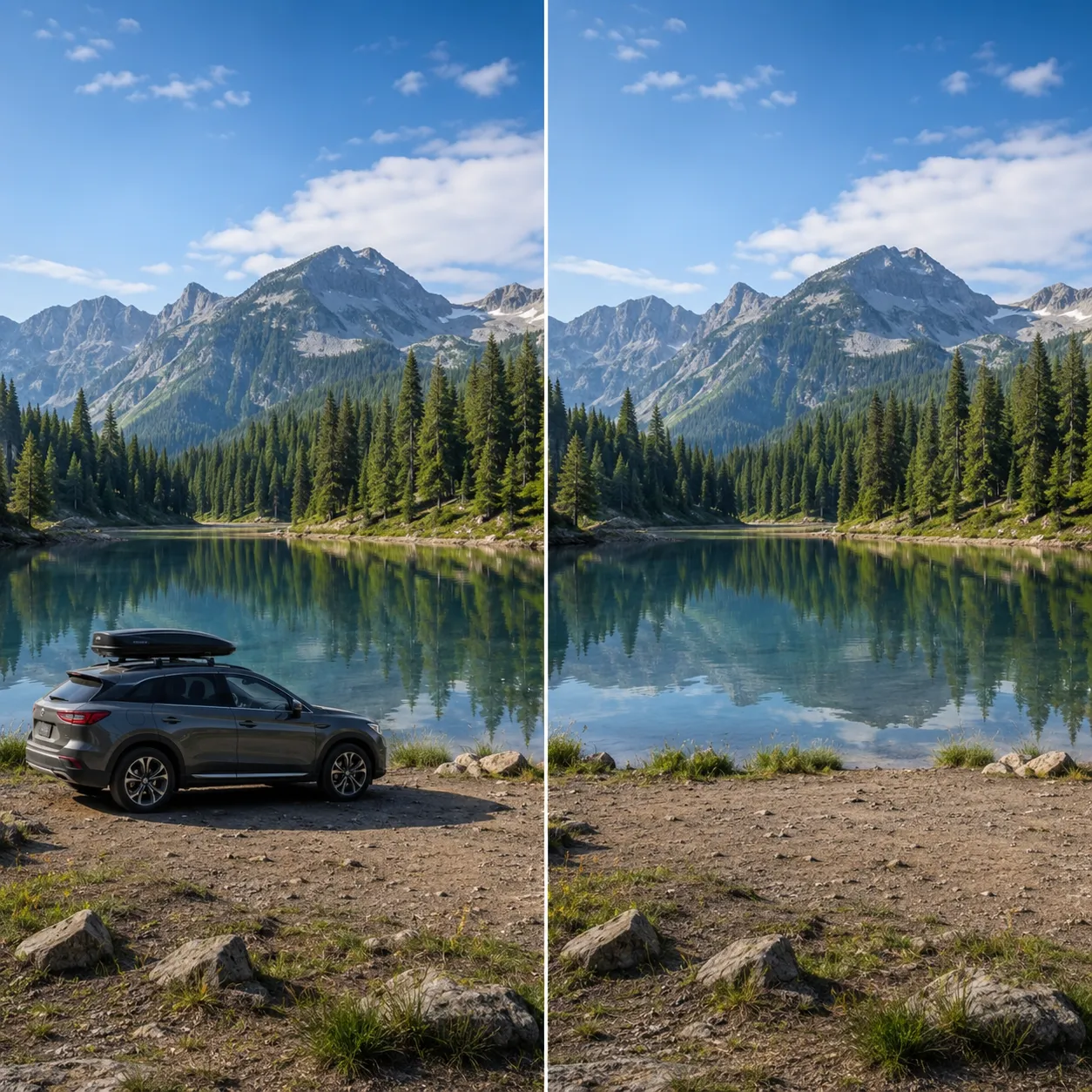
The images below are illustrative previews of removal results. One short description is all it takes — the AI locates the target and fills the background naturally, whether it's strangers, wires, or clutter.




Why This Object Remover Stands Out
A dedicated removal pipeline built on Florence-2 + SAM2: it understands your description, segments the target precisely, then rebuilds the background naturally.
Locate by text — no brushing
No manual masks or brush strokes. Just type a description like "the stranger in the background" or "the phone on the table" and Florence-2 understands it and finds the target.
Pixel-perfect SAM2 segmentation
Once located, SAM2 generates a pixel-accurate outline of the object — including shadows and edge details — so nothing gets left behind as a ghost or halo.
Natural background fill
After removal, the AI intelligently reconstructs the hidden background from its surroundings. Grass, walls, and sky blend in seamlessly with no visible edits.
Remove Any Object in 3 Steps
No retouching skills needed — just describe it and it's gone.
Upload your photo
Click or drag to upload the photo you want to clean up. JPG, PNG, and WebP are supported.
Describe what to remove
Type one short sentence, like "the person on the left" or "the trash can on the ground" — no mask drawing required.
Download the clean result
Click "Remove Object" and the AI locates the target, erases it, and fills the background. Download in seconds.
Where Object Removal Helps
From travel shots to product photos — erase everything that shouldn't be in the frame.
Travel & street photos
Erase photobombers, cars, and utility poles so your landmark shots show only you and the scenery.
E-commerce product shots
Clean up table clutter, labels, and stickers from your shoots for sharper, more professional listings.
Social media posts
Quickly wipe out clutter or anything you'd rather not show before you post — your photos just look better.
Real estate & interiors
Remove clutter and temporary items from rooms so listing and rental photos look tidy and spacious.
Compared to Manual Retouching
Versus clone-stamping and content-aware fills in Photoshop, AI object removal is faster, simpler, and more natural.
Start free, upgrade anytime
Sign up for free credits — every image tool is powered by GPT Image 2. Upgrade for higher limits, faster generation, no watermark and commercial use.
FAQ
About AI object removal
More AI image tools
View all tools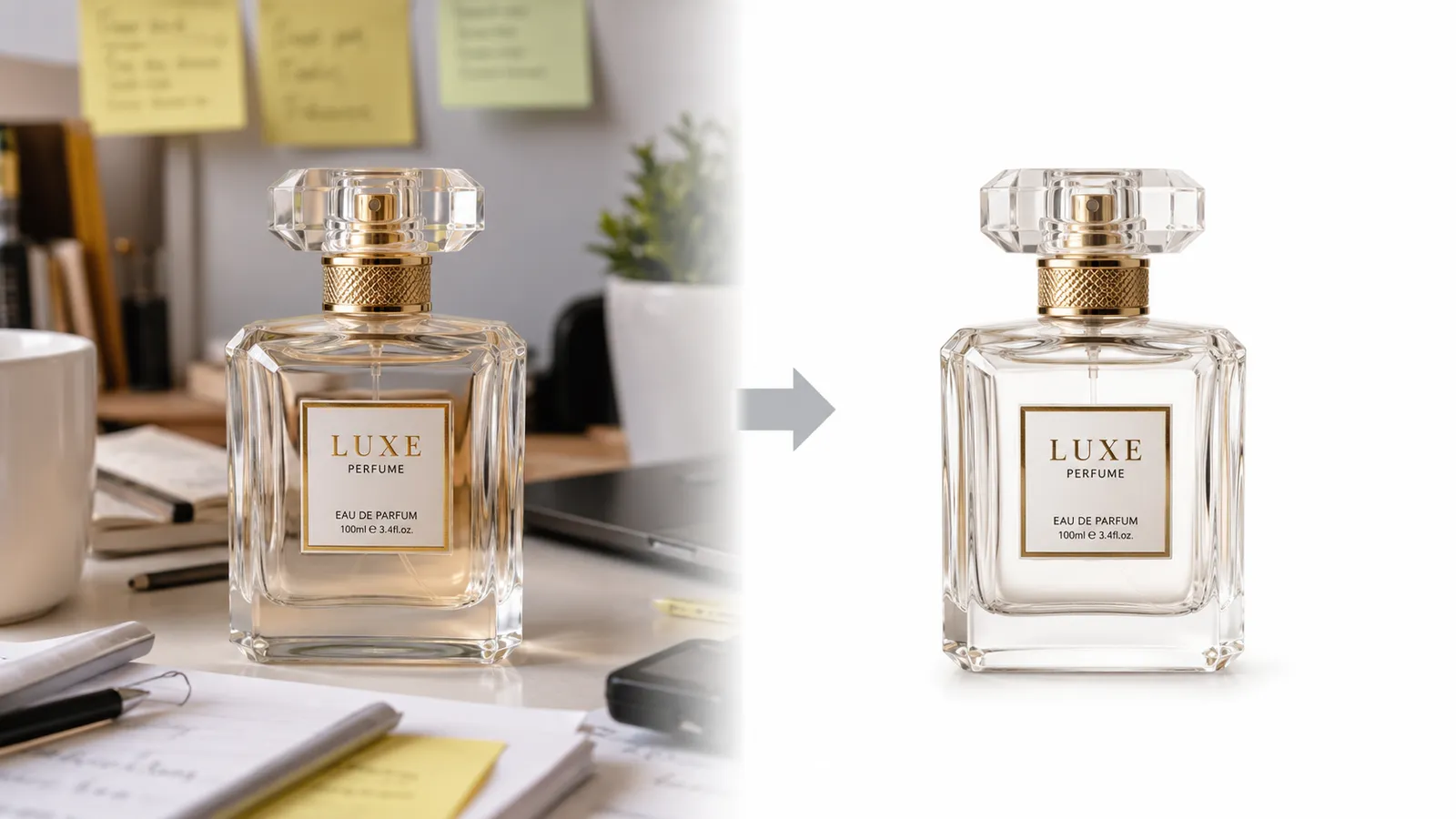


Try the AI Object Remover Now
Upload a photo and erase strangers and clutter with one sentence.