
AI Face Restore
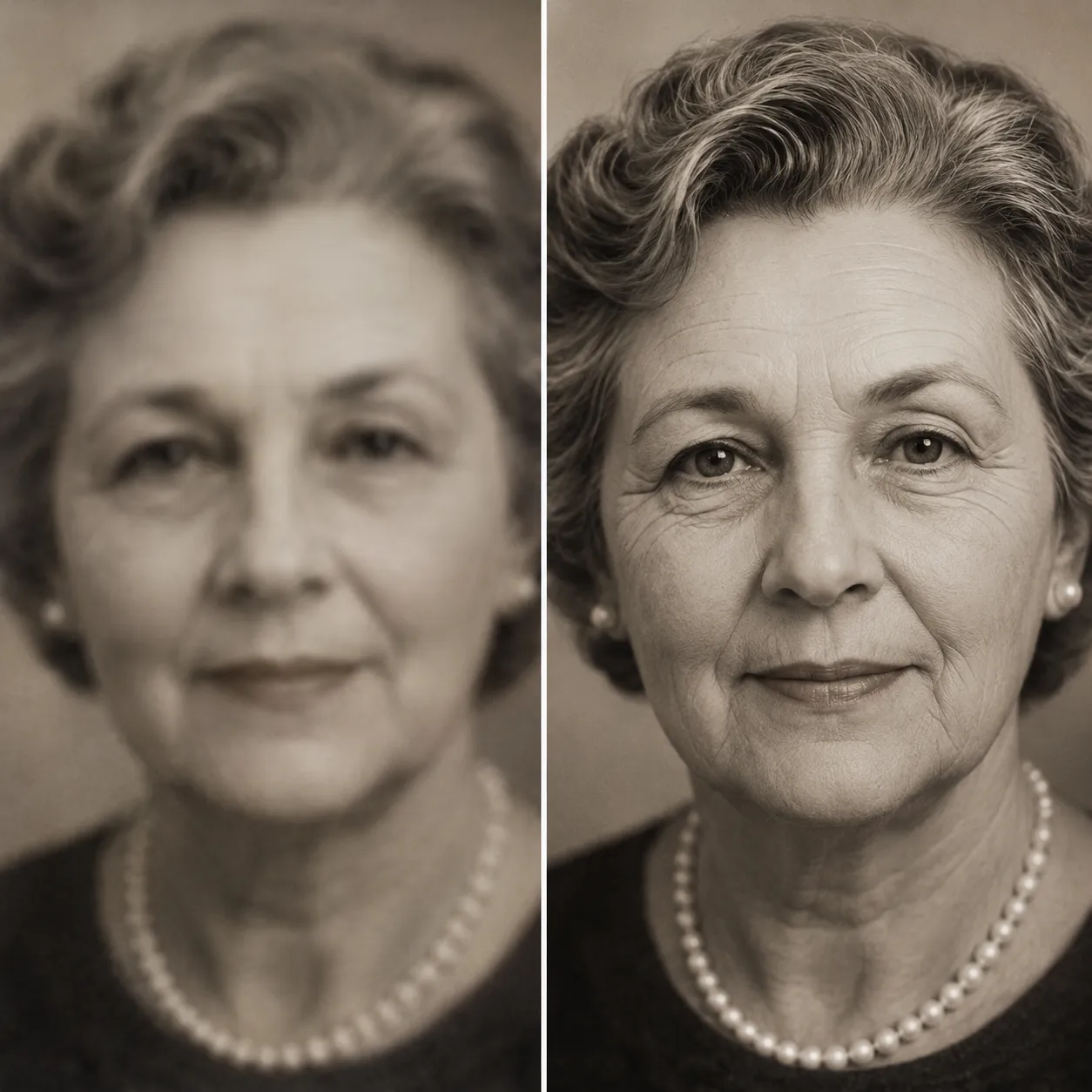
Upload a photo and the CodeFormer model, hosted on fal.ai, automatically detects every face and reconstructs blurry, low-resolution, noisy, or compression-damaged features into sharp, natural ones — while keeping the person's real likeness unchanged. Works great on old photos and group shots too.
Ready to restore
Upload a photo with a blurry face and AI reconstructs sharp, natural features
Face Restore Results
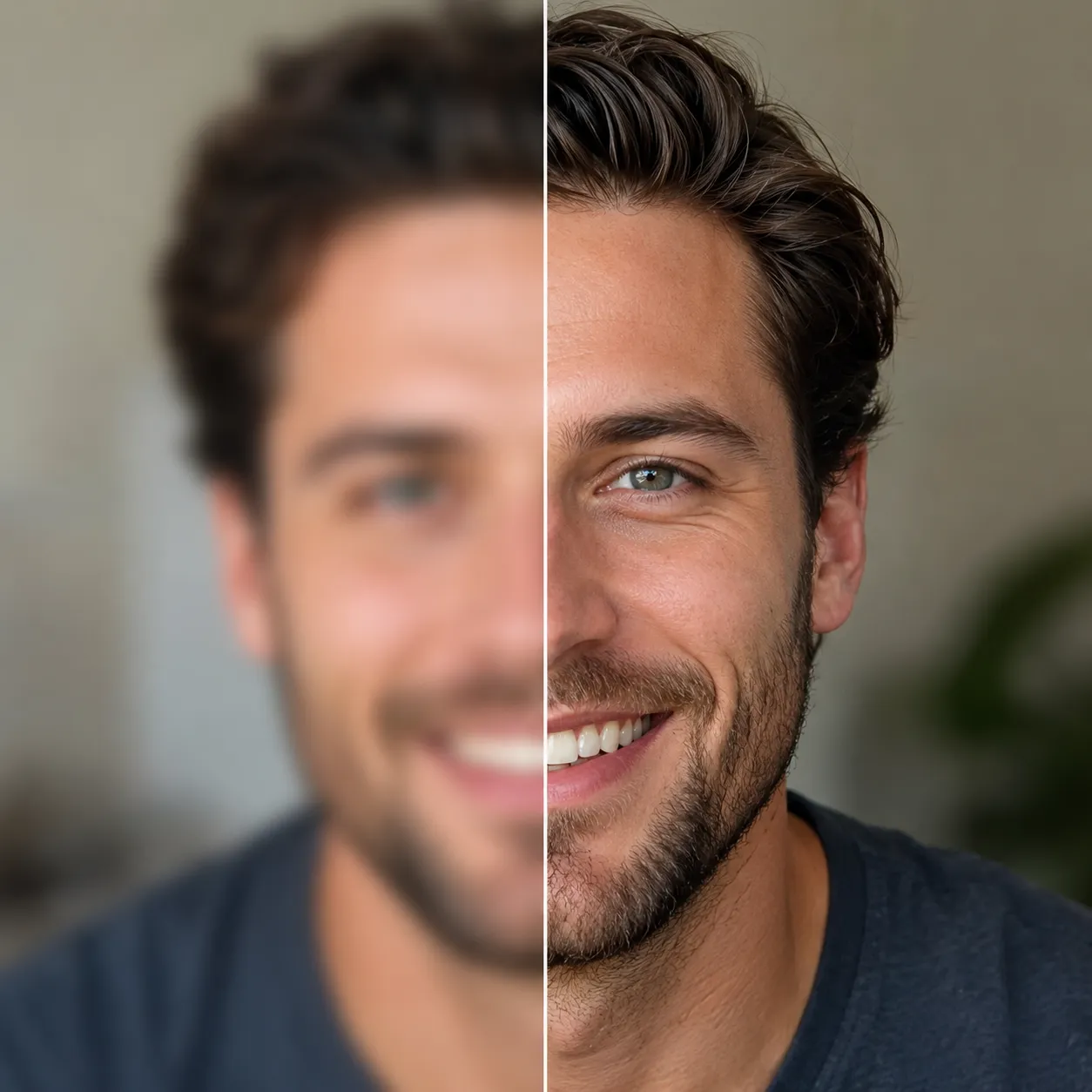
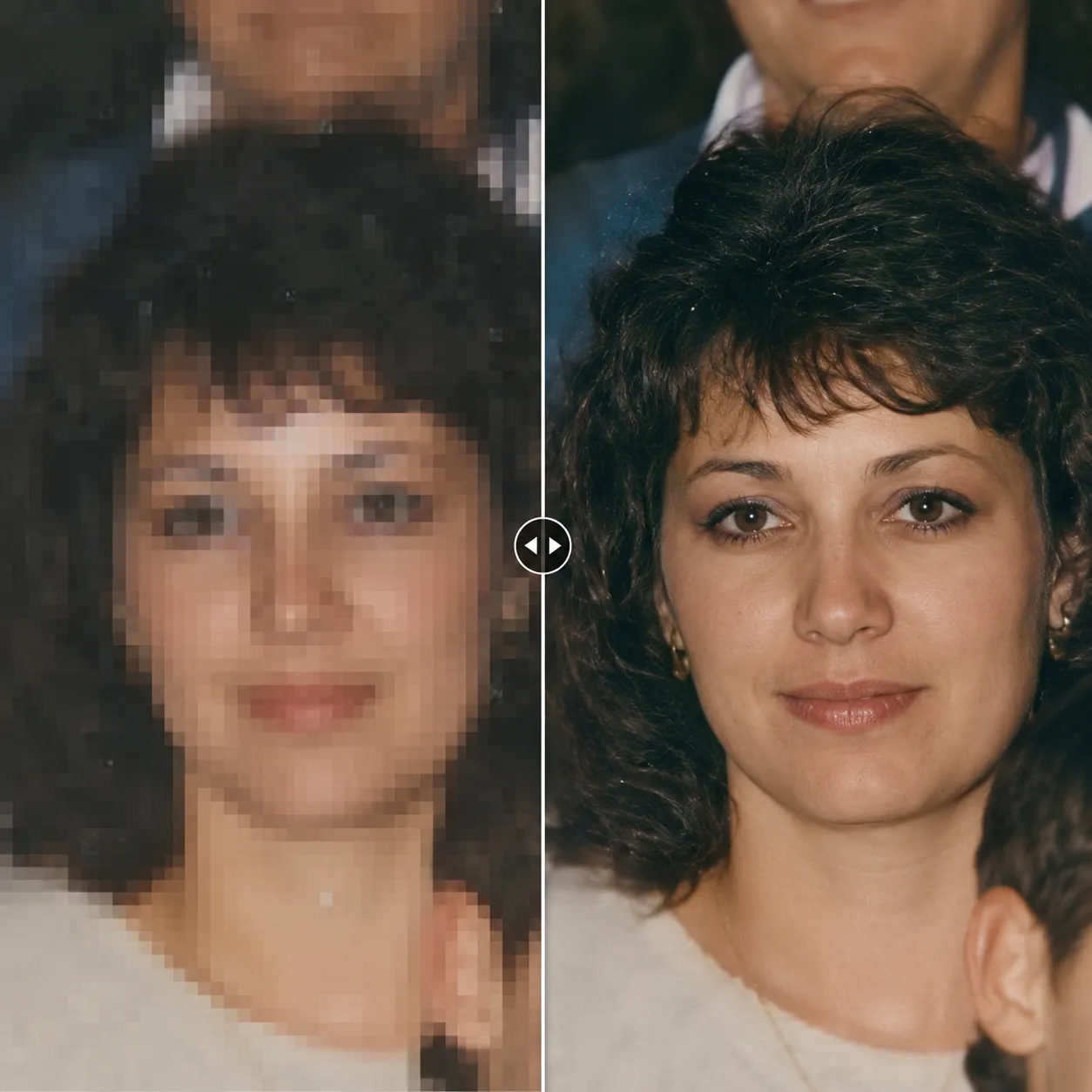
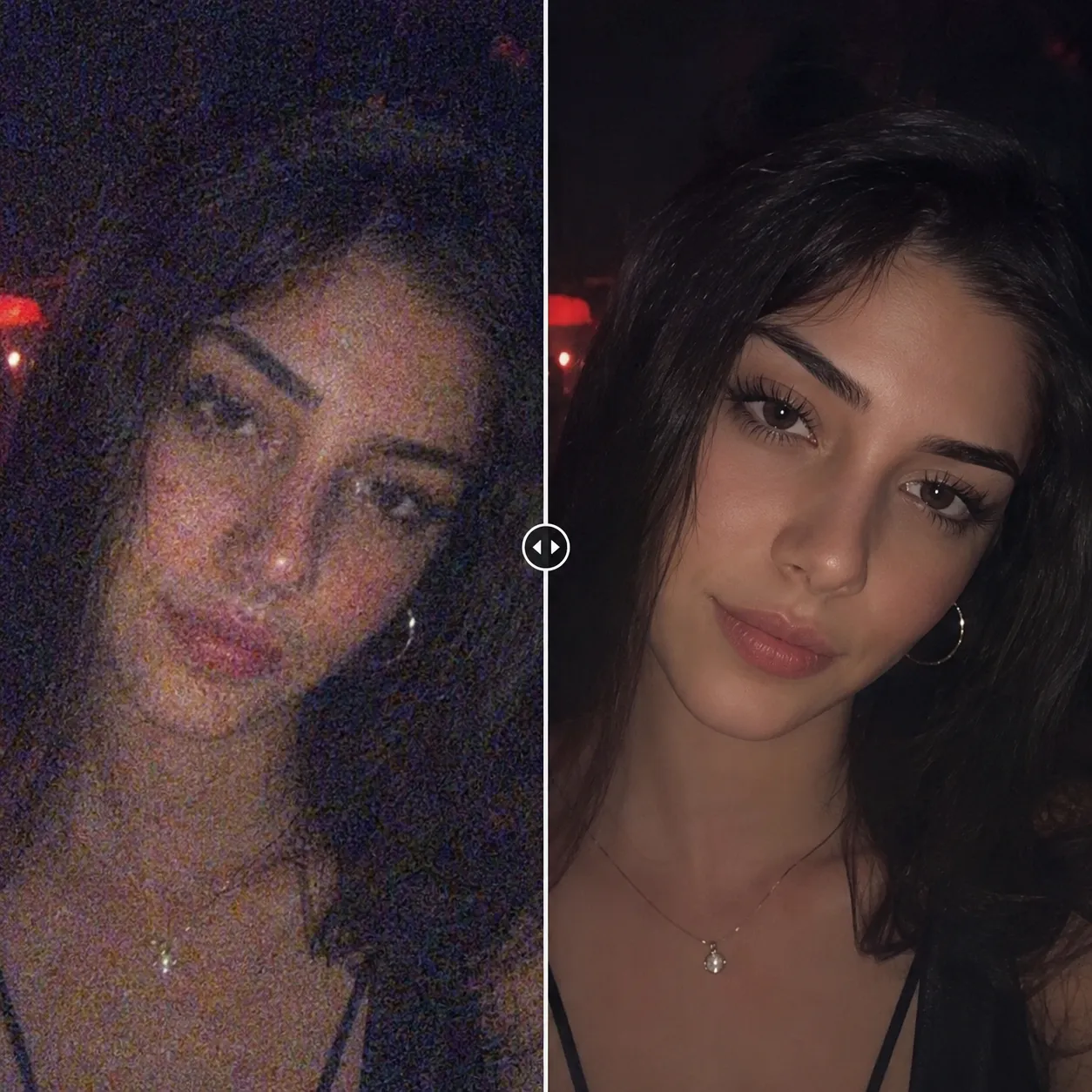
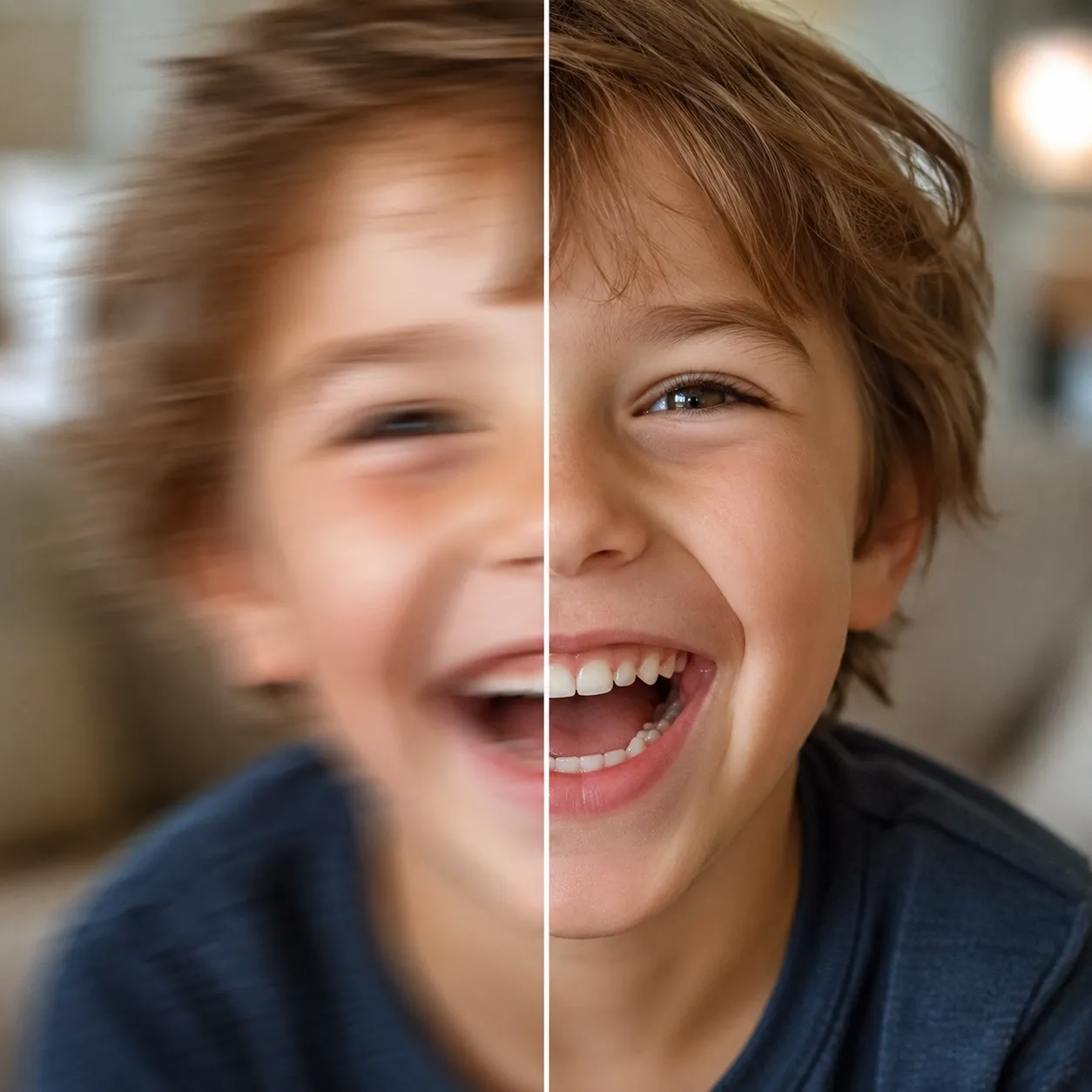
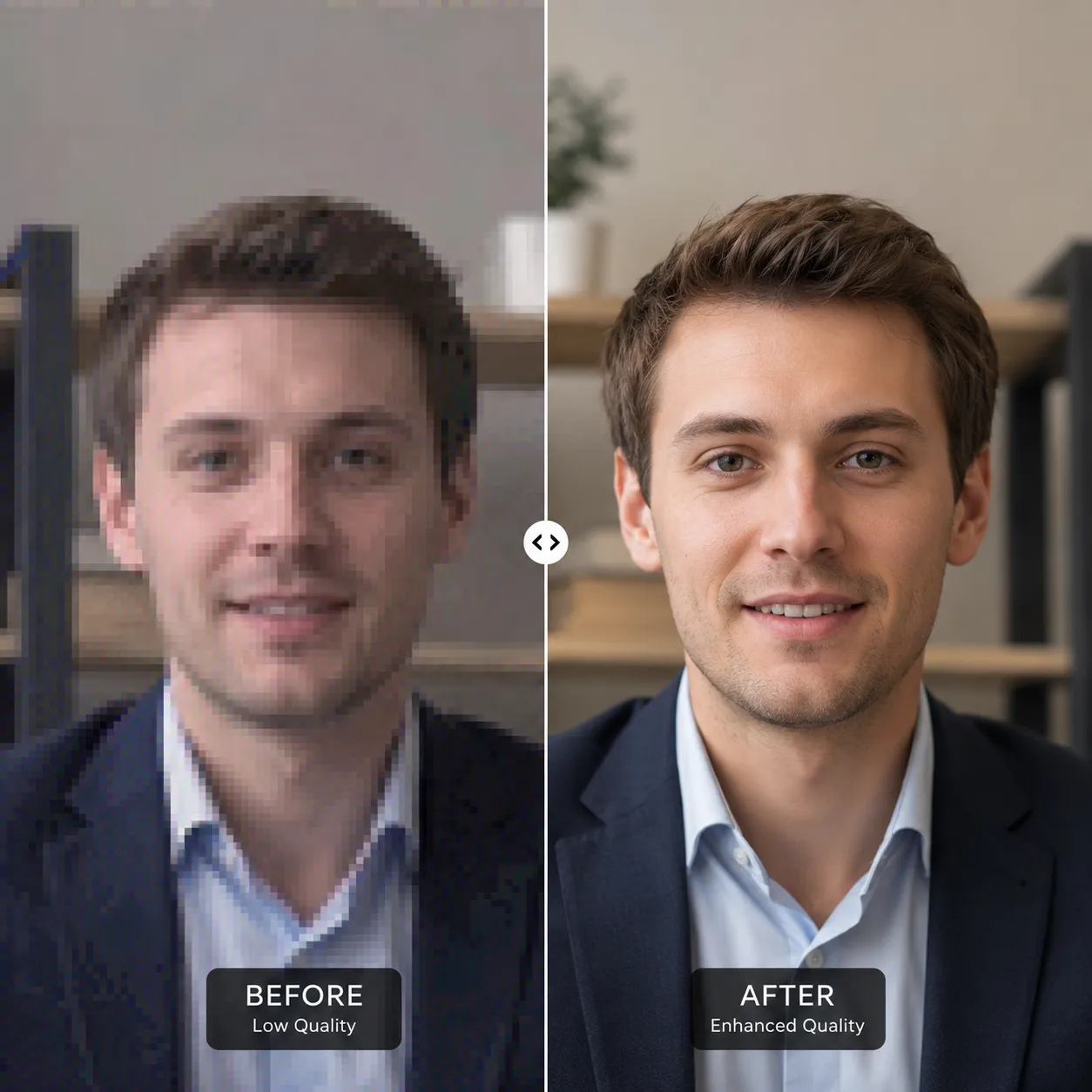
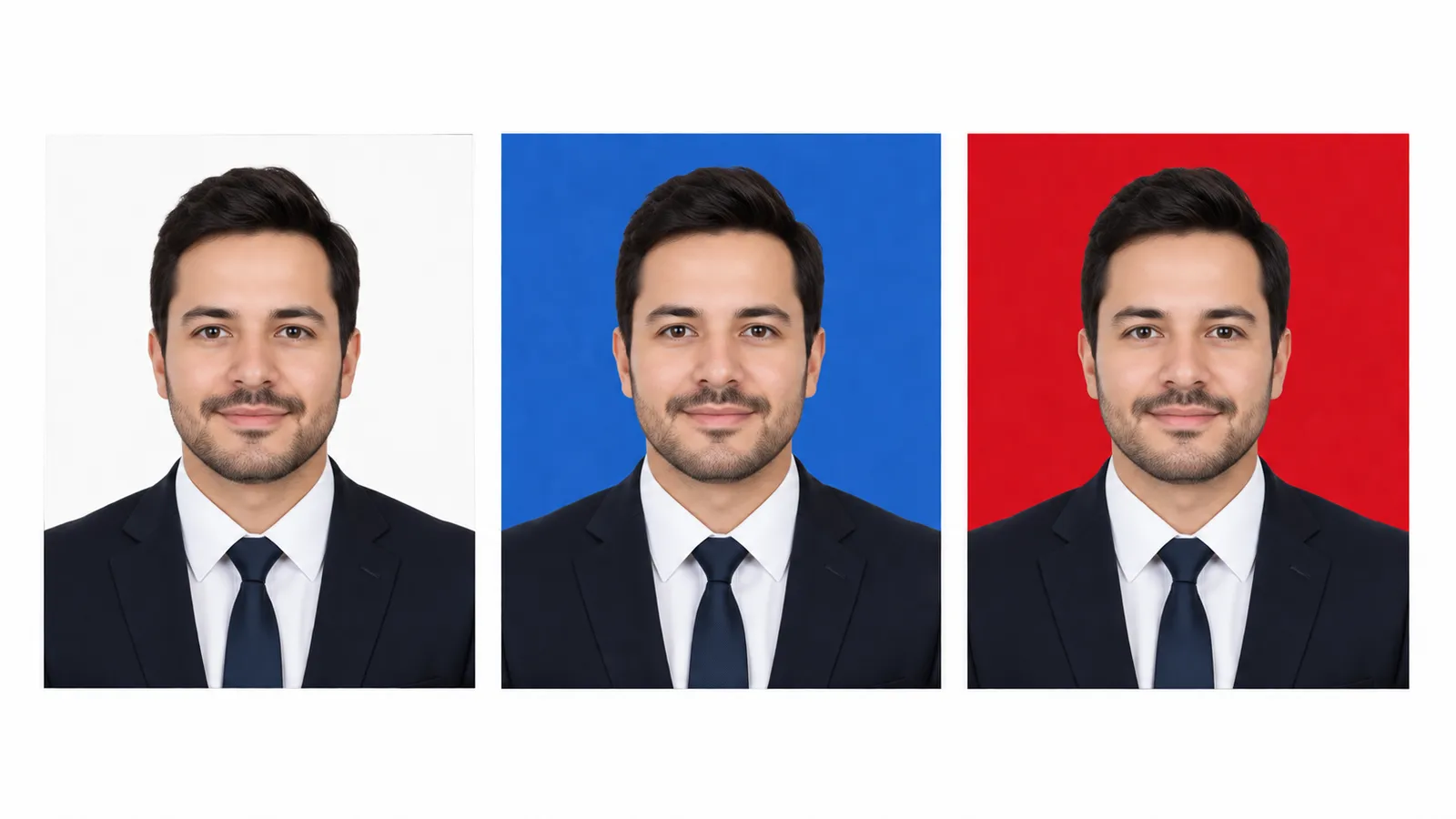
The images below are illustrative previews of face-restore results. Blurry, low-res, or noisy — the AI reconstructs sharp, natural features every time.
Why This Face Restorer Stands Out
CodeFormer is purpose-built for face restoration — it maximizes sharpness while holding tightly onto the person's identity.
Keeps the real likeness
CodeFormer strictly constrains identity features while boosting clarity, so the restored face is still unmistakably the same person — it never turns a loved one into a stranger.
Fixes blur, noise, and compression
Missed-focus blur, high-ISO night noise, messaging-app compression blockiness — every kind of quality damage is repaired in one pass, leaving features clean and crisp.
Great companion for old photos & group shots
It detects and restores every face in the frame, handling group photos in a single pass — and pairs beautifully with the Photo Restoration tool when reviving old prints.
Fix a Blurry Face in 3 Steps
No settings to fiddle with — upload and restore.
Upload your photo
Click or drag to upload a photo with blurry, low-res, or noisy faces. JPG, PNG, and WebP are supported.
Let AI restore it
Click "Restore Face" and CodeFormer detects every face in the frame and reconstructs sharp, natural features.
Download the sharp result
In seconds you get a photo with crisp features and the likeness unchanged — ready to print or share.
Where Face Restore Helps
Rescue every photo that's precious but came out blurry.
Candids & night shots
Missed-focus candids and noise-riddled night photos — restore the faces and the moment is saved.
Group photos
Faces at the back of a group shot are tiny and soft. The AI detects and restores each one, so every face is sharp.
Old photo revival
Pair it with the Photo Restoration tool to reconstruct blurry faces in old prints — the revival looks twice as good.
Video stills & low-res images
Pixelated faces from video frames and messaging-app-compressed images come back as usable, sharp pictures.
Compared to Manual Sharpening
Versus manual sharpening and skin smoothing in editing software, AI face restore truly reconstructs detail instead of just boosting contrast.
Start free, upgrade anytime
Sign up for free credits — every image tool is powered by GPT Image 2. Upgrade for higher limits, faster generation, no watermark and commercial use.
FAQ
About AI face restoration
More AI image tools
View all tools

Fix Your Blurry Faces Now
Upload a photo and get sharp, natural faces back in seconds.