
AI Age Transform
Upload a clear front-facing photo, pick an age, or just type the years you want. The AI adjusts only what actually changes with age — your features, face shape, skin tone, expression and background stay exactly as they are.
Ready to travel in time
Upload a portrait and pick an age
Age transform results
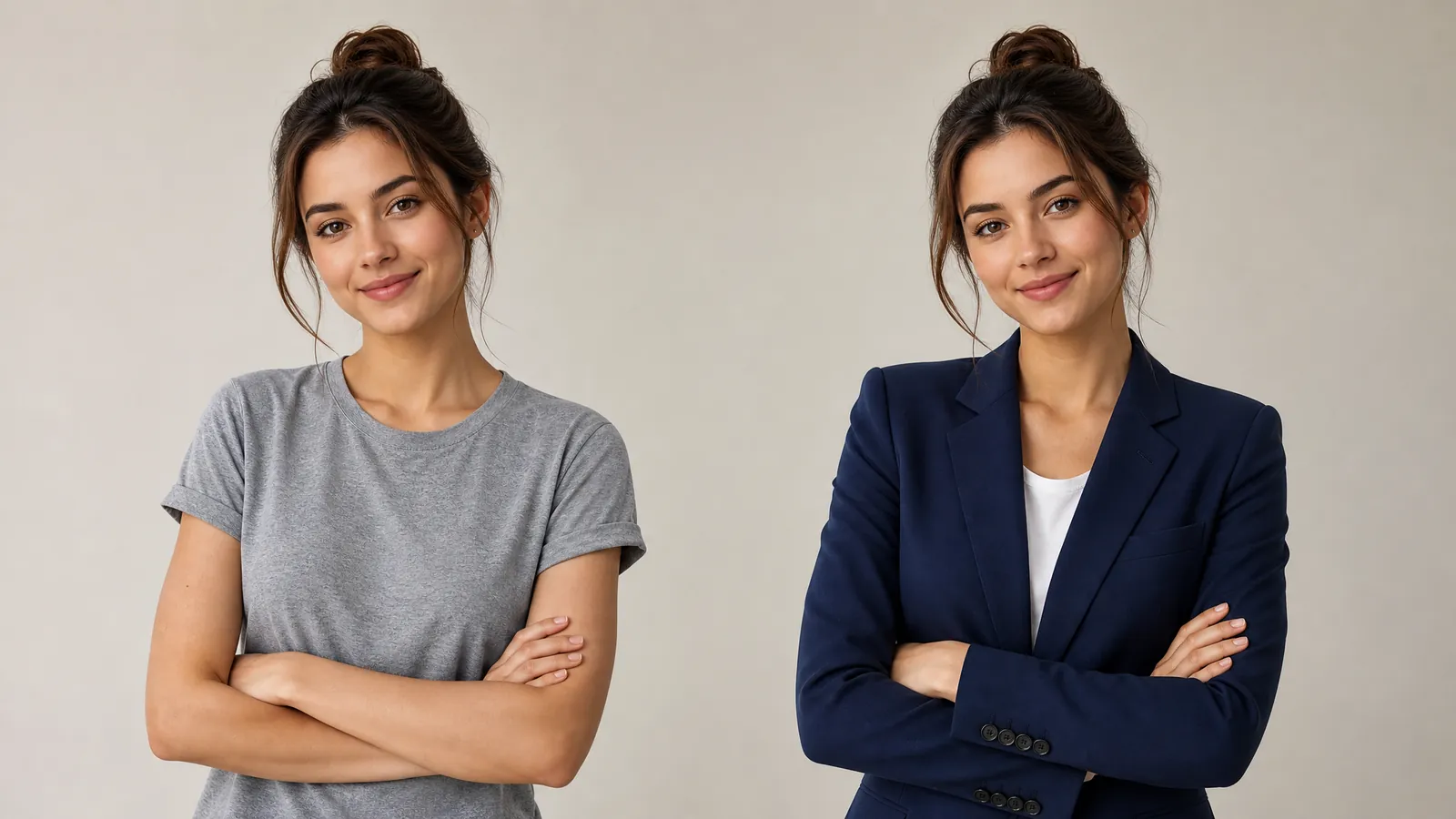
Samples generated by GPT Image 2 — the same person at different ages, with features and background held steady.
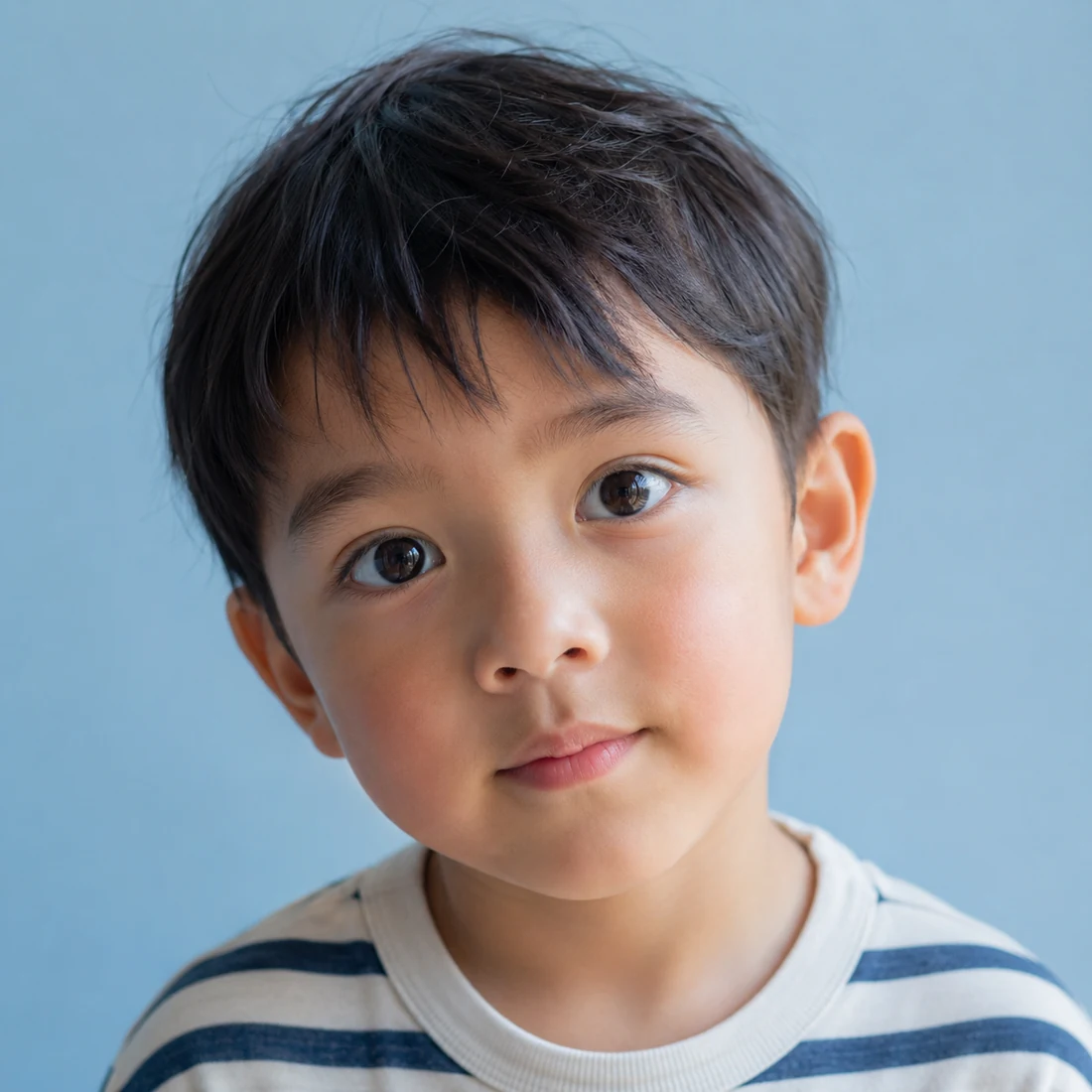
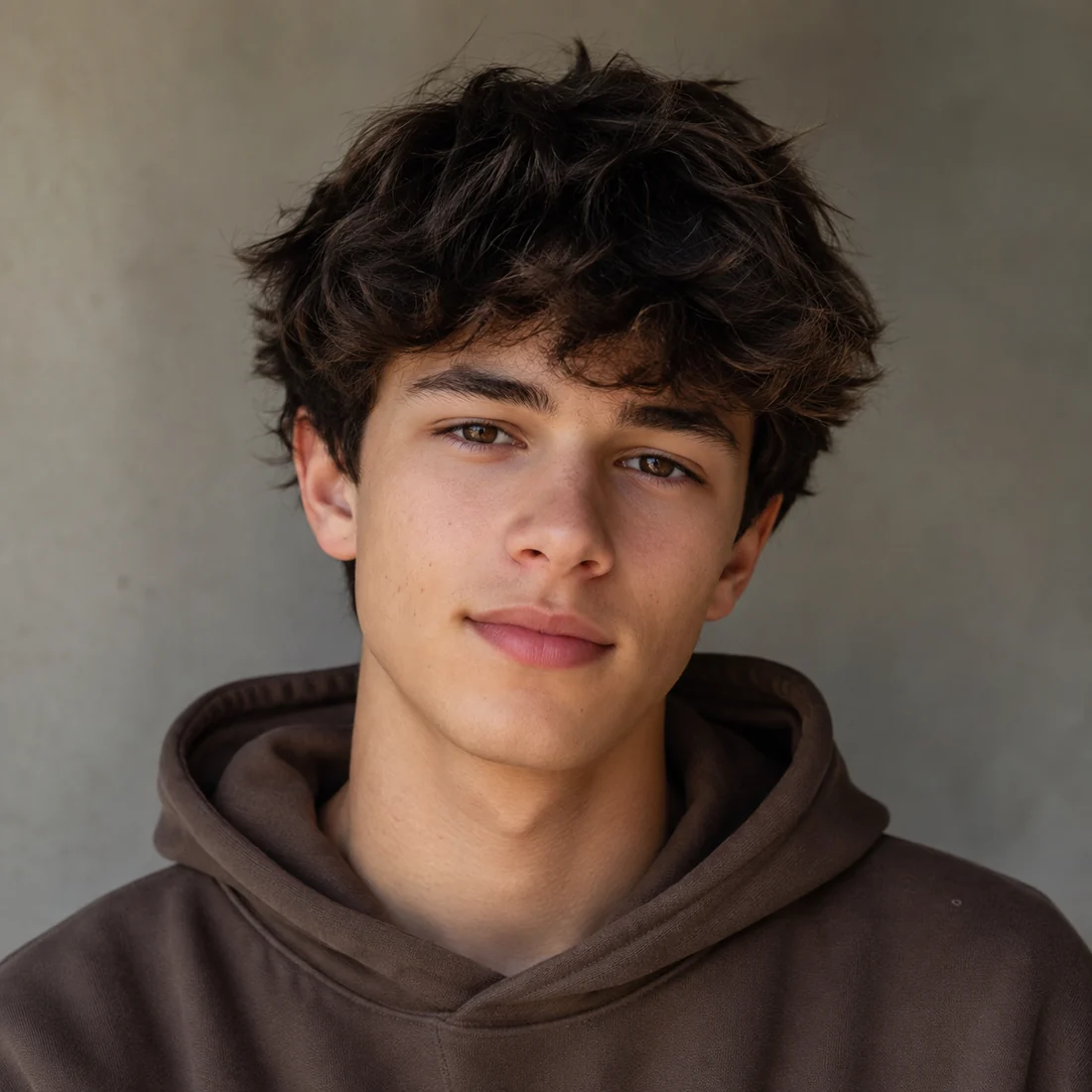
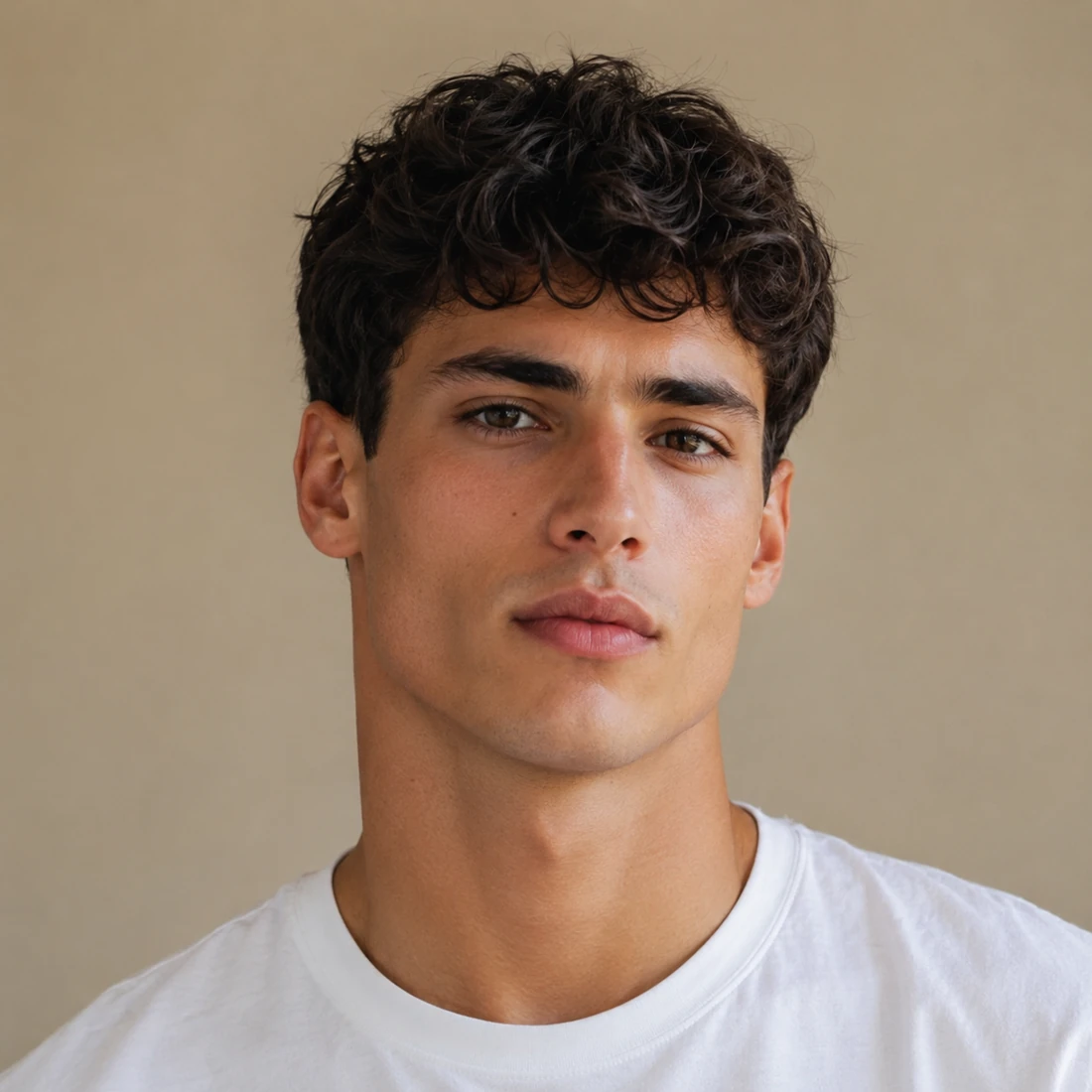

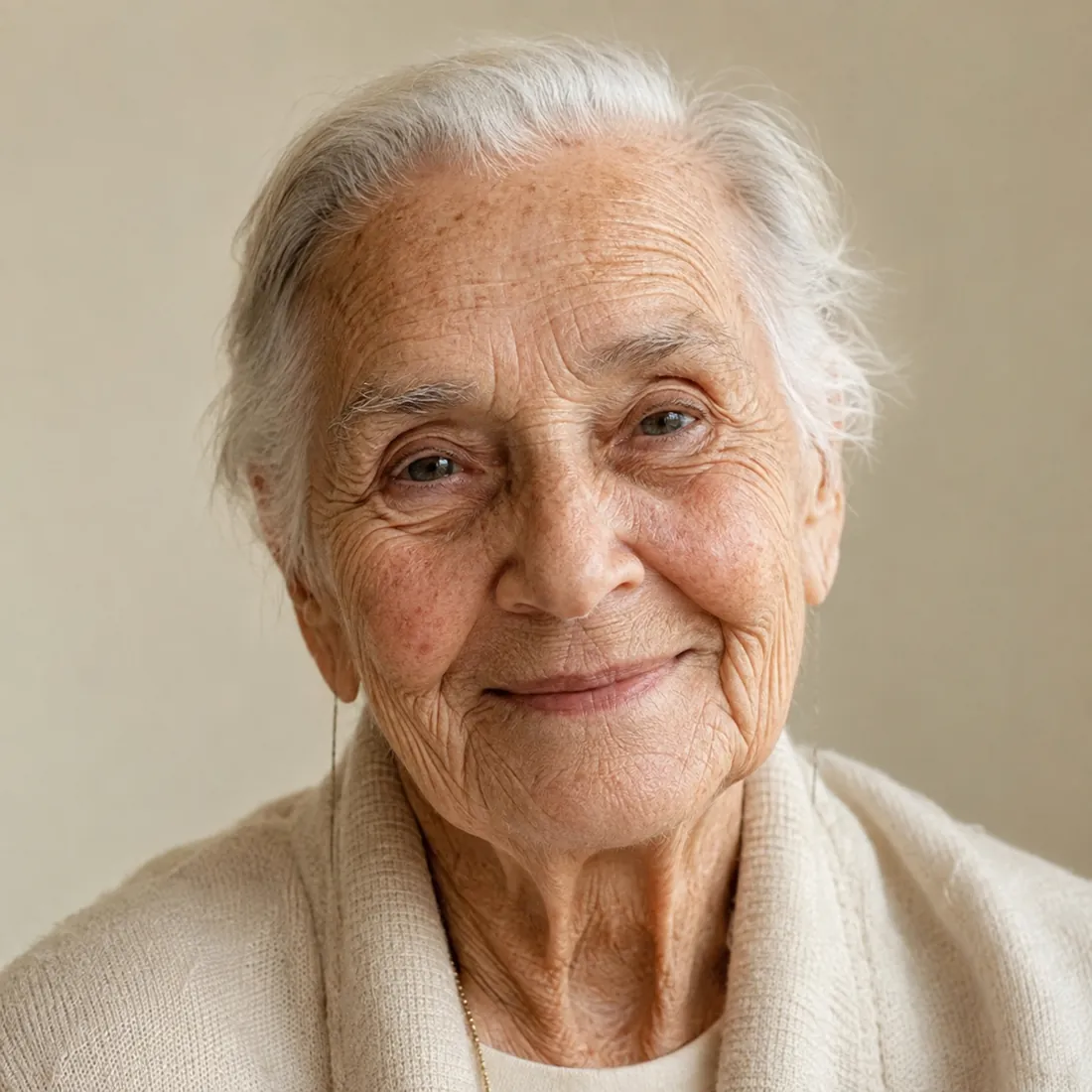

What the age transform does well
Making a face older or younger is easy. Keeping it the same face is the hard part, and that is what this tool is built around.
The age changes, the person doesn’t
It is treated as an age edit rather than a new face: eye shape and spacing, nose, lips, ears, skin tone, moles and freckles, expression and head angle are all preserved, so anyone who knows you still recognises you instantly.
Only age-driven details move
Lines, skin texture, facial fullness, jawline firmness, hair colour and density — the things that genuinely shift with the years. Nothing else is touched, and you will not be quietly slimmed or retouched along the way.
Presets or an exact age
Six life stages are one click away, and if you want something specific you can write it: "45, with a few grey hairs at the temples". What you type takes over from the preset.
Three steps to another age
No retouching, no modelling — upload and go.
Upload a portrait
Click or drag a clear front-facing photo. JPG, PNG and WebP all work — the sharper the face, the closer the likeness.
Choose an age
It opens on "10 years younger" — switch to any of the six life stages, or type an exact age below.
Generate and download
Results arrive in under a minute. Curious about another decade? Switch the age and run it again.
Where age transform helps
One face at several ages opens up more than you would think.
Family timelines
Show a grandparent as they were at twenty, or a child as they might look grown up, and line the whole family up across the decades.
Social media challenges
Old-age filters and childhood throwbacks never go out of fashion — join in with one selfie, without turning into someone else.
Video and film ideas
Get your lead as a teenager, at forty and at eighty in one sitting, ready for time-jump transitions and before-and-after cuts.
Character age references
Writing, game art or casting — generate the same character at different ages as a visual reference.
Versus retouching it by hand
Ageing a face up or down used to be billed by the hour.
Start free, upgrade anytime
Sign up for free credits — every image tool is powered by GPT Image 2. Upgrade for higher limits, faster generation, no watermark and commercial use.
FAQ
About AI age transform
More AI image tools
View all tools

See yourself at eighty
Upload a portrait, pick an age, and meet a different version of yourself in under a minute.