
GPT Image 2.5 AI Image Generator
NewOpenAI's newest image model, with both of its tunings in one place. Flare renders fast with natural lighting and rich texture; Sunburst trades speed for extra fidelity on intricate detail. Generate up to 4K from a prompt, or fuse up to 16 reference images into one edit.
Ready to create
Enter a prompt and start generating
What GPT Image 2.5 Can Create
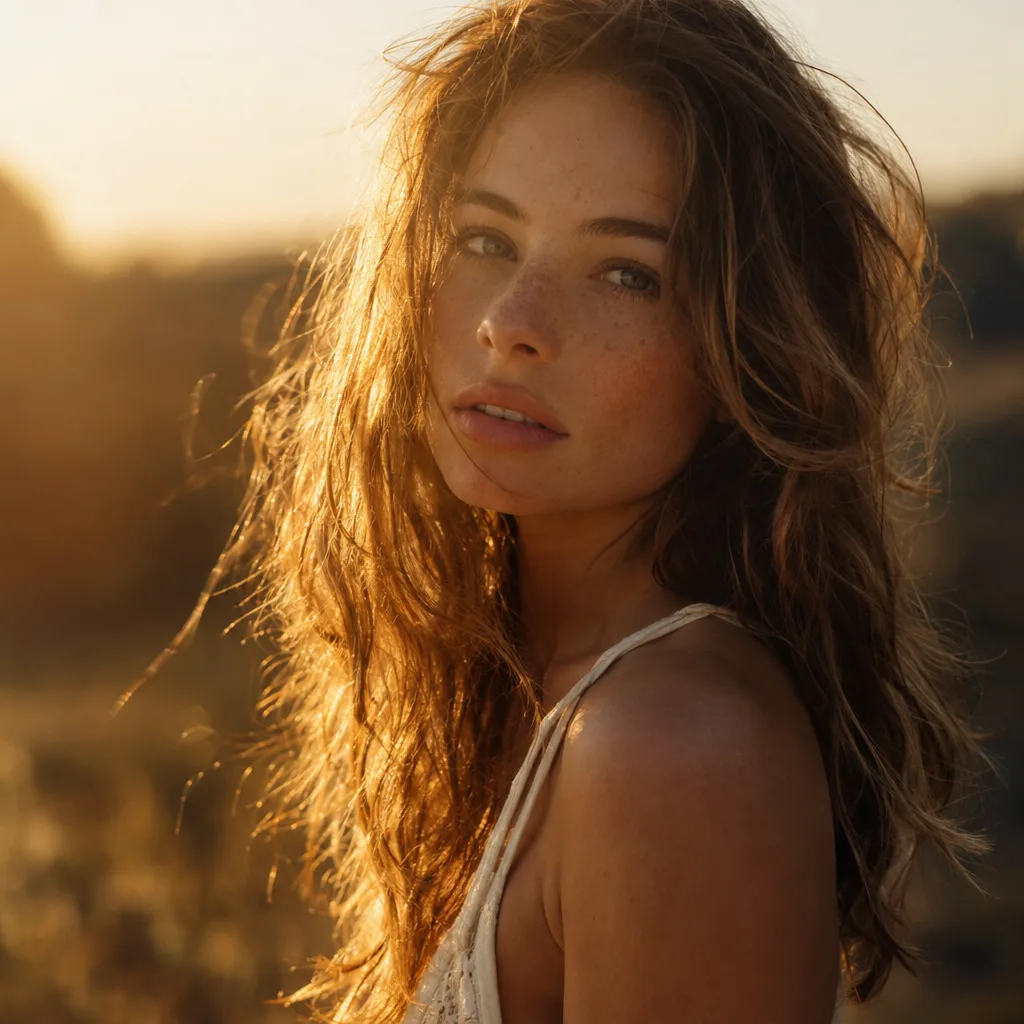
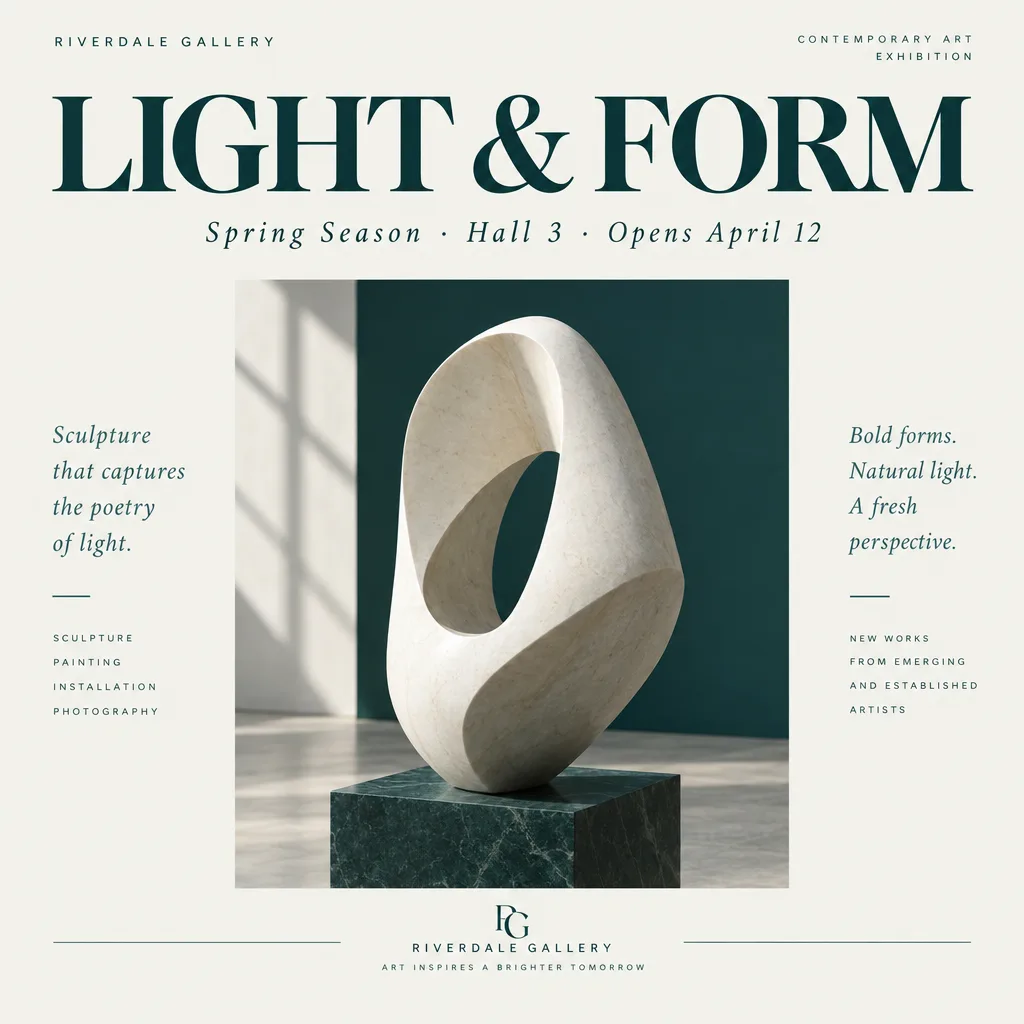
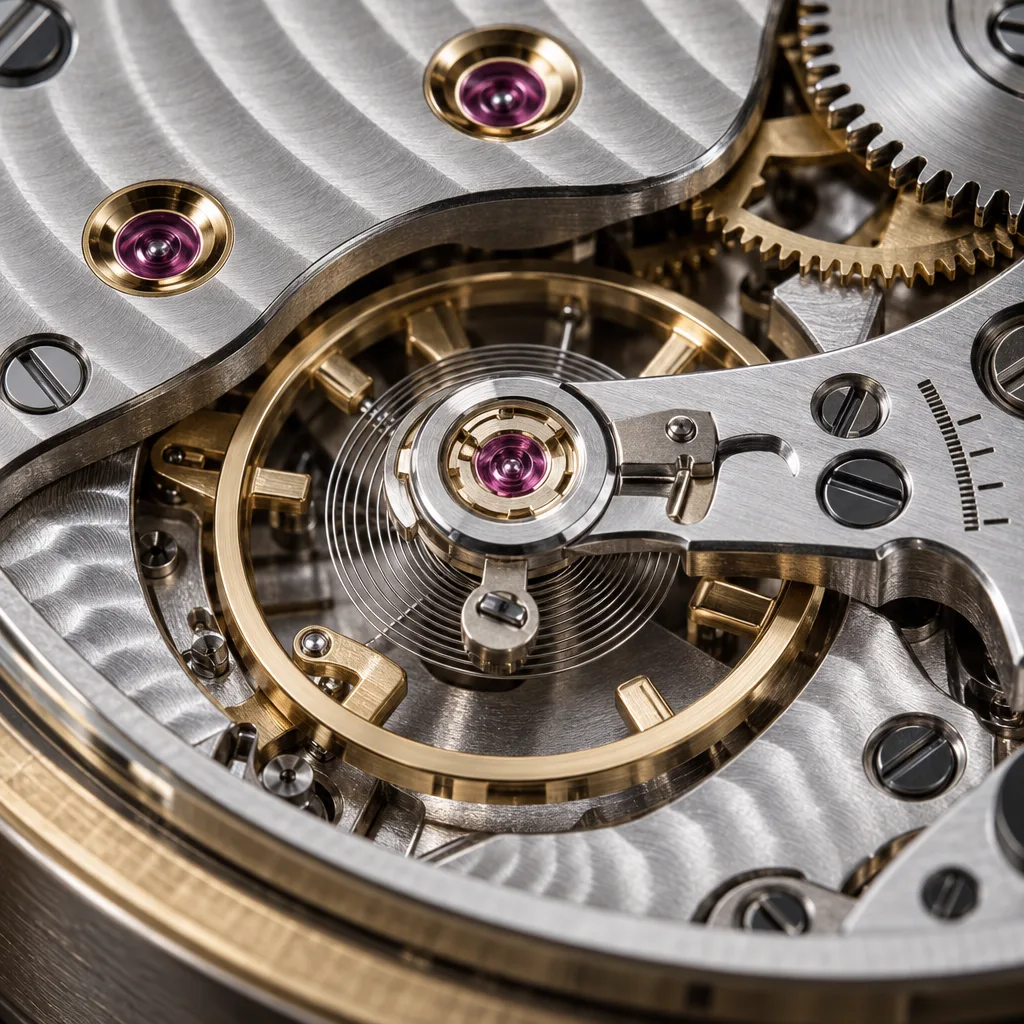
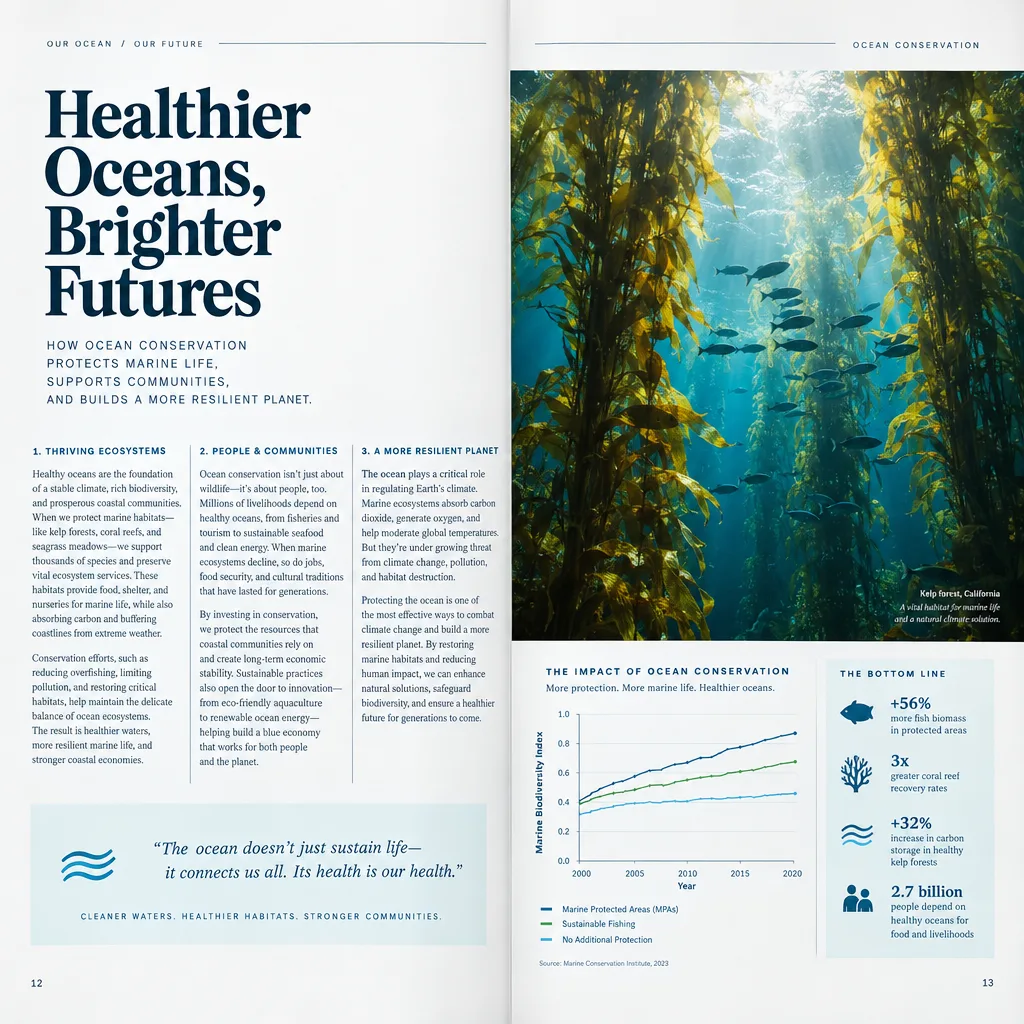
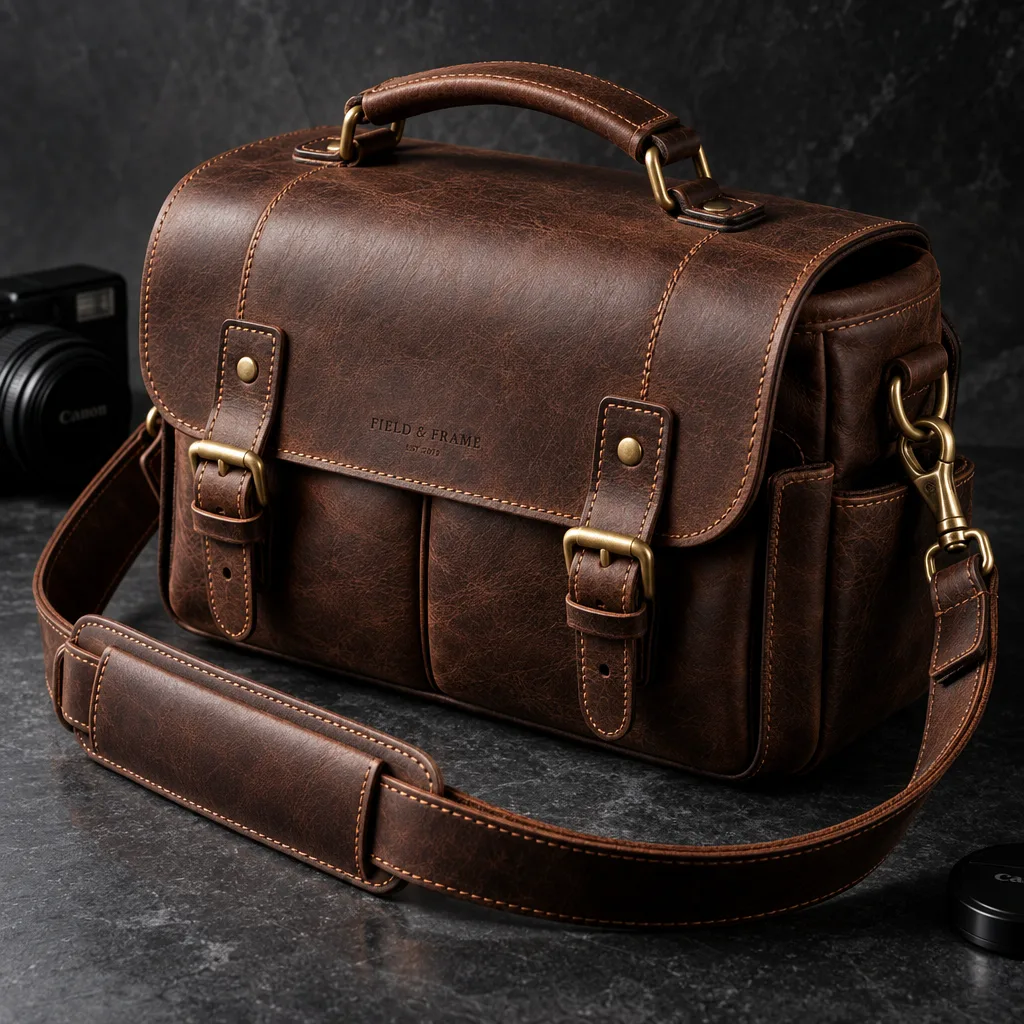
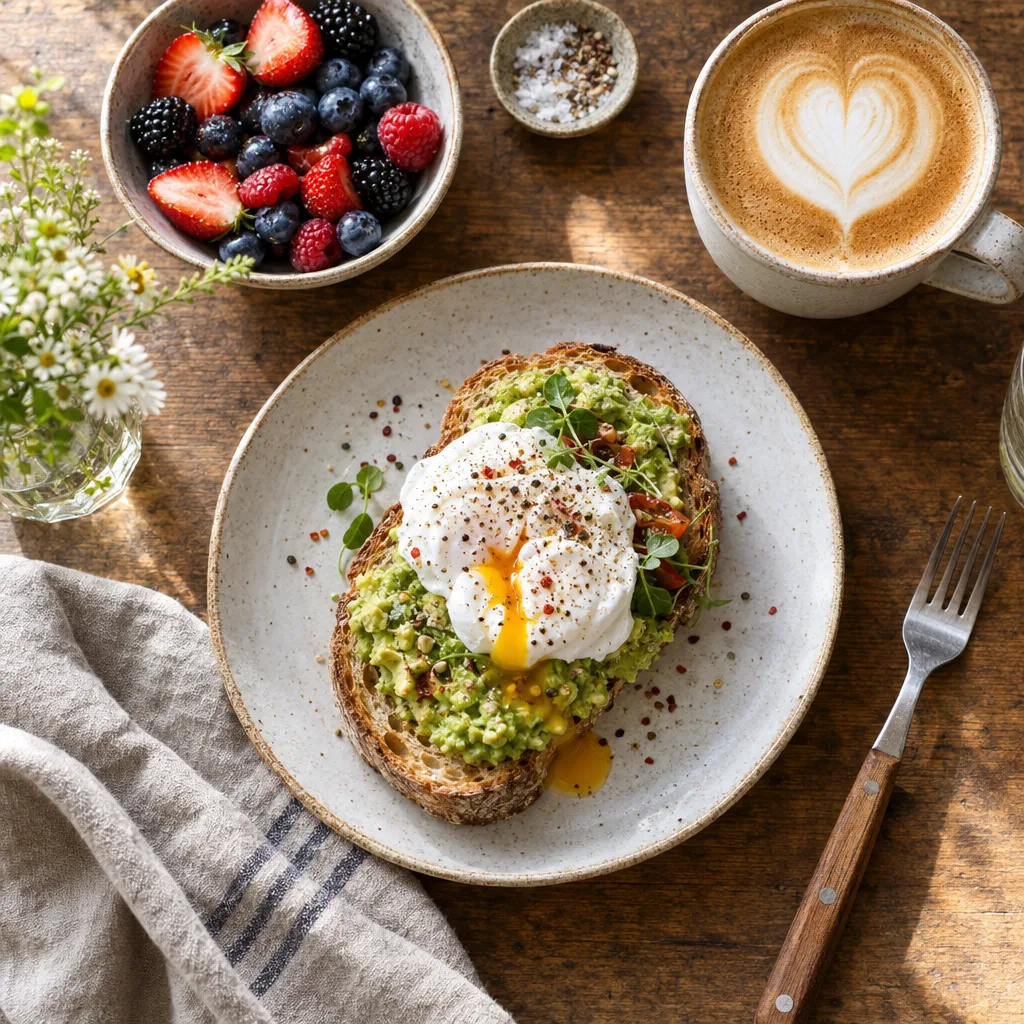
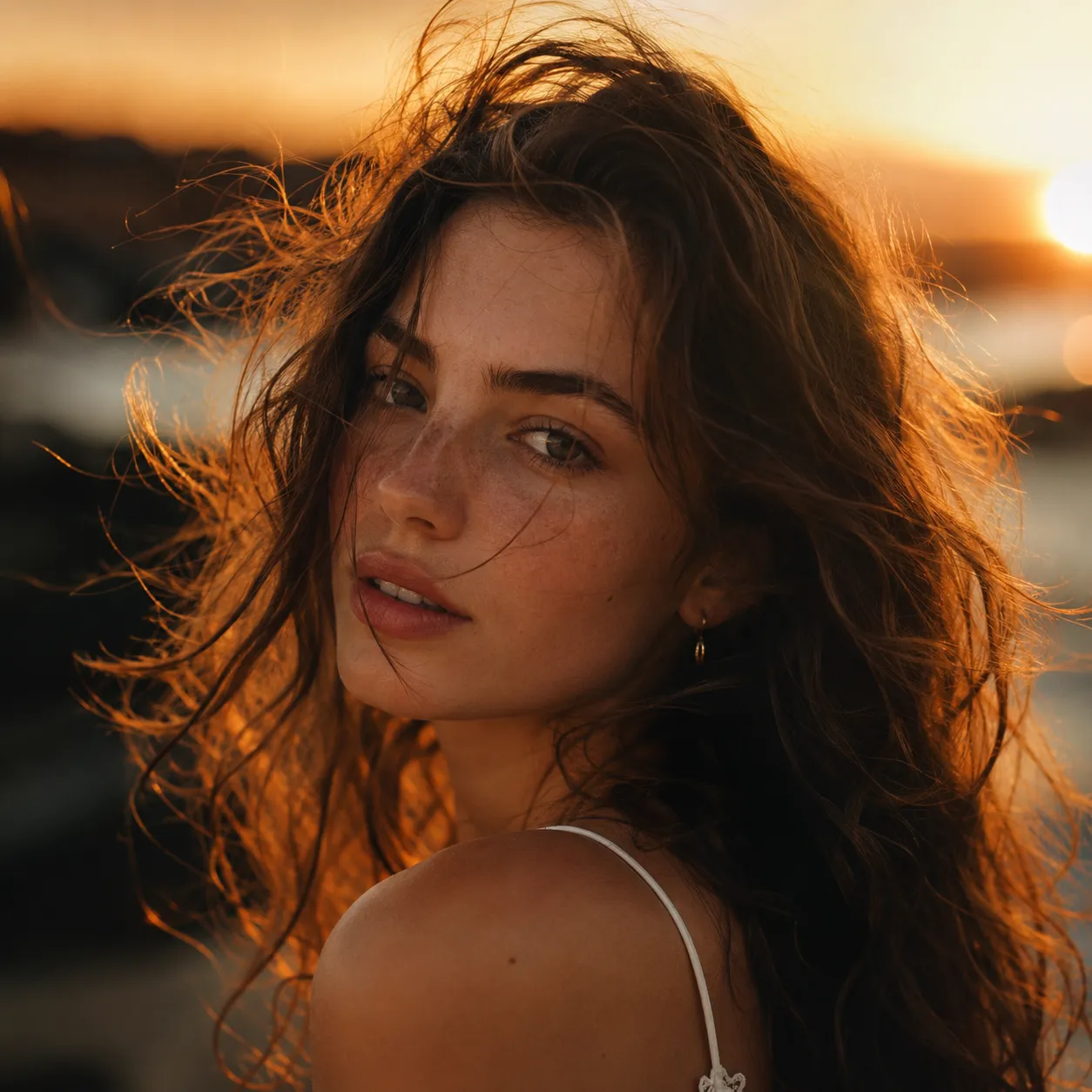
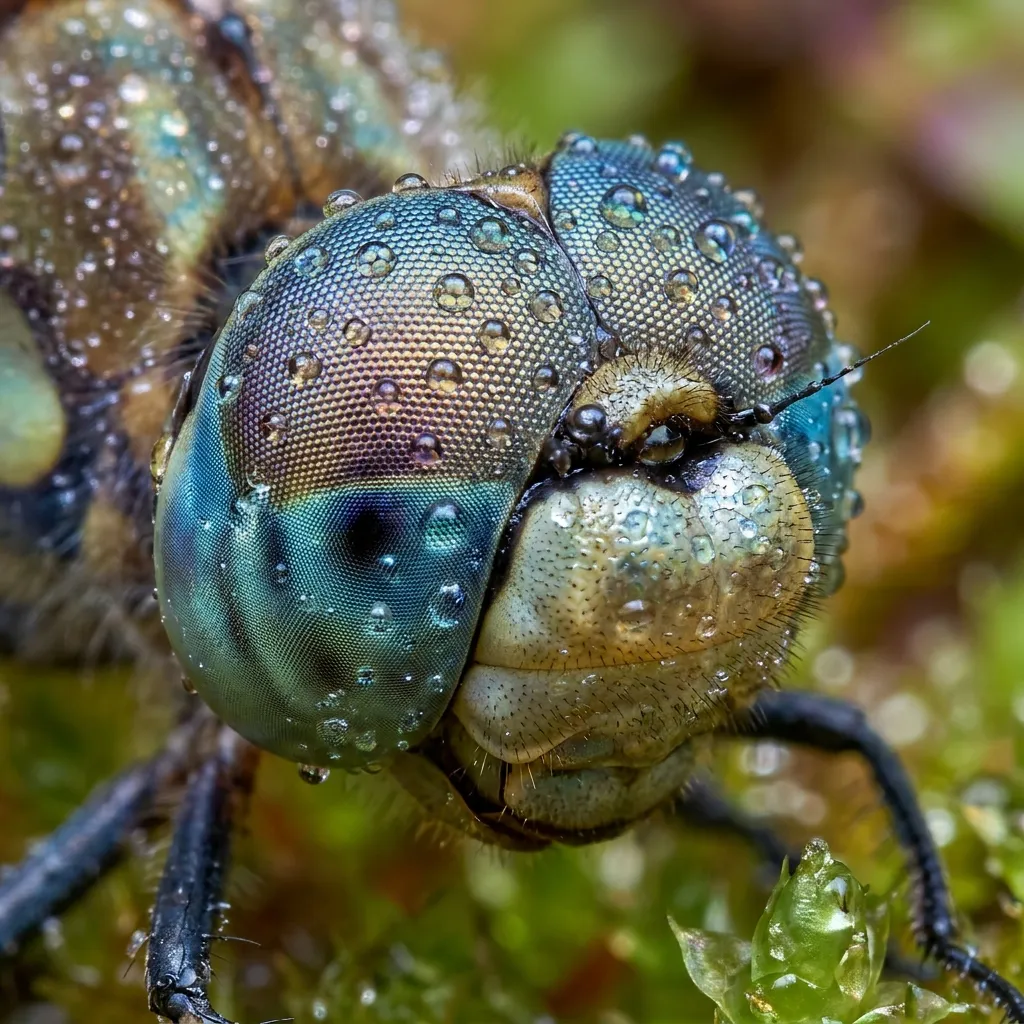
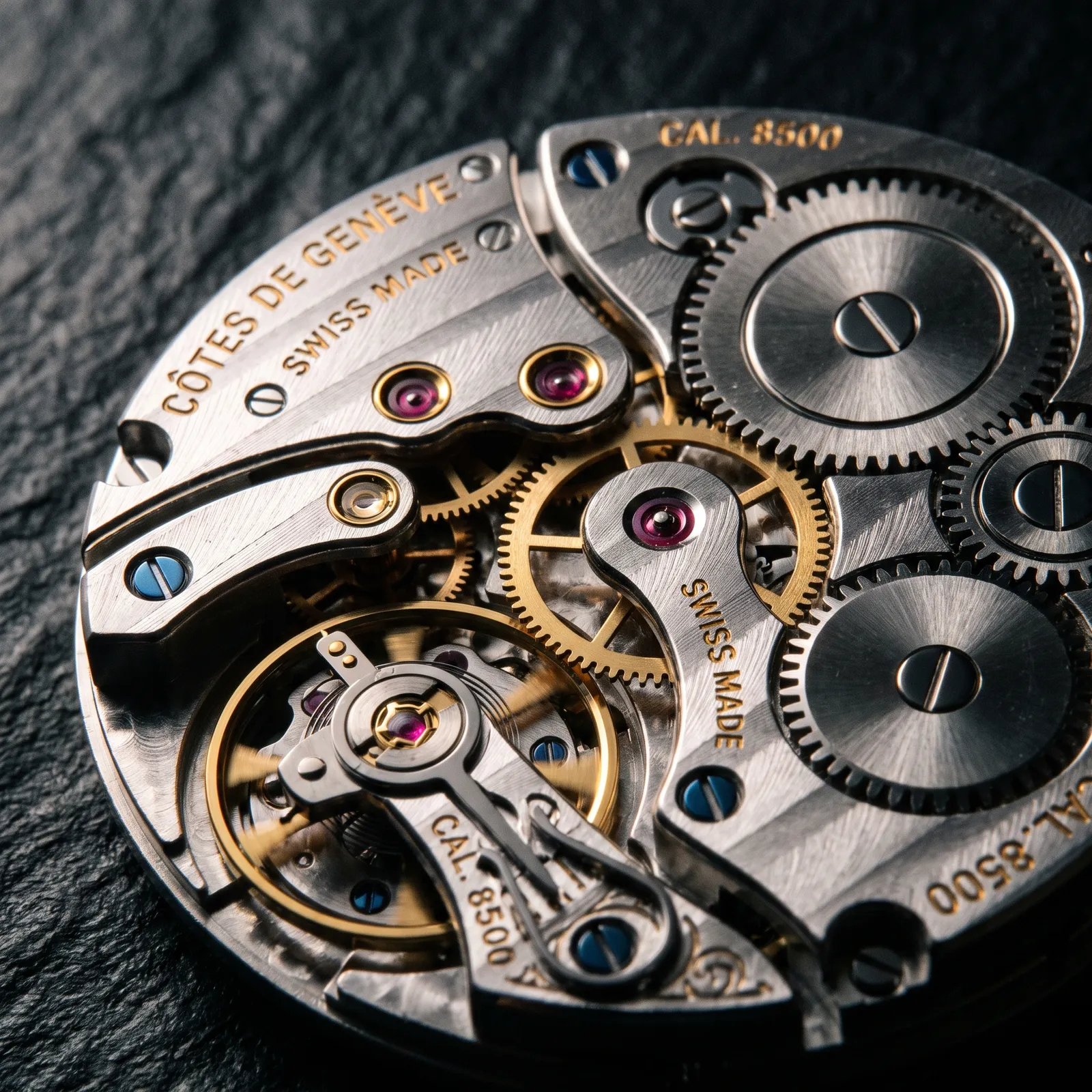
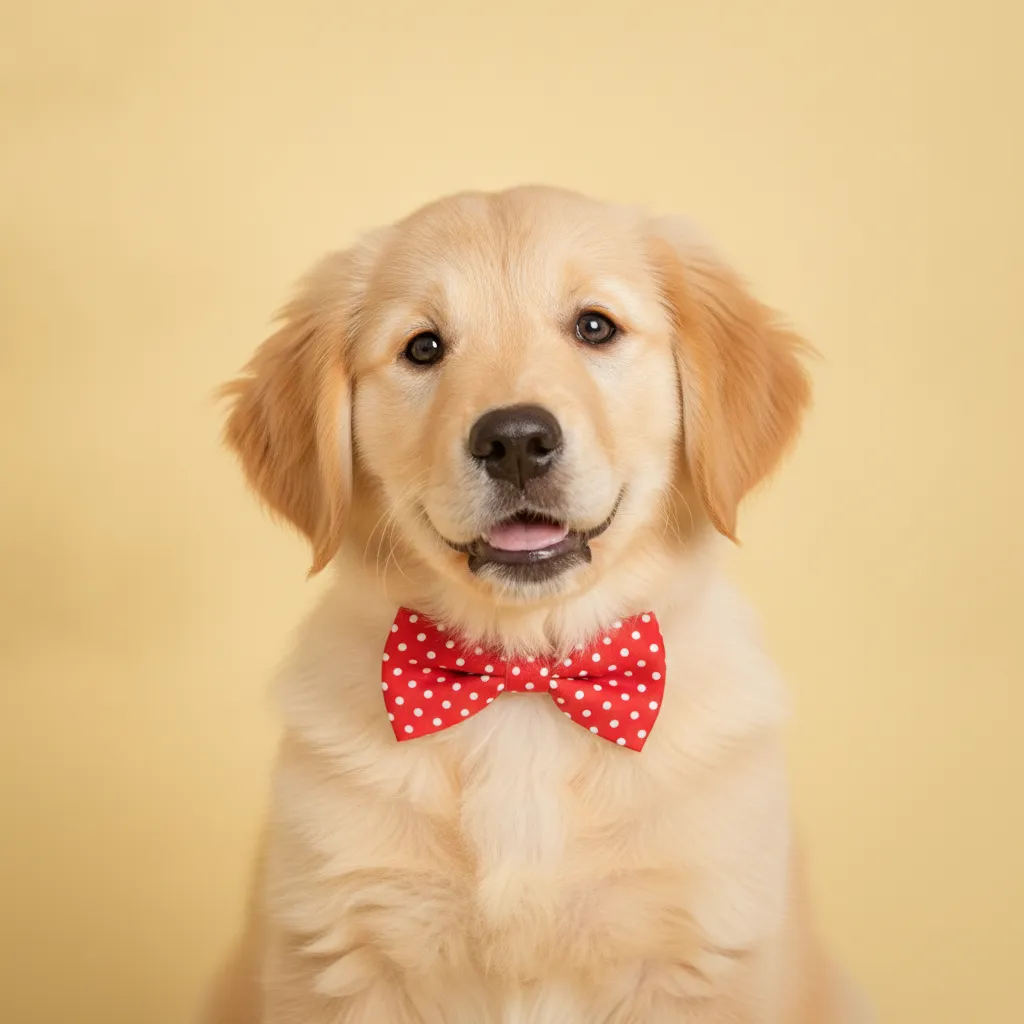
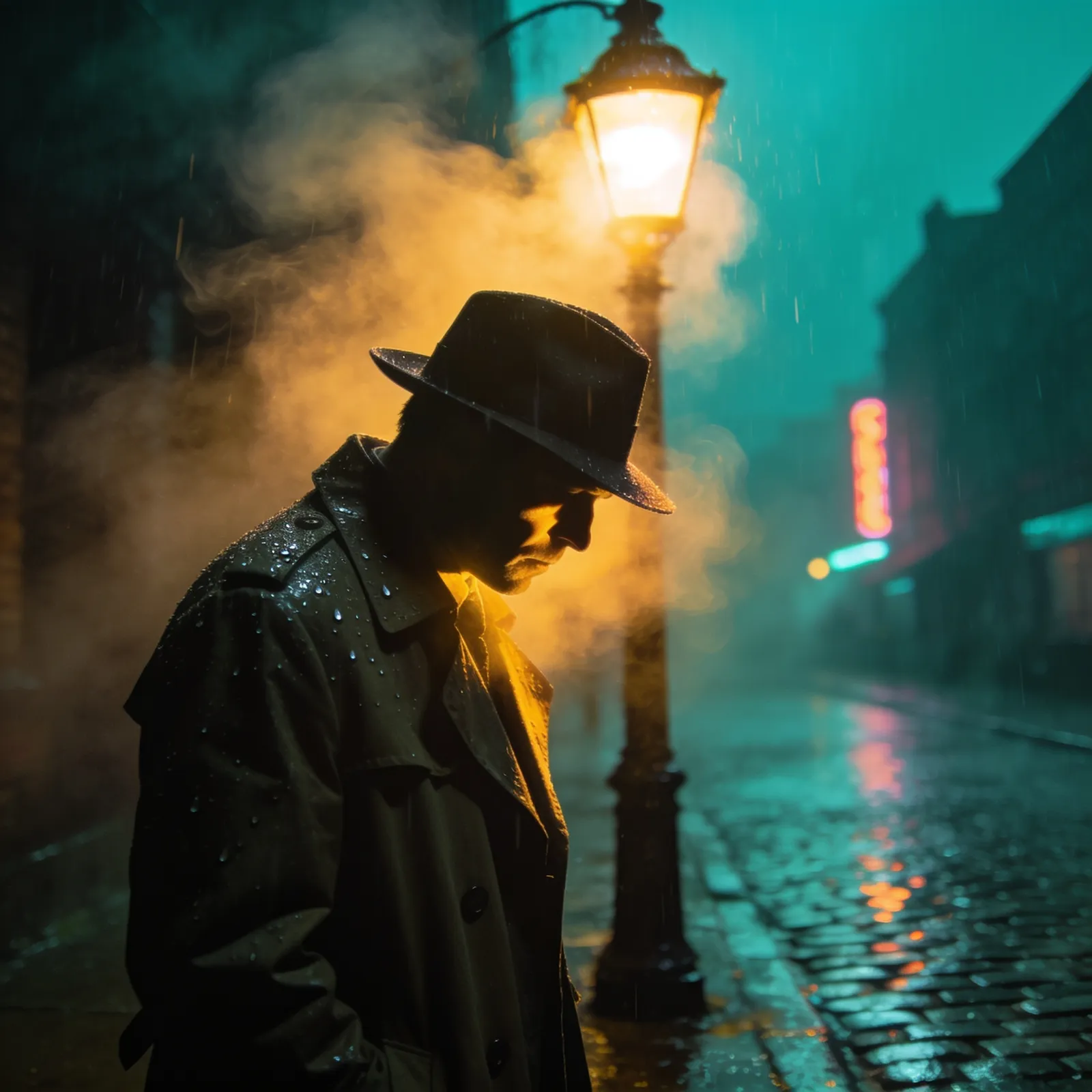
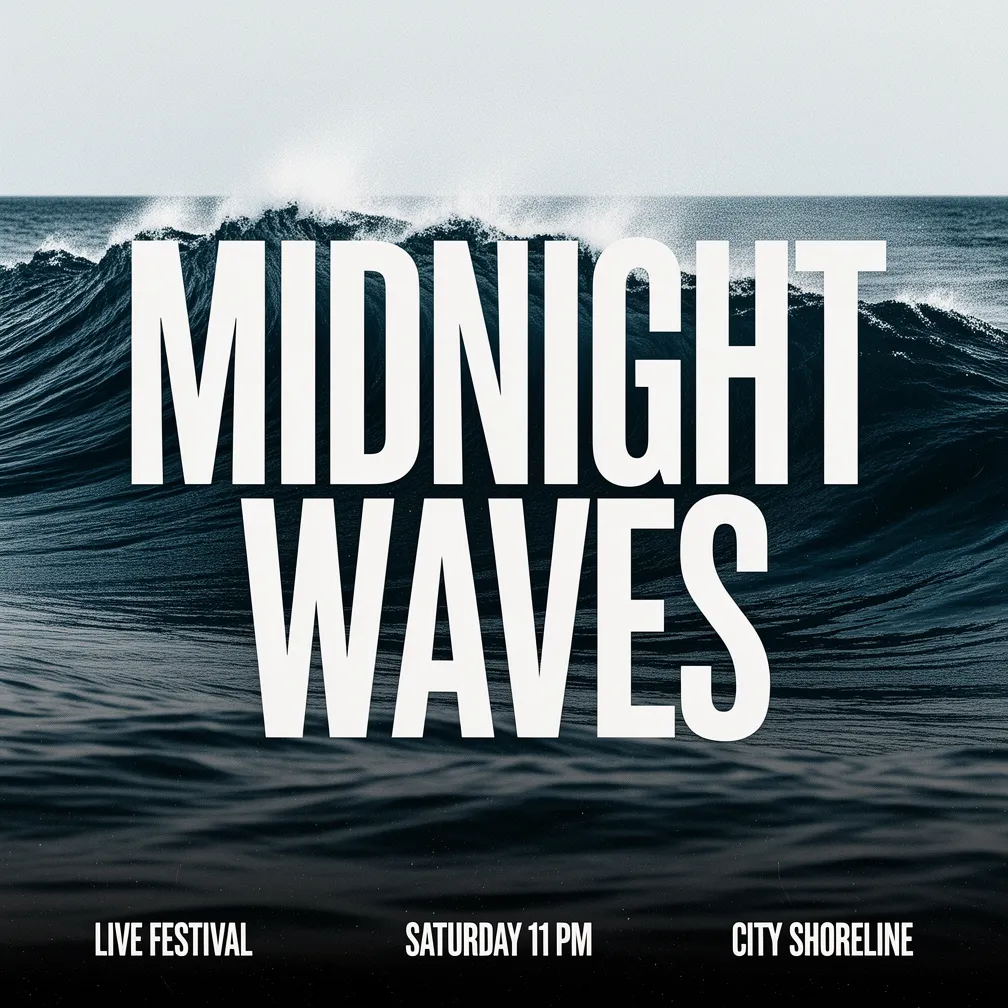
Real, unedited outputs generated directly by GPT Image 2.5 — the first, second, fourth and sixth in Flare, the third and fifth in Sunburst.
Why GPT Image 2.5 Stands Out
Three capabilities that set GPT Image 2.5 apart from its peers.
Natural light and real texture
Skin, fabric, metal, and food read like photographs rather than renders. Flare gives you that look by default, with no style-word stacking required.
Complex layouts that hold together
Headlines, body copy, captions, charts, and page furniture land where you asked for them and stay legible — posters and editorial spreads come out usable, not decorative.
A fidelity choice you control
Switch to Sunburst when the brief lives in the fine detail, and pick 1K, 2K, or 4K. You decide what each image is worth in time and credits.
What is GPT Image 2.5?
GPT Image 2.5 is OpenAI's latest image model, and it ships as two tuned variants rather than one. Flare is the default for most work: fast, with natural lighting, rich surface texture, and dependable handling of complex layouts. Sunburst is the precision option, built for premium visual work where intricate detail has to survive close inspection — it takes longer to render in exchange for that extra fidelity.
On this page both variants live behind one generator. Pick the tuning with a single click, write your prompt, and the right model runs underneath. Everything else is shared: output at 1K, 2K, or up to 4K, and eight aspect ratios from square through portrait, landscape and 21:9 ultrawide. Unlike GPT Image 2, the square 1:1 canvas is available at 4K too.
GPT Image 2.5 runs in two modes here. Text-to-image builds a picture from a written description. Image-to-image editing takes up to 16 reference photos at once and fuses them, so you can combine a product, a subject, and a backdrop into a single coherent shot, restyle a scene, or restage it while keeping the details that matter. Cost follows resolution: 12 credits at 1K, 20 at the default 2K, and 32 at 4K. The exact figure is always shown on the generate button before you commit.
GPT Image 2.5 specifications
Why choose GPT Image 2.5?
GPT Image 2.5 is the model to reach for when you want photographic lighting by default, and the option to spend more only on the images that deserve it.
Two tunings, one generator
Flare and Sunburst are separate models upstream, but here they are a single click apart. Draft in Flare, then re-run the keeper in Sunburst without rewriting your prompt or losing your settings.
Natural lighting out of the box
Soft falloff, believable shadows, and real surface texture arrive without prompt gymnastics. Portraits, food, and product shots look photographed rather than generated.
Up to 16 reference images
Feed a whole set of references into one edit — a product, a subject, a backdrop, a style plate — and get back a single coherent result that keeps the details you care about.
Pay for the resolution you need
A quick exploration at 1K costs 12 credits while a print-ready 4K hero costs 32. Nothing is priced as if every image were final.
4K on every aspect ratio
Choose 1K, 2K, or 4K across all eight ratios — including square, which GPT Image 2 cannot render at 4K. Clean enough for commercial printing and high-DPI screens without an upscaling pass.
Layouts that stay legible
Headlines, captions, labelled charts, and multi-column text land where you described them, so posters and editorial pages come out usable rather than decorative.
GPT Image 2.5 vs other image models
Every model here has a sweet spot. GPT Image 2.5 leads on natural lighting and texture, offers a choice of tuning, and is the only one that lets you dial cost against resolution; pick a peer when you want a fixed price or a different style.
| Model | Max resolution | Batch output | Credits |
|---|---|---|---|
🤖GPT Image 2.5 | Up to 4K | 12–32 | |
🤖GPT Image 2 | Up to 4K | 20 | |
🍌Nano Banana 2 | Up to 4K | 20 | |
💎Seedream 4.5 | Up to 4K | 15 | |
🎨Flux 2 | Up to 4K | 15 |
How to generate with GPT Image 2.5
From a one-line idea to a finished 4K image in three steps.
Pick your task and tuning
Choose text-to-image to create from scratch, or image-to-image to edit and fuse references. Then pick the tuning: Flare for speed and natural light, Sunburst when the fine detail is the point.
Write a prompt and set the dials
Describe the scene, the style, and any text you want shown. Set the resolution (1K, 2K, or 4K) and the aspect ratio. The credit cost updates as you go.
Generate and download
Click generate and review the result. Iterate cheaply at 1K, then re-run the one you like at 4K, and download it watermark-free at full resolution.
What you can build with GPT Image 2.5
GPT Image 2.5 fits anywhere photographic lighting, fine texture, or a precise layout matters.
Product photography
Shoot a product in Sunburst so the grain, stitching, and hardware hold up under a close look, at 4K for listing pages and print.
Posters and ad creative
Generate finished posters and banners with legible headlines and supporting copy already in place, in the exact aspect ratio the placement needs.
Editorial and multi-column layouts
Magazine spreads, reports, and data-led pages with body text, captions, and labeled charts arranged the way you described them.
Social media visuals
Spin up on-brand posts, story covers, and thumbnails at 12 credits a draft, then re-run only the ones you are shipping at full resolution.
Composite and reference edits
Fuse up to 16 photos into one scene with image-to-image editing, combining subjects, products, and backdrops while keeping the important details consistent.
Concept art and texture studies
Explore materials and lighting in Flare, then push the promising frames through Sunburst at 4K when you need the detail to survive a close look.
GPT Image 2.5 frequently asked questions
The most common questions about generating with GPT Image 2.5.
Explore other models
Switch between top models in the same generator
Create with GPT Image 2.5 now
Draft in Flare for 12 credits, finish in Sunburst at 4K, or fuse your references into one clean edit. Sign up and start with free credits.