
AI Ghost Mannequin
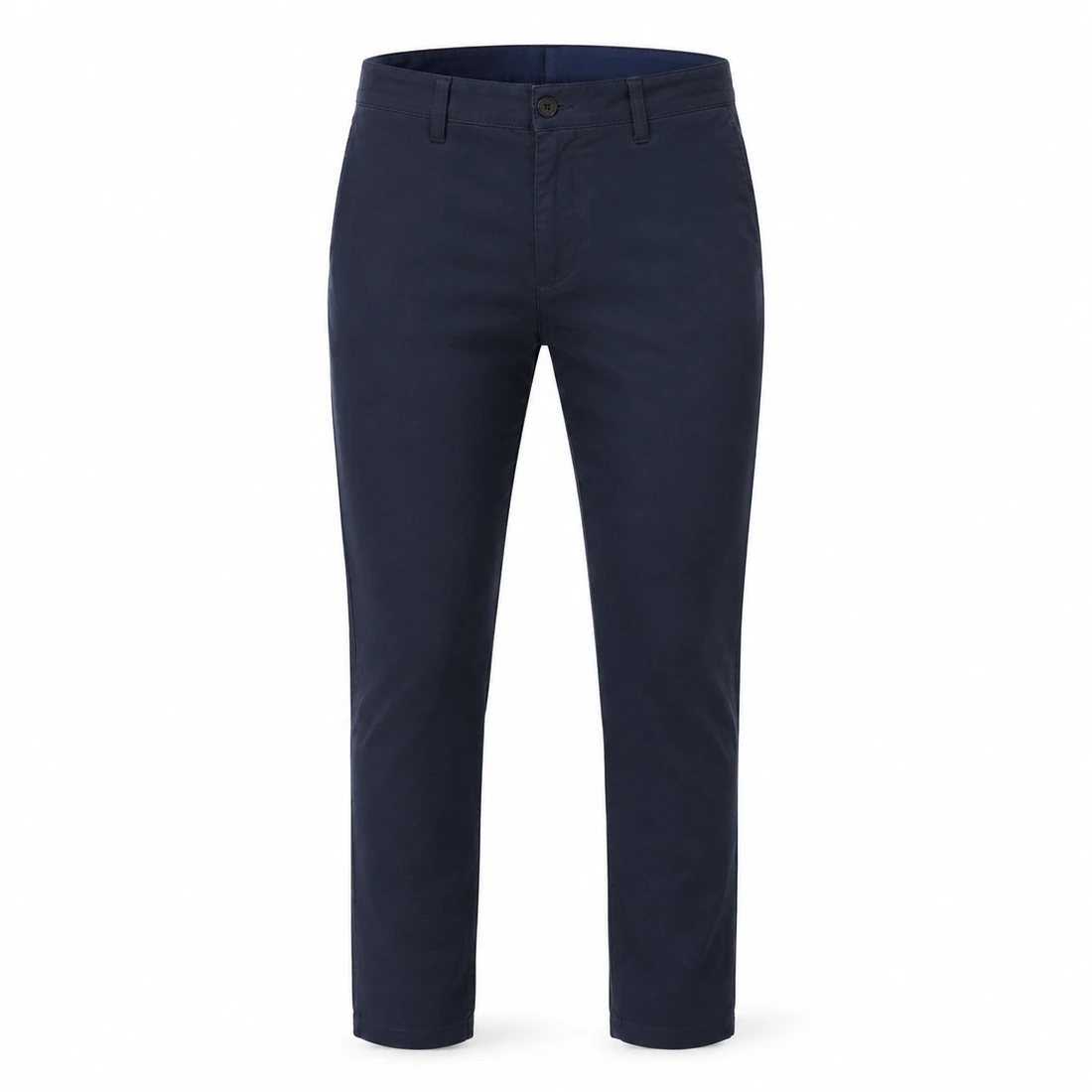
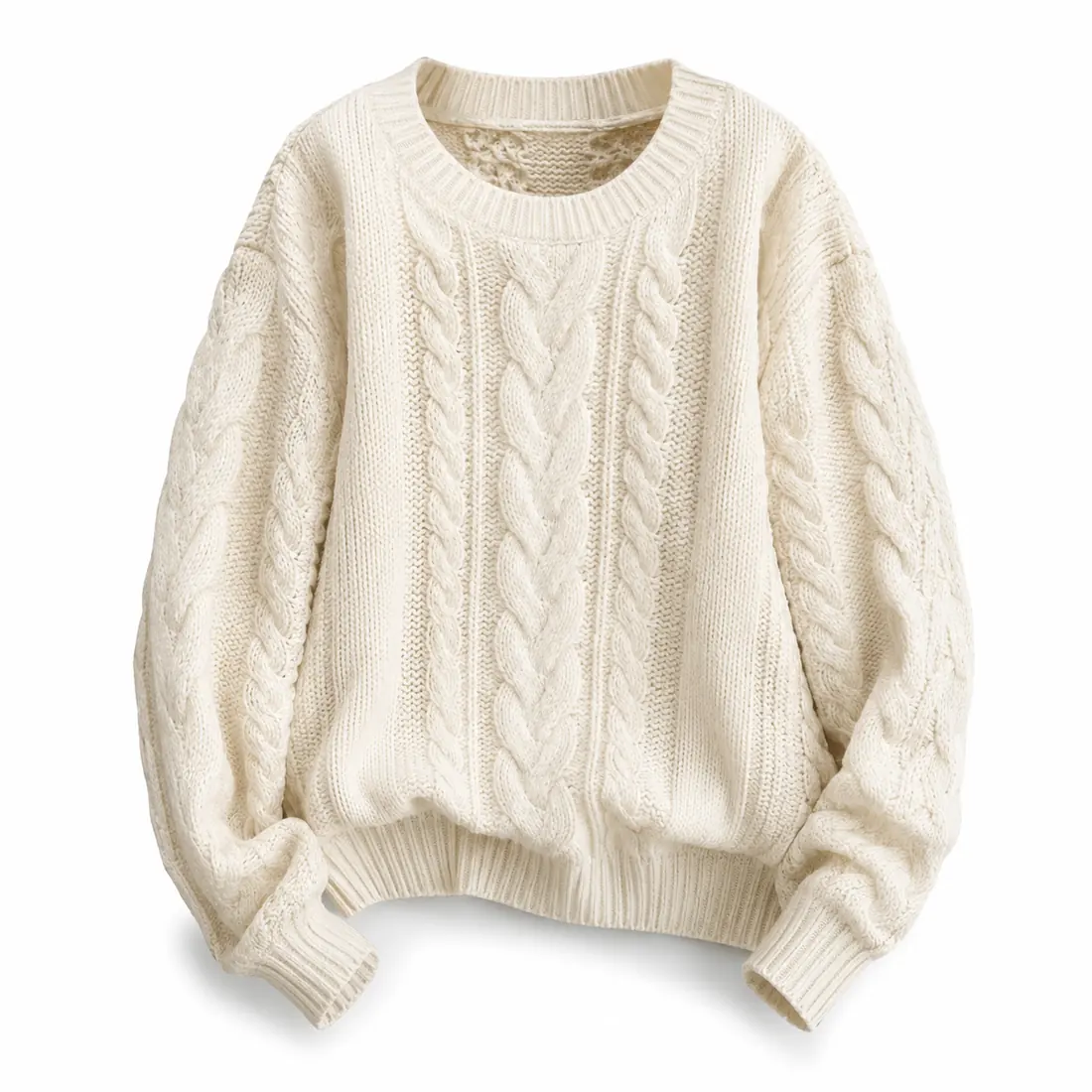
Upload a flat-lay or on-hanger garment photo and pick its type. The hanger and mannequin disappear, the garment fills out with the volume of a real body, and the colour, print, fabric and label text stay exactly as they were.
Ready for the ghost mannequin
Upload a garment photo and pick its type
Ghost mannequin results
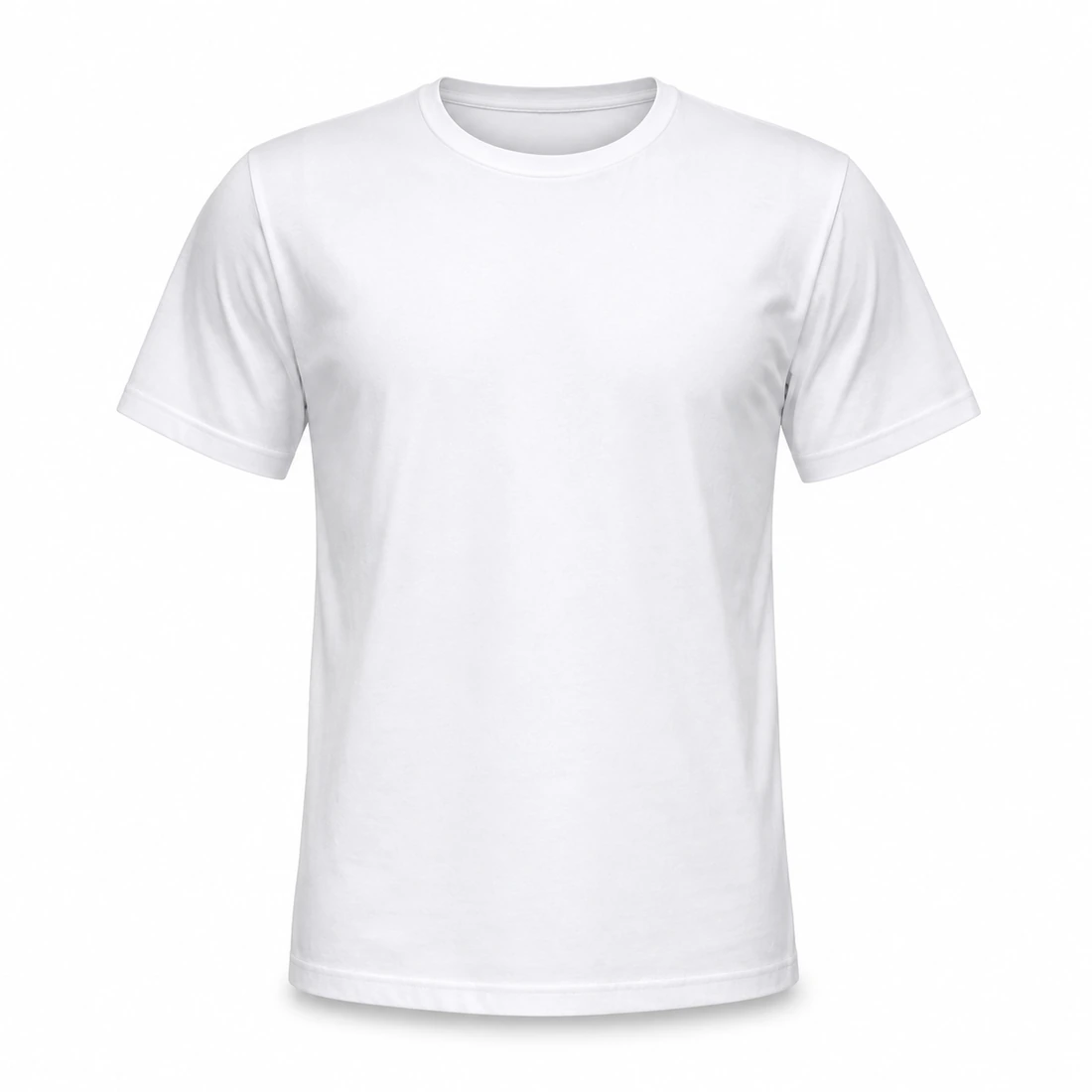
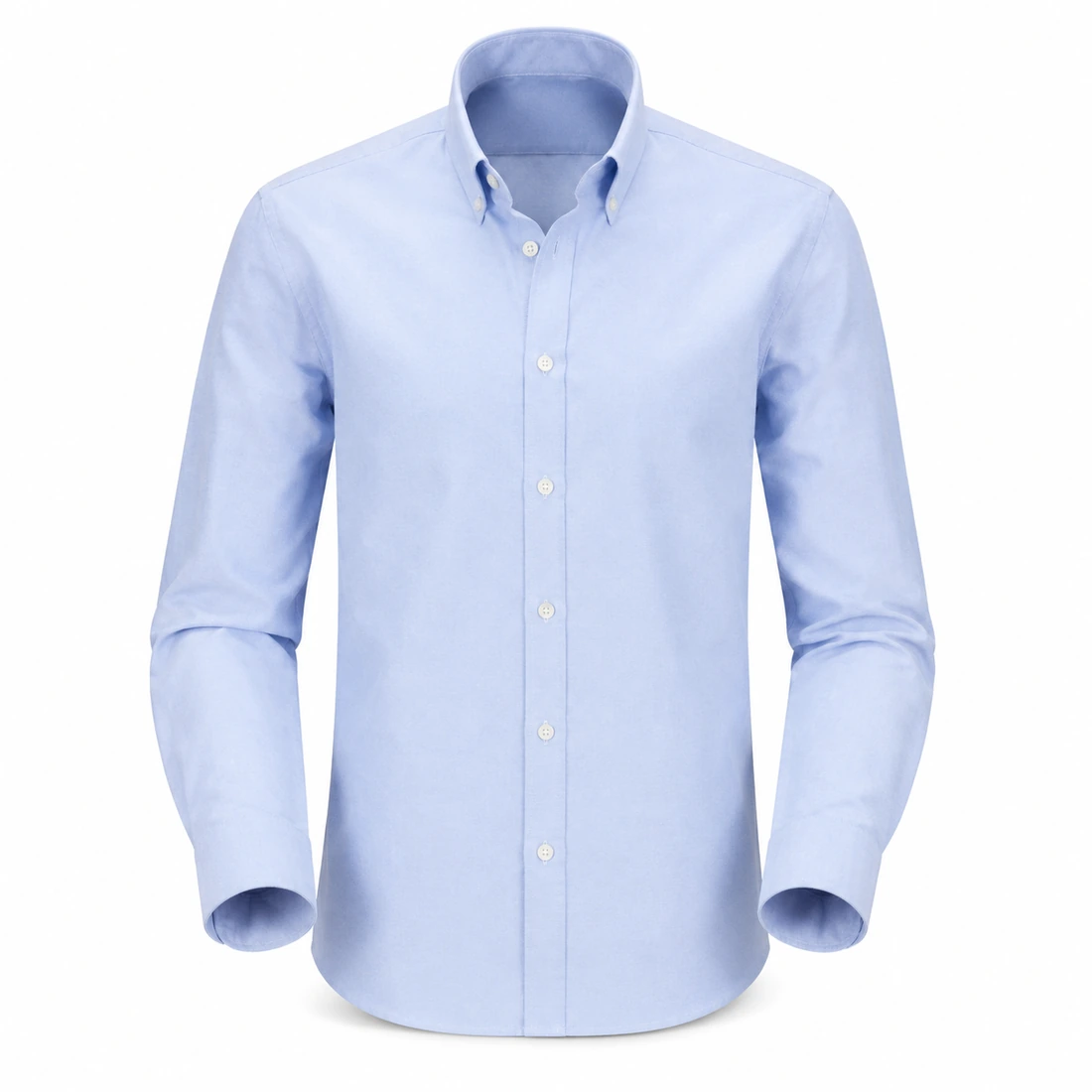
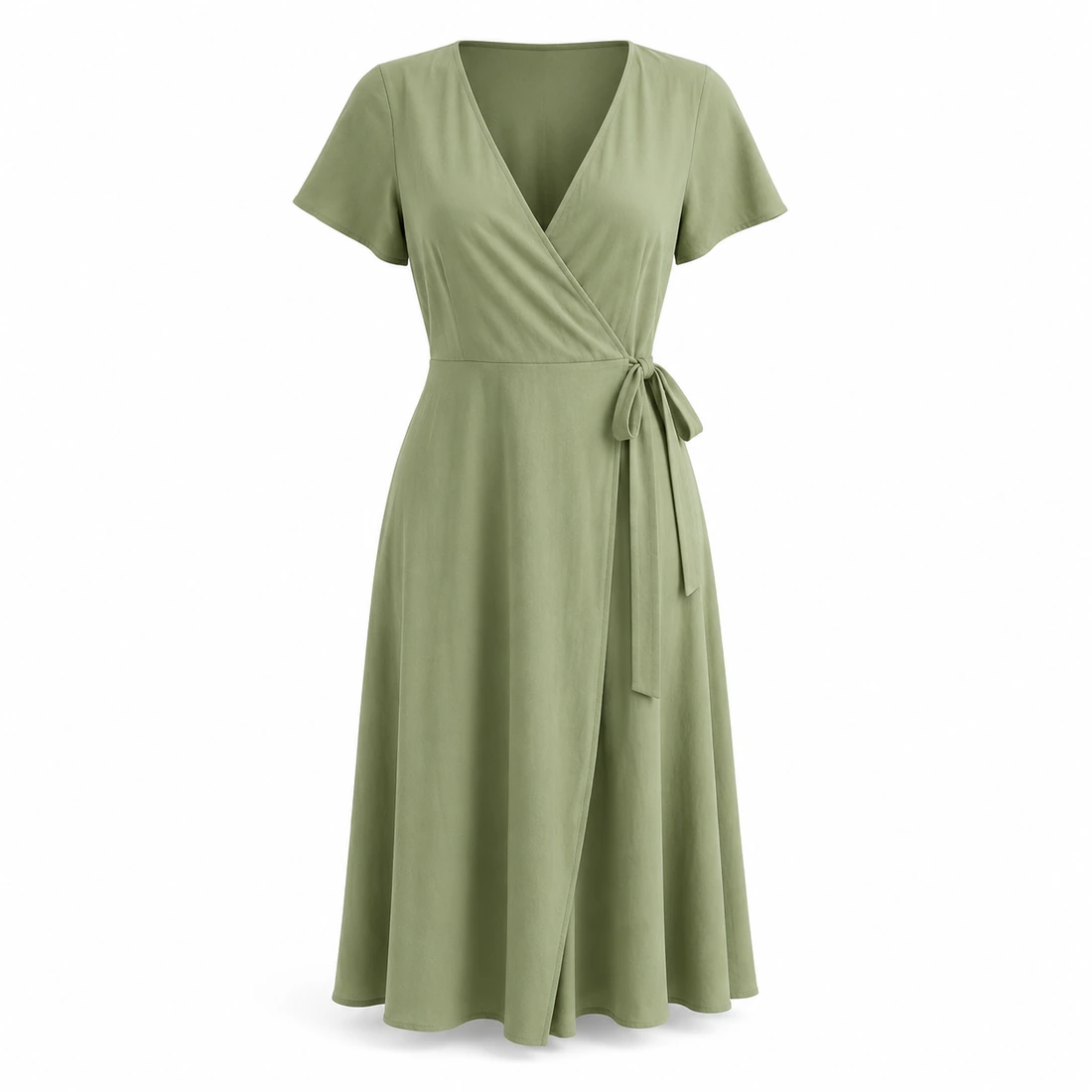
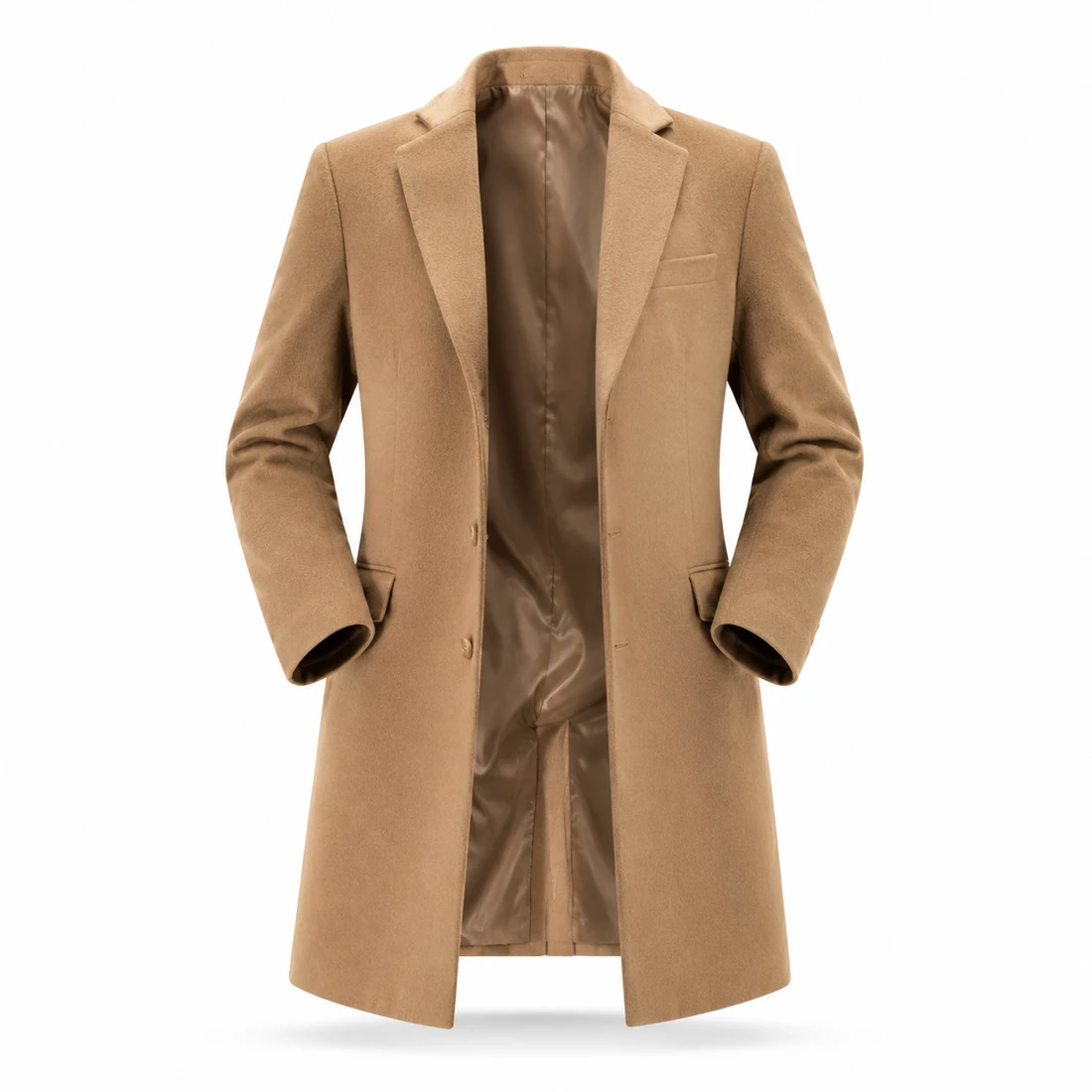
Generated with GPT Image 2 — the hanger is gone, the garment stands up on its own, and it is still the same piece down to the stitching.
What the ghost mannequin does well
The volume has to look worn, and the garment has to stay the exact piece you photographed. Both, or it is not usable.
Volume that reads as worn
Shoulders, chest and waist fill out with real body volume, sleeves curve the way arms sit inside them, and the neckline opens onto the garment's own inner back panel — not a drop shadow faked over a flat lay.
Colour, print and label text hold
The exact shade, the print placement and scale, the weave, the stitching, the buttons and zips, and every character on a label or hang tag are carried over from your photo. Nothing is restyled, recoloured or resized.
Listing-ready straight out
Hangers, clips, pins and tabletop clutter are cleared, replaced by a pure white background with one soft contact shadow — a 1:1 2K square by default, meeting the hero-image rules on the major marketplaces.
Three steps to a ghost mannequin shot
No form, no studio, no retoucher — a flat lay is enough to start.
Upload the garment
Flat lay or hanger both work. Shoot the whole piece straight on. JPG, PNG and WebP are all supported.
Pick the garment type
T-shirt, shirt, dress, jacket, trousers or knitwear — the type decides how the garment is shaped and filled out.
Generate and download
A white-background 3D shot in under a minute. Need a vertical detail-page crop? Switch the aspect ratio and run it again.
Where ghost mannequin shots pay off
Anywhere a single garment has to sell itself, it needs to look worn.
Marketplace listings
White-background hero images and detail-page shots for Amazon, Shopify or Etsy, from photos you already have.
Brands and DTC stores
Get a new drop online without waiting on a model's calendar or a studio slot.
Wholesale and lookbooks
Line sheets, catalogues and buyer decks need a consistent set — generate the whole range in one style.
Ads and social
Clean product cutouts for paid social, live-stream overlays and posts, without touching the shoot budget.
Versus a mannequin shoot
Same three-dimensional product shot, very different bill.
Start free, upgrade anytime
Sign up for free credits — every image tool is powered by GPT Image 2. Upgrade for higher limits, faster generation, no watermark and commercial use.
FAQ
About the AI ghost mannequin
More AI image tools
View all tools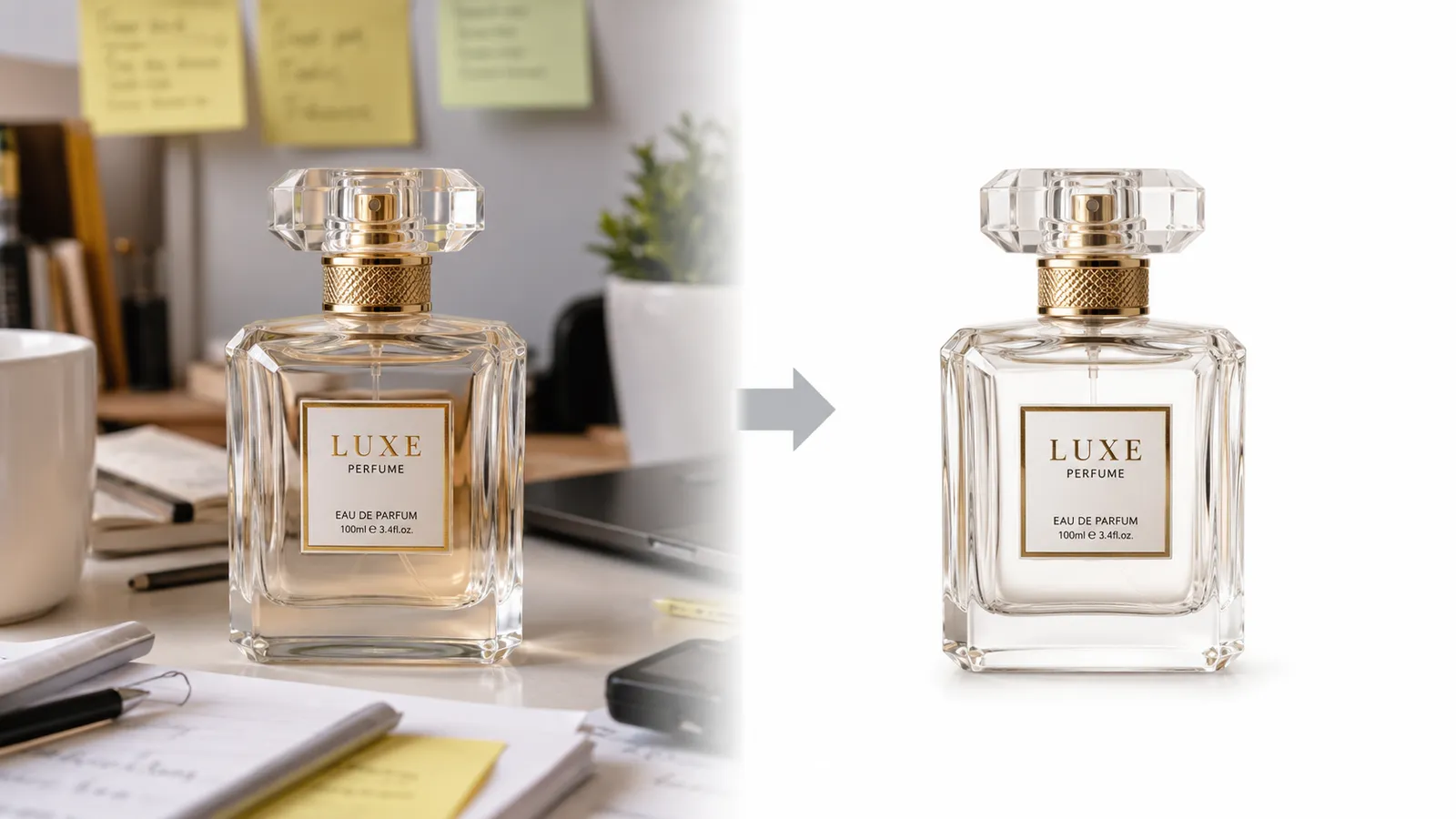
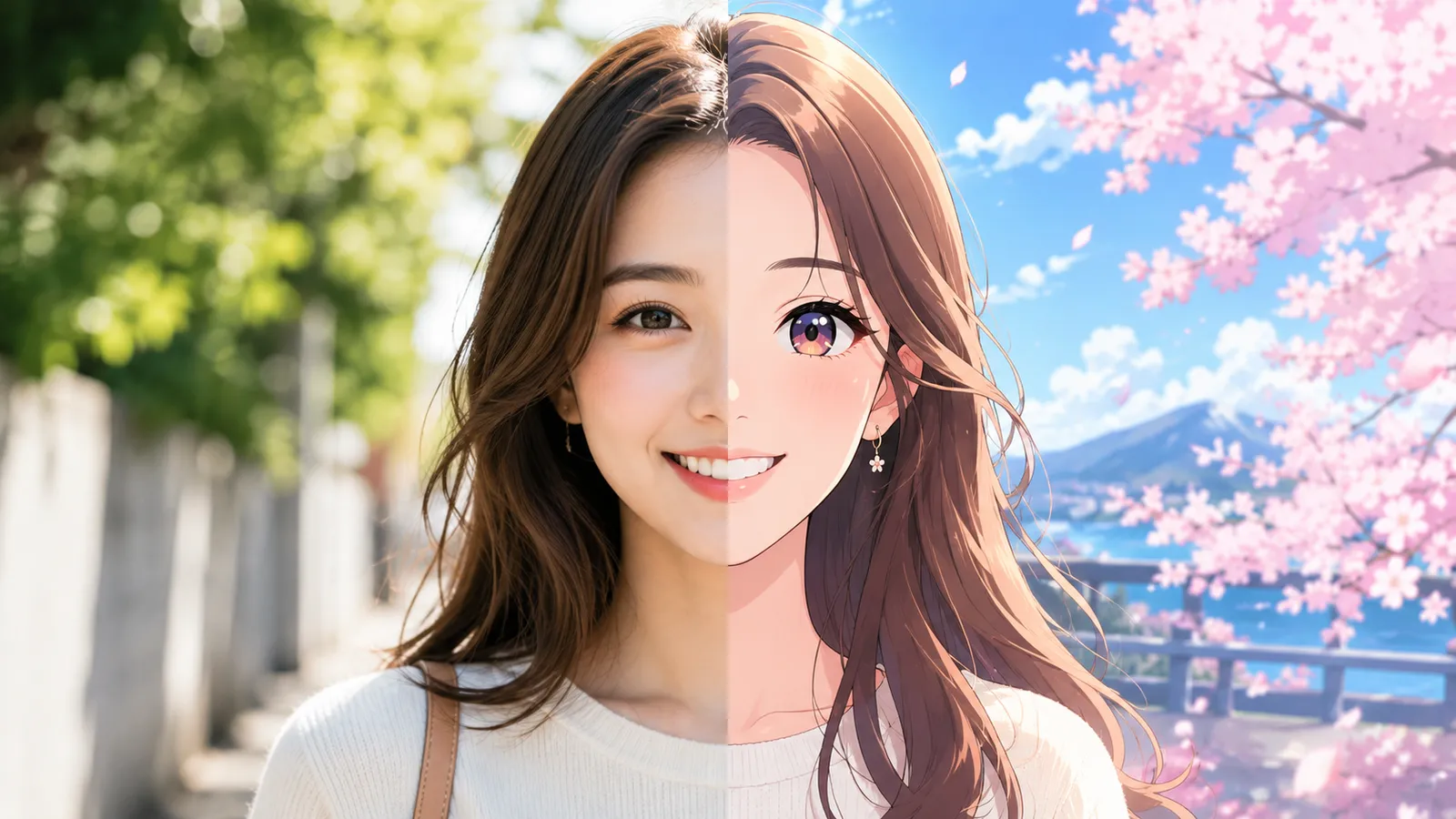


One flat lay, one listing-ready product shot
Upload the garment, pick its type, and get a white-background ghost mannequin shot in under a minute.