
AI Image Upscaler
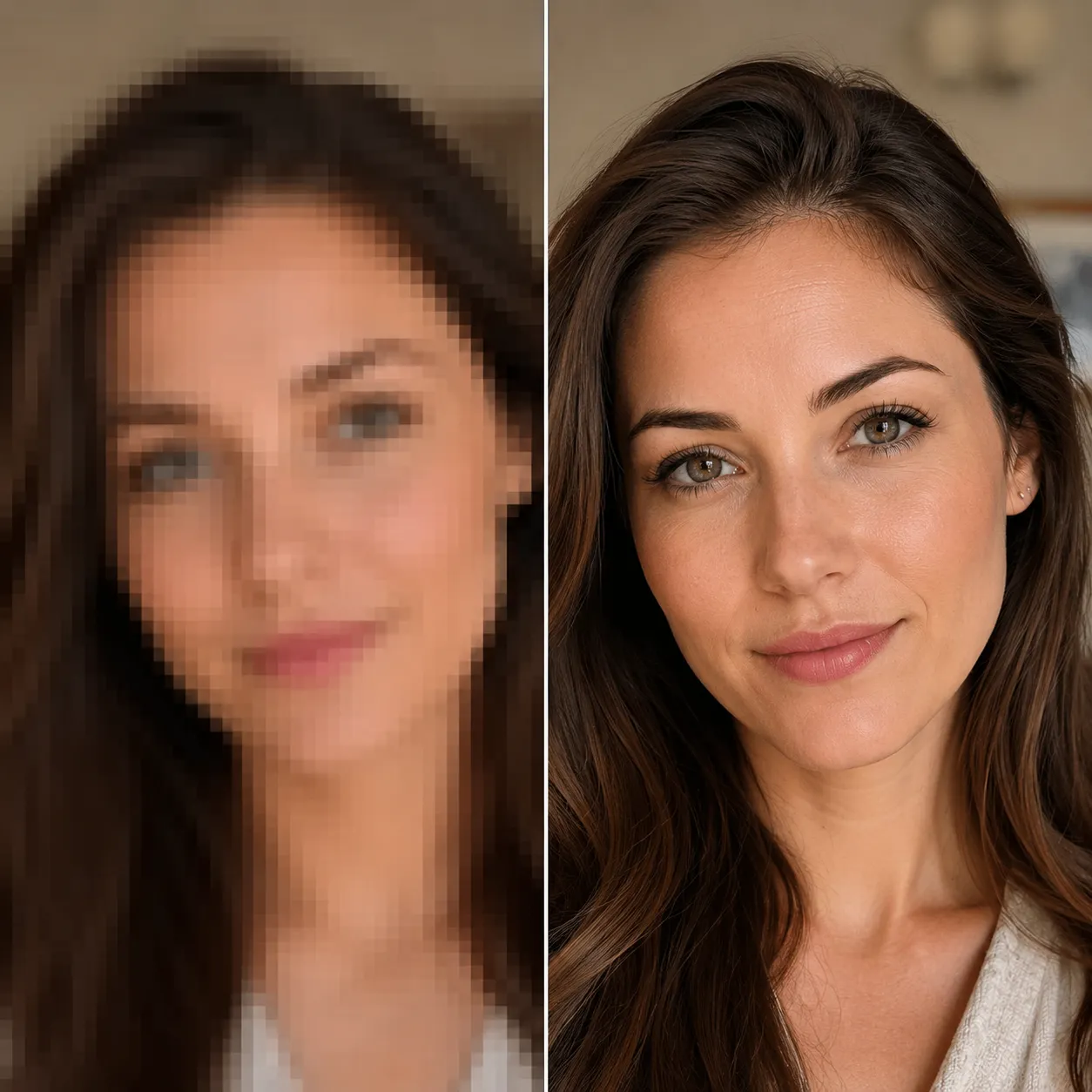
Upload an image and Recraft Crisp Upscale — a dedicated super-resolution model — boosts resolution and sharpens detail while keeping your content pixel-faithful. Faithful upscaling: nothing is repainted, nothing is changed.
Ready to upscale
Upload an image and get a crisp high-res version in seconds
Upscaling Results
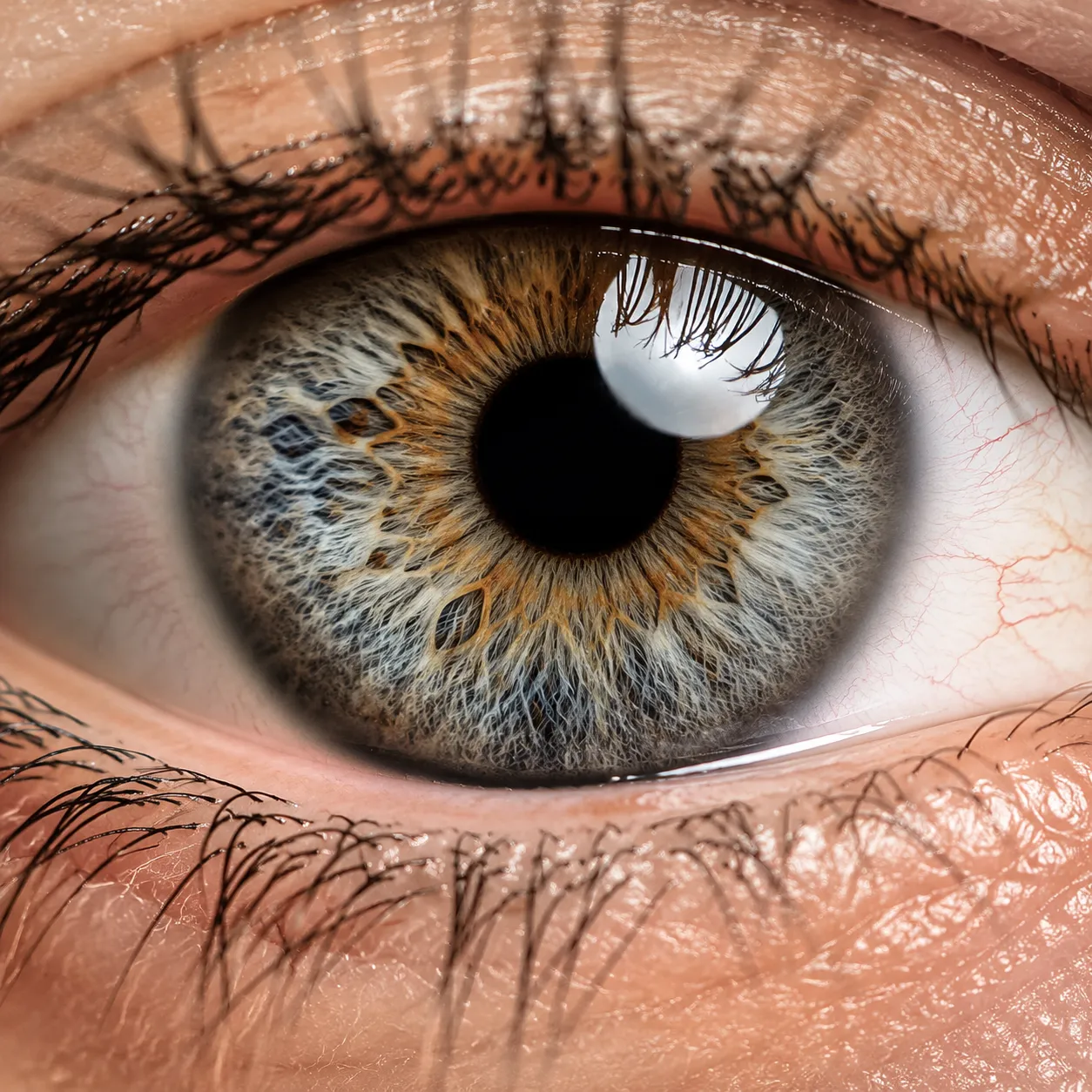
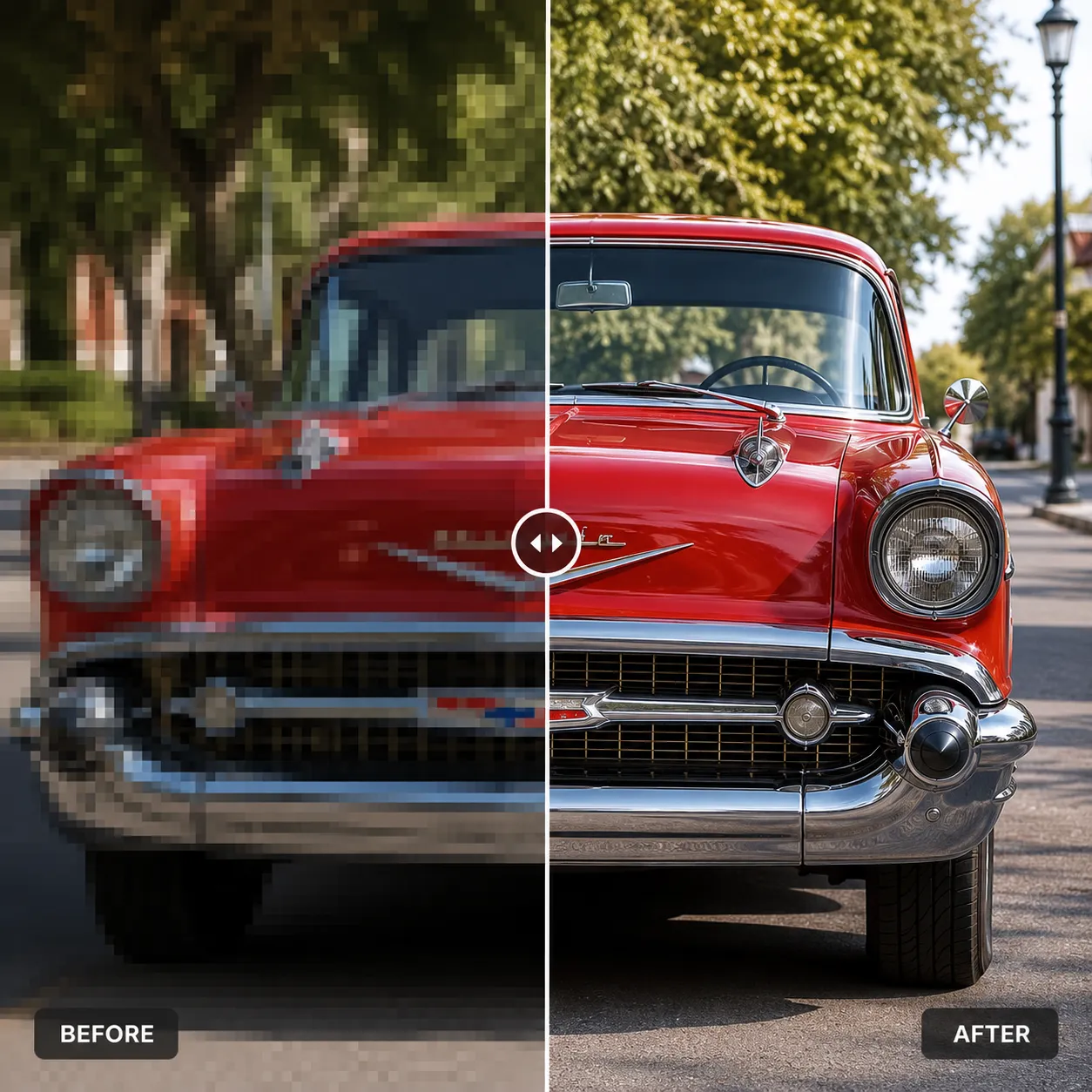
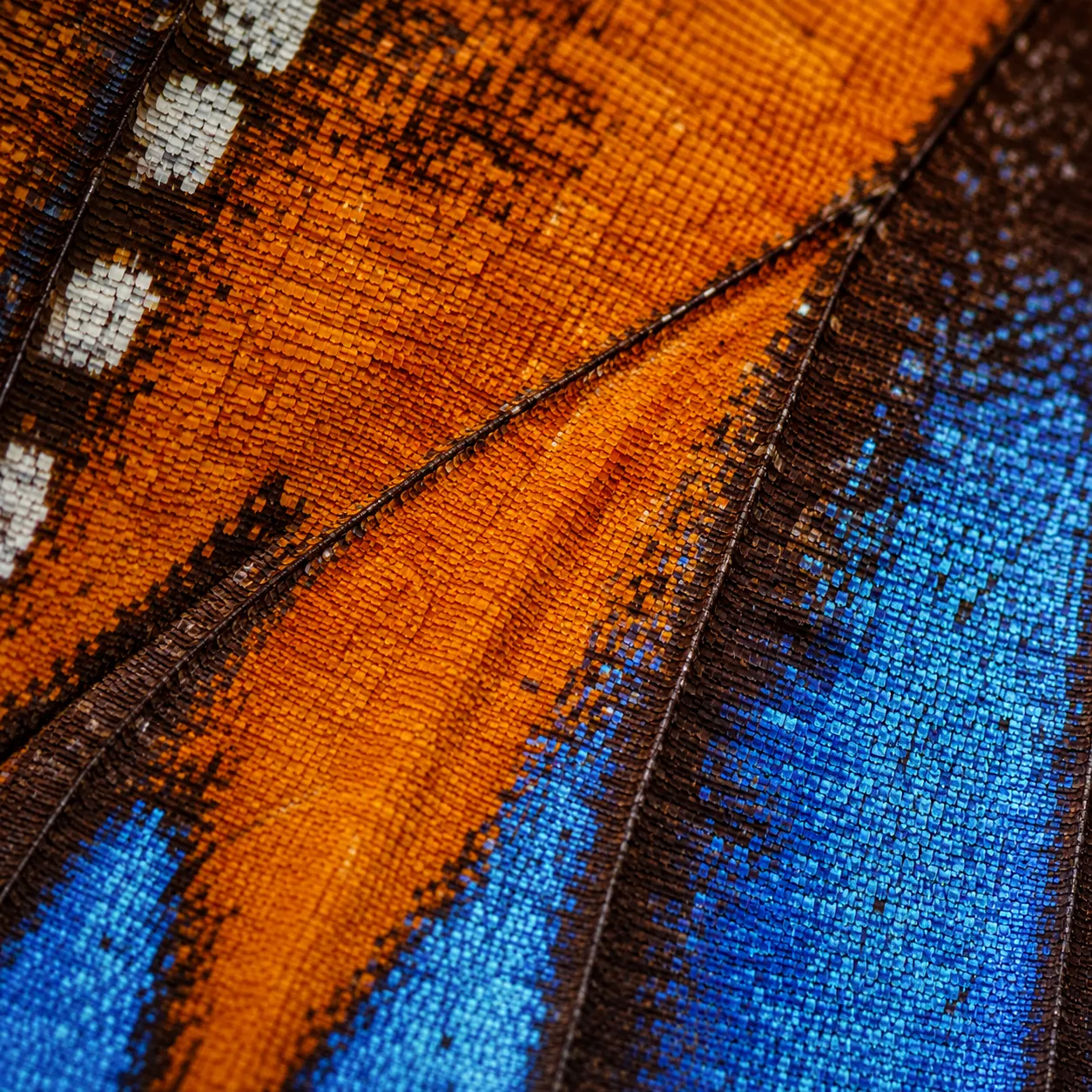
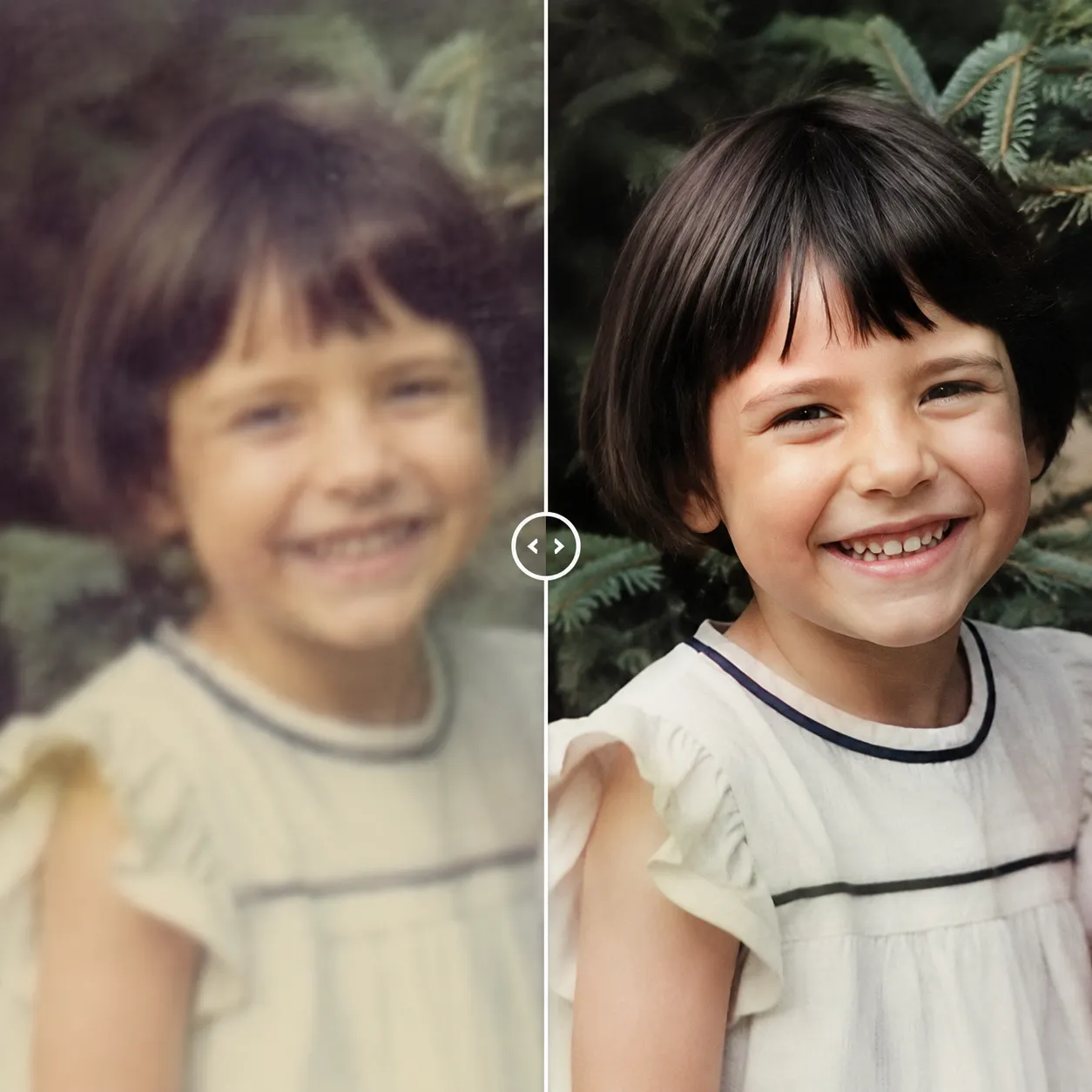
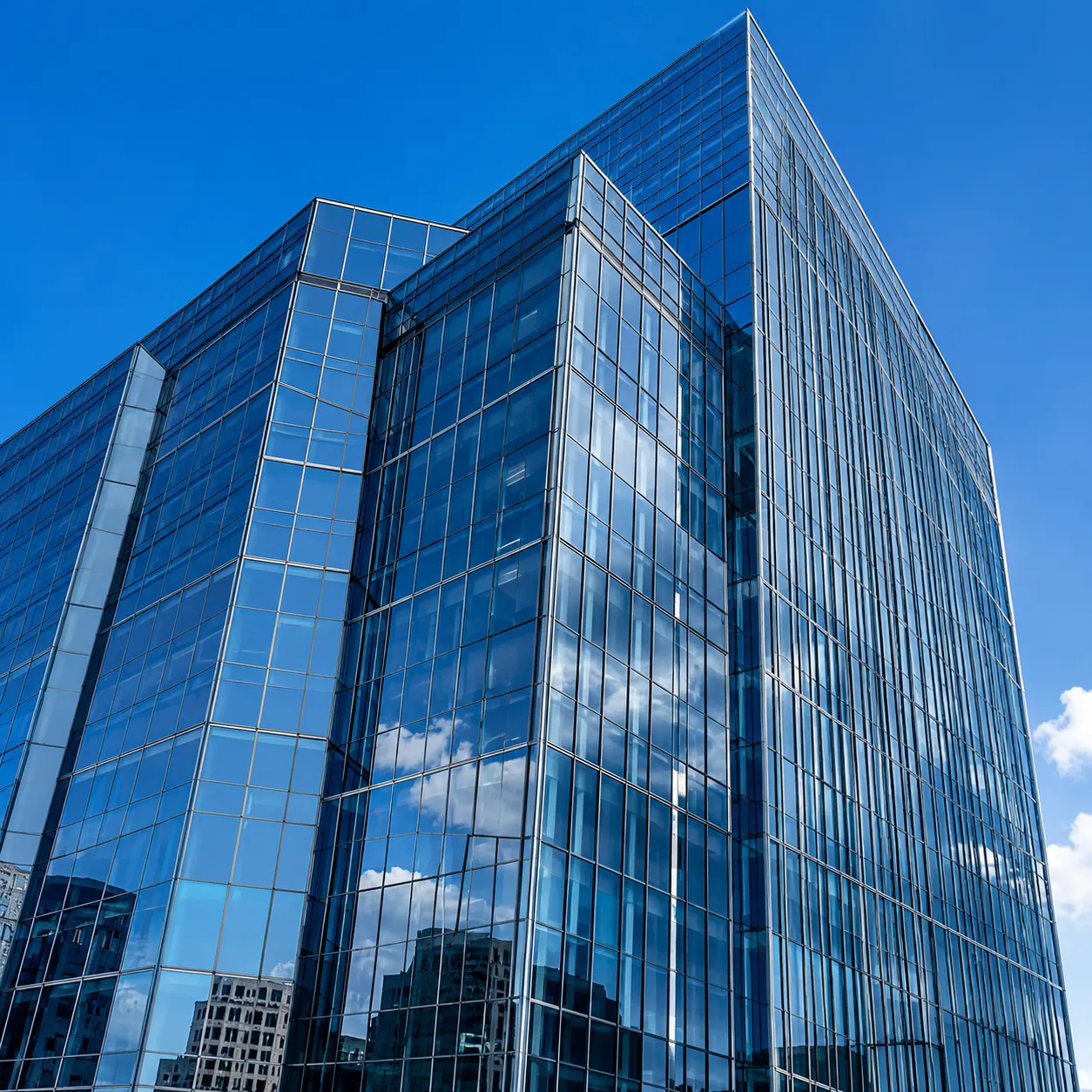
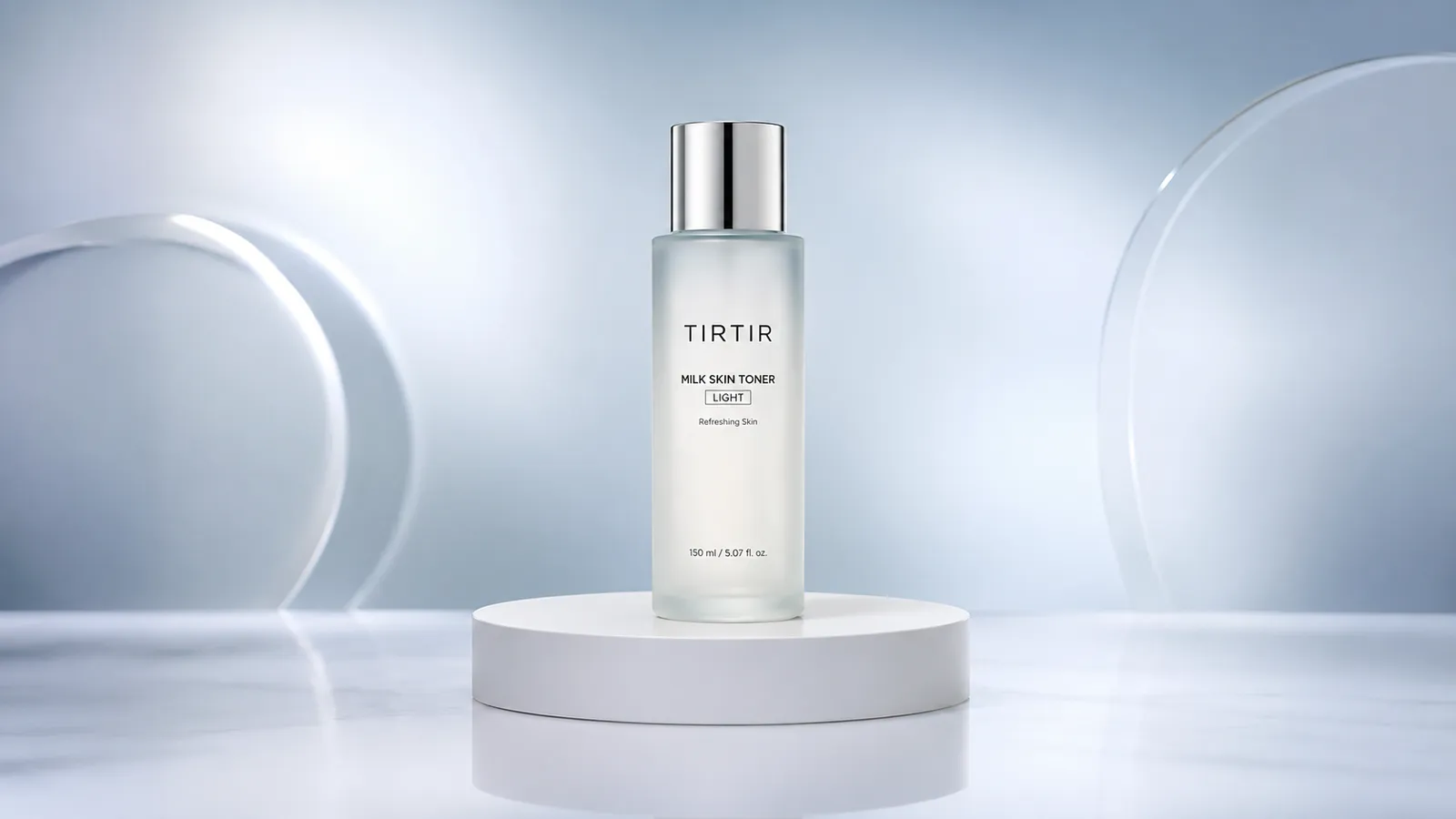
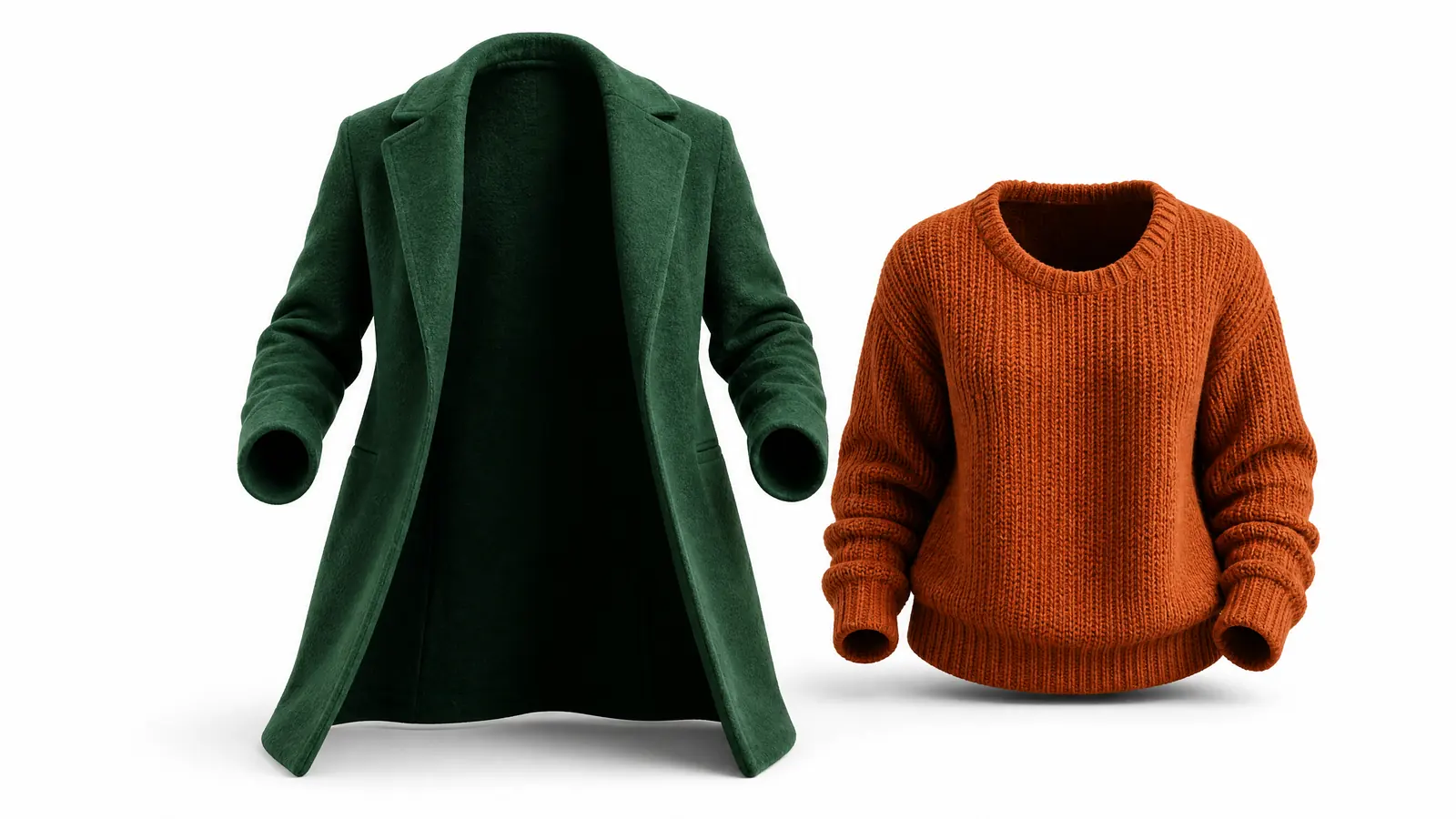
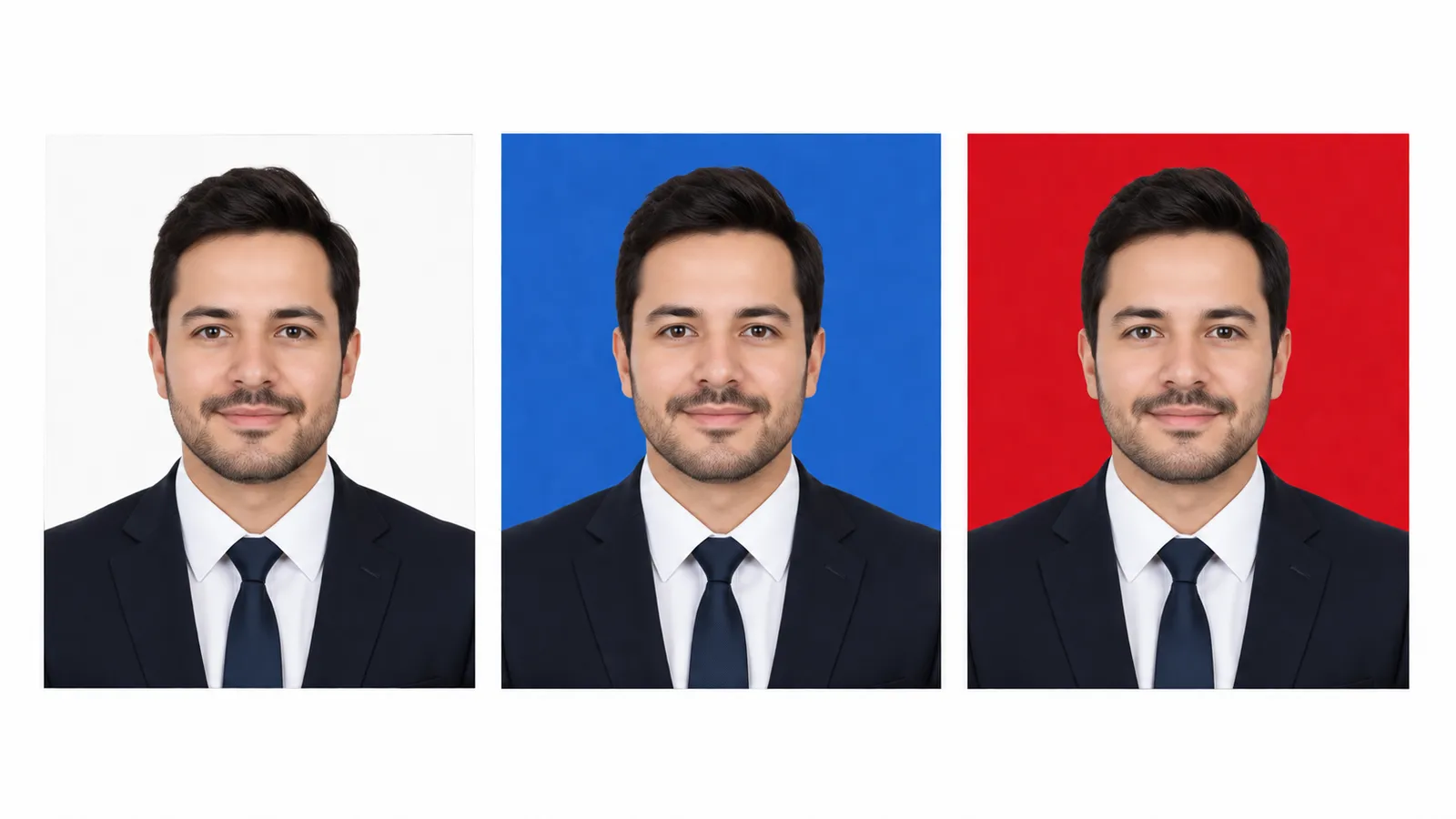
The images below are illustrative previews of upscaling results. Crisp Upscale boosts resolution and sharpness while faithfully preserving every part of the original.
Why This Upscaler Stands Out
A dedicated super-resolution model — it doesn't regenerate your image, it faithfully enlarges it and restores detail.
Faithful upscaling, zero content changes
Recraft Crisp Upscale only increases resolution and sharpness. It never repaints, adds, or removes anything — faces and text stay exactly as they were.
Crisp details, no more blur
Hair, textures, and text edges stay sharp after enlargement, avoiding the smudgy, painted look of traditional upscaling.
Revive old and compressed images
Low-resolution old photos, web-compressed images, and small screenshots all get a clear boost — ready for printing and high-res displays.
Upscale an Image in 3 Steps
The whole process takes under a minute — no settings to configure.
Upload your image
Click or drag to upload the image you want to enlarge. JPG, PNG, and WebP are supported.
Let AI upscale it
Click "Upscale Image" and Recraft Crisp Upscale boosts the resolution and sharpens details automatically.
Download the high-res result
In seconds you get a much sharper image with the content unchanged, ready to download.
Where an Image Upscaler Helps
One tool that covers the most common enlargement needs.
Old photo restoration
Enlarge and enhance low-resolution old photos and scans to bring precious memories back to life.
E-commerce assets
Turn small supplier images and compressed photos into crisp, professional product shots.
Print output
Scale small images up to print-ready resolution so posters and albums stay sharp.
Social media visuals
Sharpen blurry screenshots and compressed images for covers and posts that look polished.
Compared to Traditional Interpolation
Versus bicubic interpolation and similar traditional methods, AI super-resolution wins clearly on sharpness and detail.
Start free, upgrade anytime
Sign up for free credits — every image tool is powered by GPT Image 2. Upgrade for higher limits, faster generation, no watermark and commercial use.
FAQ
About AI image upscaling
More AI image tools
View all tools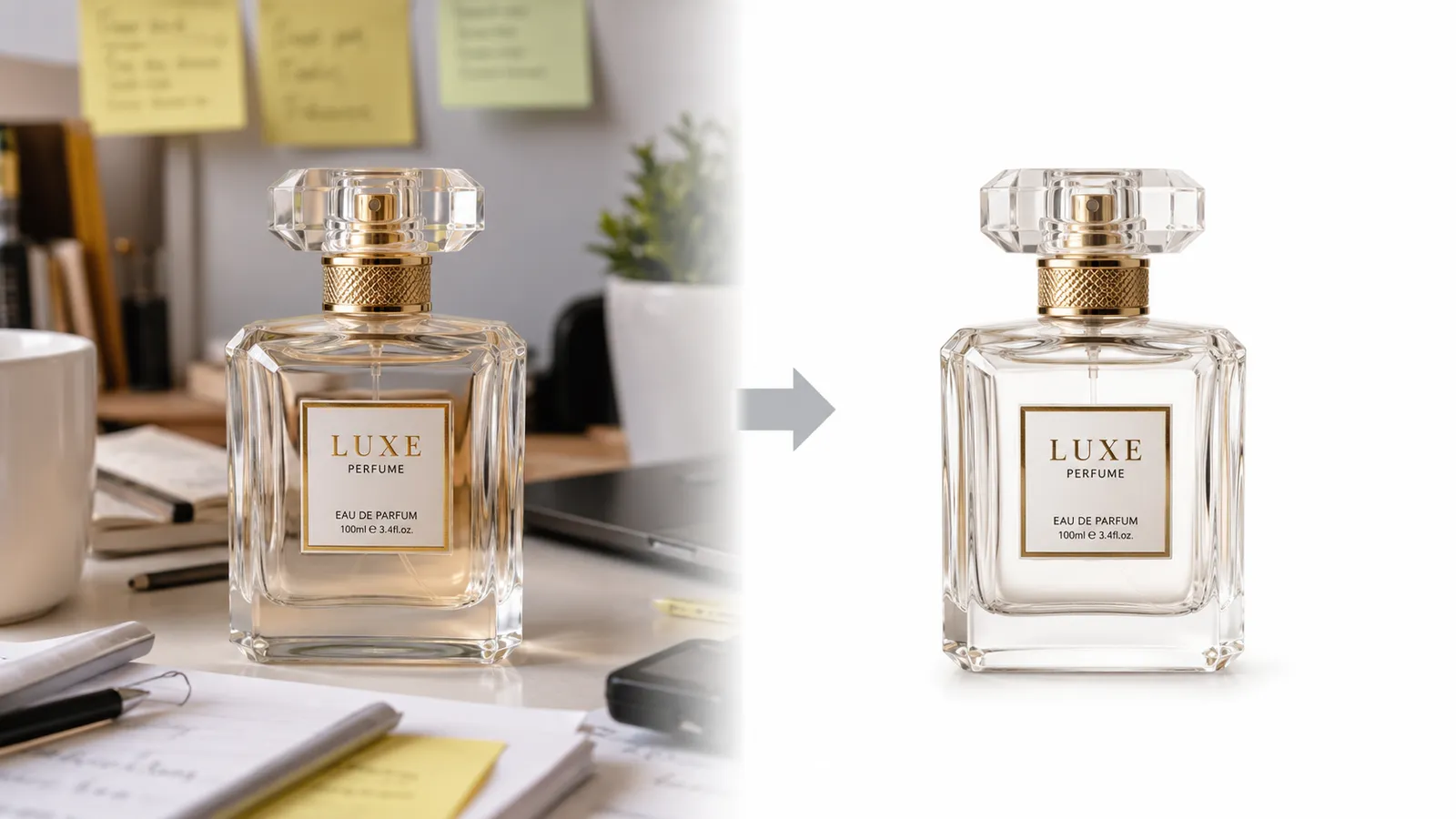

Make Your Images Sharp and High-Res Now
Upload an image and get a faithful, crisp enlargement in seconds.