
AI Relight in One Click
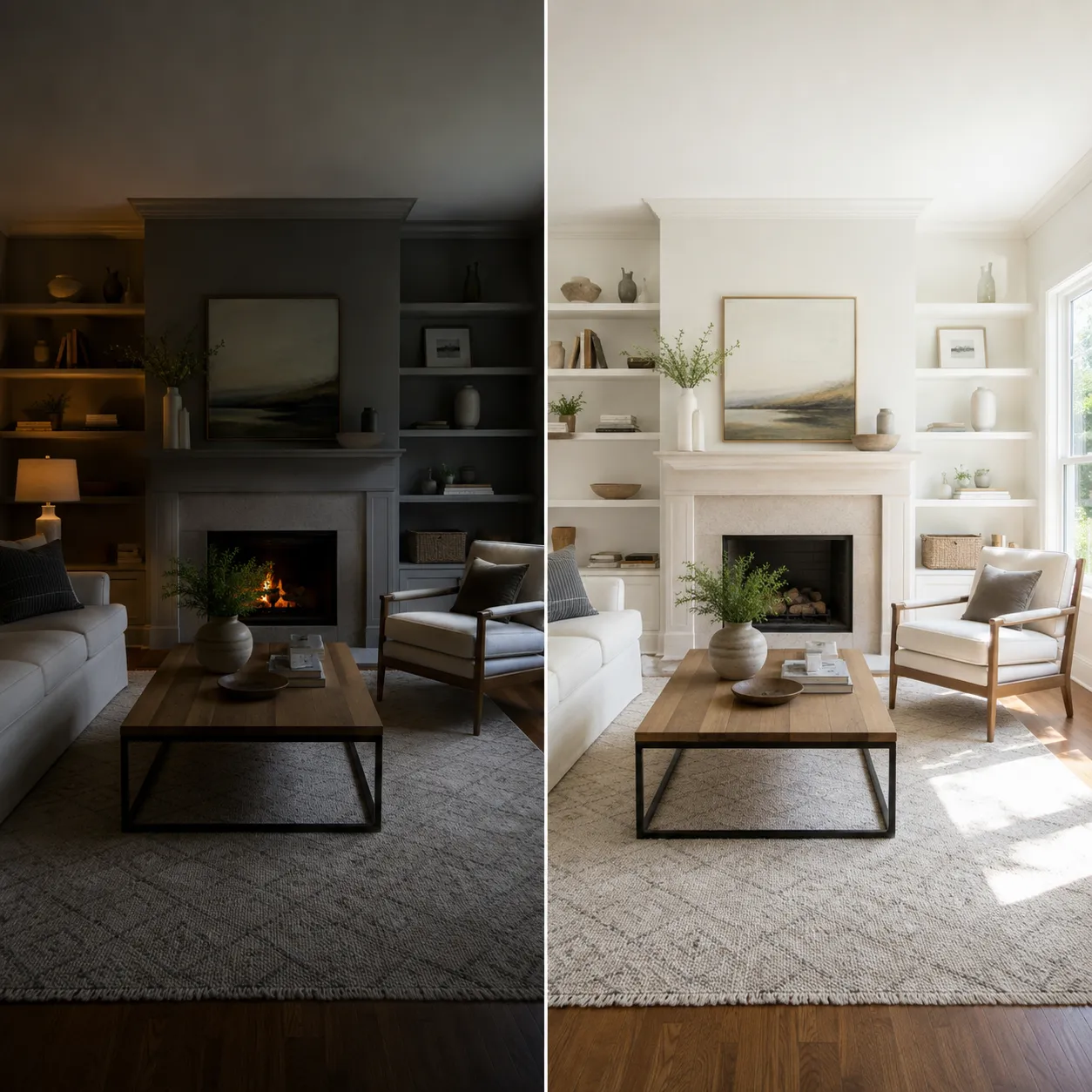
Upload a photo and pick a light direction preset — Bria's dedicated relighting model rebuilds the scene's lighting naturally. Your subject stays exactly the same; only the light and mood change.
Ready to relight
Upload a photo, pick a light direction, and get a new mood in seconds
Relighting Examples
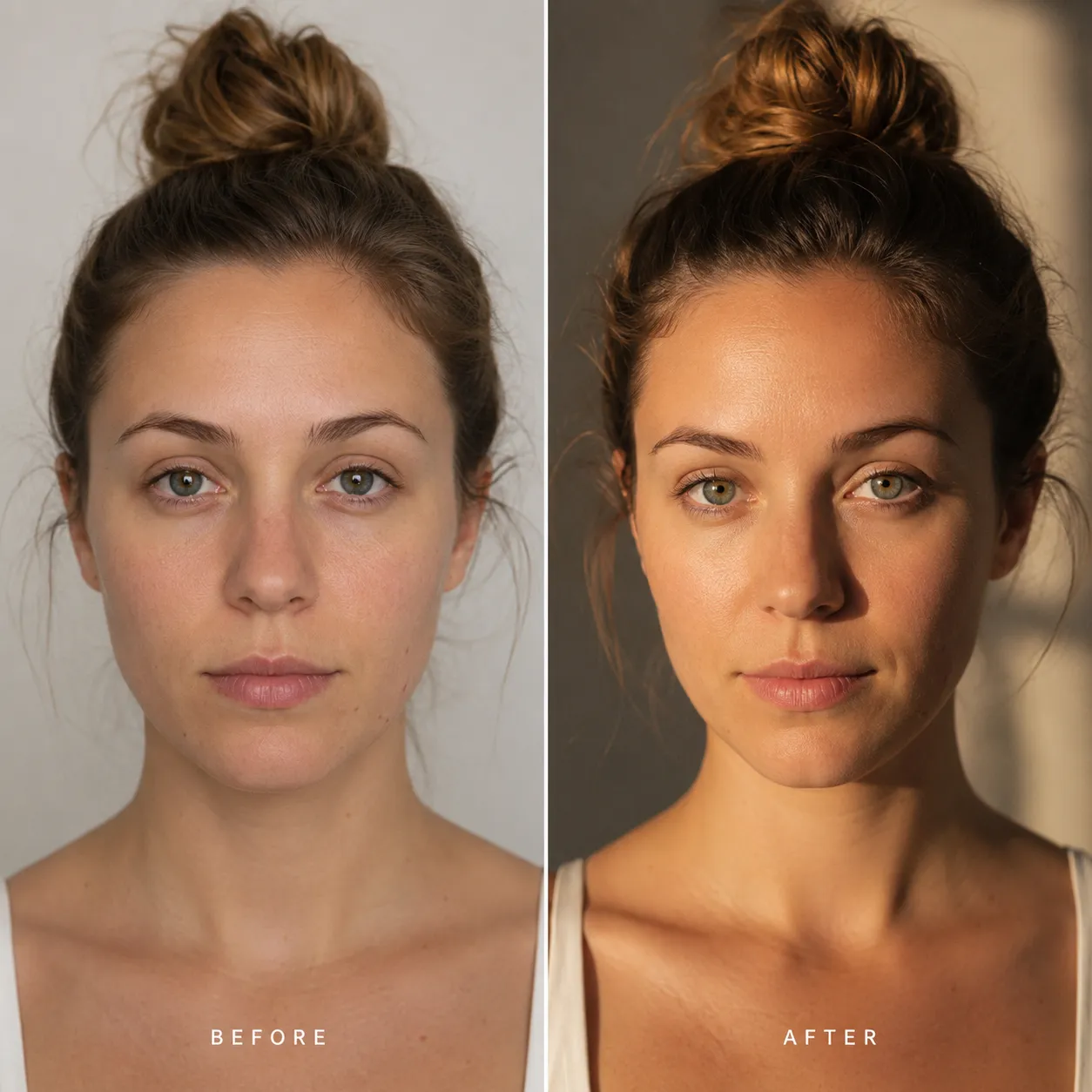
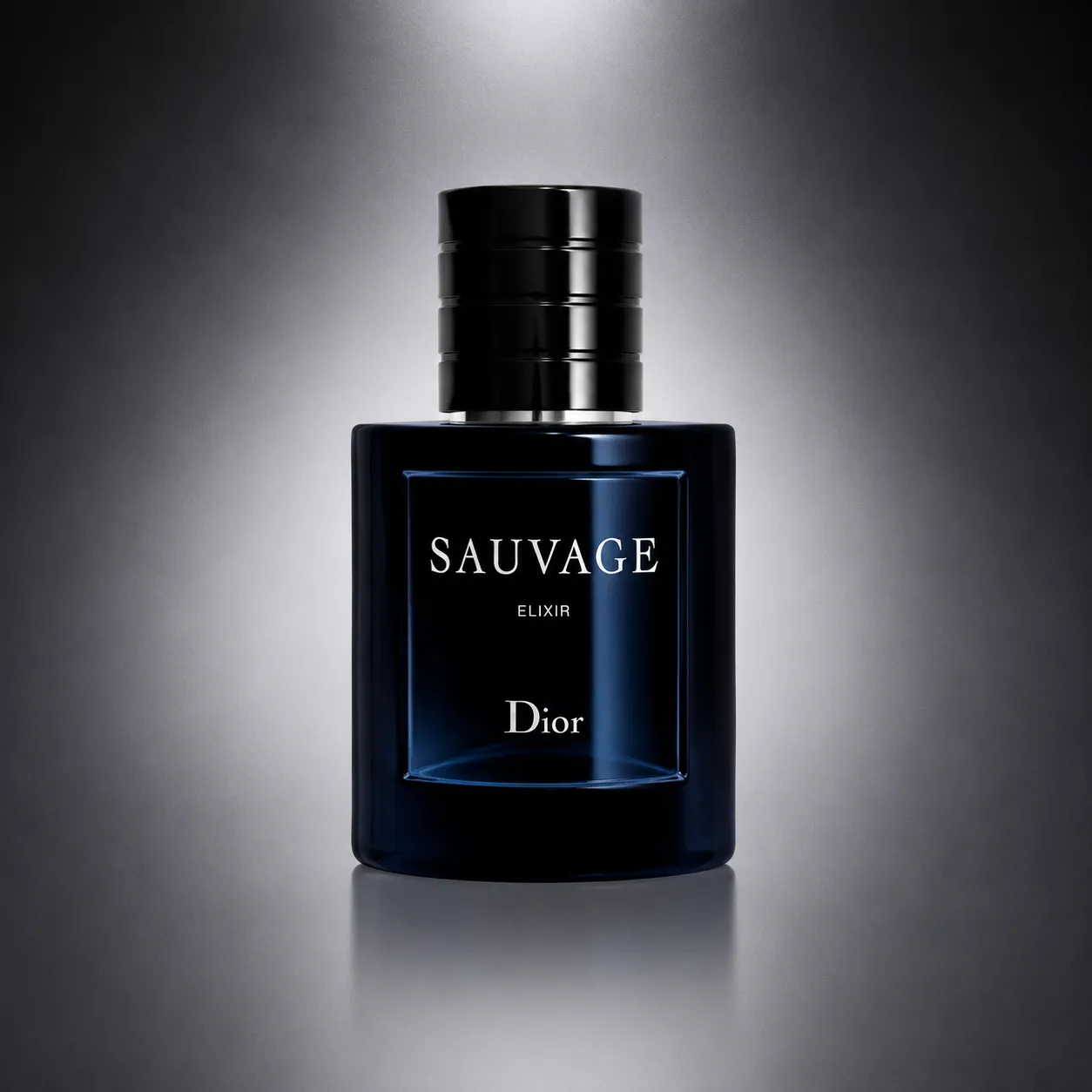
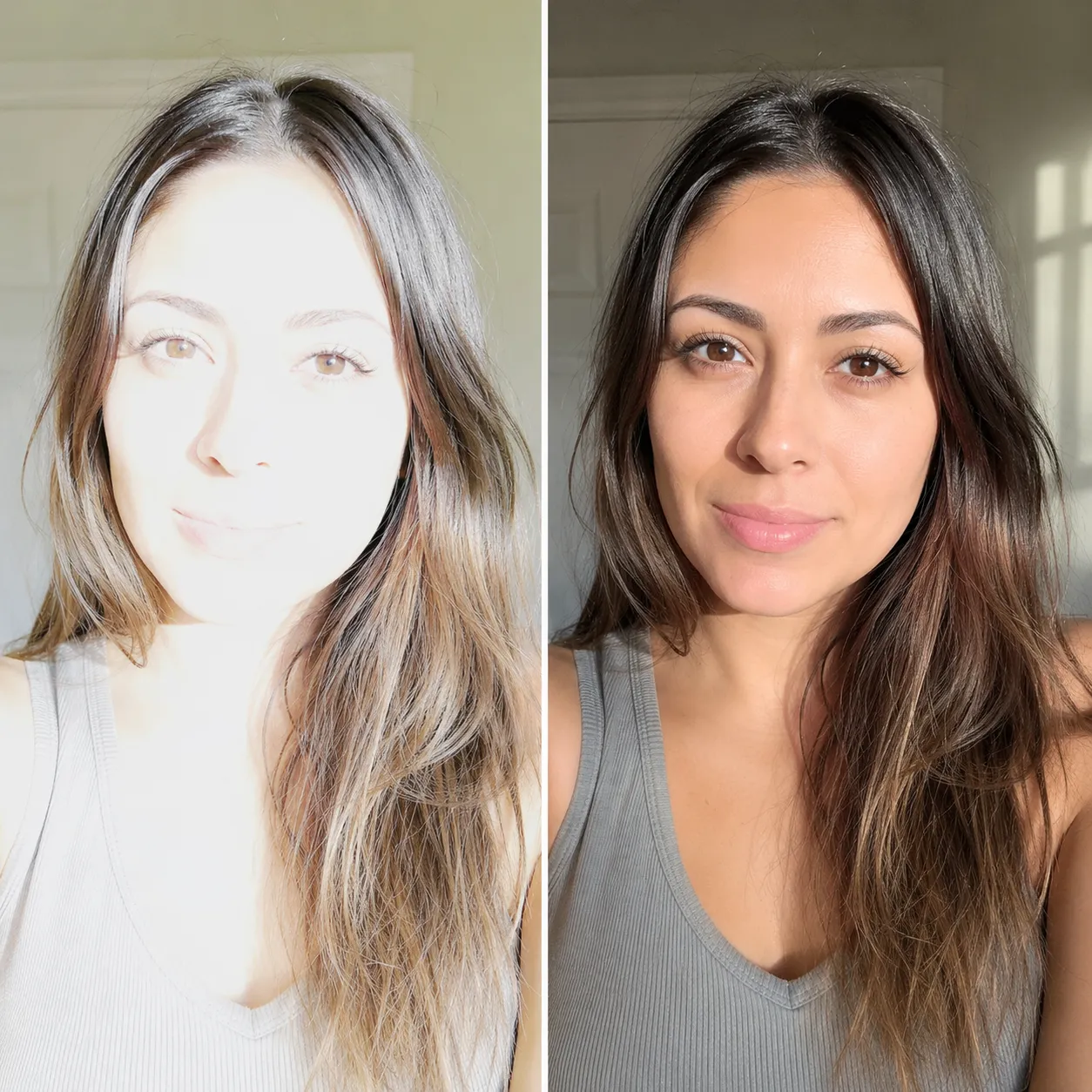
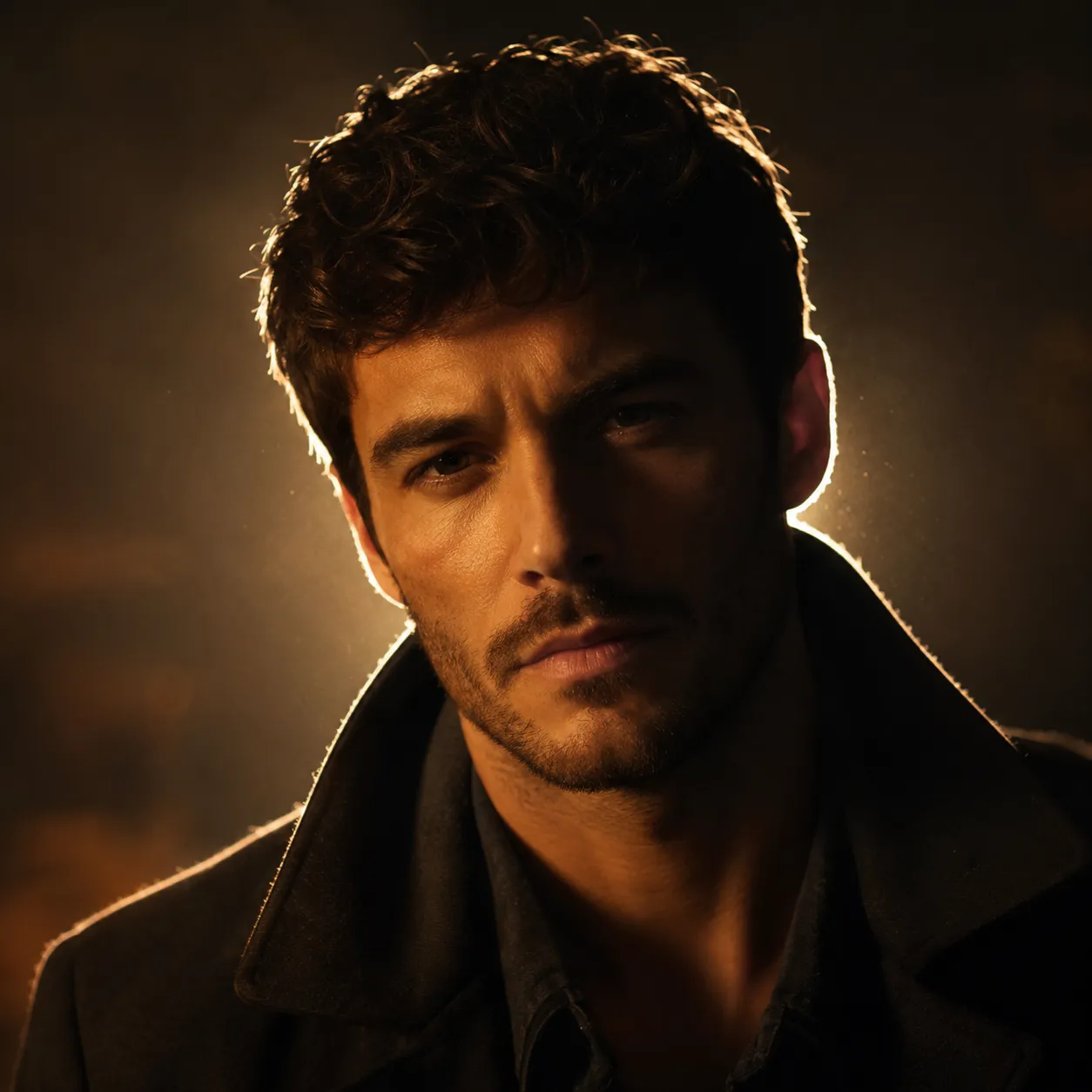
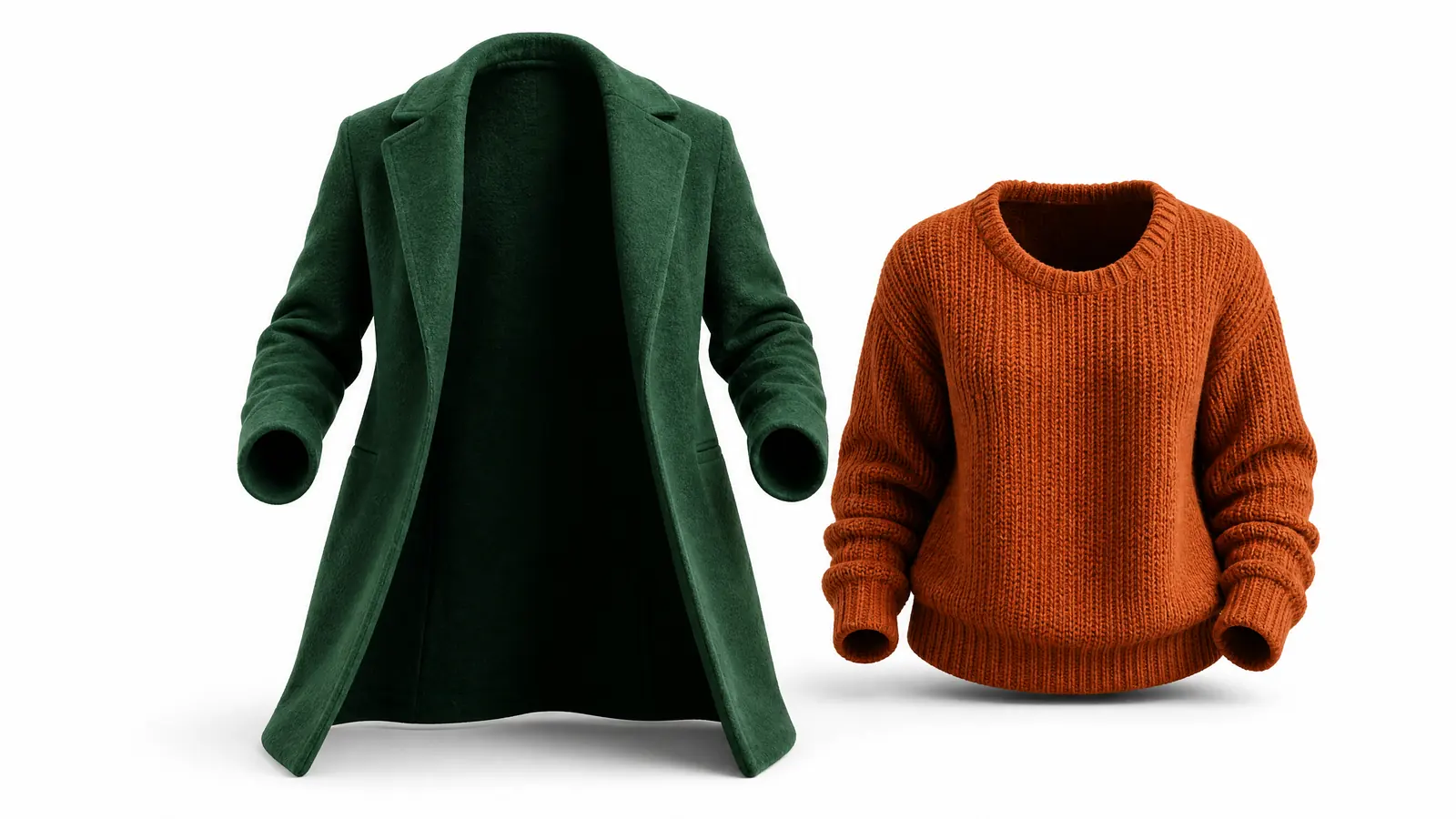
The examples below are illustrative previews of relighting results. Bria's relighting model rebuilds the scene's light and shadow for the chosen direction while keeping the subject intact.

Why This Relighting Tool Stands Out
A model built purely for relighting — it doesn't repaint your subject or swap the background. It does one thing: transform the light.
Natural, physically believable light
Bria's dedicated relighting model rebuilds shadows, highlights and reflections that obey real-world physics — it looks like an actual reshoot, not a brightness slider.
Subject details fully preserved
Only the lighting changes. Faces, product textures and text stay exactly as shot, so it's safe for portraits and commercial imagery.
Four light directions, one click
Front, side, top-down and bottom light presets let you compare completely different moods instantly — no photography jargon required.
Relight a Photo in 3 Steps
The whole process takes under a minute — no lighting knowledge needed.
Upload a photo
Click or drag to upload the photo you want to relight. JPG, PNG and WebP are supported.
Pick a light direction
Choose one of four presets: front light, side light, top-down or bottom light.
Let AI relight it
Click Relight Now — Bria's relighting model rebuilds the scene lighting and your result is ready in seconds.
What You Can Relight
One tool for the most common lighting fixes.
Portrait photography
Turn flat frontal light into sculpted side light — an ordinary selfie becomes a dimensional portrait.
Product photos
Add clean top or front lighting to products for that professional studio-shot look.
Cinematic frames
Use side and rim lighting to build dramatic, movie-still atmosphere in one click.
Social content
Cycle one photo through different light directions to produce multiple moods for your feed.
Compared with Reshooting with New Lighting
Versus hauling out light stands and booking a studio reshoot, AI relighting wins on cost, speed and flexibility.
Start free, upgrade anytime
Sign up for free credits — every image tool is powered by GPT Image 2. Upgrade for higher limits, faster generation, no watermark and commercial use.
Frequently Asked Questions
About AI Relight
More AI image tools
View all tools


Try AI Relight Now
Upload a photo, pick a light direction, and get a whole new mood in seconds.