
GPT Image 2 AI Image Generator
HotOpenAI's GPT Image 2 turns plain text into crisp visuals up to 4K, nails the words you ask for inside the image, and fuses multiple reference photos into one clean edit. Type a prompt or upload images and generate in seconds.
Ready to create
Enter a prompt and start generating
What GPT Image 2 Can Create
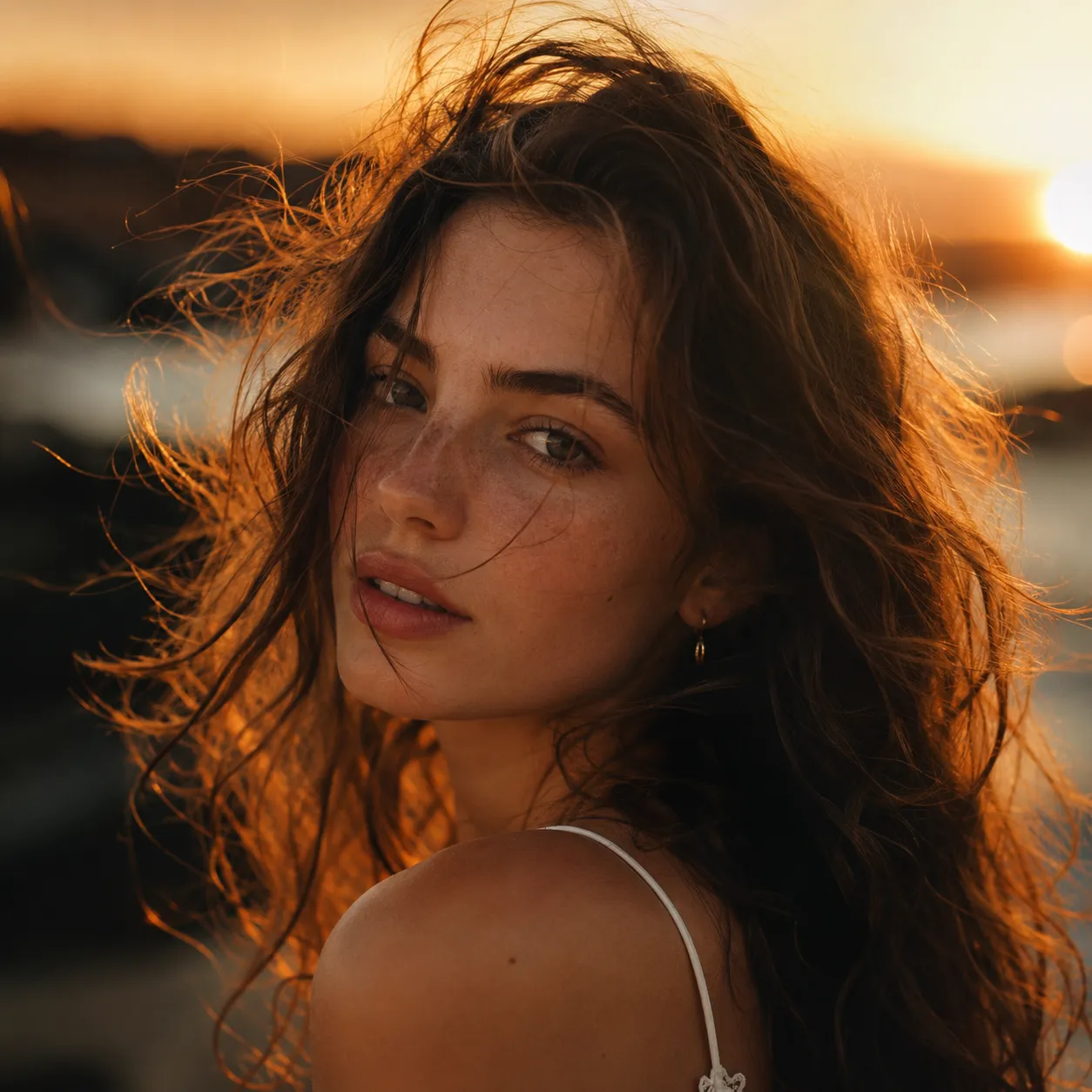
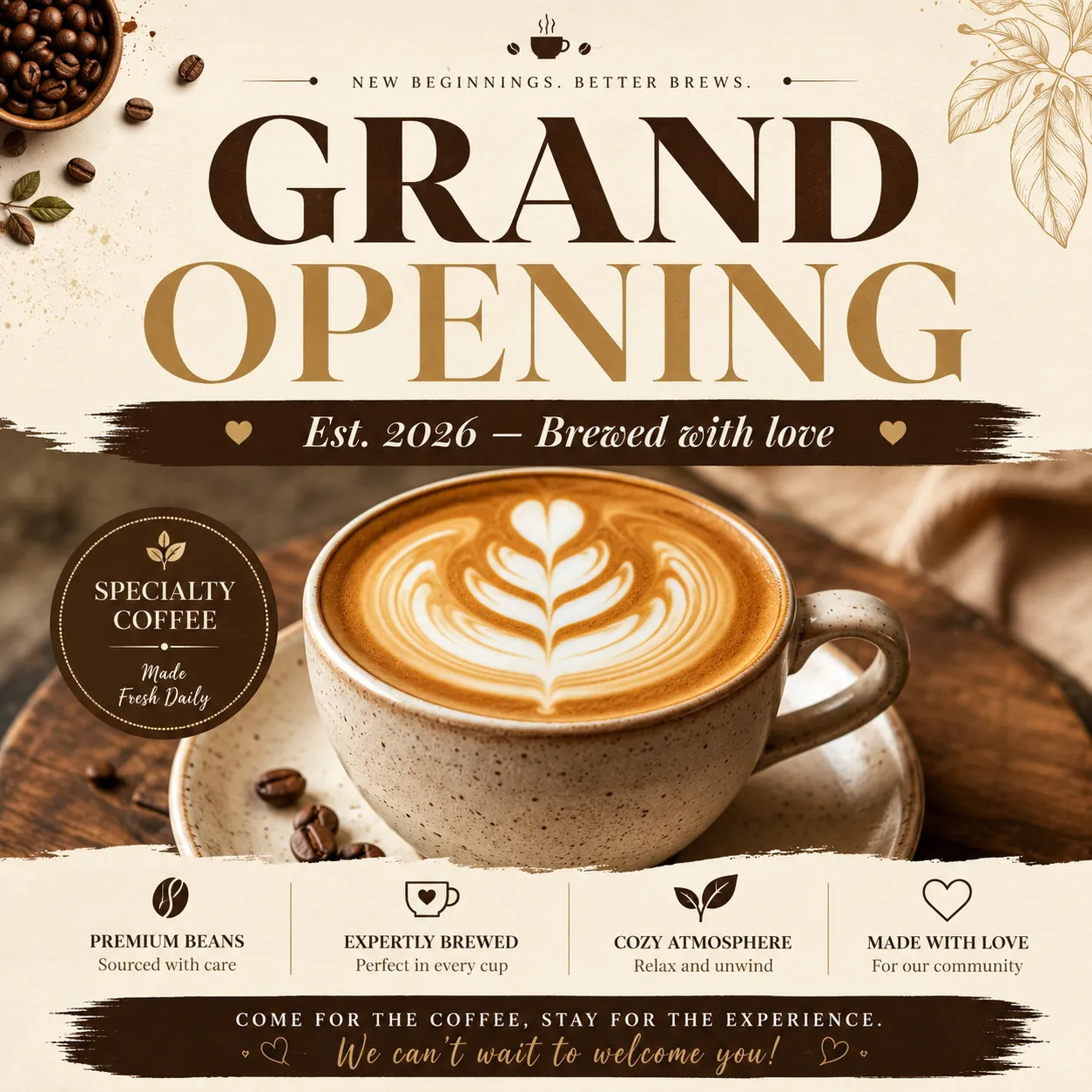
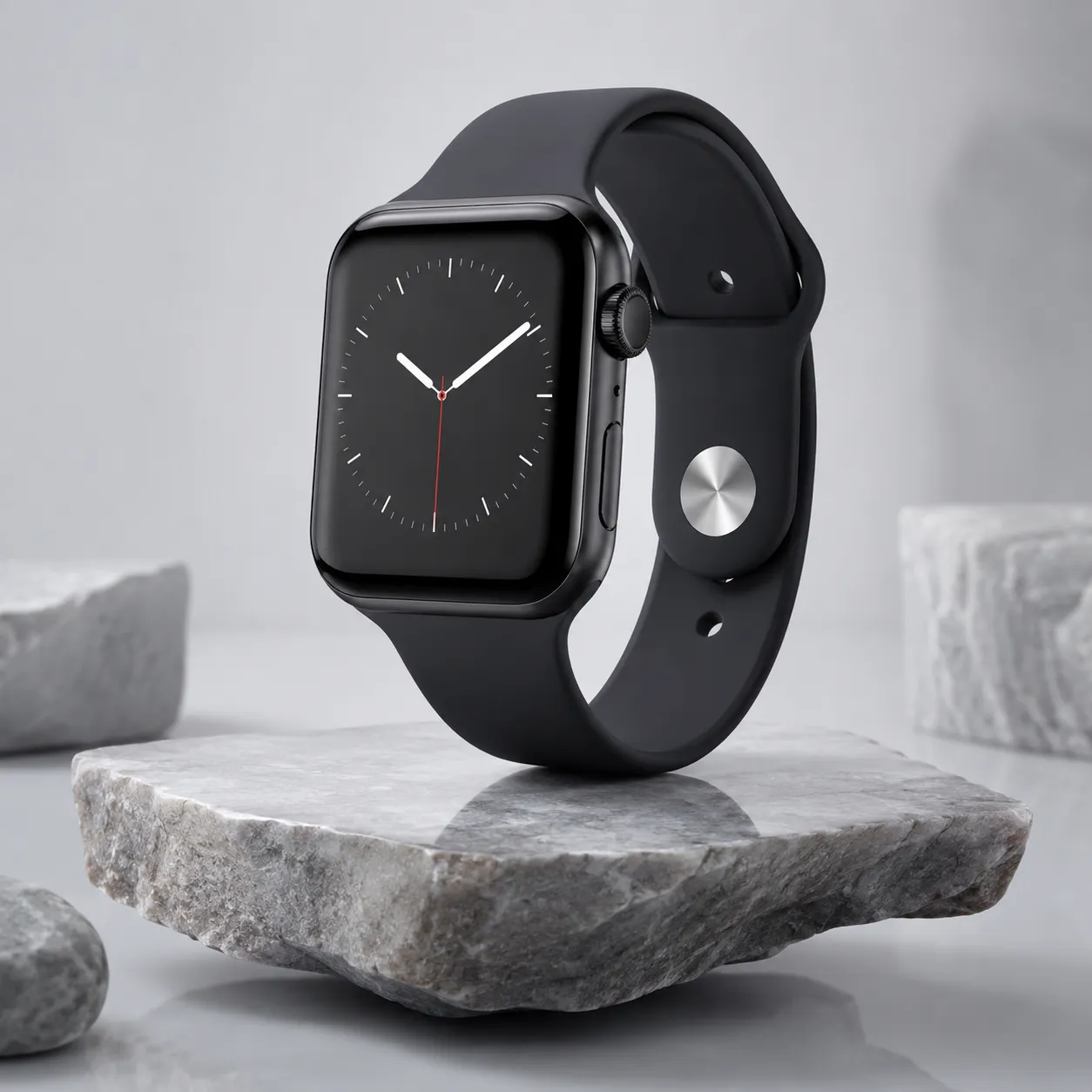
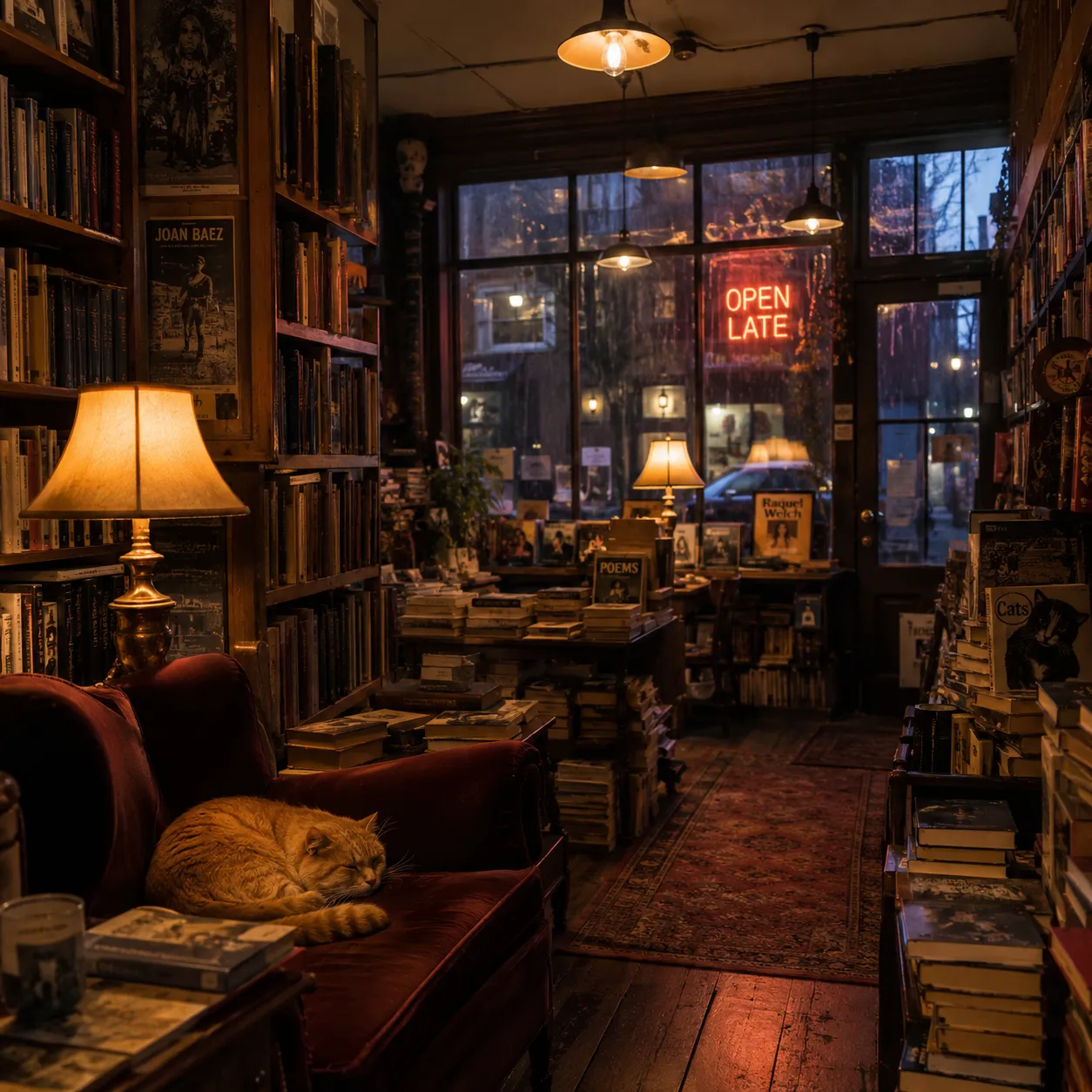
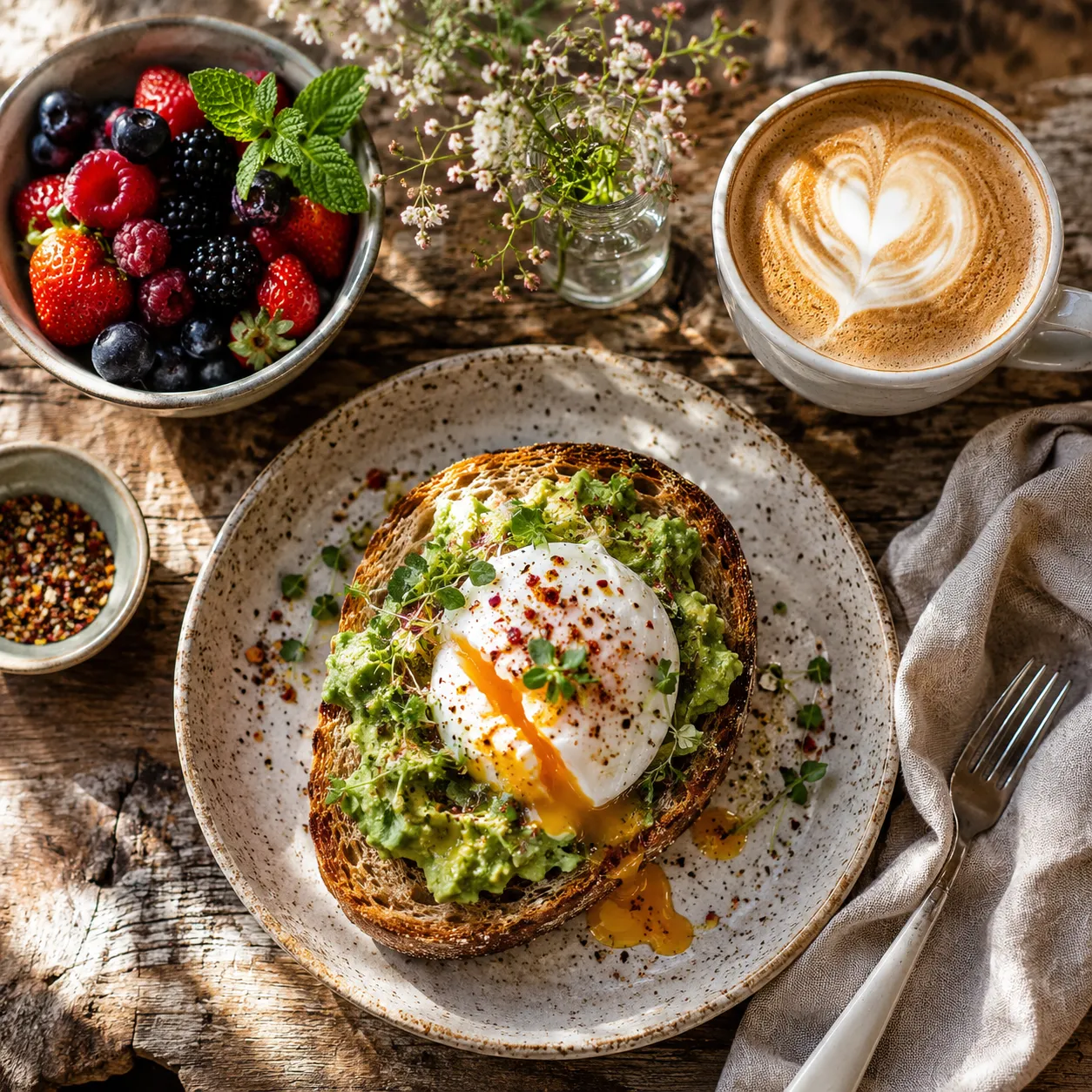
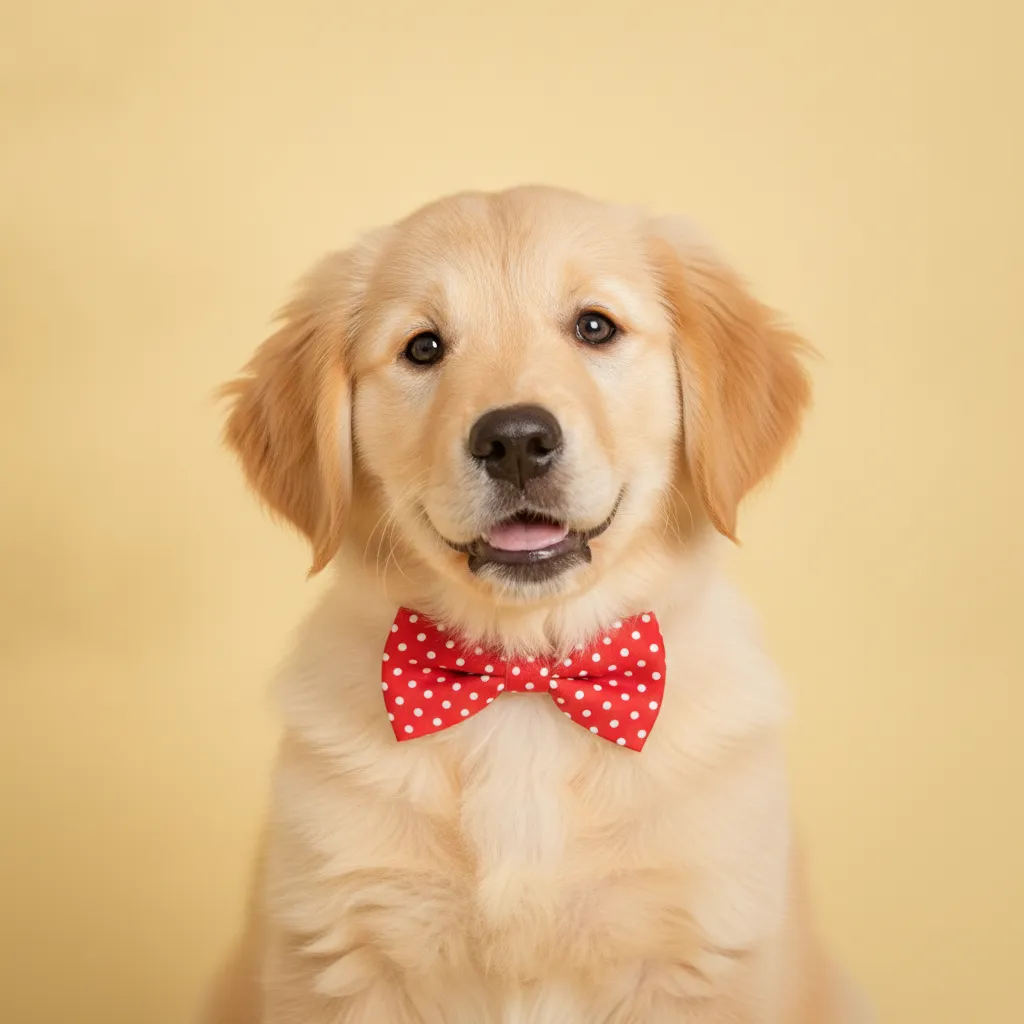
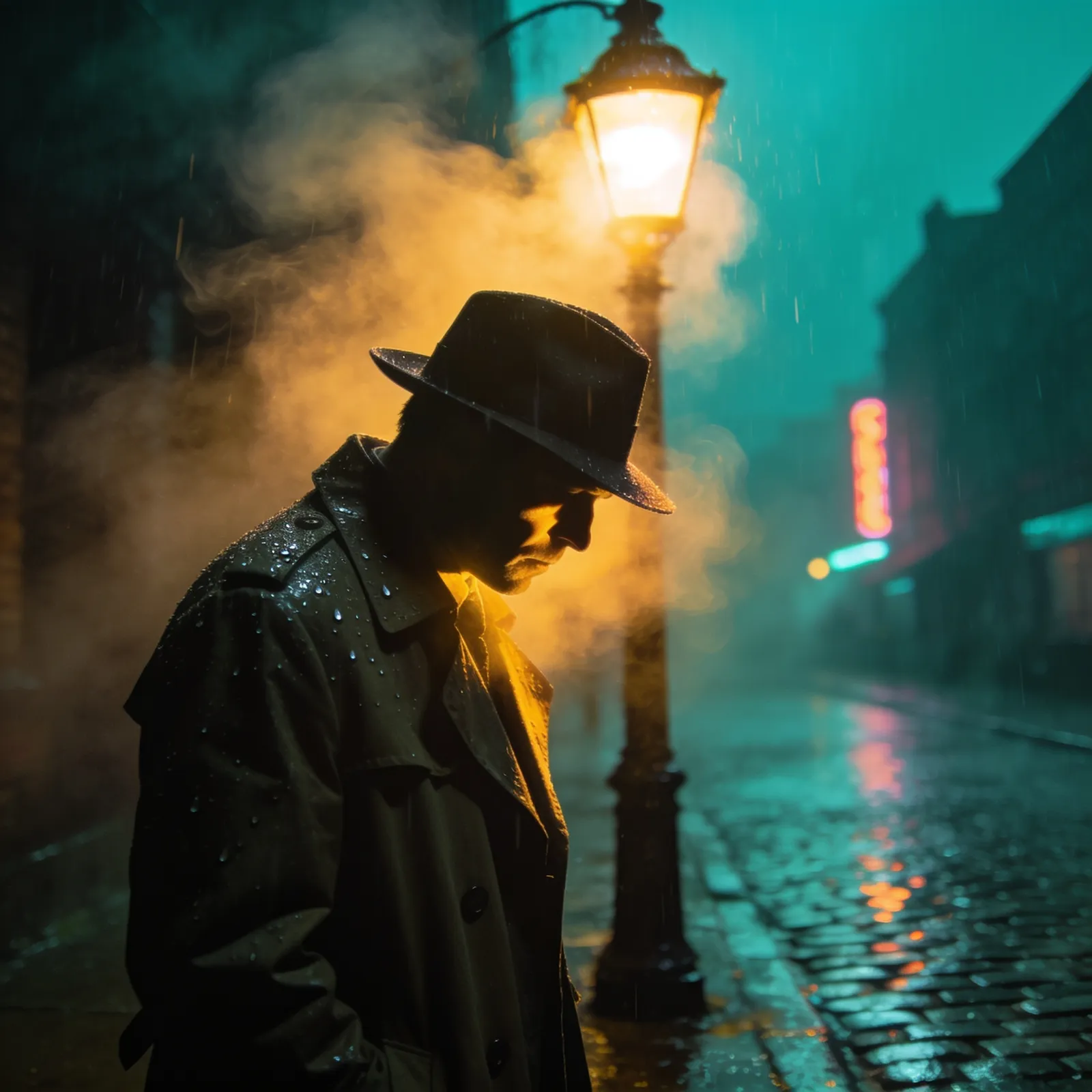
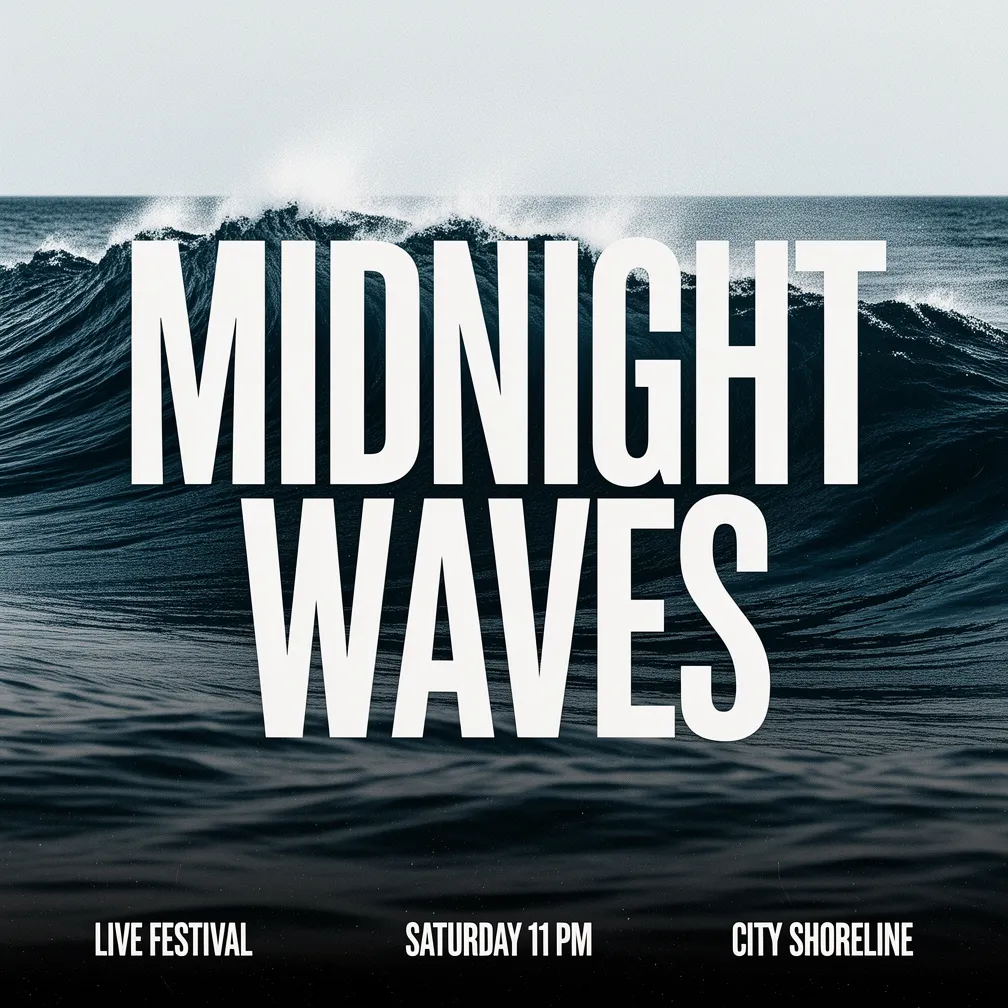
Real, unedited outputs generated directly by GPT Image 2.

Why GPT Image 2 Stands Out
Three capabilities that set GPT Image 2 apart from its peers.
Photorealistic results by default
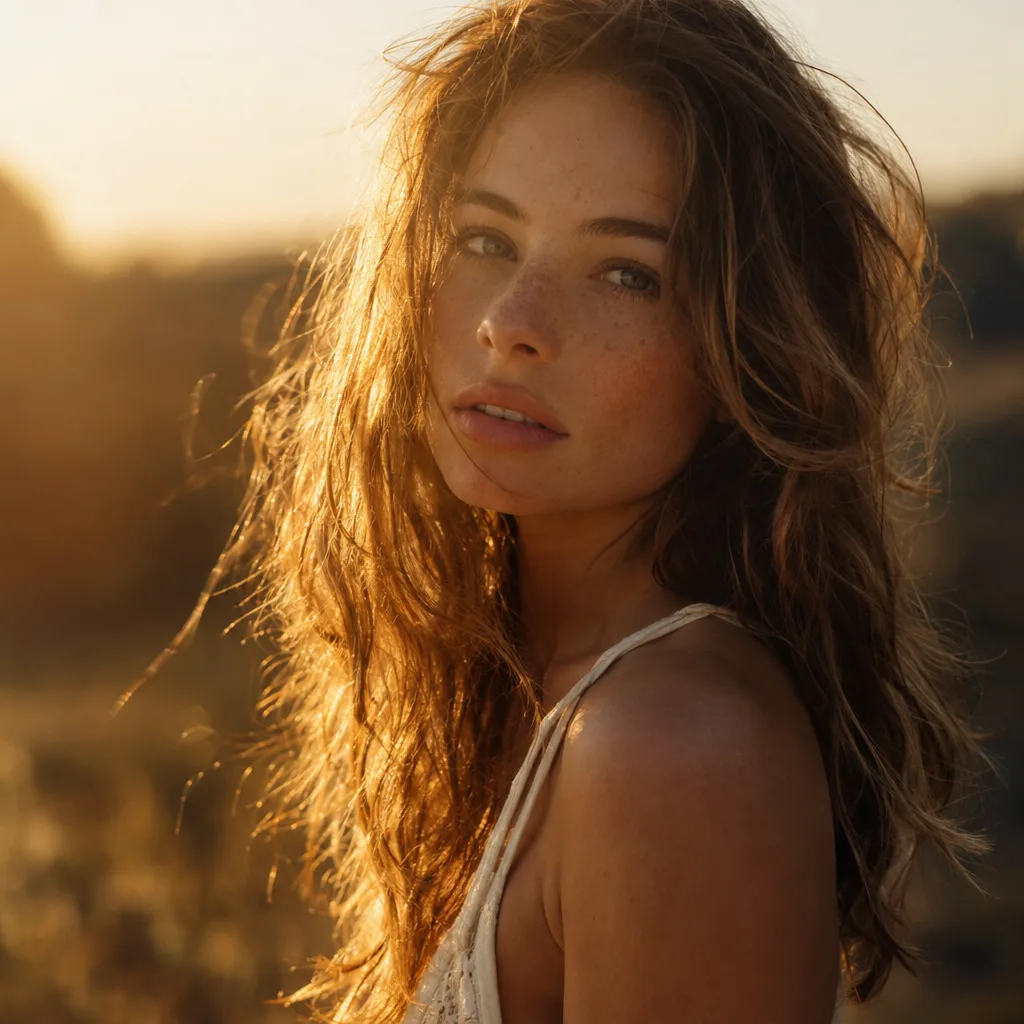
No style-word stacking needed — GPT Image 2 delivers natural lighting and lifelike texture out of the box, from portraits to real-world scenes.
Sharp, correctly spelled in-image text
Headlines, signage, and labels come out crisp and spelled right, so posters and packaging are usable as-is.
Long prompts followed line by line
Counts, positions, colors, and layered instructions are all respected. The more specific your prompt, the closer GPT Image 2 sticks to it.
What is GPT Image 2?
GPT Image 2 is OpenAI's latest natively multimodal image model. Instead of bolting an image decoder onto a separate system, it generates pictures the same way it reasons about language, which is why it follows long, detailed prompts so closely. Ask for "a barista holding a chalkboard sign that reads OPEN AT 7AM, warm morning light, shallow depth of field" and you get exactly that scene, with the sign legible and spelled correctly.
Two things set GPT Image 2 apart in real use. First, prompt adherence: it respects counts, spatial relationships, color callouts, and layered instructions that trip up other models. Second, text rendering, which has historically been the hardest problem in AI imagery. GPT Image 2 produces sharp, correctly spelled headlines, labels, signage, and UI mockups, making it genuinely usable for posters, packaging, ads, and infographics rather than just decorative art.
On this page GPT Image 2 runs in two modes. Text-to-image builds an image from a written description, with output up to 4K (1K, 2K, or 4K) across a wide range of aspect ratios. Image-to-image editing accepts one or more reference photos and fuses them, so you can drop a product, a face, and a background into a single coherent shot, swap styles, or restage a scene while keeping the details that matter consistent. Each generation costs 20 credits.
GPT Image 2 specifications
Why choose GPT Image 2?
GPT Image 2 is the model to reach for when the brief is specific, the words inside the image have to be right, and you need print-ready resolution.
Readable text inside the image
Headlines, signage, product labels, captions, and UI copy come out sharp and correctly spelled. GPT Image 2 solves the typography problem that breaks most generators, so posters and packaging are usable as-is.
Prompt adherence that actually listens
Counts, positions, colors, and multi-clause instructions are respected. Describe a complex scene with several elements and GPT Image 2 assembles it the way you wrote it, not a loose interpretation.
Up to 4K output
Choose 1K, 2K, or 4K. The 4K detail is clean enough for commercial printing, large-format display, and high-DPI screens without an upscaling pass.
Multi-image fusion editing
Upload several reference photos and merge them into one coherent result. Combine a product, a subject, and a backdrop, or restage a scene while keeping the key details consistent.
A wide range of aspect ratios
Square for social, portrait for stories, landscape for banners, and widescreen for hero images. Match the canvas to the platform before you generate.
Backed by OpenAI
GPT Image 2 inherits OpenAI's natively multimodal architecture, giving it the language understanding behind its accuracy and a steady stream of model improvements.
GPT Image 2 vs other image models
Every model here has a sweet spot. GPT Image 2 leads on prompt adherence and in-image text; pick a peer when you want a different style, batch outputs, or a lower credit cost.
| Model | Max resolution | Batch output | Credits |
|---|---|---|---|
🤖GPT Image 2 | Up to 4K | 20 | |
🍌Nano Banana 2 | Up to 4K | 20 | |
🍌Nano Banana Pro | Up to 4K | 20 | |
💎Seedream 4.5 | Up to 4K | 15 | |
🎨Flux 2 | Up to 4K | 15 |
How to generate with GPT Image 2
From a one-line idea to a finished 4K image in three steps.
Pick your mode
Choose text-to-image to create from scratch, or image-to-image to edit and fuse references. For editing, upload one or more photos you want GPT Image 2 to combine or restyle.
Write a detailed prompt
Describe the scene, style, and any exact text you want shown, then set the aspect ratio and resolution (1K, 2K, or 4K). GPT Image 2 rewards specifics, so spell out the words, colors, and layout you need.
Generate and download
Click generate, wait a few seconds, and review the result. Tweak the prompt or swap references to iterate, then download your watermark-free image at full resolution.
What you can build with GPT Image 2
GPT Image 2 shines anywhere the words inside the picture matter and the brief is precise.
Posters and ad creative
Generate finished posters, banners, and ad graphics with legible headlines and pricing built right in. Accurate text rendering means less time fixing typography in Photoshop.
Product and packaging mockups
Place a product on a styled background or design label and packaging artwork with real, readable copy, sized at 4K for print and listing pages.
Social media visuals
Spin up on-brand posts, story covers, and thumbnails in the exact aspect ratio each platform needs, complete with captions baked into the image.
Composite and reference edits
Fuse multiple photos into one scene with image-to-image editing, combining subjects, products, and backdrops while keeping the important details consistent.
Concept art and illustration
Explore styles from photorealism to flat illustration with prompts that hold up to complex, multi-element scenes exactly as described.
Infographics and UI mockups
Lay out charts, diagrams, app screens, and labeled illustrations where every word and number has to be correct, a job GPT Image 2's text rendering handles well.
GPT Image 2 frequently asked questions
The most common questions about generating with GPT Image 2.
Explore other models
Switch between top models in the same generator
Create with GPT Image 2 now
Turn a prompt into a sharp, text-accurate 4K image, or fuse your references into one clean edit. Sign up and start with free credits.