
Sora 2 AI Video Generator
Turn a prompt or a single image into lifelike video with OpenAI's Sora 2 — accurate physics, natural motion, and native synchronized audio baked into every clip. No app store, no waitlist: run Sora 2 right in your browser.
Ready to create
Enter a prompt and start generating
💡Describe the scene, motion, style and mood in detail
🎬Supports high-quality video up to 15 seconds
🔊Some models can generate audio at the same time
What Sora 2 Can Film
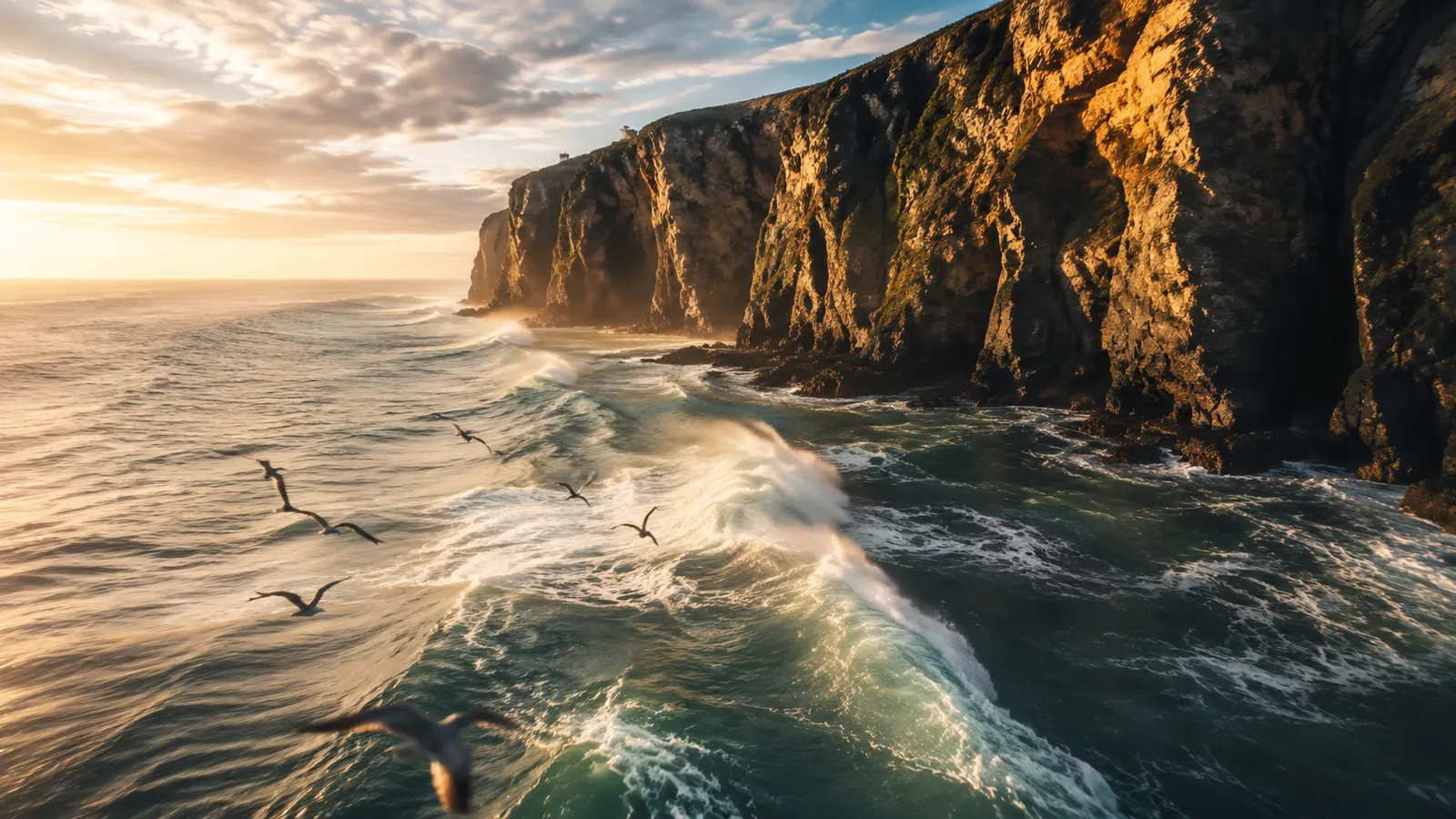
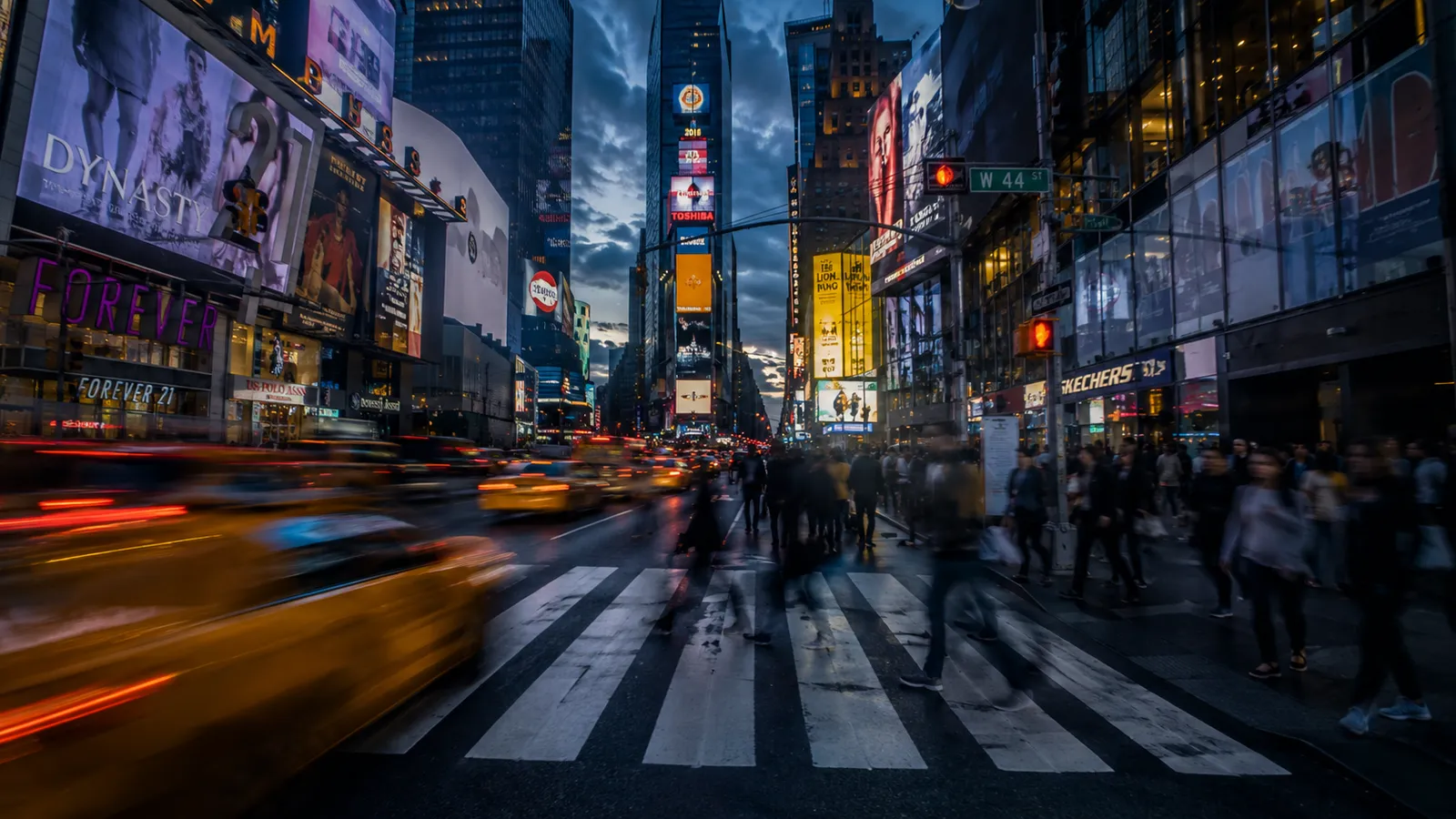
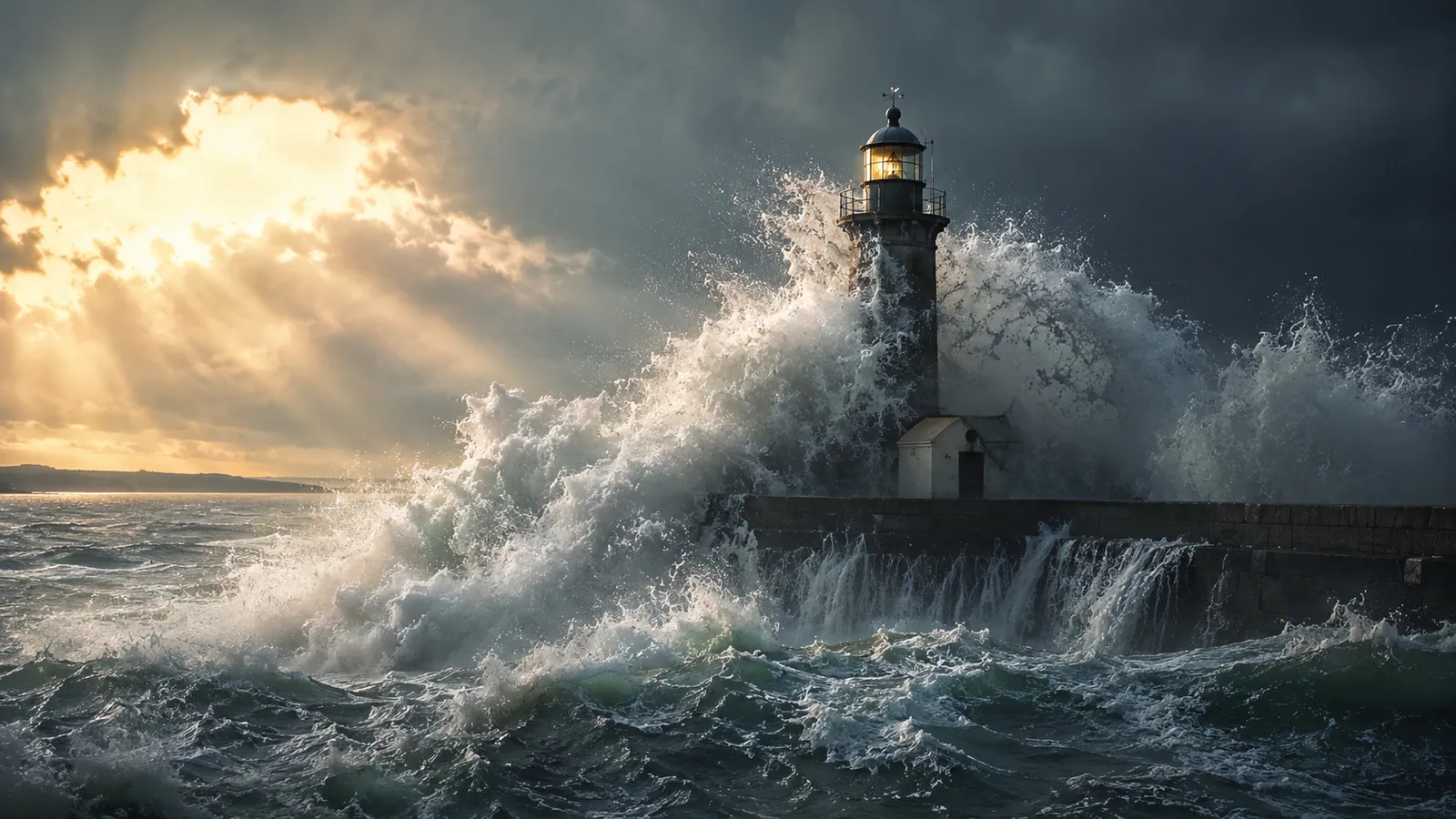
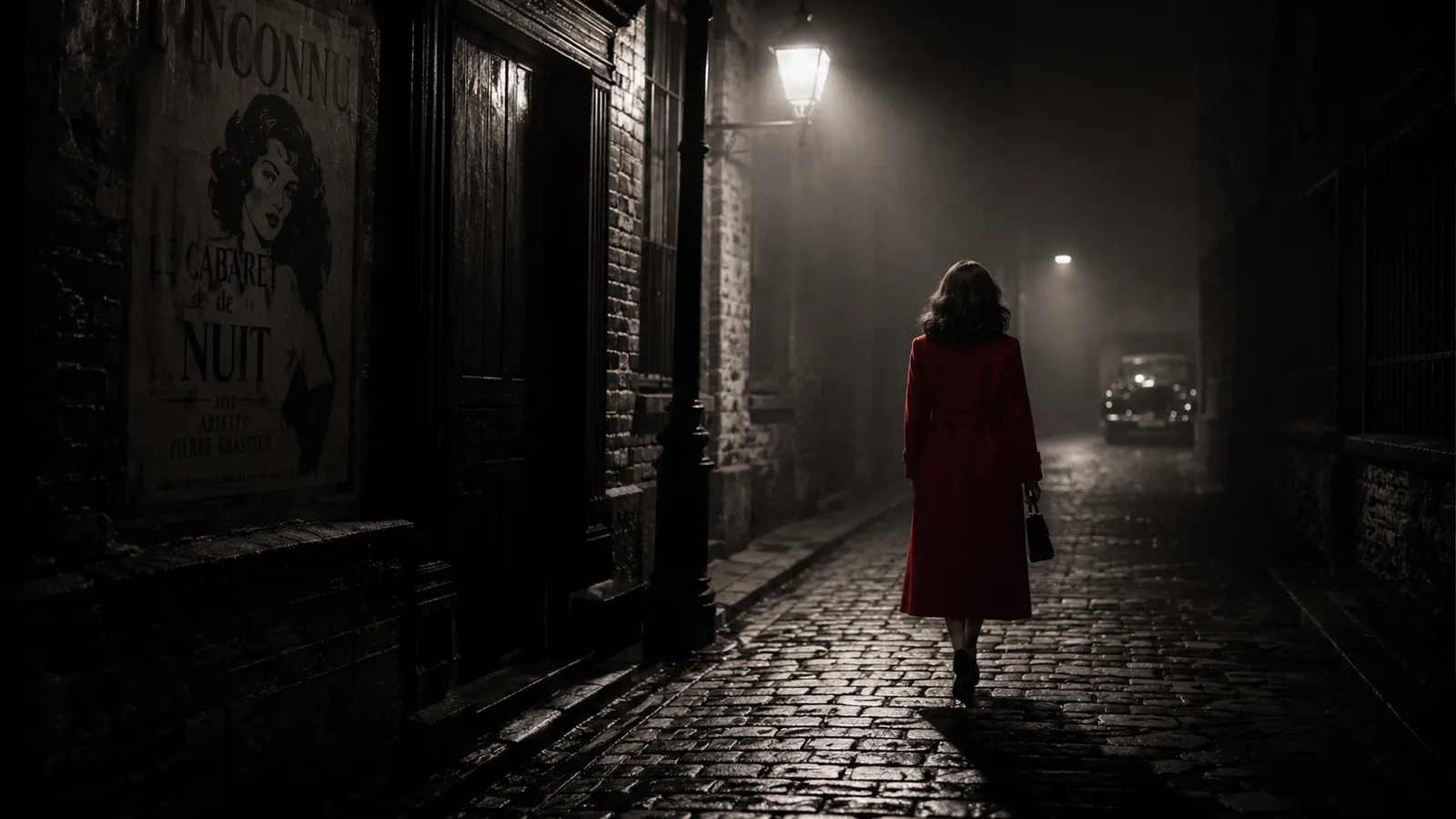
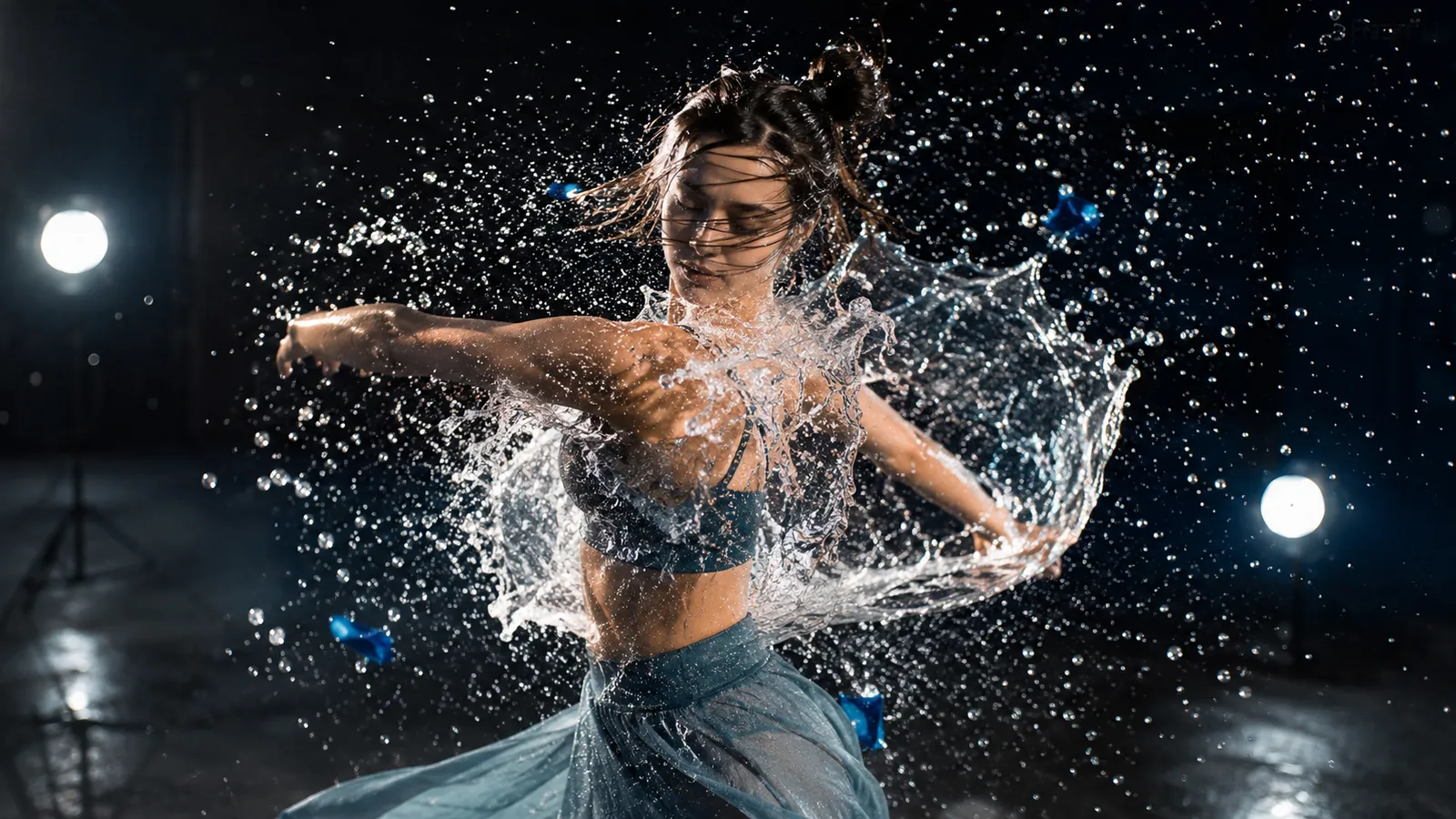
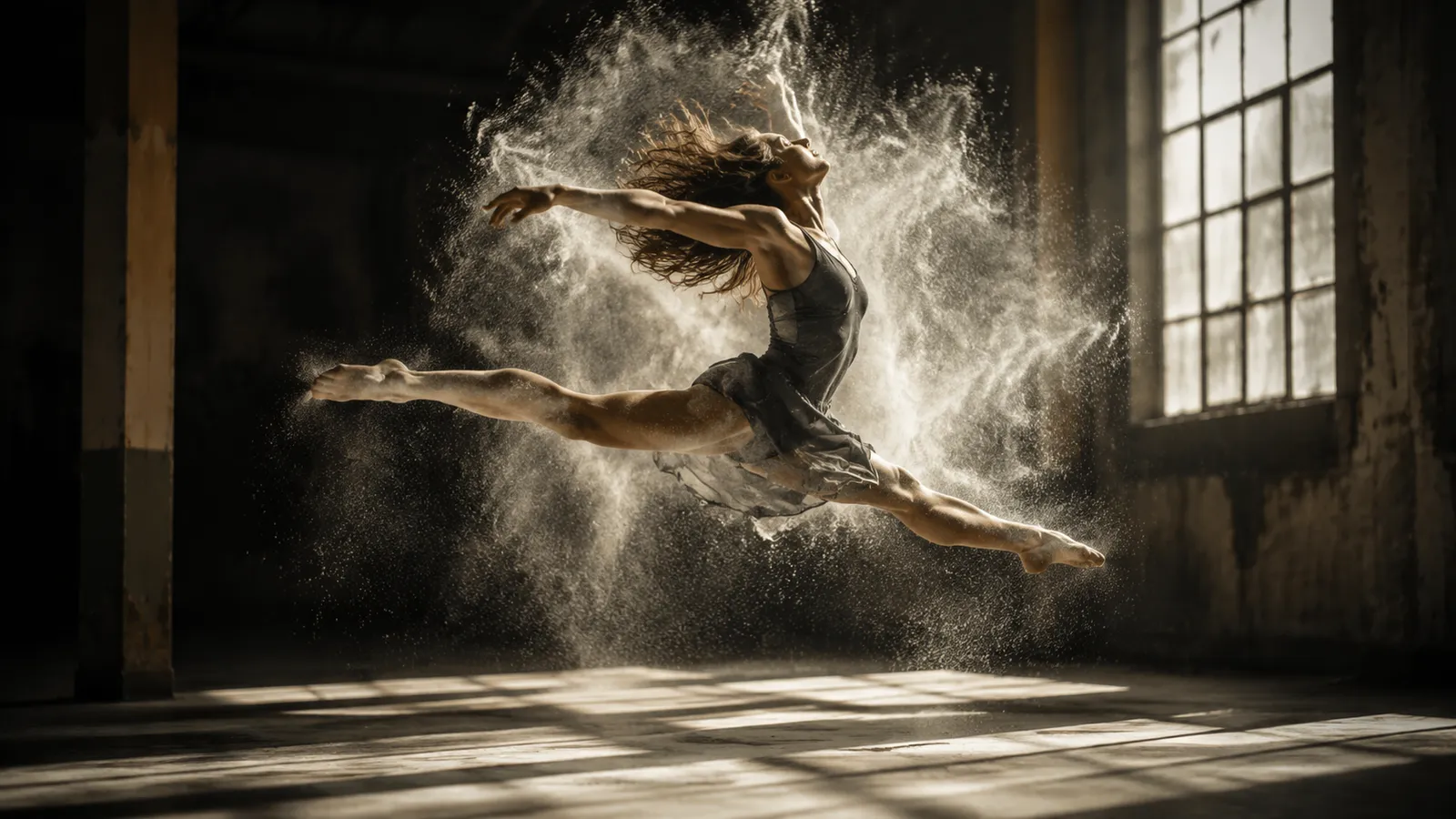
Representative frame previews of the styles and scenes Sora 2 excels at — these stills illustrate the look, not actual video output from the model.
What Makes Sora 2 Stand Out
Three capabilities that set Sora 2 apart from other video models.
Cinematic realism with true-to-life physics
Sora 2 models gravity, momentum, and materials with film-like fidelity. Objects move and react the way they would in front of a real camera.
Longer coherent shots built for storytelling
Characters, scenery, and lighting stay stable across an entire shot, so a 10 or 15 second clip can carry a complete narrative beat.
Deep scene understanding from plain text
Sora 2 reads composition, action, and camera direction straight from your prompt, turning a single sentence into the exact scene you pictured.
What is Sora 2?
Sora 2 is OpenAI's flagship video generation model, built to render the physical world the way it actually behaves. Where earlier models warp objects, melt limbs, or ignore gravity, Sora 2 keeps motion coherent: a basketball bounces with believable arc and rebound, water splashes and settles, fabric folds and drapes, and characters keep their shape across a full shot. That command of physics and continuity is what sets Sora 2 apart from the pack.
What truly separates Sora 2 from previous video AI is native synchronized audio. The model generates the soundtrack together with the picture — dialogue lip-synced to the speaker, footsteps that land on the right frame, ambient room tone and sound effects — so you get a finished, watchable clip instead of a silent draft that needs a separate audio pass. Sora 2 supports both text-to-video, where you describe the scene from scratch, and image-to-video, where you animate a still you already have.
On this platform you can run Sora 2 without an OpenAI account or invite code. Generate clips of 10 or 15 seconds in landscape or portrait, pick the standard Sora 2 model for everyday work or Sora 2 Pro for the most demanding shots, and download the result in seconds. It is the fastest way to put OpenAI's best video model to work for social content, ads, storyboards, and concept films.
Sora 2 Specifications
Why Choose Sora 2
Six reasons creators reach for OpenAI's Sora 2 over every other video model.
Real-world physics
Sora 2 models gravity, momentum, collisions, and material behavior, so objects move and react the way they would on camera — no melting limbs or floating props.
Native synchronized audio
Every clip ships with sound generated alongside the picture: lip-synced dialogue, frame-accurate effects, and ambient tone — a finished watchable result, not a silent draft.
Text and image to video
Describe a scene from scratch with text-to-video, or animate a still you already have with image-to-video. One model covers both core workflows.
Sora 2 Pro on demand
Switch to Sora 2 Pro for your most demanding shots when you want maximum fidelity, and stay on standard Sora 2 for fast, cost-efficient everyday clips.
Landscape or portrait
Render in landscape for YouTube and the big screen, or portrait for TikTok, Reels, and Shorts — the right frame for wherever your video lands.
No waitlist, no app
Run OpenAI's flagship video model straight from your browser. No invite code, no OpenAI account, no install — just type a prompt and generate.
How Sora 2 Compares
An honest look at where Sora 2 sits next to other leading AI video models.
| Model | Aspect | Duration | Credits |
|---|---|---|---|
🌀Sora 2 | Landscape / Portrait | 10s or 15s | 10 (Pro: 15) |
🌟Veo 3.1 | Landscape / Portrait | 8s | 60 |
🎬Seedance 1.0 | Landscape / Portrait | 5-10s | 30 |
🎥Kling 2.0 | Landscape / Portrait | 5-10s | 40 |
🚀Hailuo MiniMax | Landscape / Portrait | 6s | 35 |
How to Generate Video with Sora 2
From idea to finished, audio-ready clip in three steps.
Choose Sora 2 and your input
Select Sora 2 or Sora 2 Pro, then pick text-to-video to describe a scene or image-to-video to upload a still you want to bring to life.
Set duration and aspect
Write your prompt, choose 10 or 15 seconds, and pick landscape or portrait to match your platform. Add details on action, camera, lighting, and mood.
Generate and download
Hit generate and let Sora 2 render your clip with synchronized audio built in. Preview it and download the finished video, ready to publish.
What You Can Make with Sora 2
Sora 2's physics, motion, and built-in audio open up real production work.
Social video
Spin up scroll-stopping portrait clips for TikTok, Reels, and Shorts — complete with sound, so they're ready to post the moment they finish.
Product and ad spots
Showcase products in motion with believable physics and synced audio, ideal for short ads, promos, and landing-page hero videos.
Concept and pitch films
Visualize a scene before you shoot. Use Sora 2 to prototype shots, test ideas, and build mood reels for clients and collaborators.
Animate a still image
Feed Sora 2 a single photo or render with image-to-video and watch it move — turn artwork, product shots, and portraits into living clips.
Explainers and demos
Produce clear, narrated demo and explainer clips where motion and audio land together, without a separate voiceover or editing pass.
Storyboards and previz
Turn a script line into a 10 or 15 second moving panel, giving directors and teams an animated storyboard with sound to react to.
Sora 2 FAQ
Answers to the most common questions about Sora 2.
Explore other models
Switch between top models in the same generator

Make your first Sora 2 video
Put OpenAI's flagship video model to work — realistic physics, natural motion, and synchronized audio in every clip. No waitlist, no install.