
AI Background Remover
Upload an image and Recraft's dedicated segmentation AI automatically detects the subject, removes the background, and outputs a PNG with a real alpha channel. Hair strands, fur, and semi-transparent edges come out clean.
Ready to remove the background
Upload an image and get a transparent PNG in seconds
Cutout Results
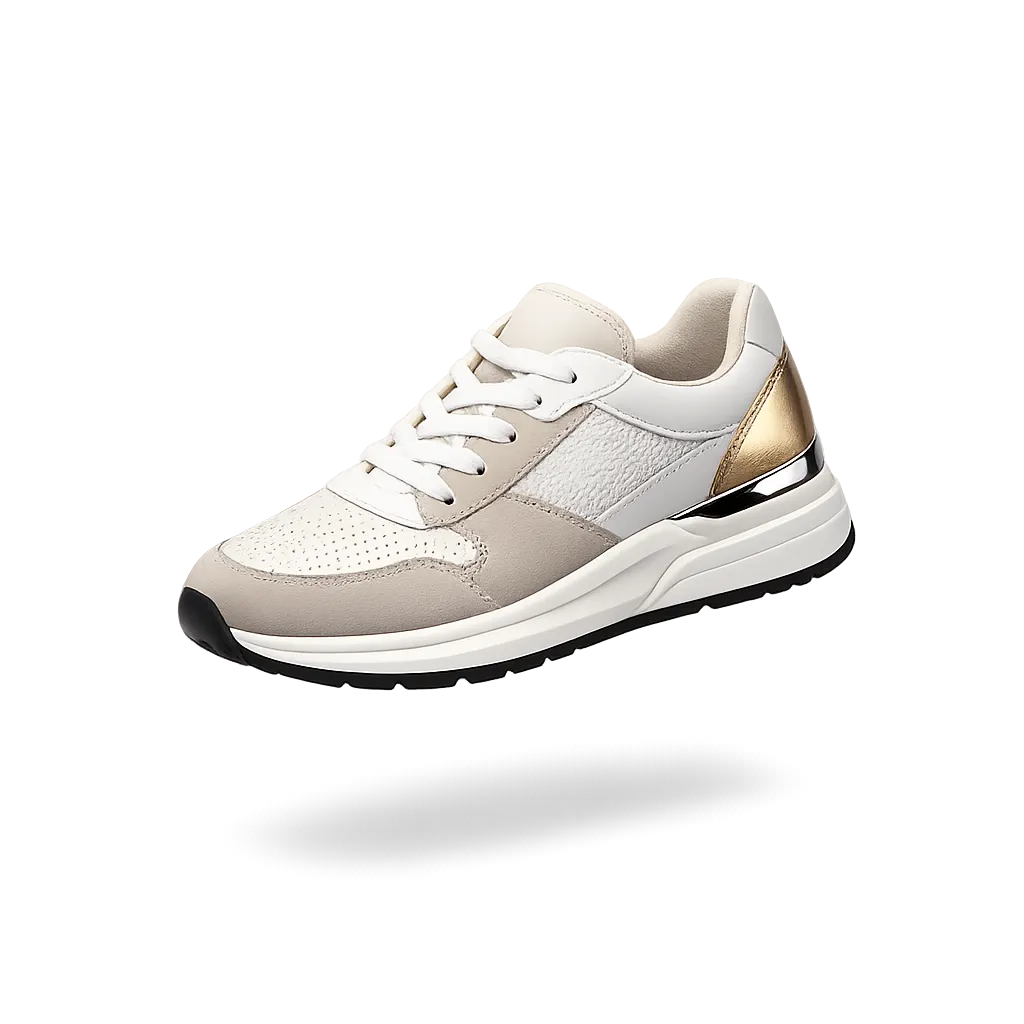
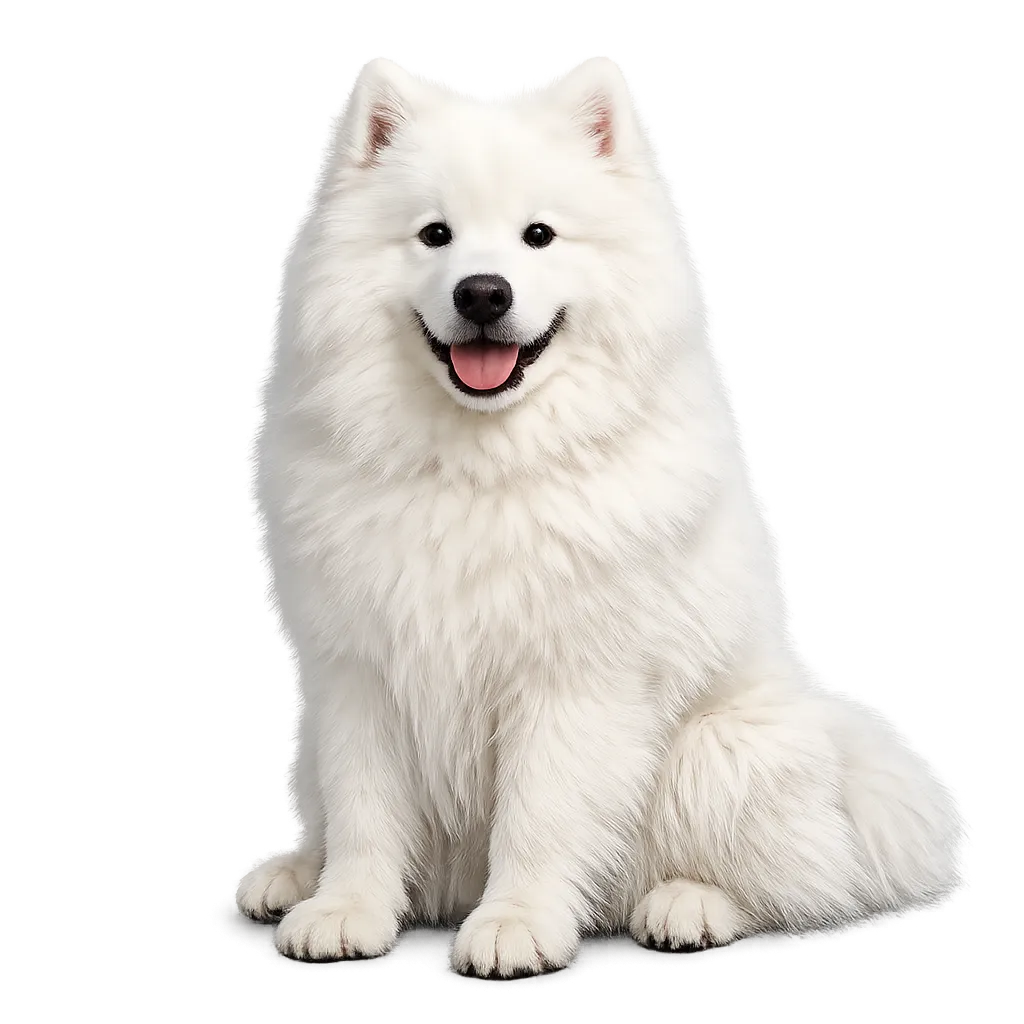
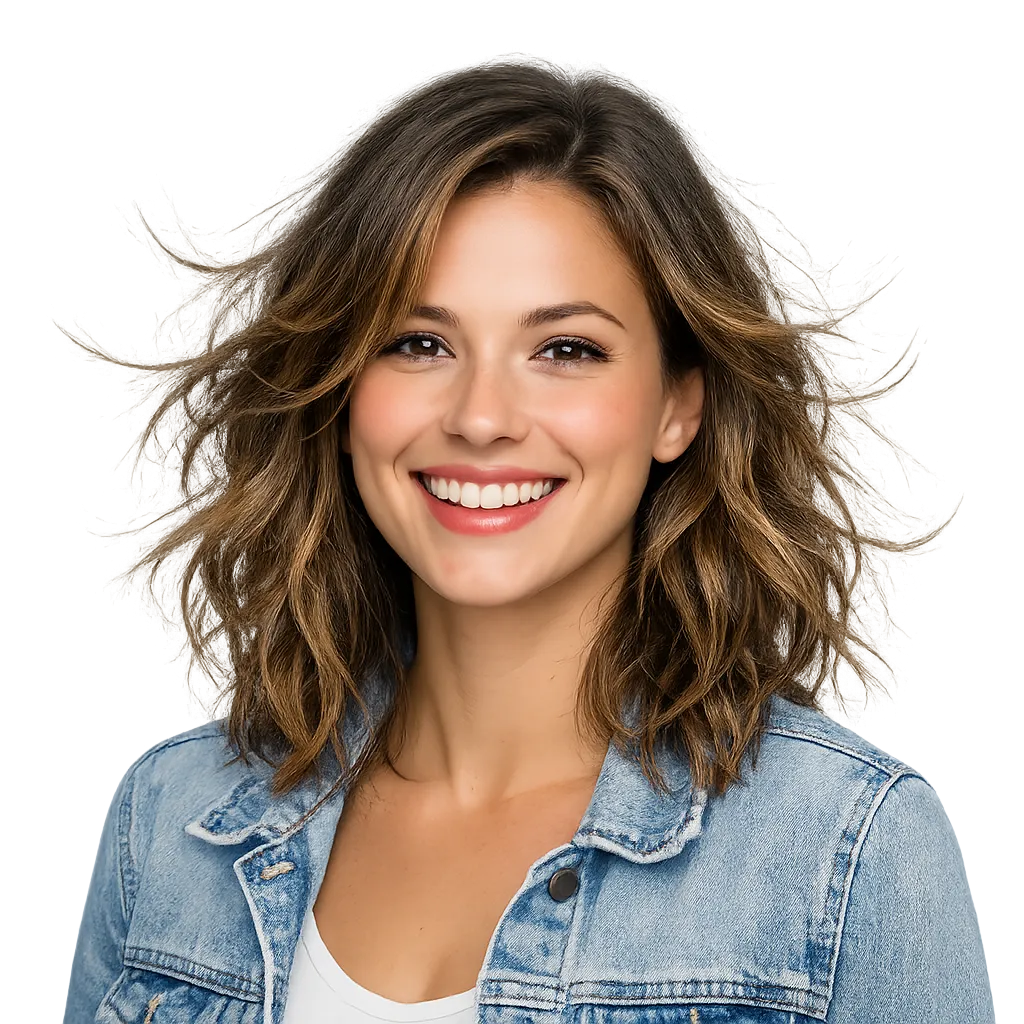
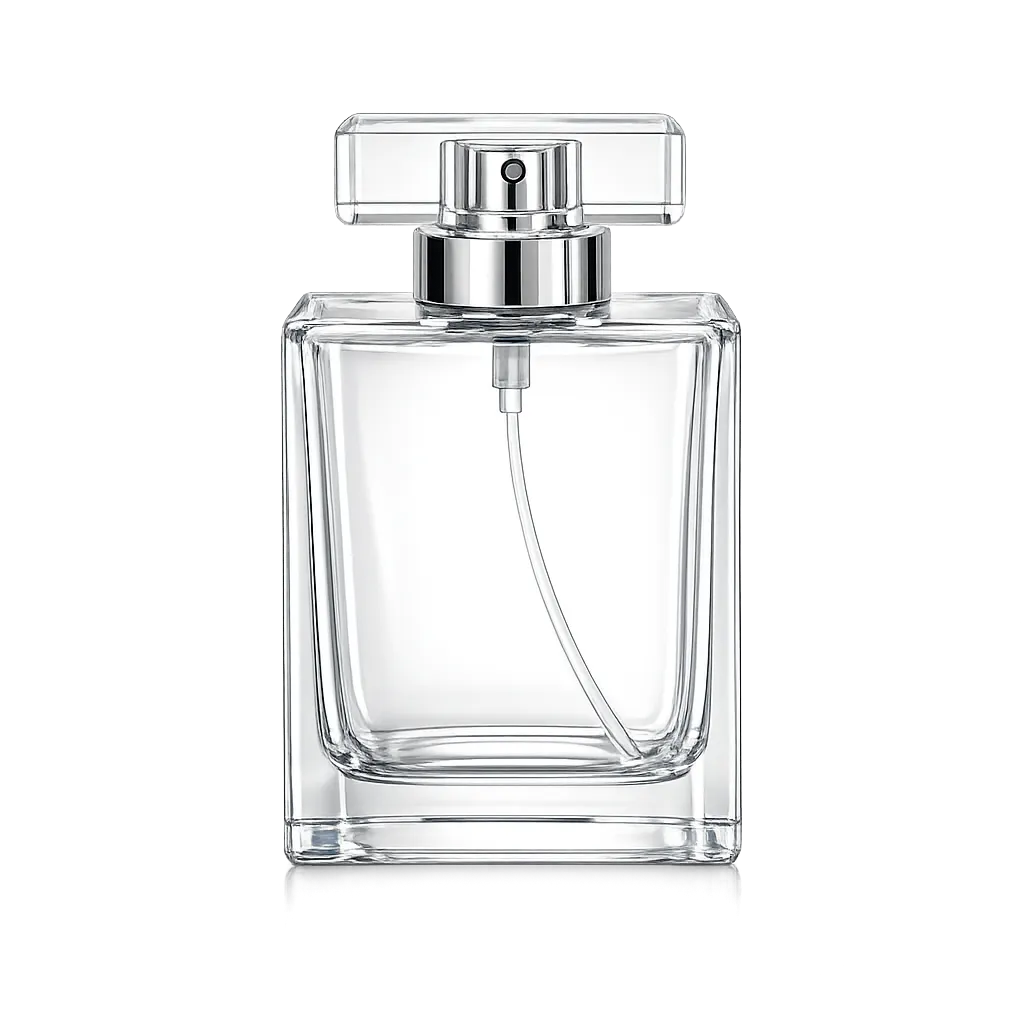
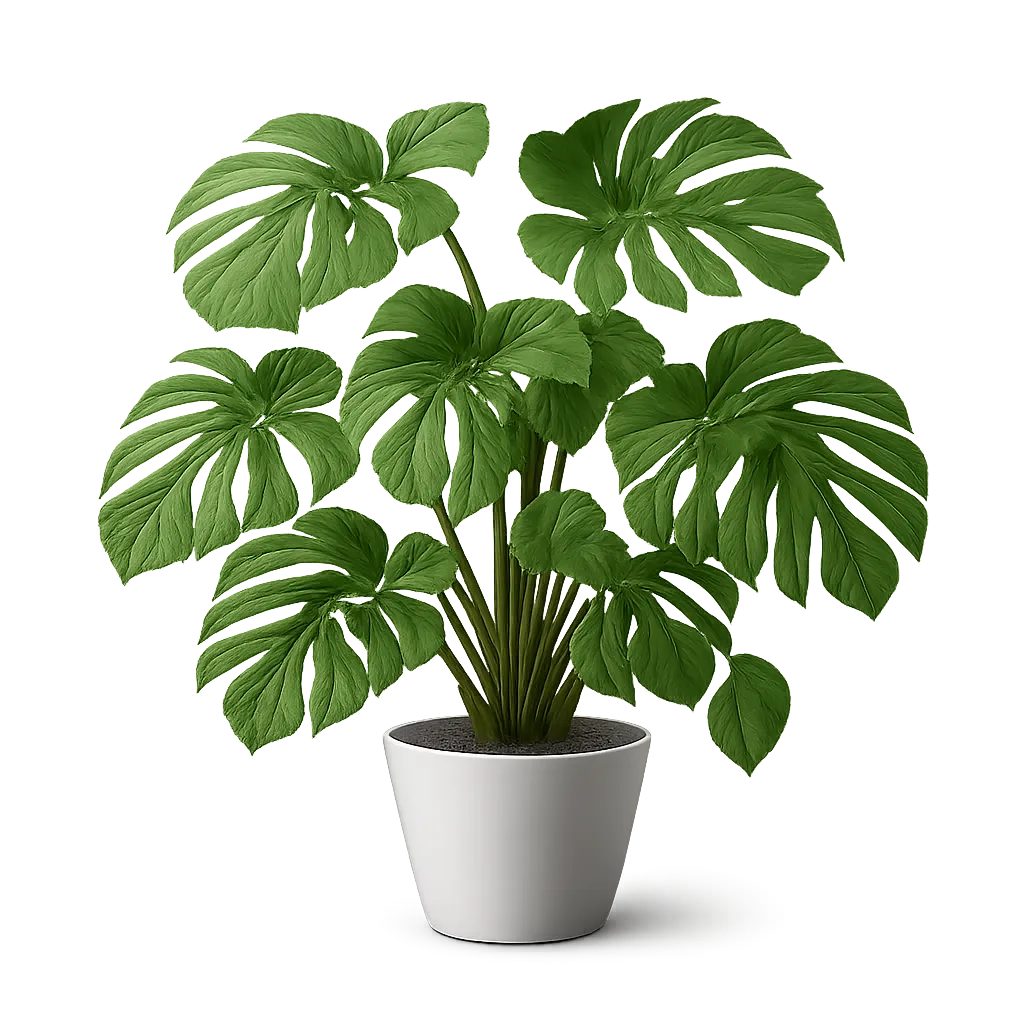
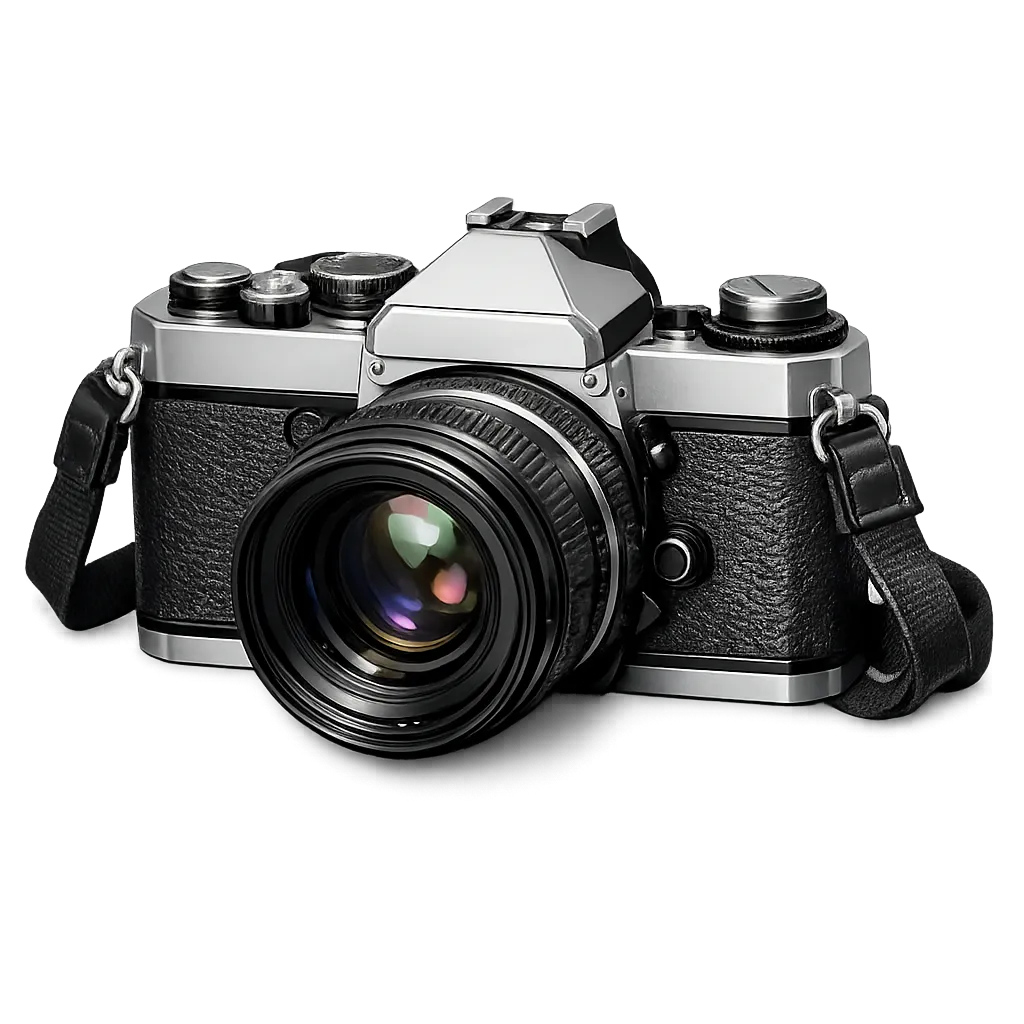
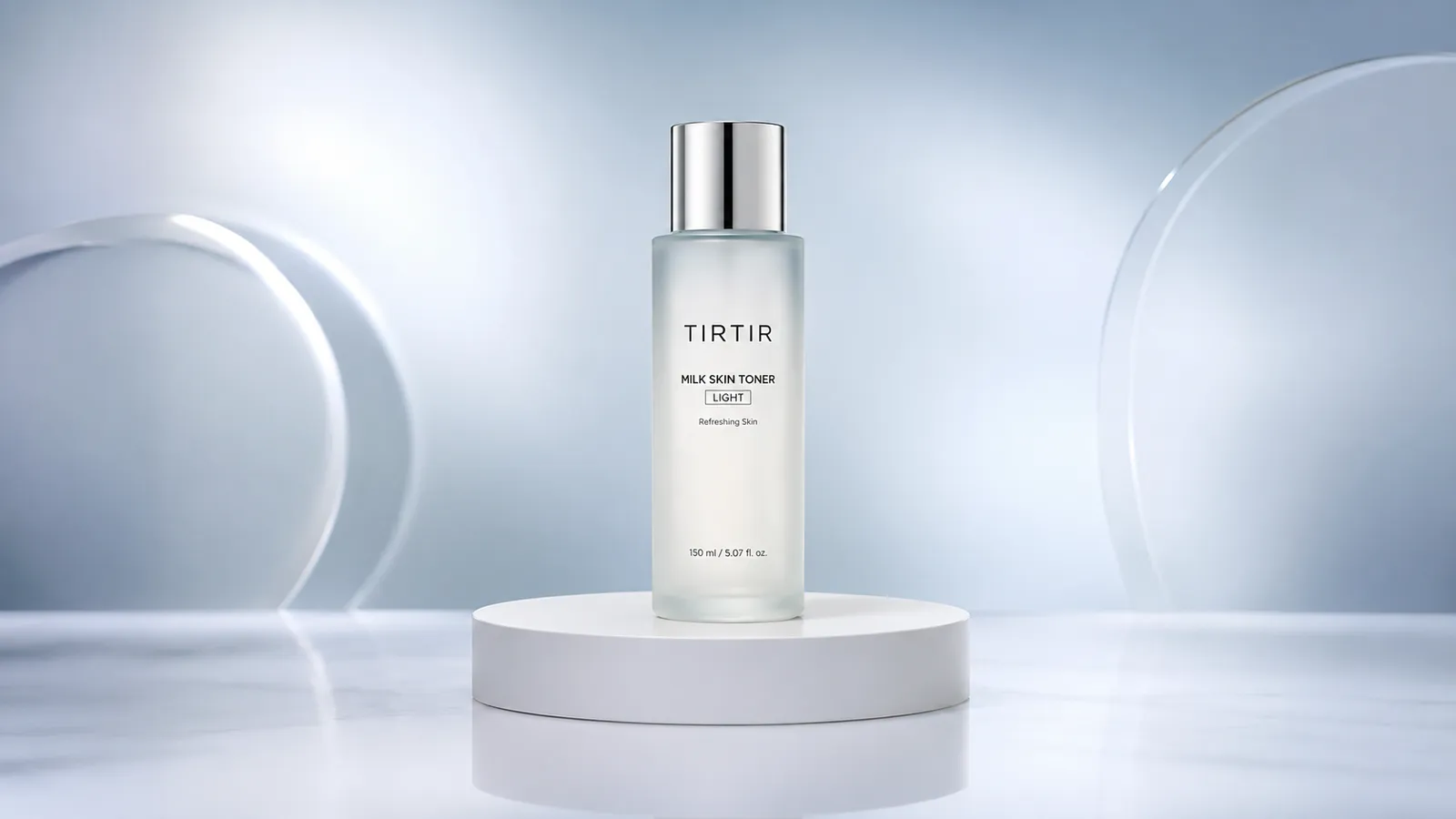
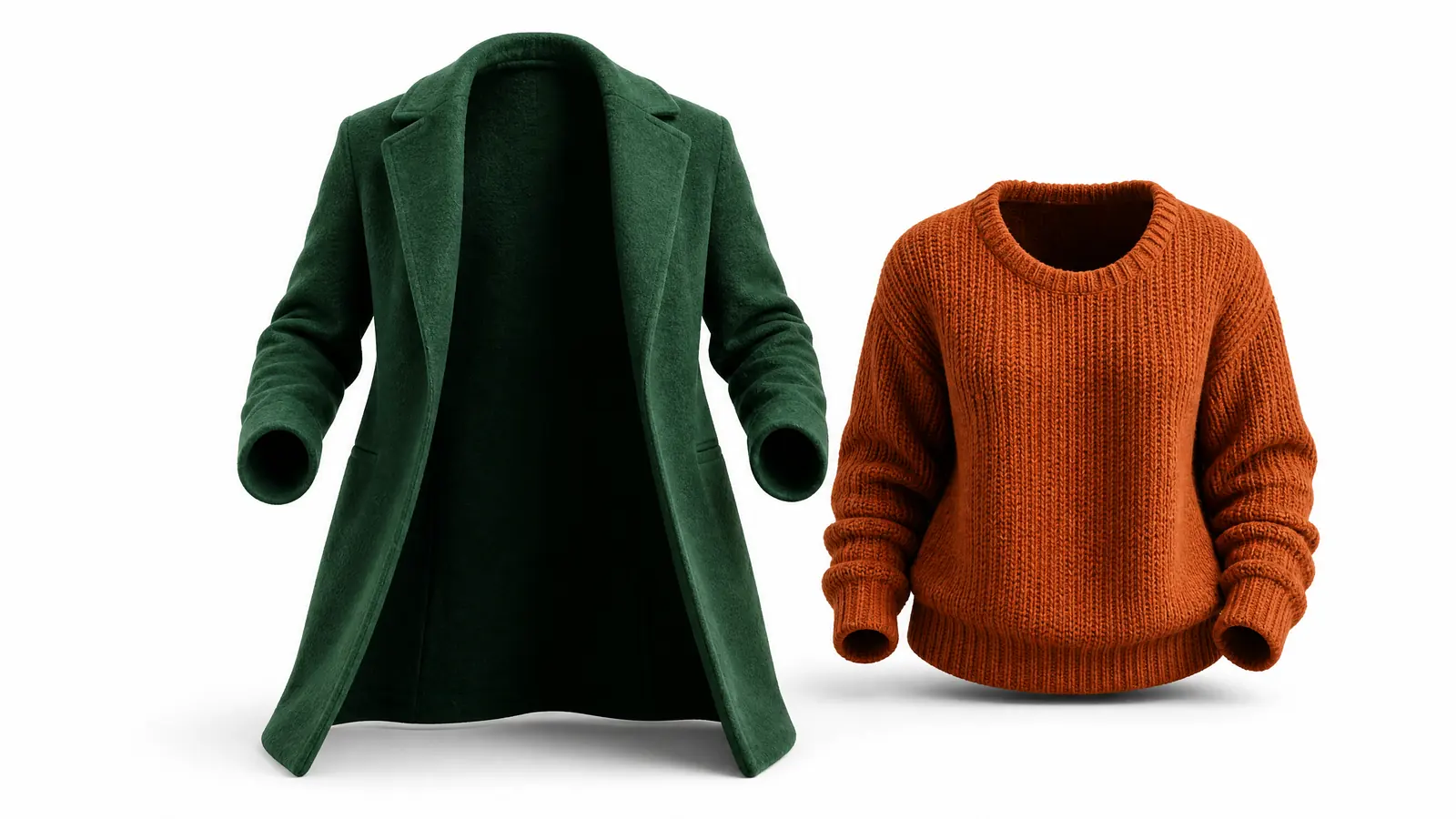
The images below are illustrative previews of cutout results — the checkerboard indicates transparency. Recraft's dedicated segmentation AI stays clean even on hair, fur, and glass edges.
Why This Background Remover Stands Out
A model built purely for separating subject from background — no regeneration, no repainting, just a clean removal.
True transparent PNG output
You get a PNG with a real alpha channel, ready to drop onto any design, poster, or e-commerce template — no extra processing needed.
Hair and fur precision edges
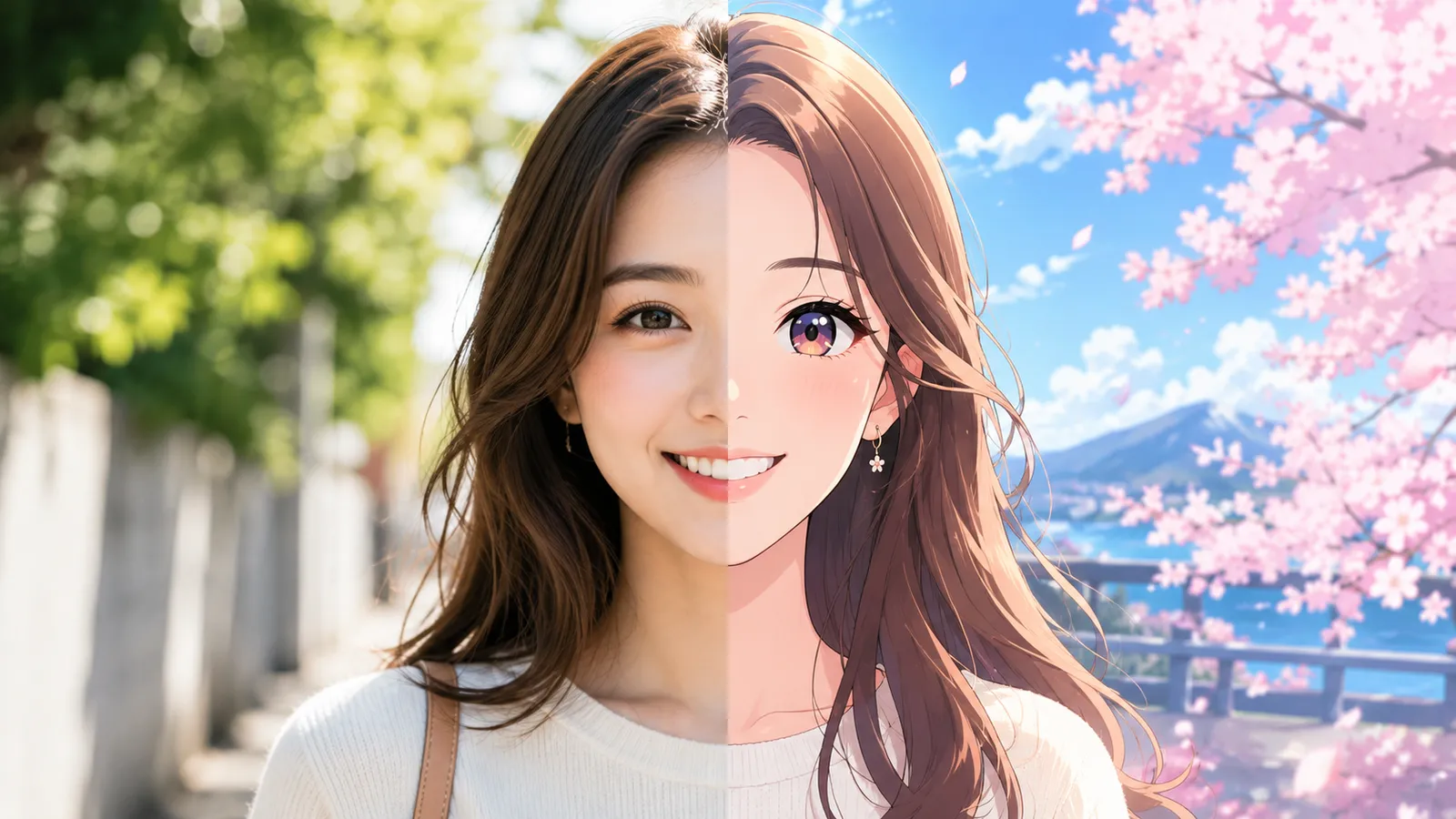
Recraft's segmentation model is tuned for fine details like hair strands, pet fur, and fuzzy fabrics, producing clean edges without white fringes.
Handles tricky subjects reliably
Glass bottles, leafy plants, and mesh objects — the classic nightmares of manual cutouts — are detected and preserved with their fine details intact.
Remove a Background in 3 Steps
The whole process takes under a minute — no editing skills needed.
Upload your image
Click or drag to upload the photo you want to cut out. JPG, PNG, and WebP are supported.
Let AI do the cutout
Click "Remove Background" and Recraft's dedicated segmentation AI detects the subject and separates it from the background.
Download the transparent PNG
In seconds you get a PNG with a real alpha channel, ready for design work and product listings.
Where a Background Remover Helps
One tool that covers the most common cutout needs.
E-commerce products
Cut products onto a transparent base so you can swap in white or scene backgrounds for professional listings.
Design assets
Extract subjects from photos to build posters, banners, and collages — cut once, use anywhere.
Social media & avatars
Cut out people for stickers, memes, and custom profile pictures with edges that hold up.
Slides & documents
Drop clean, background-free images into presentations and docs so the focus stays on your subject.
Compared to Manual Photoshop Cutouts
Versus pen-tool and channel masking in Photoshop, AI background removal wins on speed, skill requirements, and edge quality.
Start free, upgrade anytime
Sign up for free credits — every image tool is powered by GPT Image 2. Upgrade for higher limits, faster generation, no watermark and commercial use.
FAQ
About AI background removal
More AI image tools
View all tools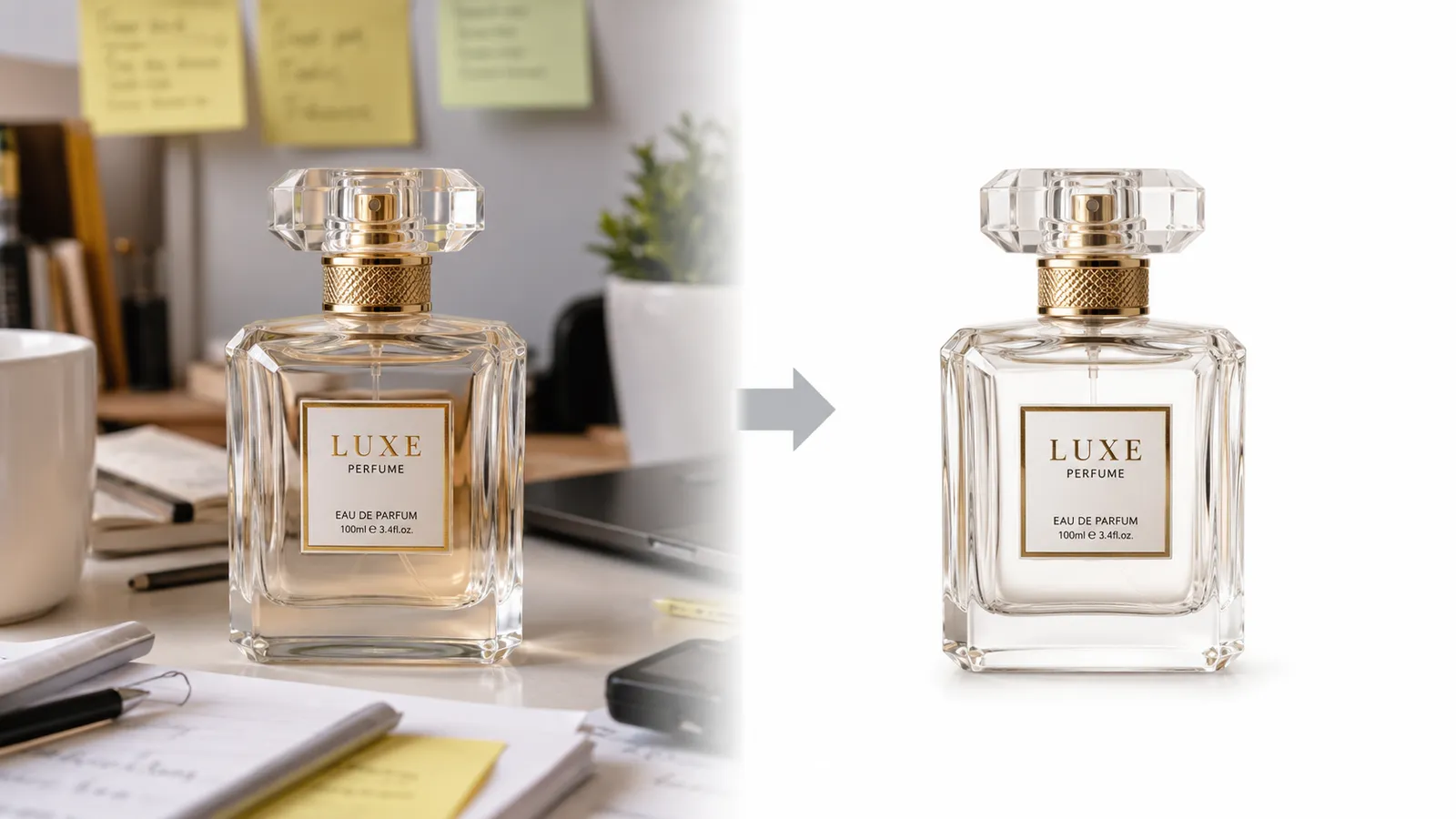


Try One-Click Background Removal Now
Upload an image and get a clean transparent PNG in seconds.