
Pixel Art AI
Upload any image and AI repaints it as retro pixel art — clean color blocks, a crisp grid and classic console-era palettes. Instant 8-bit nostalgia.
Ready to pixelate
Upload an image and pick the pixel style
Pixel Art Examples
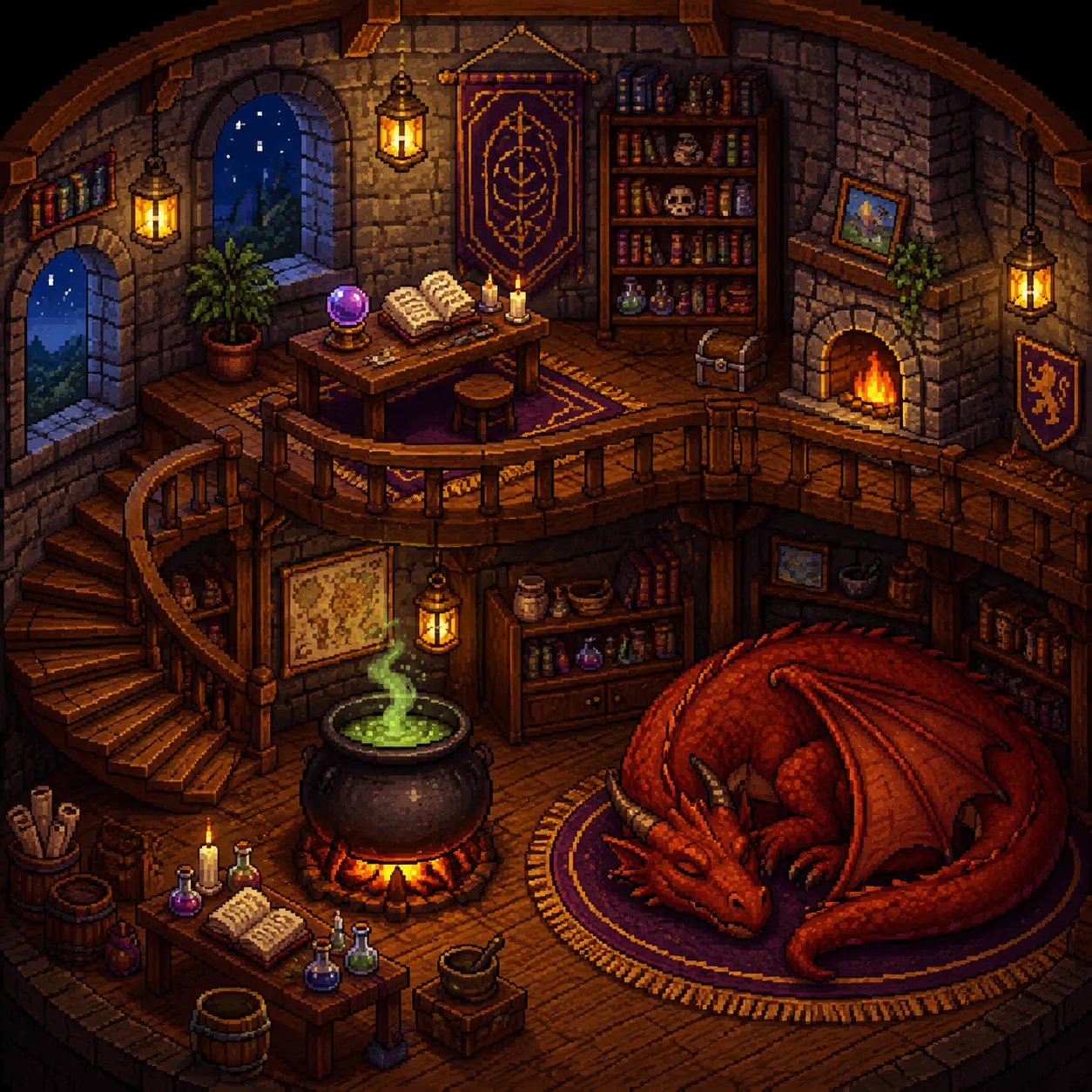
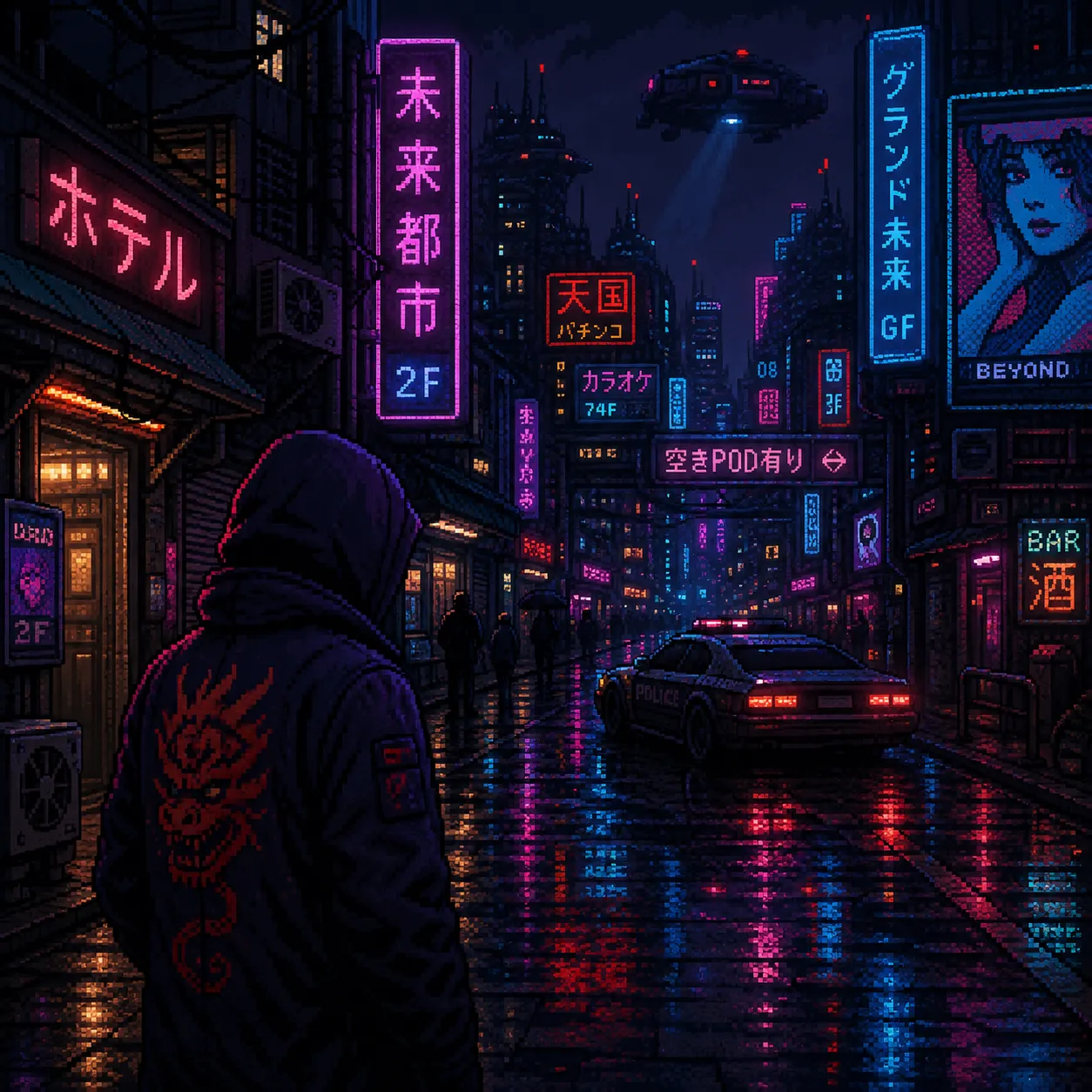
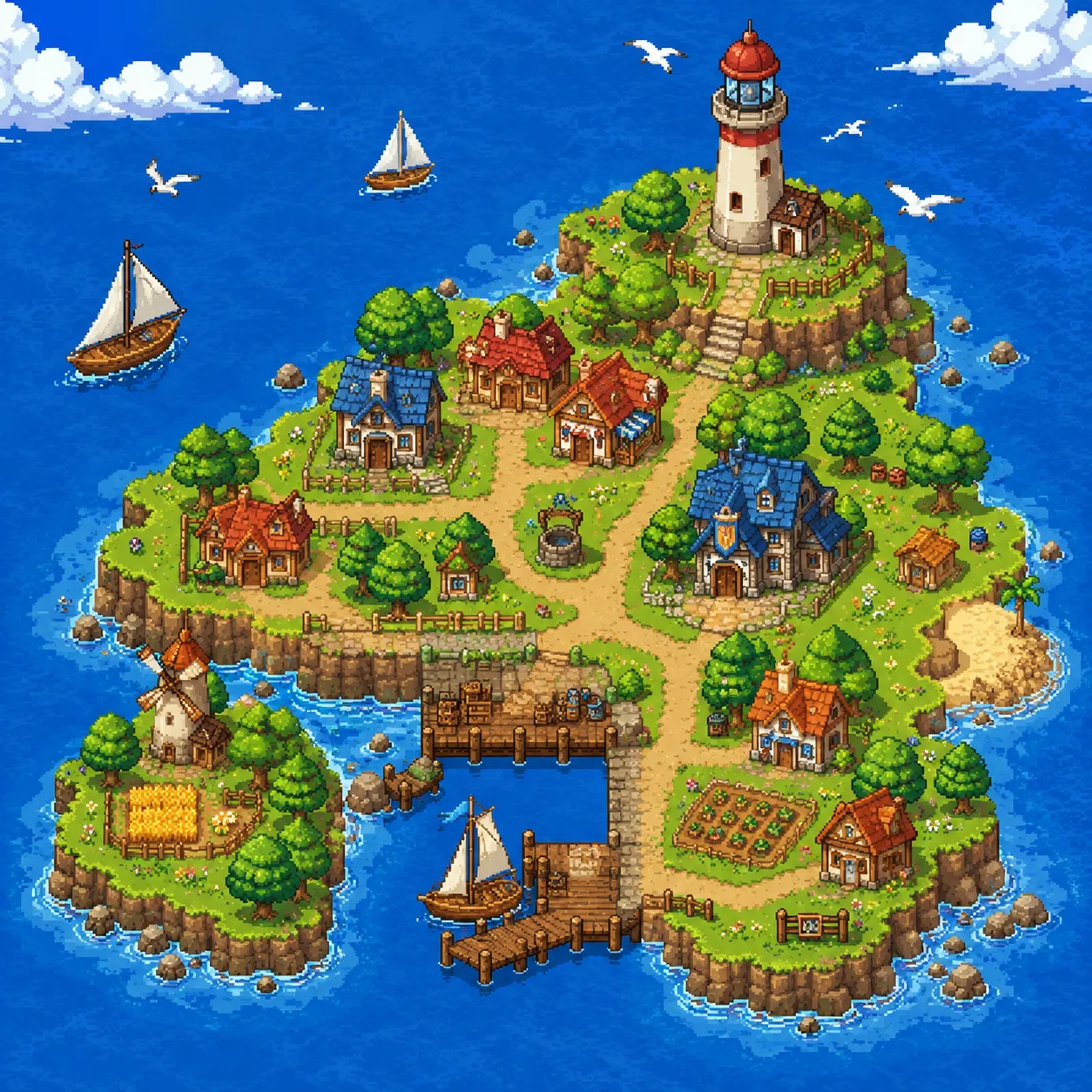
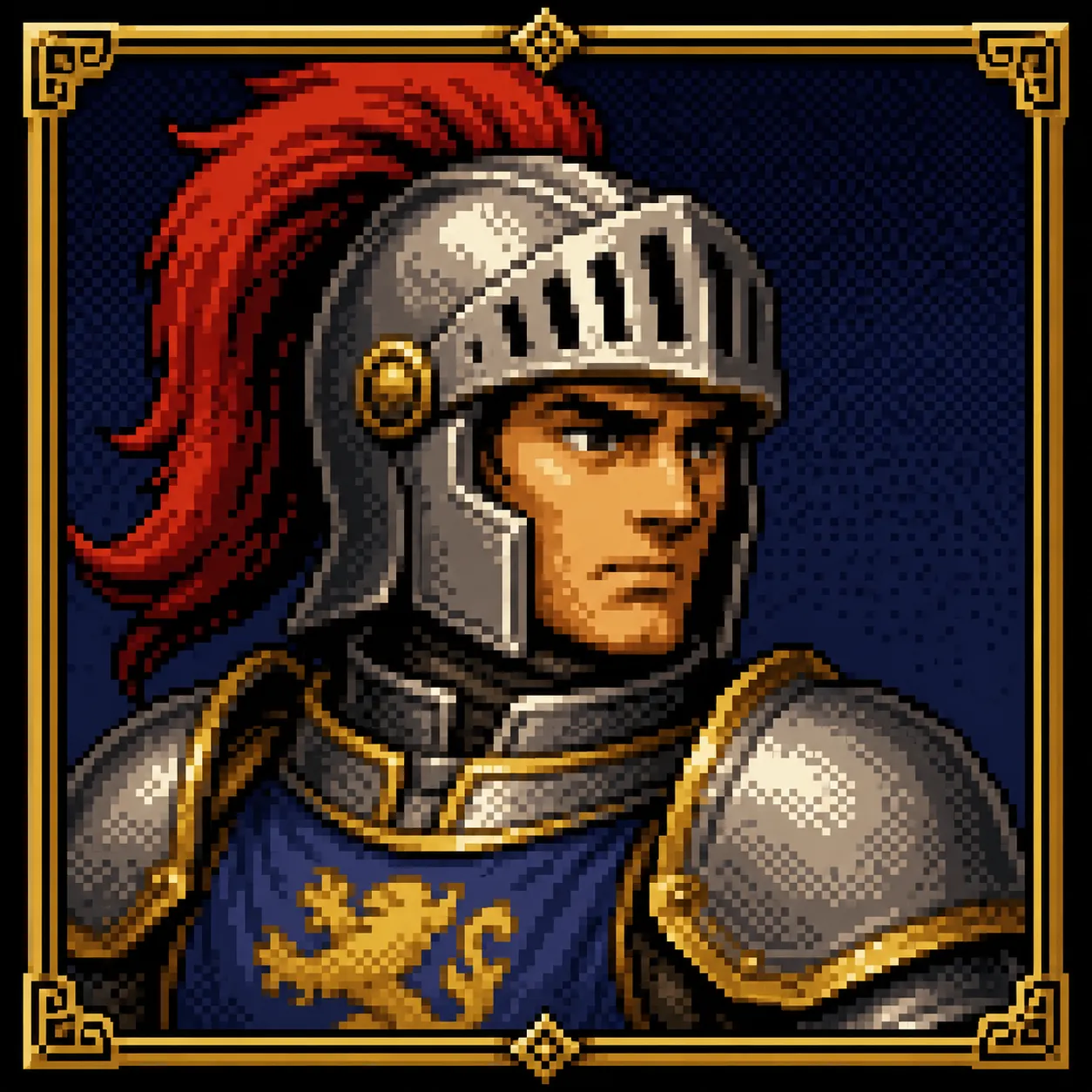
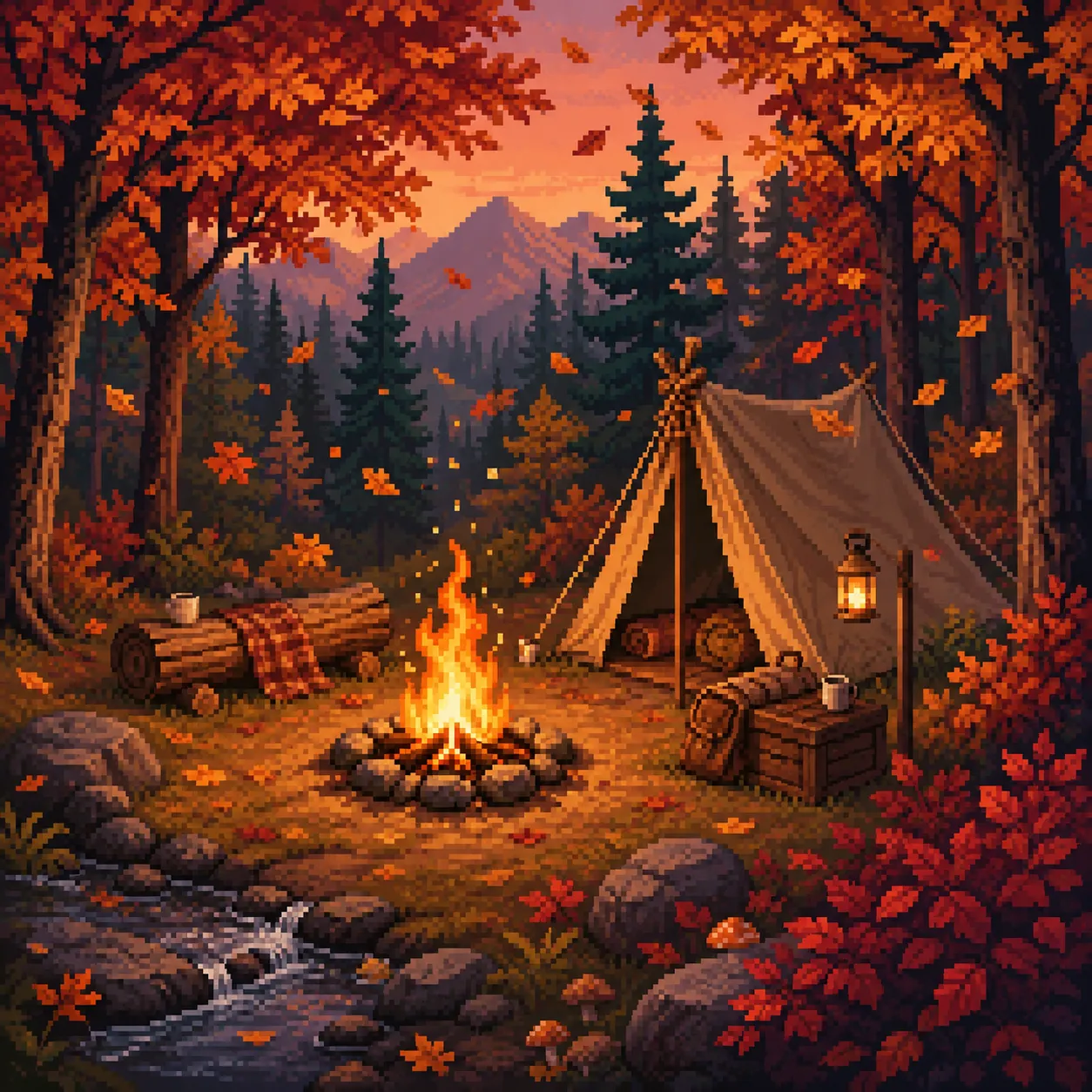
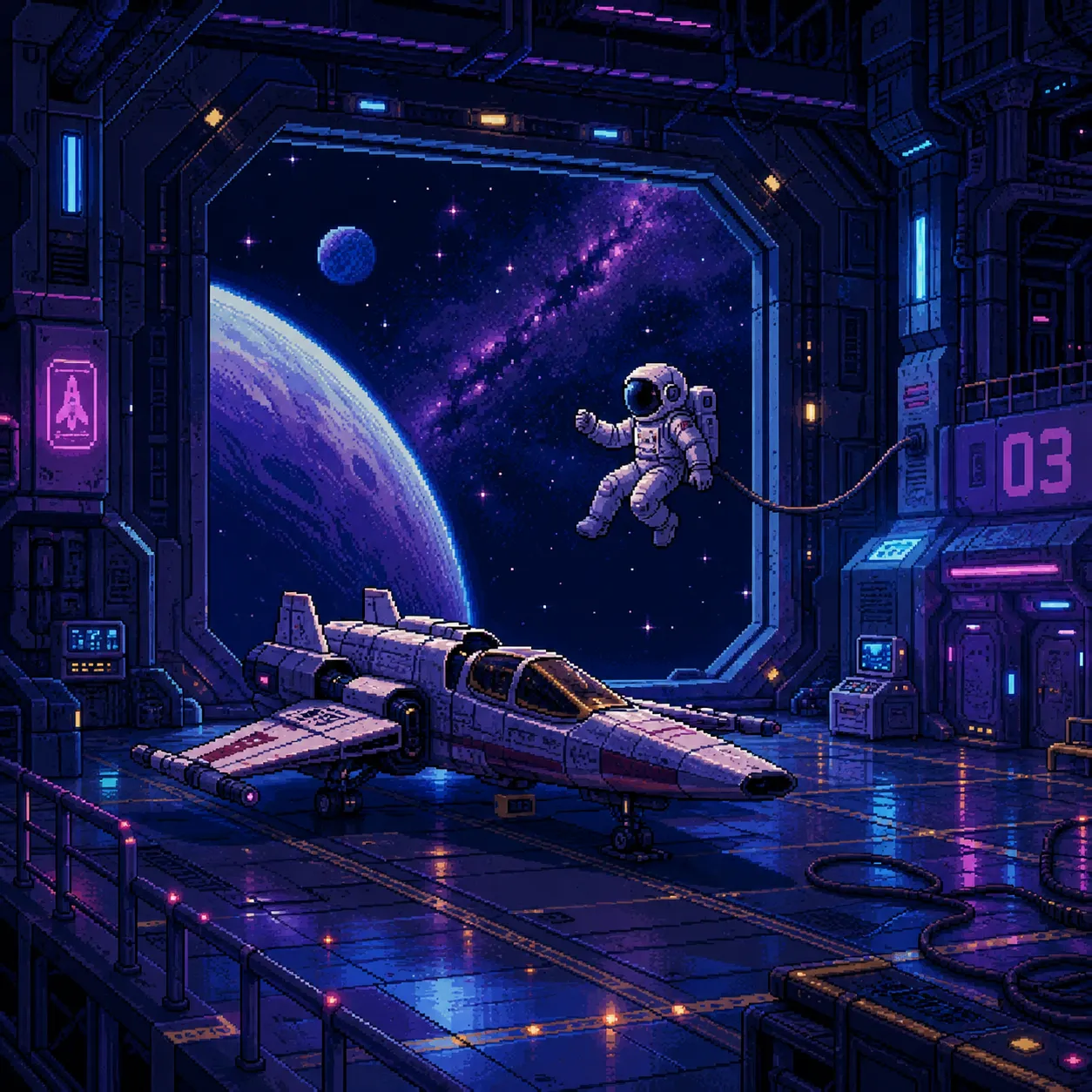
All pieces below were generated with GPT Image 2 pixel-style transfer — clean blocks and tidy grids with genuine classic-game-art flavor.
Why make pixel art with AI
Placing pixels by hand is slow and takes real skill. AI hands you a finished pixel piece in seconds.
Clean blocks, tidy grid
The AI reduces the scene to a limited palette and a regular pixel grid, avoiding the muddy 'fake pixel' look — the result reads like it was drawn in a real pixel editor.
Game-art-grade scenes
Streets, villages and hangars come out with RPG-map atmosphere, their lighting and depth reorganized by proper pixel-art rules.
Portraits and characters too
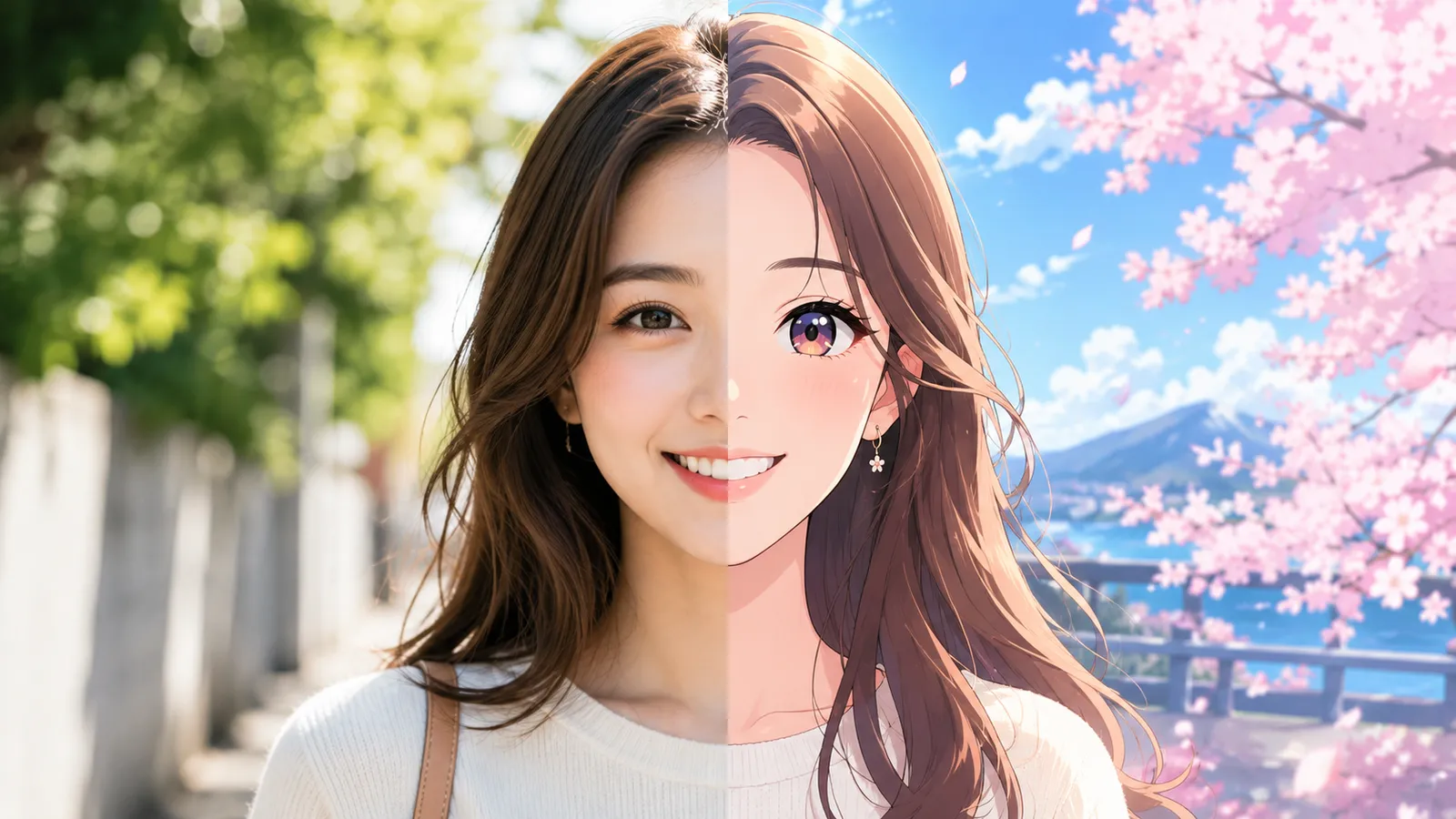
Selfies become pixel avatars that keep your hairstyle and vibe — even in blocks, it's clearly you. Perfect for gaming communities and Discord.
Pixel art in 3 steps
No pixel-by-pixel placing — done in three steps.
Upload an image
Click or drag to upload a photo or image — portraits, landscapes or buildings all work. JPG, PNG and WebP supported.
Pick the pixel style
Select 'Pixel' from the style cards and the AI repaints the whole image using pixel-art palettes and grid rules.
Generate & download
Click generate and in about ten seconds get a retro pixel piece, ready to download and use.
What pixel art is great for
From game assets to retro avatars, pixel style never goes out of fashion.
Game art inspiration
Indie devs convert concept images to pixel style to validate an art direction fast.
Pixel avatars
Turn a selfie into an 8-bit avatar that stands out in gaming communities and Discord.
Social content
Pixel-style posts carry built-in retro nostalgia — an engagement magnet for throwback topics.
Creative merch
Pixelate artwork for stickers, badges and T-shirts with an authentic retro flavor.
Versus commissioning an artist
Commissioning a pixel artist for one scene costs plenty and takes weeks. AI conversion takes seconds.
Start free, upgrade anytime
Sign up for free credits — every image tool is powered by GPT Image 2. Upgrade for higher limits, faster generation, no watermark and commercial use.
Frequently Asked Questions
About Pixel Art AI
More AI image tools
View all tools
Turn your image into pixel art
Upload one image and get a retro pixel piece in about ten seconds.